
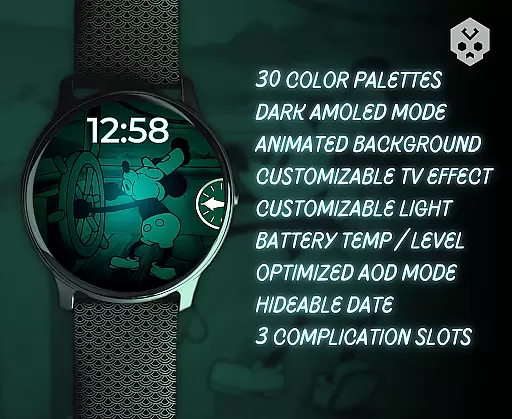
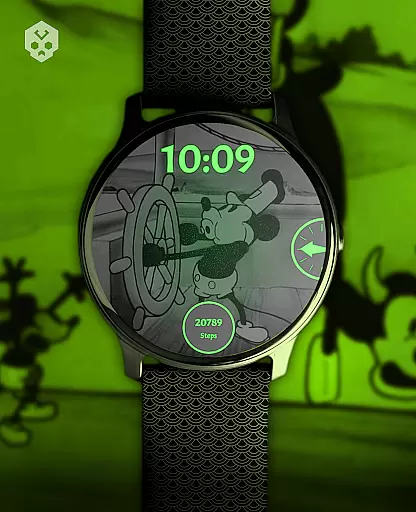
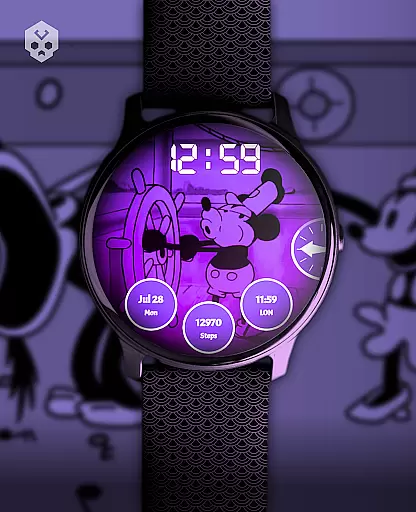
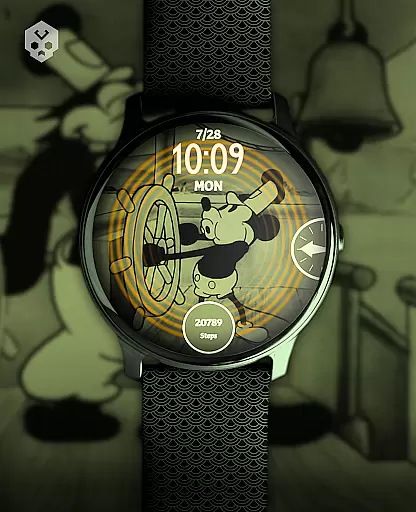
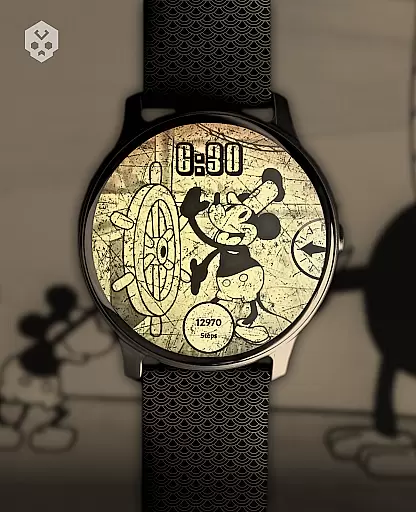
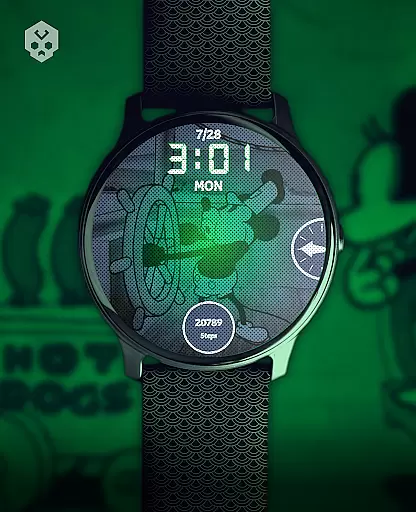
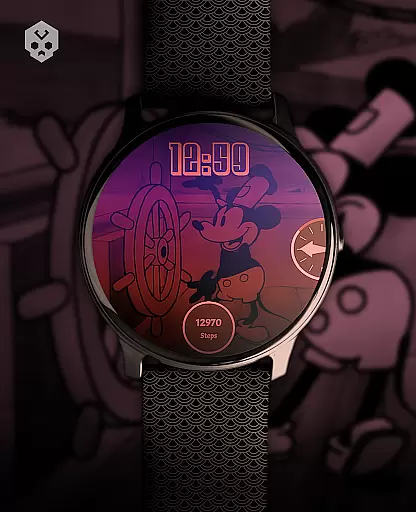
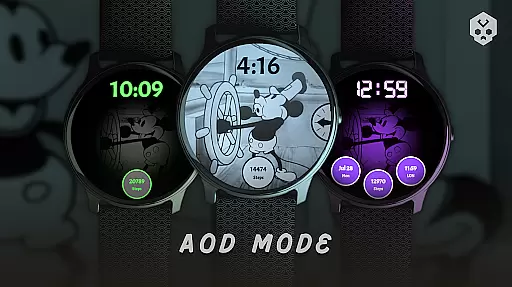
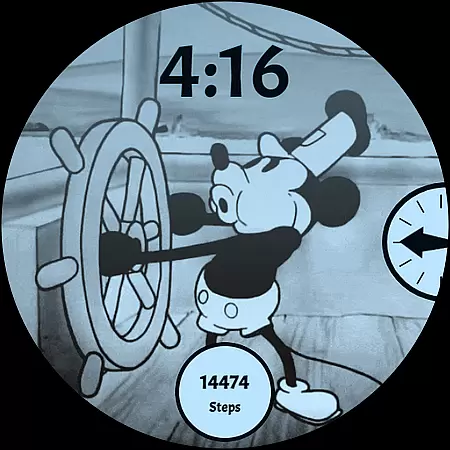
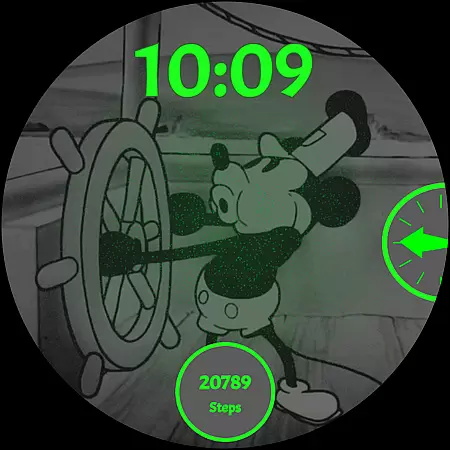
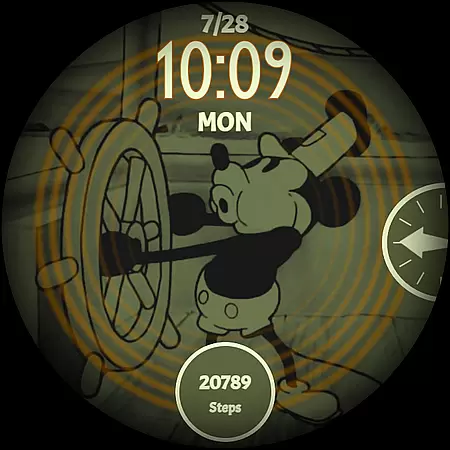
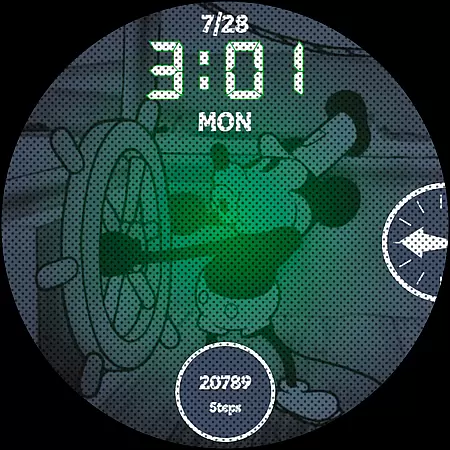
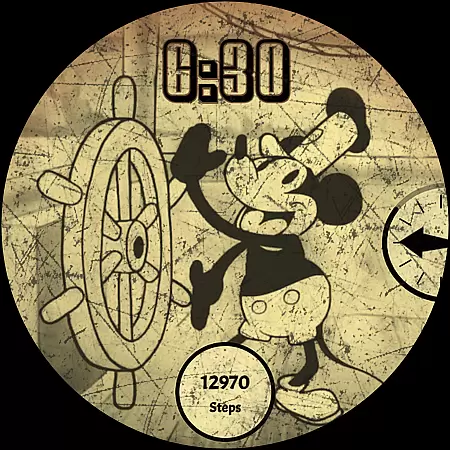
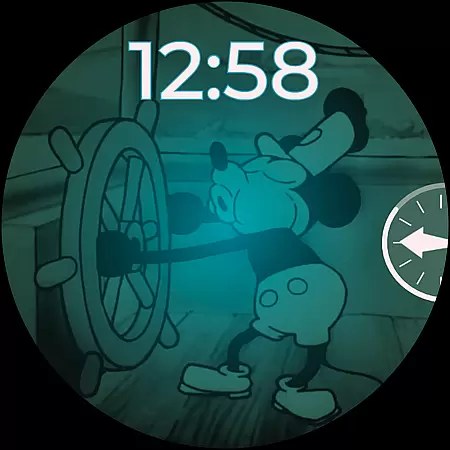
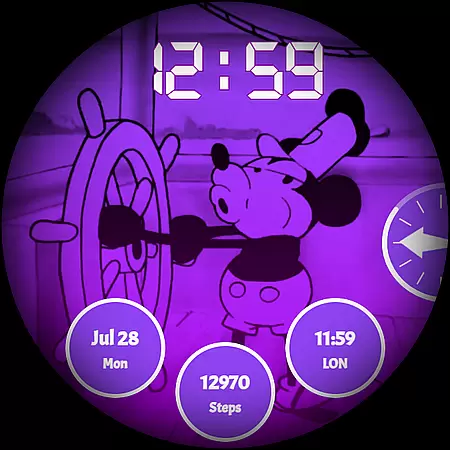
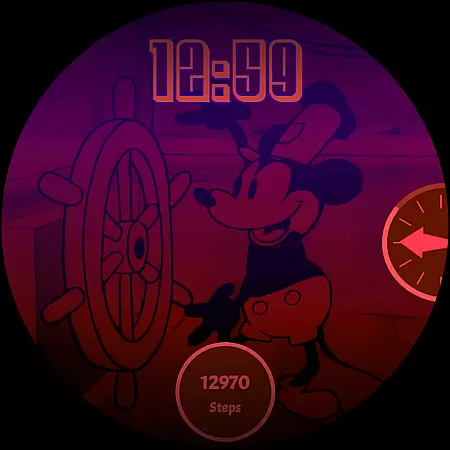
Steamboat Mouse Watch Face brings the iconic Steamboat Willie character to your smartwatch with a retro cartoon-inspired design. This highly customizable watch face is rich in features and information, making it both functional and nostalgic. Compatible with Wear OS devices from Samsung, Mobvoi Ticwatch, Fossil, Oppo, Xiaomi, and more, this standalone app offers a unique experience for users who appreciate vintage aesthetics combined with modern technology.
The watch face stands out with its 30 color schemes, high readability mode, 12/24 hours format support, and customizable overlays. It also provides essential information at a glance, such as battery temperature and status, while supporting up to three complications. Whether you're a fan of classic animation or looking for a distinctive smartwatch face, Steamboat Mouse Watch Face delivers an engaging blend of style and utility.
Steamboat Mouse Watch Face is packed with features that cater to both functionality and personalization. The watch face includes 30 color schemes, allowing users to tailor the appearance to their liking. With support for both 12-hour and 24-hour formats, it adapts to your time display preferences seamlessly. Its high readability mode ensures clarity even in challenging lighting conditions.
Customization extends to the overlay and background, enabling a personalized look. The minimal and vintage style reacts to low battery levels, providing visual cues when needed. Users can view battery temperature and status effortlessly, ensuring they stay informed about their device's health. Additionally, the inclusion of three customizable complications enhances the watch face's versatility, catering to various informational needs throughout the day.
Customization is at the heart of the Steamboat Mouse Watch Face, offering users a versatile and personalized experience on their smartwatches. With 30 distinct color schemes available, this watch face ensures that users can tailor the appearance to match their personal style or mood. The ability to switch between 12/24 hour formats further enhances its adaptability to individual preferences and regional time display standards.
Beyond just aesthetics, the watch face provides functional customization options. Users can modify both the overlay and background, allowing for a balance between visibility and design that suits their needs. High readability mode is another valuable feature, ensuring that time and other critical information remain accessible even in challenging lighting conditions. These extensive customization capabilities empower users to craft a unique and practical interface tailored specifically to their lifestyle.
The inclusion of three customizable complications adds an extra layer of utility. This feature enables users to prioritize the information most relevant to them, whether it's weather updates, fitness stats, or notifications. By putting control in the hands of the user, Steamboat Mouse Watch Face not only enhances the visual appeal of Wear OS devices but also significantly boosts their functionality. Such comprehensive customization options make this watch face stand out in the realm of wearable technology.
Theme compatibility is a crucial aspect of any smartwatch face, and Steamboat Mouse excels in this domain by providing seamless integration with various Wear OS devices. As a standalone native watch face, it supports a wide range of smartwatches from different manufacturers including Samsung, Mobvoi Ticwatch, Fossil, Oppo, and the latest Xiaomi models. This broad compatibility ensures that users across multiple device types can enjoy the distinctive retro cartoon-inspired design without worrying about technical limitations.
The watch face maintains consistent performance and visual quality regardless of the specific Wear OS device. Its handcrafted design guarantees that all elements, from battery status indicators to temperature displays, function optimally across supported platforms. This universal compatibility is particularly valuable for users who might switch devices or own multiple Wear OS smartwatches, as they can maintain a consistent and familiar interface across their devices.
Furthermore, the companion app facilitates easy installation and management while maintaining theme integrity across devices. The straightforward installation process, coupled with responsive customer support, ensures that users can reliably access and utilize the watch face's full potential regardless of their specific Wear OS hardware. This commitment to cross-device compatibility demonstrates the developer's dedication to providing a universally accessible and high-quality user experience.
Highly customizable
Vintage aesthetic
Rich feature set
Compatible with Wear OS
Unique design
Paid app
Installation complexity
Limited to Wear OS
No automatic updates
Requires companion app

Beautiful realistic hybrid watch face with numerous customization options.
 4.50
4.50
Fingerprint Lock Screen & Live Animations with 4K Wallpapers as Live Wallpaper
4.40
Adult video chat, dating, making friends, random matching
4.20
Unique Android Launcher
4.60
Dark icon pack based on One 8
4.80
Customizable screen pets that play, climb, and keep you company.
4.50
100+ Stylish Fonts, Emojis, Symbols keyboard for Instagram & TikTok!
4.80
Embrace the Night. Unleash the power of darkness with Raven Dark Icon Pack
4.60
Custom ringtones songs, music ringtones for Android phones
4.60
Customizable Glass widgets. Over 360+ stunning widgets and more!
4.70
A Colorful and Minimal icon pack in an Outline Style - Over 13,600 icons!
4.70
Nothing Icon pack with more than 3750+ highly crafted icons.
4.70
Make your phone look simple & luxury, like iDevice
4.60
Ultra realistic gold analog watch face with lots of customization options.
4.50
Ninja Turtles Cowabunga SE watch face for Wear OS
4.50
Try creating your own keyboard with "Keyboard theme for android" app now!
4.50
Yandex Browser — stylish and secure, with voice search and data compression
4.40
Run multiple accounts of the same app on a single device
4.10
Modern Glass Icon Pack with glossy icons, clean minimal theme & aesthetic style
4.2


User Reviews