
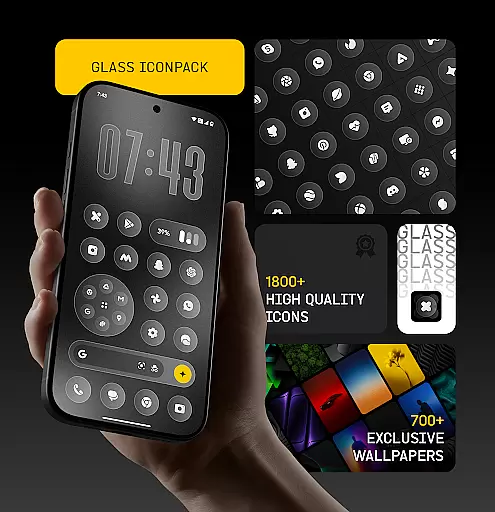
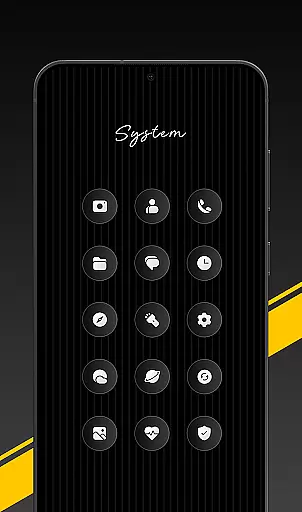
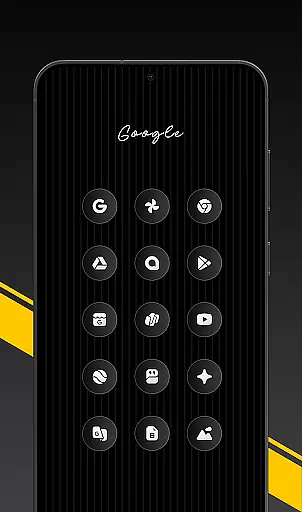
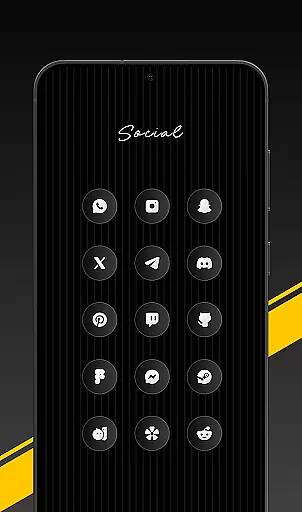
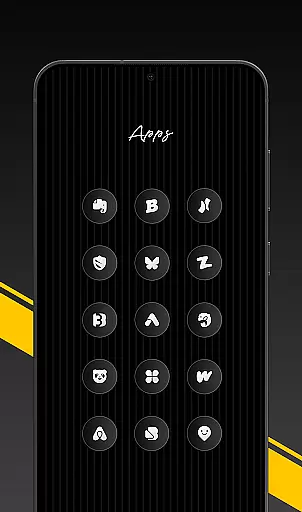
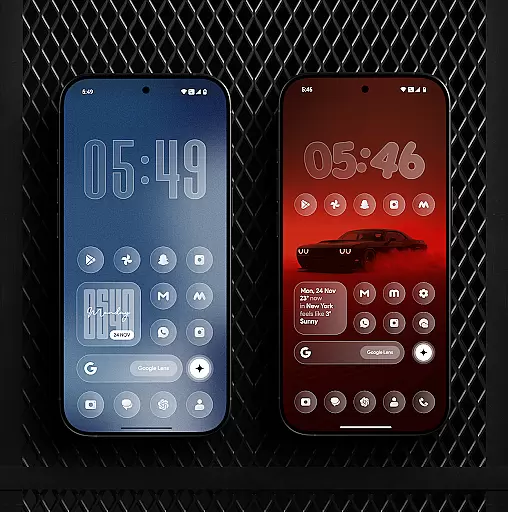
Glass Icon Pack is a premium collection of glossy, modern icons designed to give Android users a sleek and aesthetic home screen experience. With over 1850 high-quality icons featuring a smooth glass effect, the pack ensures visual consistency across various app categories.
The icon pack supports dynamic calendar icons, smart icon masking for unthemed apps, and includes 700+ matching wallpapers. Regular updates ensure continuous improvement and addition of new icons, making it suitable for both minimalists and customization enthusiasts.
This icon pack stands out with its polished design language and attention to detail. Each icon is crafted with a glass-like finish and subtle depth, ensuring they look sharp on any wallpaper. The HD resolution guarantees smooth visuals even on high-end displays.
A key feature is the smart icon masking technology that provides a uniform appearance to unthemed apps. The easy-to-use dashboard allows users to search and preview icons effortlessly. Additionally, free icon requests are available for missing apps, ensuring comprehensive coverage.
Glass Icon Pack offers an extensive range of customization options, ensuring users can tailor their Android home screens to their unique preferences. With over 1850 high-quality glass icons, the pack covers a wide array of app categories including system apps, social media, and tools.
The inclusion of 700+ matching wallpapers inspired by glass and gradient themes further enhances personalization, allowing for a cohesive look that complements the glossy icons. Dynamic Calendar icons add another layer of customization, adapting to supported launchers for a seamless experience.
Smart icon masking addresses unthemed apps, providing a consistent appearance across all applications on the device. Regular updates not only introduce new icons but also improve existing ones, keeping the user's interface fresh and modern.
An easy-to-use dashboard simplifies navigation through this vast collection, offering features like icon search and preview. Free icon requests are available for those seeking specific designs, making sure that users' needs are met with precision and care.
Ensuring theme compatibility is at the core of Glass Icon Pack's design philosophy. The packu2019s smooth glass effect, subtle depth, and premium shine blend effortlessly with any wallpaper or setup, creating a timeless aesthetic that appeals to both minimalists and customization enthusiasts alike.
For devices from brands such as Nothing, OnePlus, and Poco, which support third-party icon packs without additional launchers, integration is straightforward. This universality allows more users to enjoy a unified visual style regardless of their device type.
Should an icon be missing or unthemed, users can easily send a request within the app. These requests are promptly addressed in subsequent updates, maintaining the integrity of themed appearances throughout the user interface.
By focusing on compatibility and continuous improvement, Glass Icon Pack guarantees that every elementu2014from individual icons to entire themesu2014works harmoniously together, delivering a polished and professional appearance tailored to each user's taste.
Premium glossy design
Regular updates
Wide app compatibility
HD resolution
Smart icon masking
Limited to supported launchers
Missing some niche apps
No iOS support
Paid app
Wallpaper variety limited

Capture moments that pass like a storm, second by second.
 4.5
4.5
Prank your friends with realistic broken screen and cracked HD effects!
4.3
A launcher for Samsung Good Lock and Good Guardians modules without ads
4.70
AI-powered Copilot. Personalized keyboard with gifs, stickers & themes
4.40
Add cute Shimeji pets to screen, interact with them and relax with cute motions
4.60 3.50
3.50 4.50
4.50
300+ Stunning and well-designed widgets inspired by NOTHING.
4.70
Customize phone with anime themes, 3D icons, aesthetic widgets & wallpapers
4.80
One 8 icons glass color version
4.80
A minimalist productivity launcher. One-hand-friendly. Zero ads.
4.70
Over 28,000 high quality icons to bring color & homogeneity to your phone.
4.60
Icons made of colorful linear lines
4.60
Handcrafted pixel art icons, widgets & wallpapers
4.60
Transform your phone with Launcher iOS 26 - Smooth & elegant iOS experience
4.50
Customizable screen pets that play, climb, and keep you company.
4.50 4.50
4.50
Magic fluids wallpaper 4D: Relax with stunning fluid simulation wallpaper app
4.20
Customizable flower power digital watch face for Wear OS watches.
4.00


User Reviews