
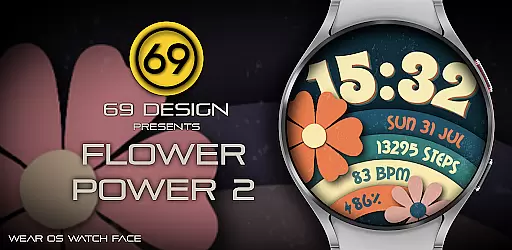
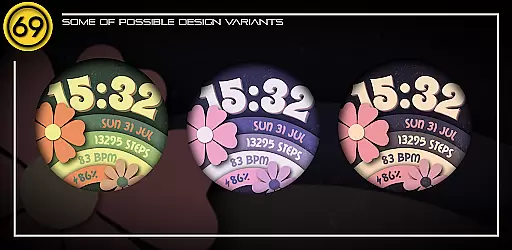
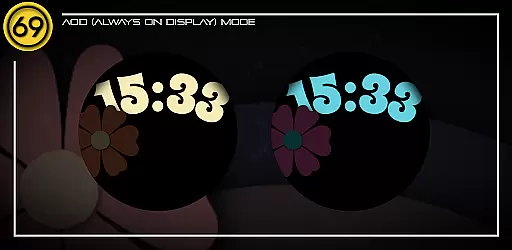
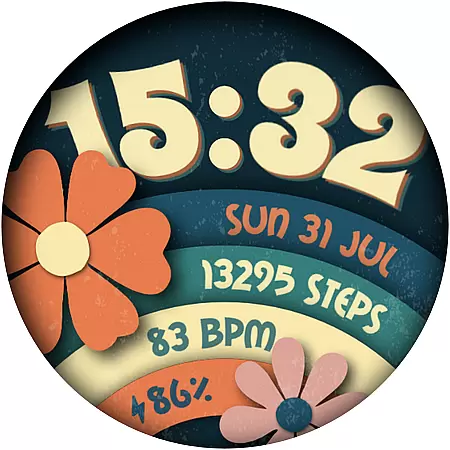
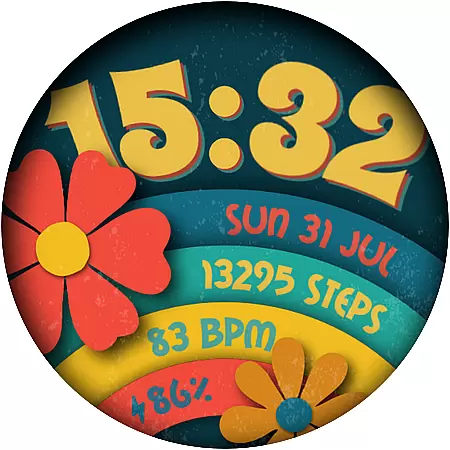
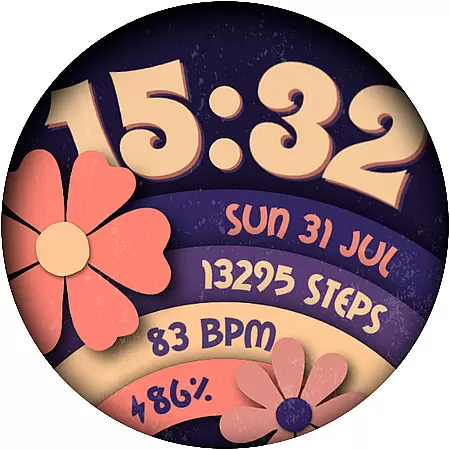
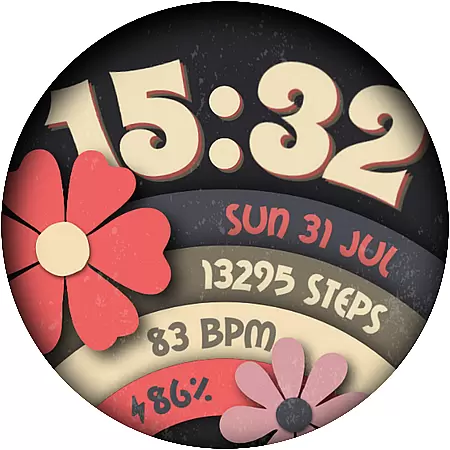
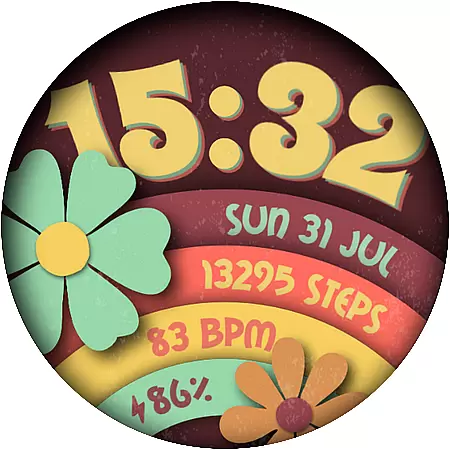
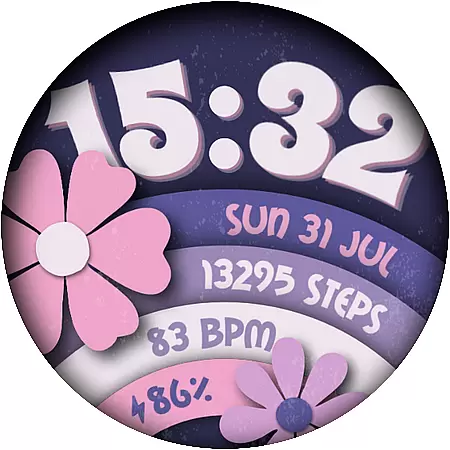
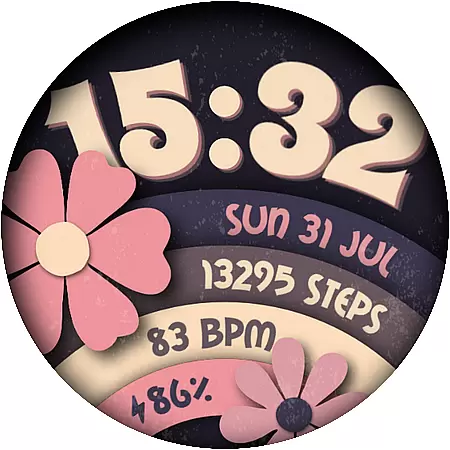
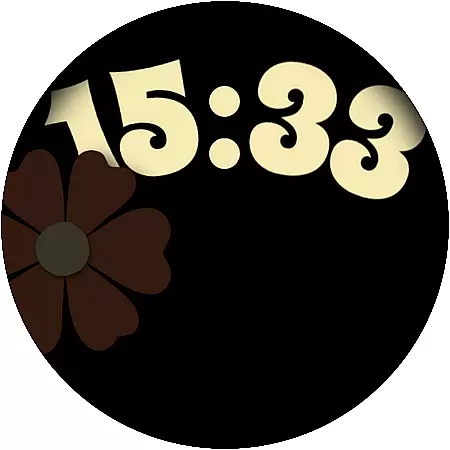
Flower Power 2 is a customizable digital watch face designed specifically for Wear OS devices. This application allows users to personalize their smartwatch display with various design elements and features that cater to individual preferences.
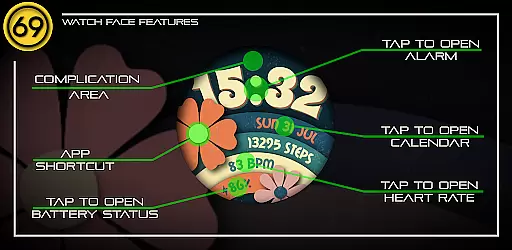
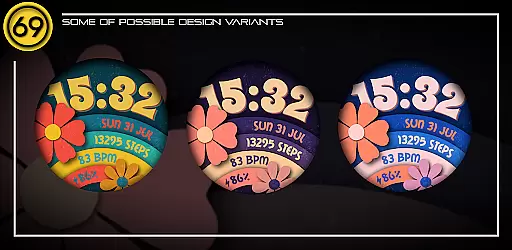
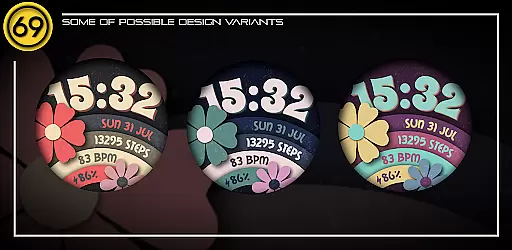
The watch face offers an impressive range of customization options including 20 color combinations, battery level display, application shortcuts, 12/24 hour time format, step count, date, and a complication area. These features provide both aesthetic appeal and functional utility, making it suitable for users who want both style and practicality on their wrist.
Ideal for daily use, Flower Power 2 enhances the wearable experience by allowing users to tailor the watch face to match their personal style while providing essential information at a glance. Whether you're tracking your fitness or simply expressing your unique taste, this app delivers a personalized and seamless experience.
Flower Power 2 stands out with its extensive customization capabilities. Users can choose from 20 different color combinations, ensuring that there's a style to match every outfit or mood. The inclusion of battery level indicators and application shortcuts adds a layer of convenience, keeping users informed and connected without needing to navigate away from the main screen.
Functionality is further enhanced with support for both 12 and 24-hour time formats, steps counting, and date display. A dedicated complication area provides additional interactive elements, enriching the user interface. These features collectively offer a versatile and dynamic watch face that adapts to various needs and preferences.
Compatibility with most Wear OS devices ensures broad accessibility, although optimal performance is achieved on newer models running the latest software versions. Detailed configuration instructions are provided through graphic images, guiding users through the setup process and ensuring they can fully leverage the app's potential.
Customization is at the heart of [69D] Flower Power 2, allowing users to tailor their Wear OS watch face to match their personal style. With 20 color combinations available, this application provides a rich palette for users to experiment with and find their perfect look.
Beyond colors, the app offers multiple customizable elements including battery level display, application shortcuts, and the choice between 12/24 hour formats. These features ensure that users can design a watch face that not only looks good but also meets their functional needs.
The ability to customize steps count, date, and complications adds another layer of personalization. Users can configure these elements to prioritize the information most important to them, making their smartwatch not just a tool, but a true extension of their personality.
[69D] Flower Power 2 excels in theme compatibility, ensuring that its vibrant designs work seamlessly across different Wear OS devices. This compatibility means that no matter which Wear OS device you own, you can enjoy a consistent and high-quality experience.
While the watch face runs best on newer devices with the latest software, it maintains performance and visual appeal even on older models. This ensures that users aren't left behind as technology advances and can continue to enjoy the app's features without needing to upgrade their hardware immediately.
Additionally, by following the provided instructions, users can easily configure the watch face to suit their specific device. This attention to detail in compatibility highlights the developer's commitment to delivering a versatile and user-friendly product.
Highly customizable
User-friendly interface
Versatile design options
Practical features included
Compatible with Wear OS
Limited to Wear OS
Some features device-dependent
Installation not straightforward
No direct phone control
Battery impact possible

Ultra realistic gold analog watch face with lots of customization options.
 4.50
4.50
Transform your phone with Launcher iOS 26 - Smooth & elegant iOS experience
4.50
Wallpaper HD 4K Live - Thousands of high-quality Anime backgrounds for you.
4.80
Organize and manage your photos and videos effortlessly with Photo Gallery
4.20
One 8 icons glass color version
4.80
300+ Stunning and well-designed widgets inspired by NOTHING.
4.70
Handcrafted pixel art icons, widgets & wallpapers
4.60
Struggling to find apps? Use this app to locate and open any app on your phone!
2.20
Customize phone with anime themes, 3D icons, aesthetic widgets & wallpapers
4.80
Winter's Journey: digital watch face for Galaxy Watch & Wear OS
4.80
Dark icon pack based on One 8
4.80
Personalize your phone with stunning HD and 4K wallpapers!
4.70
A retro cartoon style watch face and a punch right in the face of the copyright
4.60
3D, live, and moving wallpapers & themes in 4K and HD for your device.
4.50
200+ Material Inspired Widgets
4.50
Art & Emoji Keyboard with Cool Fonts, Cute Themes and Custom Designs.
4.40
Your home screen, just the way you like it.
4.30
Emoji Maker app - Design custom emojis and effortlessly blend them with Mixer
3.80
Adaptive Dot Style IconPack with Light & Dark Theme.
3.70


User Reviews