

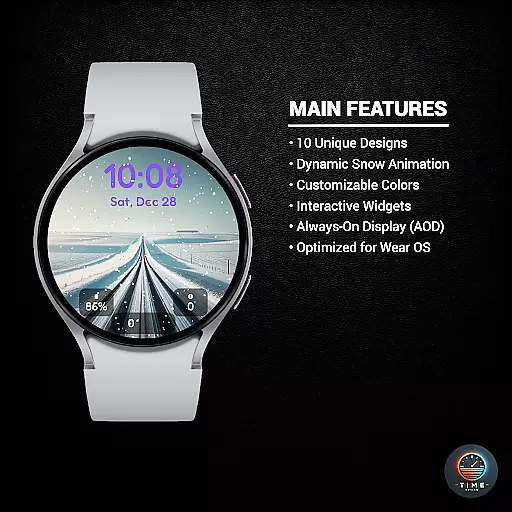
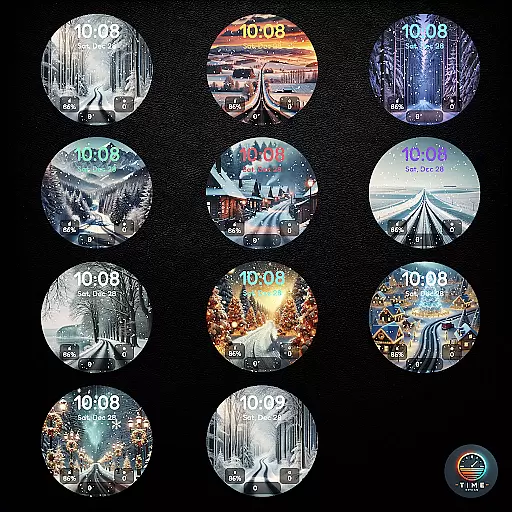
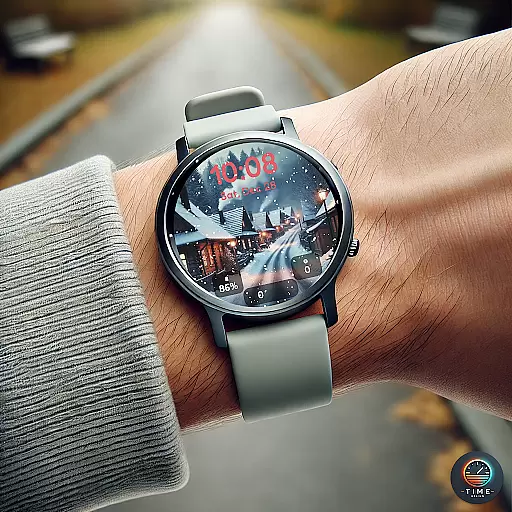
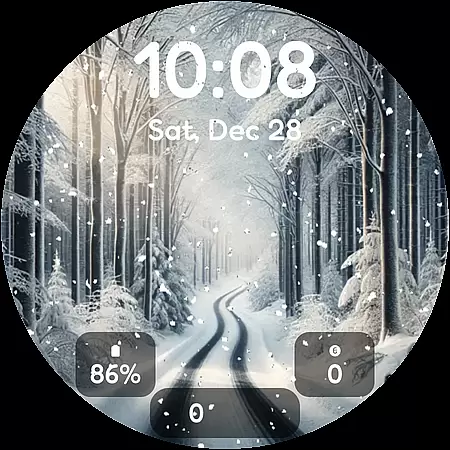
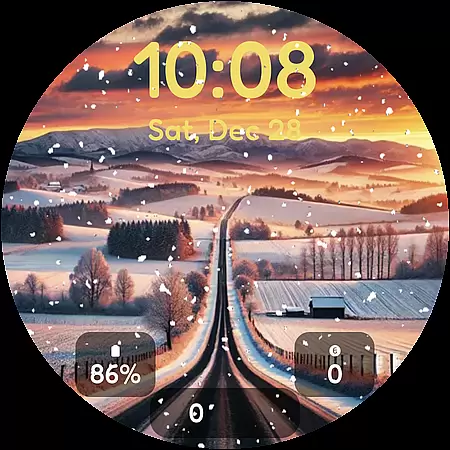
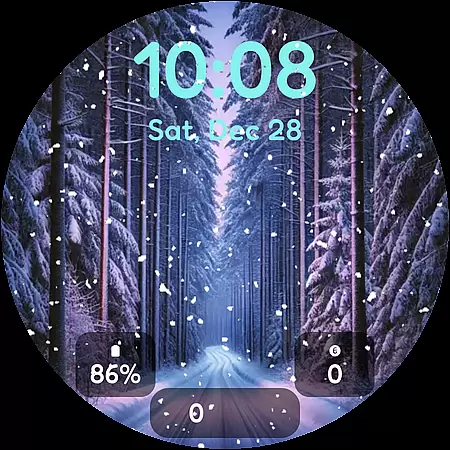
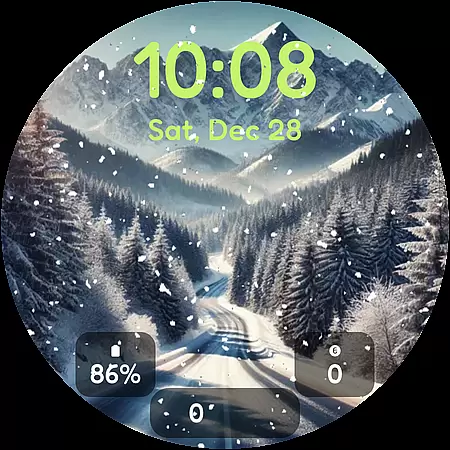
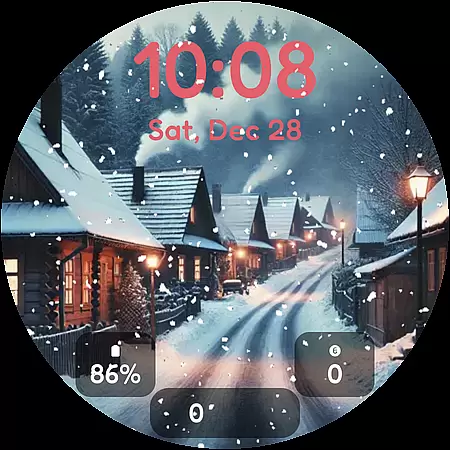
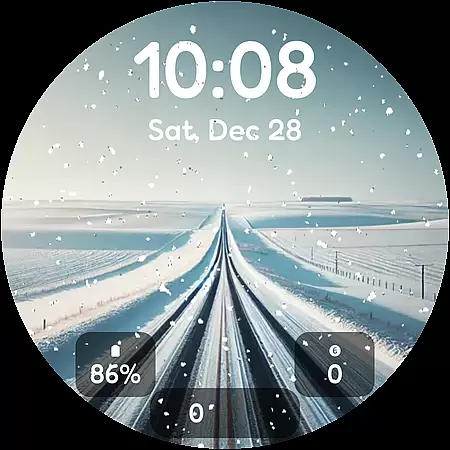
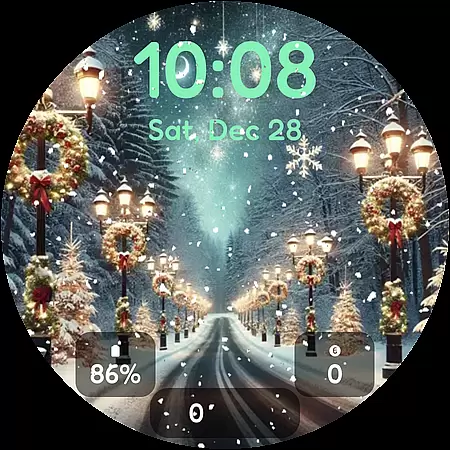

Winter's Journey Watch Face offers a serene winter experience with 10 unique designs and dynamic snow animation, optimized for Wear OS devices. Compatible with Samsung Galaxy Watch series and Google Pixel Watch models, it brings modern aesthetics to your smartwatch.
The watch face supports color themes and custom widgets, allowing personalization while maintaining AOD functionality. Perfect for design enthusiasts and compatible device owners who appreciate visually appealing timepieces.
This app stands out with its 10 breathtaking winter-themed designs, each featuring dynamic snow animation that enhances the visual appeal. The inclusion of customizable color themes and widgets ensures users can tailor the appearance to their preferences.
Optimized for Wear OS, Winter's Journey provides seamless performance and compatibility across multiple devices. Its support for Always-On Display (AOD) makes it both beautiful and functional, ensuring time is always accessible at a glance.
Customization is at the heart of personalizing your smartwatch experience, and Winter's Journey Watch Face excels in offering a diverse range of options. With 10 unique designs, users can select a style that resonates with their personal aesthetic while enjoying the dynamic snow animation that brings each design to life.
The application provides multiple color themes, allowing users to tailor the appearance of their watch face to match their outfit, mood, or seasonal preference. This flexibility ensures that your smartwatch not only functions as a timepiece but also as a fashion accessory that reflects individuality.
In addition to visual customization, Winteru2019s Journey includes custom widgets. These widgets offer practical utility by displaying essential information such as weather updates, notifications, and health metrics directly on the watch face. This seamless integration of form and function enhances user convenience without compromising on style.
Theme compatibility is crucial for ensuring that any chosen watch face integrates smoothly with existing smartwatch functionalities. Winter's Journey Watch Face has been optimized for Wear OS, guaranteeing that all features perform reliably across Samsung Galaxy Watch and Google Pixel Watch models.
This compatibility extends to Always-On Display (AOD) support, which means users can enjoy their selected winter-themed design even when the watch is in standby mode. This feature not only conserves battery life but also ensures that critical information remains accessible at a glance without needing to wake the device.
By focusing on broad theme compatibility, Winter's Journey ensures that whether you're an owner of modern Galaxy Watch or Pixel Watch models, you'll experience consistent performance and visual appeal. This dedication to compatibility makes it an ideal choice for those seeking both beauty and functionality in their wearable technology.
Visually Stunning Designs
Dynamic Snow Animation
Customizable Color Themes
Wide Device Compatibility
Optimized Performance
Limited to Wear OS
Initial Load Time
Fewer Widgets Options
No Legacy Support
Premium Features Locked

Customizable Glass widgets. Over 360+ stunning widgets and more!
 4.70
4.70
Add cute Shimeji pets to screen, interact with them and relax with cute motions
4.60
Run multiple accounts of the same app on a single device
4.10
Turn text & photos into stunning AI videos, art, and creative visual stories.
4.50 4.50
4.50 4.10
4.10 3.50
3.50
300+ Stunning and well-designed widgets inspired by NOTHING.
4.70
Fast SMS & group chat - use GIFs and emojis from your home screen launcher.
4.50
Unique Android Launcher
4.60
Icons made of colorful linear lines
4.60
300+ Beautifully crafted widgets inspired by OneUI.
4.60
300+ widgets inspired by Material You and Material 3 expressive design.
4.60
Ultra realistic gold analog watch face with lots of customization options.
4.50
Beautiful realistic hybrid watch face with numerous customization options.
4.50
Ninja Turtles Cowabunga SE watch face for Wear OS
4.50
More than 3000+ themes and 9000+ wallpapers for everybody!
4.10
Your go to Weather App & Home Screen. Get your weather at a swipe of a finger!
3.80
Transform your phone with stunning video wallpapers and a unique, personal touch
3.80


User Reviews