
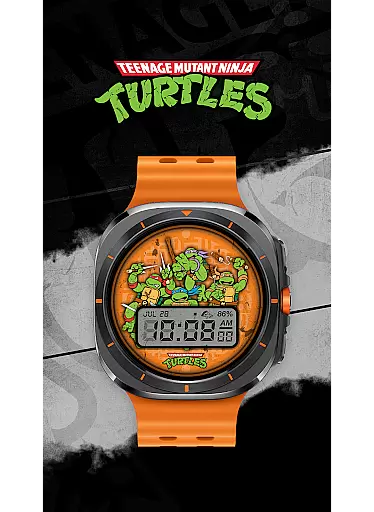
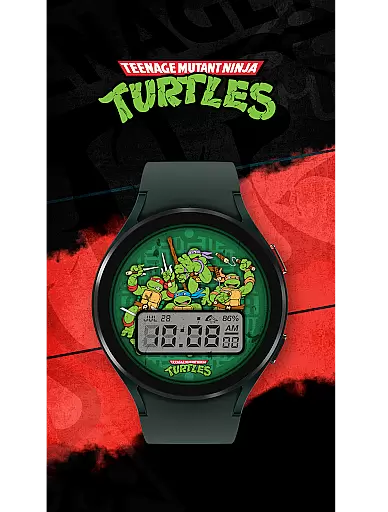
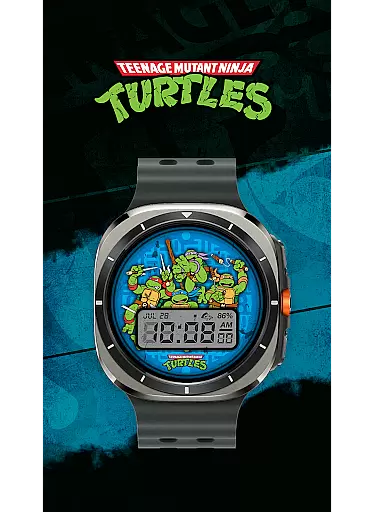
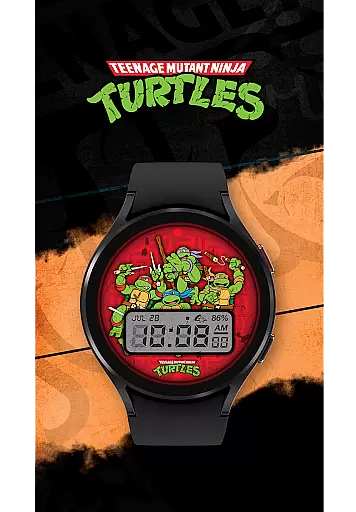
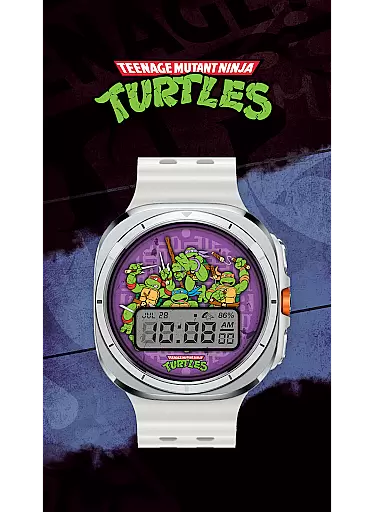
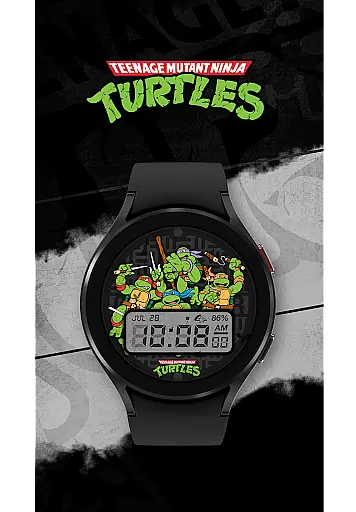
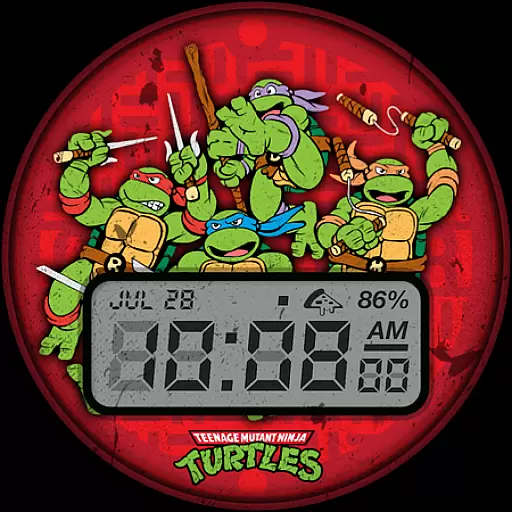
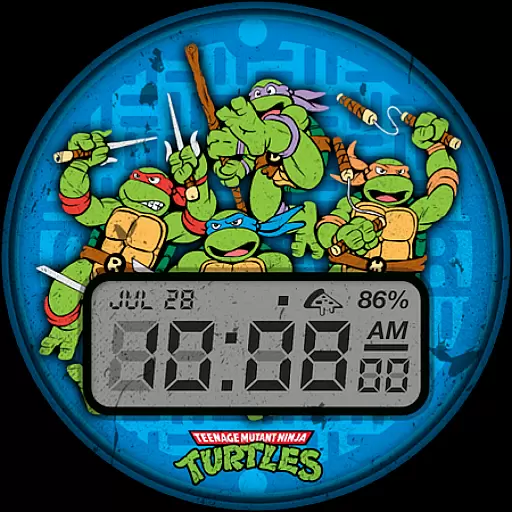
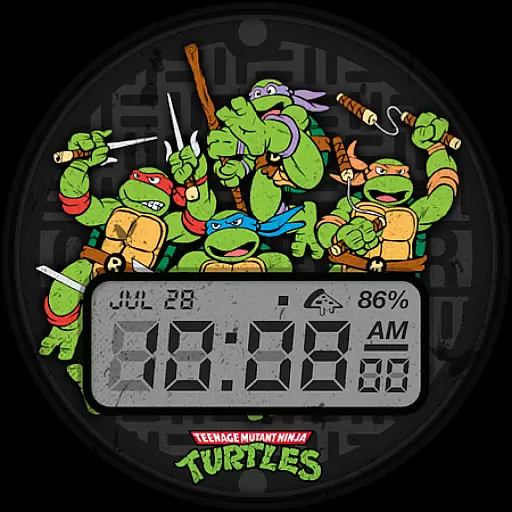
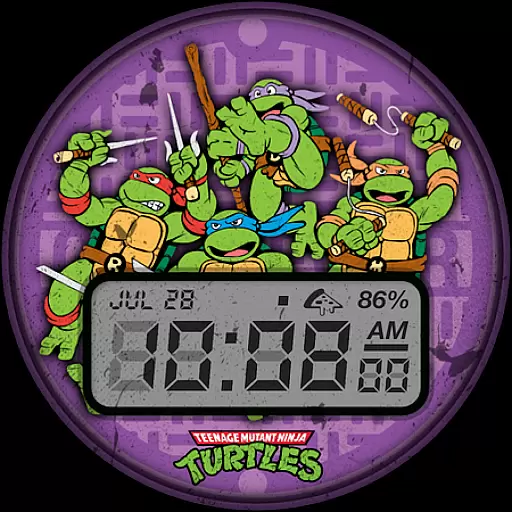
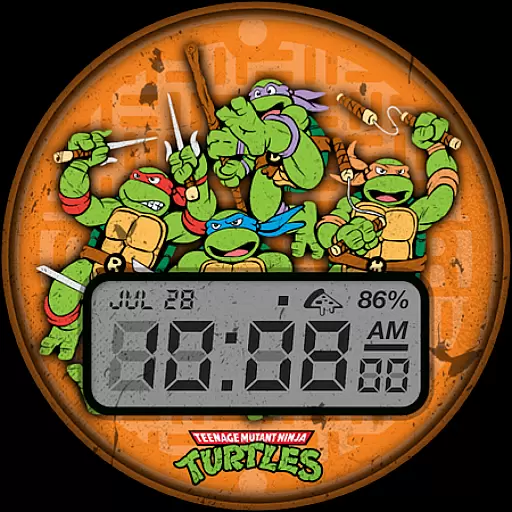
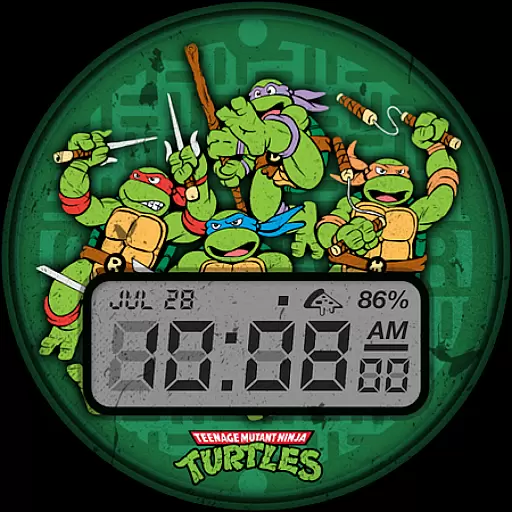
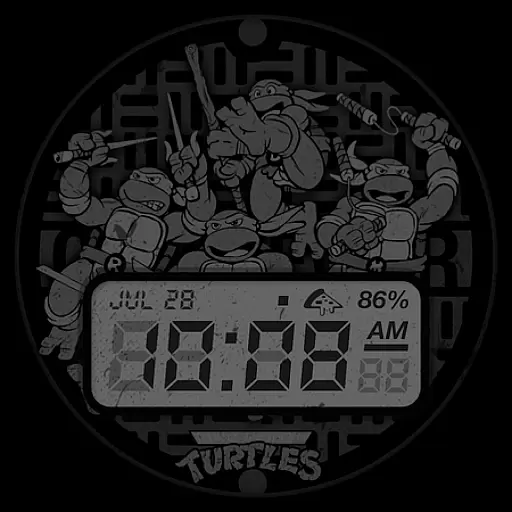
TMNT - Cowabunga SE Watch Face offers a retro-style experience for Wear OS smartwatch users, including compatibility with Galaxy Watch7 and Ultra. This watch face provides essential information at a glance, making it both functional and nostalgic.
Key features include a 12h/24h digital clock, date display, battery level indicator, and customizable complications. With six color options available, users can personalize their watch faces to match their style while enjoying the practicality of quick access to important details.
Whether you're a fan of the Teenage Mutant Ninja Turtles or simply appreciate a retro aesthetic, this watch face brings a unique flair to your smartwatch, enhancing both its appearance and usability.
One of the standout features of TMNT - Cowabunga SE Watch Face is its ability to display critical information efficiently. The digital clock supports both 12h and 24h formats, catering to user preferences, while the date and battery level indicators provide additional utility.
Customization is key with this watch face, offering a default complication showing the day and date that can be adjusted to suit individual needs. With six distinct color options, users can tailor the appearance to reflect their personality or mood.
The design draws inspiration from retro styles, appealing to fans of classic aesthetics. This blend of functionality and personalization ensures that users not only access necessary information quickly but also enjoy a visually pleasing experience on their Wear OS devices.
Customization is at the heart of personalizing your smartwatch experience, and the TMNT - Cowabunga SE Watch Face excels in providing a diverse range of options.
This watch face supports all Wear OS smartwatches, including Galaxy Watch7 and Ultra, offering features like a 12h/24h digital clock, date display, battery level indicator, and a customizable complication that defaults to showing the day and date.
With six color options available, users can tailor the appearance to match their style or mood. This flexibility ensures that your smartwatch doesn't just tell time but also reflects your personality.
The ability to customize enhances user engagement by allowing individuals to make their devices truly their own, ensuring both functionality and personal expression are catered to.
Theme compatibility is crucial for ensuring that a watch face integrates seamlessly with various smartwatch models and operating systems. The TMNT - Cowabunga SE Watch Face is designed to be compatible with all Wear OS smartwatches, including newer models like Galaxy Watch7 and Ultra.
This compatibility means that regardless of the device you own, you can enjoy a retro-style watch face that provides essential information at a glance without compromising on aesthetics.
By maintaining high standards of design and functionality across different platforms, this watch face guarantees a consistent user experience.
Such broad compatibility not only simplifies the user's choice but also enriches the overall utility of their smartwatch, making it a reliable companion for everyday use.
Compatible with Wear OS
Retro-style design
Customizable complications
Six color options
Quick access to essentials
Limited to Wear OS
No advanced features
Basic customization
Few color choices
Not for modern aesthetics

Stunningly Different look with Line Icons and Neon Colors
 4.60
4.60
A retro cartoon style watch face and a punch right in the face of the copyright
4.60
Ultimate widget creator. Design custom widgets for a truly unique home screen!
3.90
Nothing Icon pack with more than 3750+ highly crafted icons.
4.70
Customize your home screen with stunning themes, blur, widgets & icons.
4.60
Embrace the Night. Unleash the power of darkness with Raven Dark Icon Pack
4.60
Stylish Pink Cute Hippo keyboard with 10000+ customized keyboard themes!
4.60
Adorable pets roam and play right on your phone screen!
3.30
Magic fluids wallpaper 4D: Relax with stunning fluid simulation wallpaper app
4.20
Gun Chase - Let the chase begin.
4.80
Customizable Glass widgets. Over 360+ stunning widgets and more!
4.70
A Colorful and Minimal icon pack in an Outline Style - Over 13,600 icons!
4.70
300+ Stunning and well-designed widgets inspired by NOTHING.
4.70
Customizable screen pets that play, climb, and keep you company.
4.50
Turn text & photos into stunning AI videos, art, and creative visual stories.
4.50 4.50
4.50
Art & Emoji Keyboard with Cool Fonts, Cute Themes and Custom Designs.
4.40 3.50
3.50
Turn your lock screen into fun with smile live wallpapers & animated wallpapers!
2.50


User Reviews