
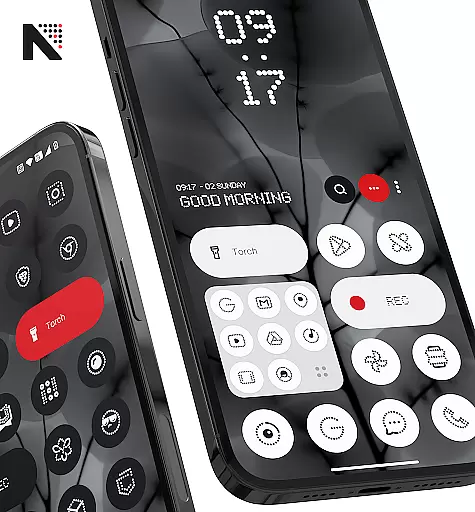
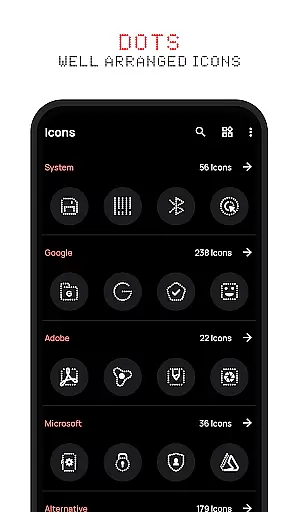
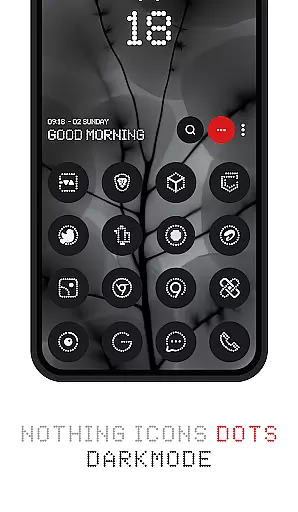
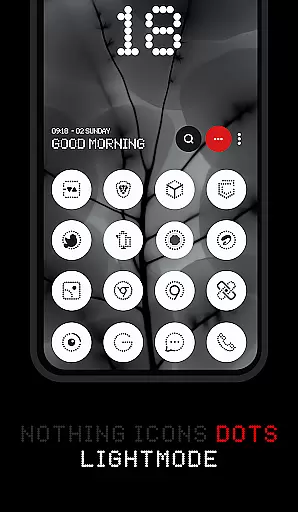
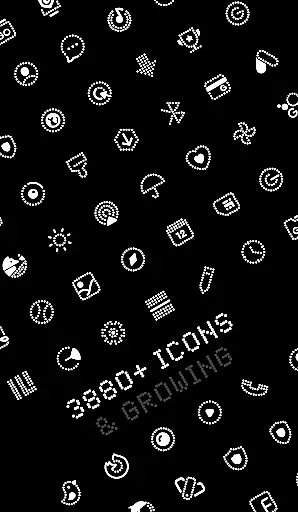

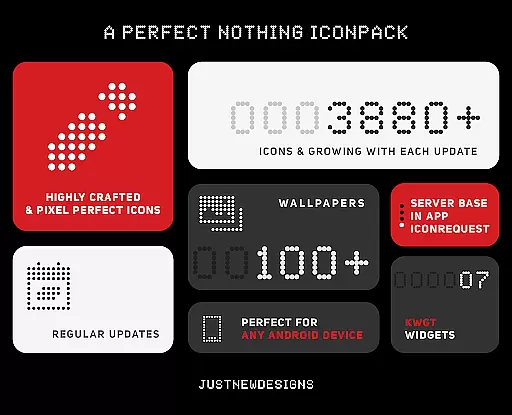
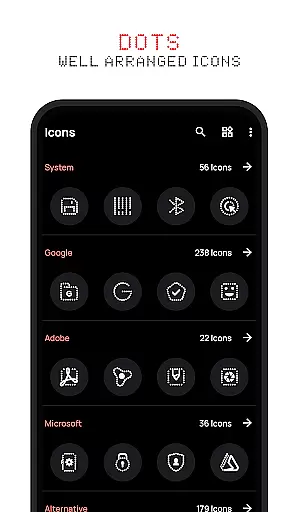
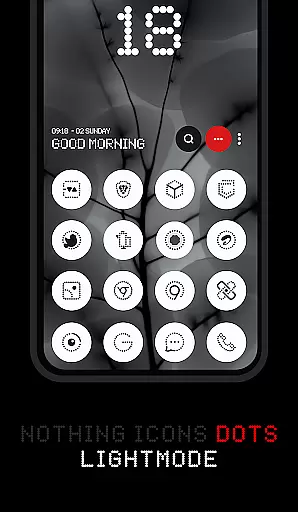
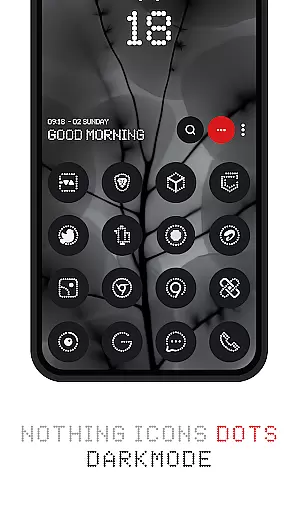
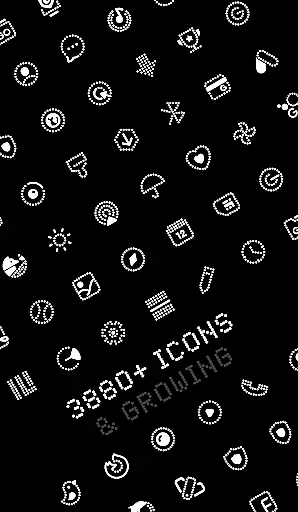

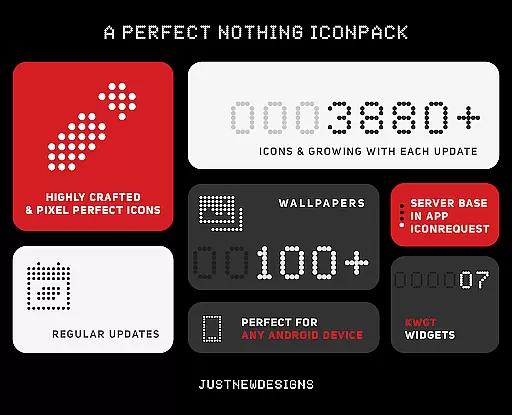
Dots : Adaptive Icon pack is a premium icon pack that delivers beautifully designed icons in combination with Dots Theme and White Color, inspired by the Nothing Brand. With over 3000 themed icons, it offers users an extensive library to personalize their devices. The adaptive icons change color based on the device's dark or light theme, ensuring seamless integration with any setup.
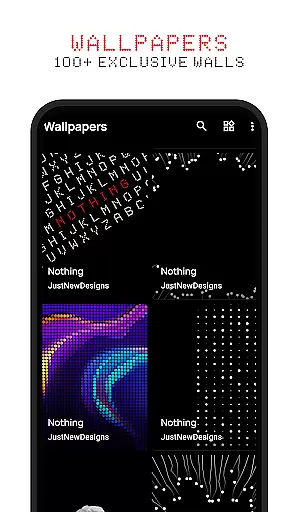
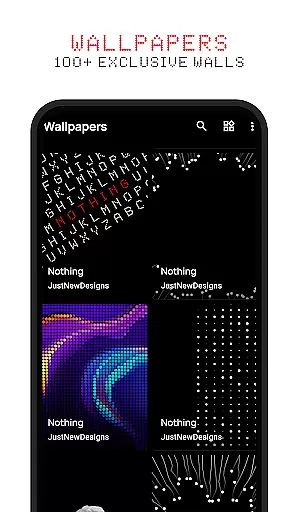
This icon pack also includes 100+ matching wallpapers, providing a complete customization experience. Designed for fans of dark-themed aesthetics and AMOLED screen enthusiasts, Dots ensures both style and functionality. Whether you're using a custom launcher or stock Android, this pack adapts perfectly to your homescreen needs.
The standout feature of Dots : Adaptive Icon pack is its adaptive design. The app provides over 3000+ themed icons that dynamically adjust their appearance based on the device's theme settings. This ensures consistent aesthetics whether you're using a dark or light mode.
In addition to the vast icon library, the pack includes 100+ custom-created wallpapers that complement the icons. These wallpapers are specifically designed to enhance the overall visual appeal of your homescreen. The adaptive icon shapes also allow compatibility with most launchers that support icon shape theming, giving users flexibility in personalization.
For those seeking a cohesive look, Dots offers a unique combination of simplicity and elegance. Its inspiration from the Nothing Brand ensures modern and minimalist design principles, making it ideal for users who appreciate clean aesthetics paired with functional utility.
Customization is at the heart of Dots: Adaptive Icon Pack, offering users a versatile way to personalize their device's appearance. With over 3000 themed icons, this icon pack provides an extensive library that caters to various tastes and preferences.
The adaptive nature of these icons means they seamlessly integrate with your chosen launcher's icon shape theming, ensuring consistency across your home screen. This flexibility allows for a tailored look that can evolve with new design trends or personal whims.
In addition to the vast array of icons, users have access to more than 100 matching wallpapers, which complement the minimalist aesthetic inspired by Nothing Brand. These elements work together to create a cohesive and stylish interface that reflects individuality.
Dots: Adaptive Icon Pack excels in theme compatibility, automatically adjusting its color scheme based on the deviceu2019s current theme settings. Whether you prefer a sleek dark mode or a bright light mode, the icons will adapt their colors accordingly.
This dynamic adaptation ensures visual harmony regardless of your preferred operating environment. The inclusion of both dark and light icon variants guarantees optimal visibility and aesthetic appeal under any lighting conditions.
Furthermore, as most launchers support icon shape theming, users benefit from an uninterrupted design language throughout their device. This level of integration enhances user experience by maintaining uniformity between different apps and system elements.
Extensive icon library
Adaptive color themes
Custom wallpapers included
Compatible with many launchers
Modern minimalist design
Limited to specific themes
No live icon updates
Requires compatible launcher
Premium pricing model
Not all apps supported

Vertically oriented rectangular icons
 4.70
4.70
More than 3000+ themes and 9000+ wallpapers for everybody!
4.10
100+ Stylish Fonts, Emojis, Symbols keyboard for Instagram & TikTok!
4.80
Customize glowing edges, wallpapers, and caller screen with EdgeAura.
3.50 4.50
4.50
Crystal-clear, square icon provides a sleek and sophisticated visual upgrade
4.00
One 8 icons glass color version
4.80
Handcrafted pixel art icons, widgets & wallpapers
4.60
Struggling to find apps? Use this app to locate and open any app on your phone!
2.20
Classic analogue watch face. For wear os devices.
4.60
Glass style colourful icons with a One UI look and feel
4.60
300+ Beautifully crafted widgets inspired by OneUI.
4.60
Ultra realistic gold analog watch face with lots of customization options.
4.50
Aesthetic Widgets, HD Wallpapers, Themes in Mico Widget for Home and Lock Screen
4.50
Romantic Kiss Stickers App. Start romantic messaging now!
4.30
App Icon Changer & Shortcut Creator. Customize your icons without any watermarks
4.30
Design your screen with unique, vibrant clocks
3.80
Interactive Miniature Painting Catalogue
3.30
⭐ OneUI inspired Fluffy Icon Pack – Soft. Stylish. Standout. ⭐
4.0


User Reviews