
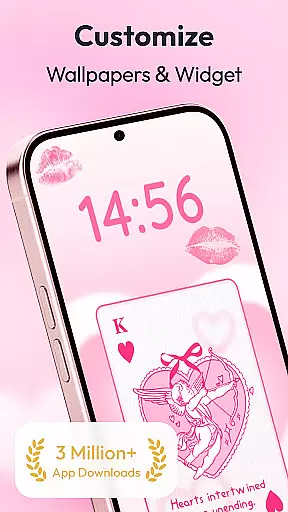
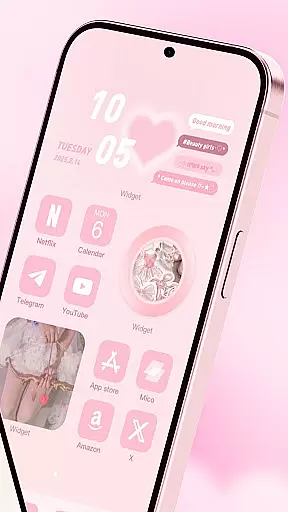
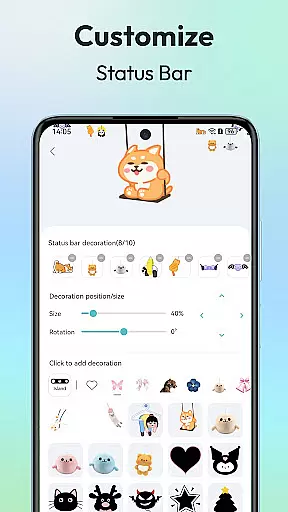
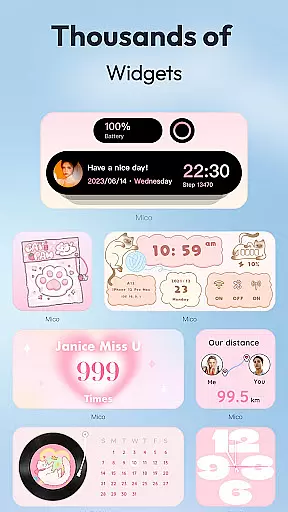
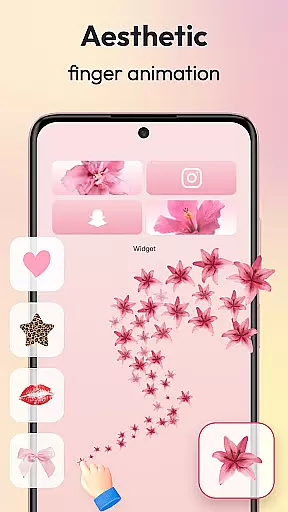
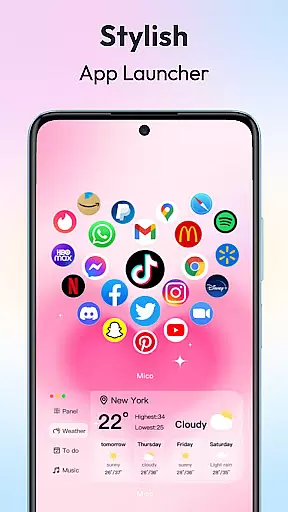
Mico is a powerful personalization app that transforms your mobile device into a creative canvas. With over 1000 customization tools, the app allows users to design their dream home screen with unique widgets, live wallpapers, and aesthetic themes. The app offers practical functions such as battery indicators, music players, and creative animations, enabling complete personalization of your phone's appearance.
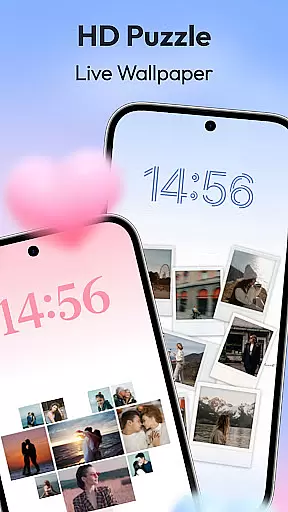
One of Mico's standout features is its extensive collection of 4K live wallpapers and DIY wallpaper options. Users can create vibrant, personalized wallpapers from photos or artistic designs. Additionally, the app provides daily updated collections featuring manga, anime, landscapes, and more, ensuring fresh content regularly. Its cross-platform sync functionality even allows style transfer between iOS and Android devices.
Mico stands out with its comprehensive suite of customization features. The app includes WidgetSmith, which offers various widgets for anytime, anywhere decoration of your phone. Widgify Tool lets you turn favorite things into widgets, while Locket Widget delivers a balance between security and personalized freedom. Top designers worldwide contribute high-quality widgets, enhancing the personalization experience.
The app also boasts a 4K Live Wallpaper Maker, allowing users to transform photos or artistic designs into dynamic wallpapers. Video wallpapers range from scenic landscapes to movie clips, providing unmatched personalization. AI-powered filters and depth effects enhance portrait wallpapers, and focus mode matching auto-switches wallpapers based on time or location.
Additional features include lock screen magic with dynamic widgets, smart text designer with motivational quotes, and health tracking with real-time step counters. Pro customization tools like DIY widget builder, smart layout engine, and 2000+ icon packs offer further personalization options, making Mico an all-in-one solution for device personalization.
Customization is at the heart of personalizing your digital experience, and Mico excels in providing a vast array of options to tailor your device's appearance and functionality. With over 1000 creative widgets, including practical functions like battery indicators and music players, users can craft a home screen that truly reflects their personality and needs.
Mico doesn't stop at widgets; it offers tools like WidgetSimth, Widgify, and Locket Widget, which enhance security while allowing personalized freedom. These tools enable users to transform their favorite things into widgets, thus decorating their phones anytime and anywhere with various styles and functionalities.
The app also features Top Widgets designed by world-class designers and Themify Design, which allows for custom themes and wallpapers application with just one tap. Whether you're interested in popular themes or unique TikTok wallpapers, Mico provides an unparalleled level of customization that caters to every user's aesthetic preferences.
Theme compatibility is crucial for ensuring that all elements of your customized interface work seamlessly together. Mico stands out by offering extensive theme options that are compatible across different devices and platforms, making it easy to maintain a consistent look and feel on your smartphone regardless of whether you switch between iOS and Android.
With Micou2019s u2018Themifyu2019 feature, users can apply custom themes such as the trendy Labubu theme or any other preferred design with minimal effort. This flexibility extends to photo widgets too, where a variety of stylish frames are availableu2014from cute pets to retro game consolesu2014ensuring every element aligns perfectly with your chosen theme.
Moreover, Mico supports cross-platform synchronization, allowing users to transfer their meticulously crafted styles from one operating system to another effortlessly. By focusing on both breadth and depth in theme offerings, Mico ensures that no matter what design trend you follow, there will always be something that fits your vision while maintaining optimal compatibility throughout your digital ecosystem.
Extensive customization
User-friendly interface
High-quality widgets
Daily updated content
Cross-platform sync
Premium features costly
Some widgets unstable
Occasional bugs
Heavy on memory
Complex for beginners

Stunningly Different look with Line Icons and Neon Colors
 4.60
4.60
Customizable flower power digital watch face for Wear OS watches.
4.00
Fingerprint Lock Screen & Live Animations with 4K Wallpapers as Live Wallpaper
4.40
Sparkle your screen with Glitter Wallpapers For Girls and Cute Backgrounds!
4.80
Turn text & photos into stunning AI videos, art, and creative visual stories.
4.50
Customize glowing edges, wallpapers, and caller screen with EdgeAura.
3.50
HappyLighting is a Bluetooth lamp control software.
3.40
Unleash Your Creativity and Connect with Loved Ones with Lockscreen Drawing!
4.20
Handcrafted pixel art icons, widgets & wallpapers
4.60
One 8 icons glass color version
4.80
Dark icon pack based on One 8
4.80
Customizable Glass widgets. Over 360+ stunning widgets and more!
4.70
A Colorful and Minimal icon pack in an Outline Style - Over 13,600 icons!
4.70
Unique Android Launcher
4.60
300+ widgets inspired by Material You and Material 3 expressive design.
4.60
Ultra realistic gold analog watch face with lots of customization options.
4.50
App Icon Changer & Shortcut Creator. Customize your icons without any watermarks
4.30
Adaptive Dot Style IconPack with Light & Dark Theme.
3.70
Prank your friends with realistic broken screen and cracked HD effects!
4.0


User Reviews