
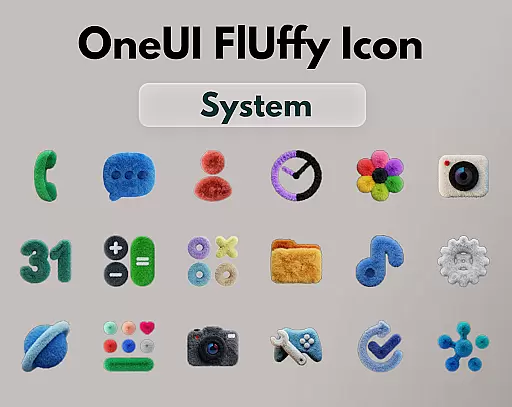
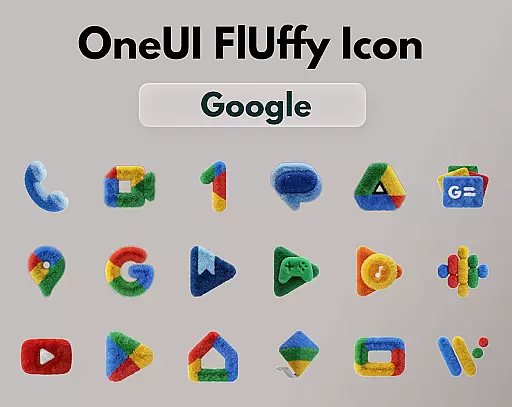
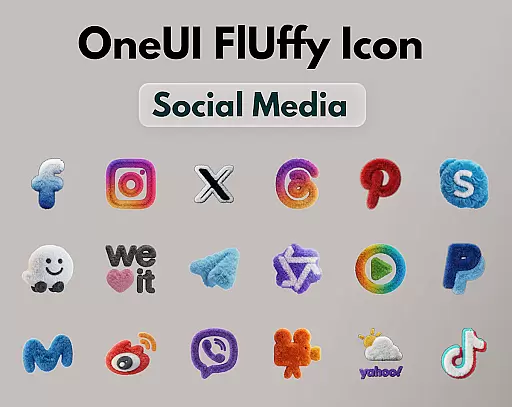
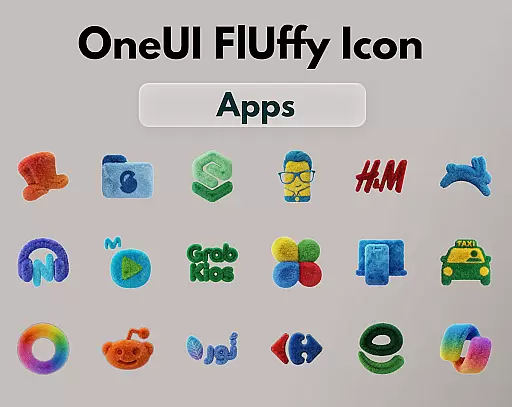
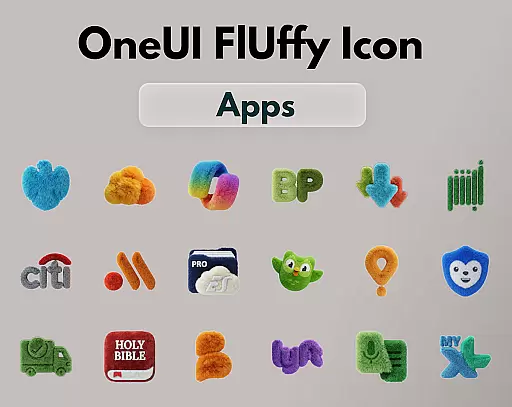
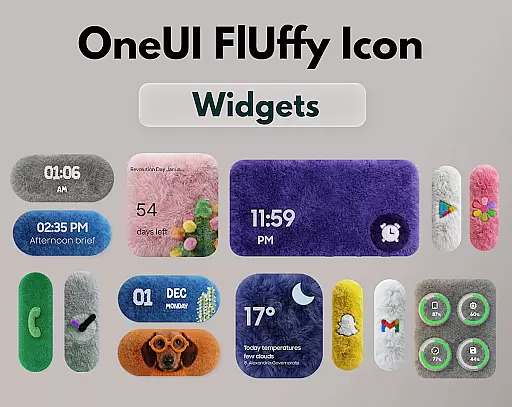
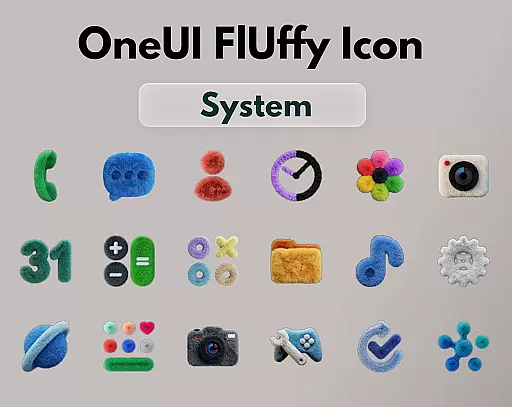
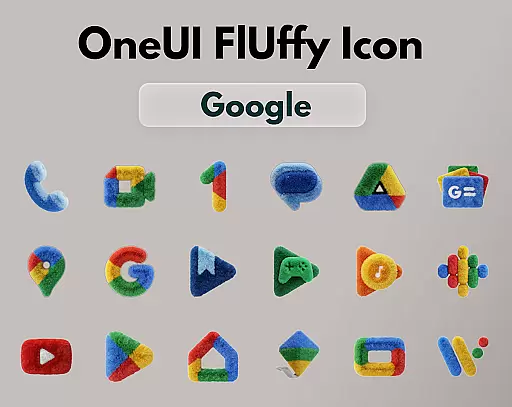
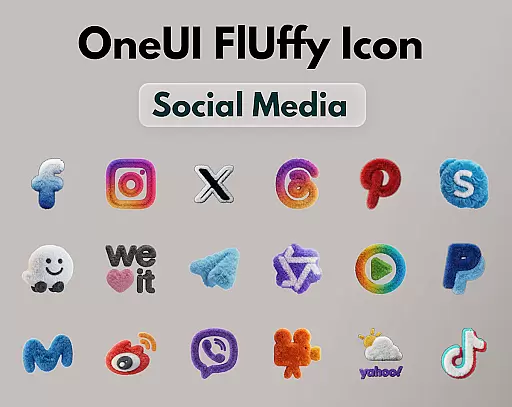
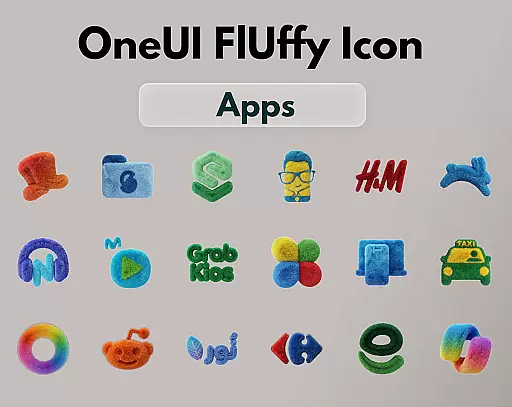
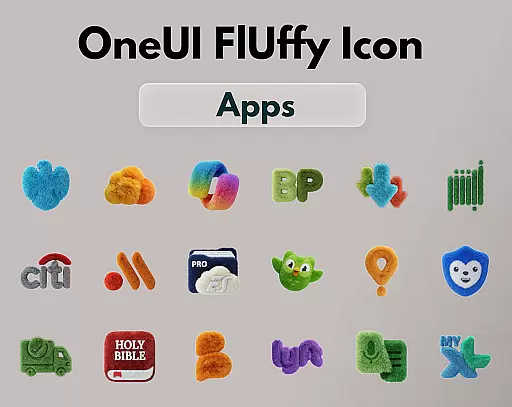
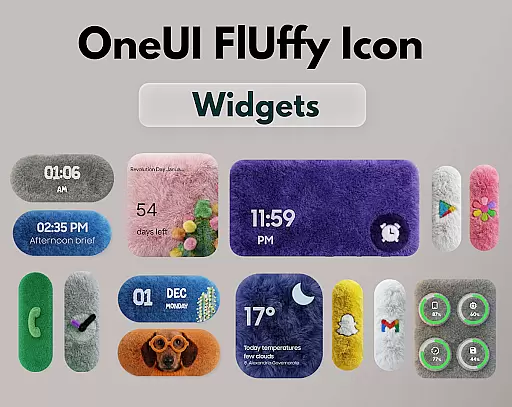
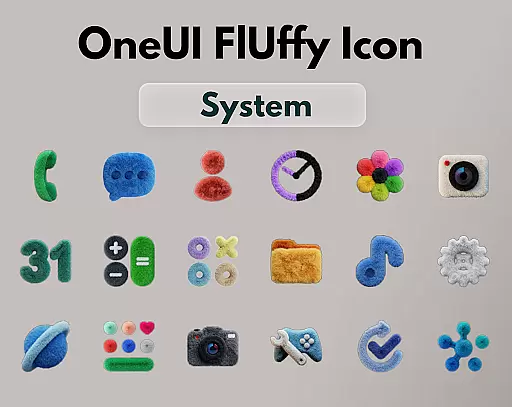
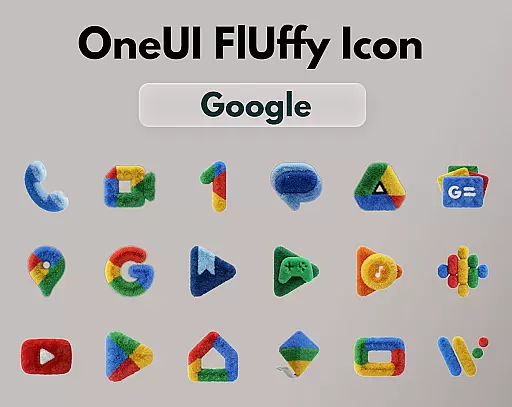
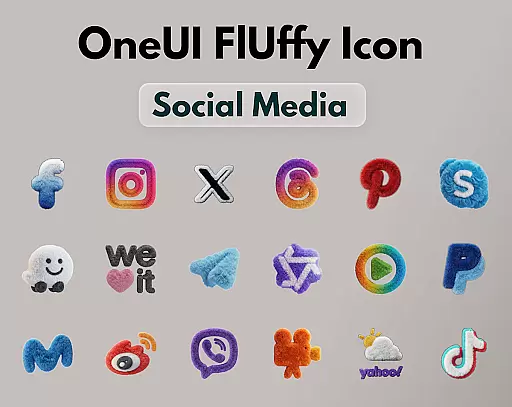
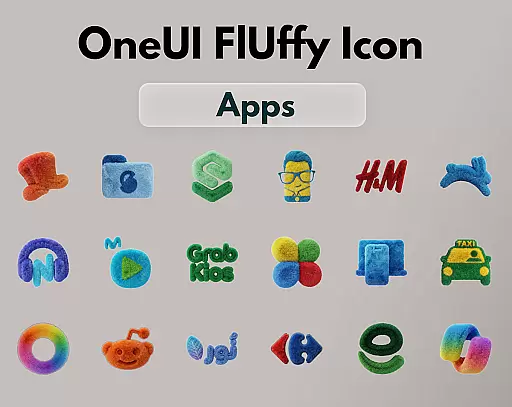
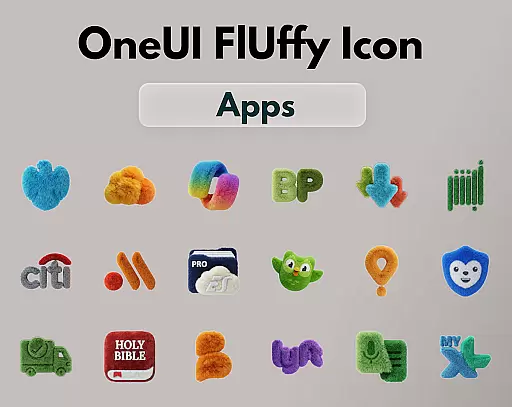
OneUI Fluffy Icon Pack is a premium icon set that gives your home screen a warm and fresh makeover. Inspired by the beloved OneUI style, it introduces a unique fluffy, soft 3D twist to bring icons to life. With over 1185 handcrafted icons, professional widgets, and exclusive wallpapers, this pack ensures compatibility with many popular launchers. Each icon blends modern OneUI-inspired shapes with a playful fluffy texture, offering users a personal, friendly, and stylish experience.
The pack includes ultra-high resolution icons for a crisp and clean look, ensuring visual comfort on any home screen setup. Future updates are planned to expand the collection, making it a growing library tailored to user needs. This makes OneUI Fluffy Icon Pack not just an aesthetic upgrade but also a functional enhancement for your device's interface.
OneUI Fluffy Icon Pack stands out with its 1185+ handcrafted fluffy-style icons, each meticulously designed to blend OneUI-inspired shapes with a playful fluffy texture. The pack includes professional widgets that perfectly match the icons and a selection of exclusive wallpapers curated to fit the fluffy theme. Users can request new icons, ensuring the pack evolves based on real app usage.
Compatibility is a key feature, as the pack works seamlessly with various launchers like Nova Launcher, Lawnchair, Niagara Launcher, and more. The ultra-high resolution of the icons guarantees a sharp and visually pleasing appearance. Regular updates are planned, promising continuous refinement and expansion of the icon library, thus enhancing long-term user engagement and satisfaction.
OneUI Fluffy Icon Pack offers an extensive range of customization options that allow users to personalize their home screens with a unique, soft 3D twist. With over 1185 handcrafted fluffy-style icons and professional widgets designed to match, the pack provides a comprehensive solution for those looking to refresh their device's appearance.
The inclusion of exclusive wallpapers further enhances the customization experience, ensuring that every visual element on the home screen aligns with the fluffy theme. This cohesive approach not only beautifies the interface but also creates a more engaging and enjoyable user experience.
Moreover, the icon pack supports various popular launchers, making it versatile for different devices and user preferences. Whether you're using Nova Launcher or Lawnchair, OneUI Fluffy Icon Pack seamlessly integrates, offering a consistent look and feel across platforms.
Beyond its rich customization features, OneUI Fluffy Icon Pack excels in theme compatibility. Designed to work harmoniously with multiple launchers such as Niagara Launcher and Smart Launcher, this pack ensures that your chosen theme maintains its integrity and aesthetic appeal regardless of the platform.
This compatibility extends to third-party tools that support custom icon packs, including OneUI Home. Such versatility means users can enjoy a uniform appearance without worrying about inconsistencies or disruptions in their carefully curated themes.
Additionally, the pack's ultra-high resolution icons contribute to maintaining visual consistency across different resolutions and screen sizes. This attention to detail guarantees that each icon retains its crisp, clean, and soft look, enhancing the overall theme compatibility and user satisfaction.
Unique fluffy design
High-resolution icons
Wide launcher support
Custom icon requests
Exclusive wallpapers
Limited initial icons
Third-party tool needed
No live icon support
Premium price tag
Few widget options

Customizable Glass widgets. Over 360+ stunning widgets and more!
 4.70
4.70
Only for Wear OS devices!
4.90
Make your phone look simple & luxury, like iDevice
4.60
Ultimate widget creator. Design custom widgets for a truly unique home screen!
3.90
Embrace the Night. Unleash the power of darkness with Raven Dark Icon Pack
4.60
Crystal-clear, square icon provides a sleek and sophisticated visual upgrade
4.00
350+ widgets with a premium glass-style finish, perfect for home & lock screens.
4.70
A minimalist productivity launcher. One-hand-friendly. Zero ads.
4.70
Create stunning widgets with Widget 2026: Aesthetic Widgets for Android!
4.60
100+ Stylish Fonts, Emojis, Symbols keyboard for Instagram & TikTok!
4.80
300+ Stunning and well-designed widgets inspired by NOTHING.
4.70
Over 28,000 high quality icons to bring color & homogeneity to your phone.
4.60
Ninja Turtles Cowabunga SE watch face for Wear OS
4.50
3D, live, and moving wallpapers & themes in 4K and HD for your device.
4.50 4.50
4.50
Themes - Widget & Wallpaper: Customize home screen, icon changer w unique themes
4.30
Romantic Kiss Stickers App. Start romantic messaging now!
4.30
Your go to Weather App & Home Screen. Get your weather at a swipe of a finger!
3.80
Custom edge gestures for volume control, brightness, apps, and shortcuts.
4.2


User Reviews