
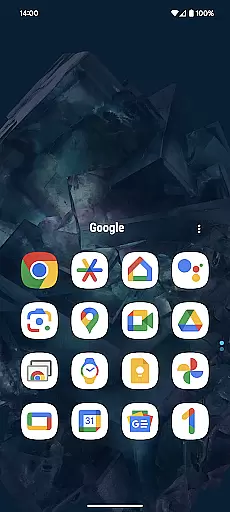
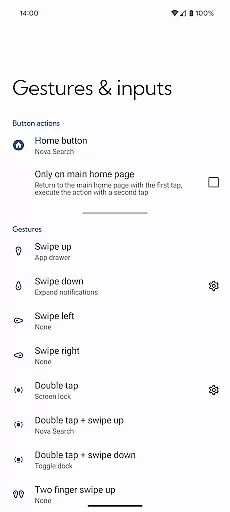
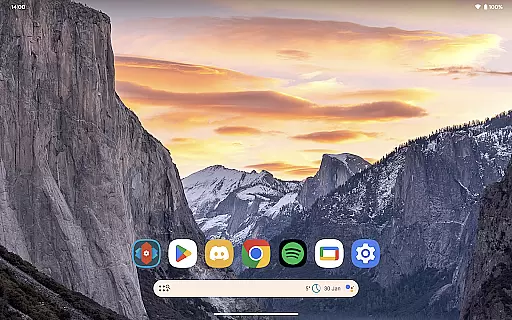
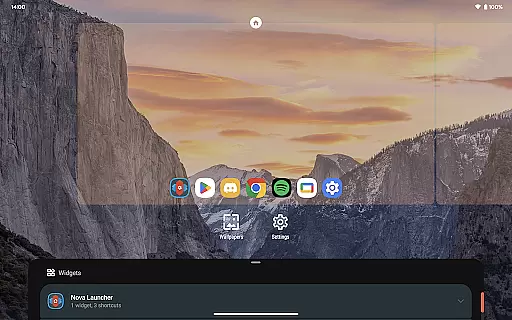
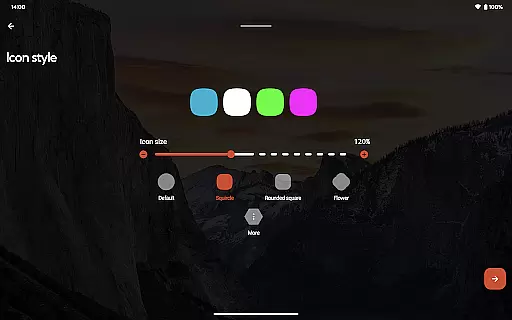
Nova Launcher Prime is a premium upgrade that unlocks advanced customization features for the Nova Launcher, one of the most popular Android home screen replacements. Designed to enhance productivity and personalization, this app allows users to take full control of their smartphone's interface.
The core functionality includes gesture controls, app drawer organization options, and icon management features. Users can create custom gestures on the home screen, organize apps into custom tabs or folders, and even hide apps from view. These features make it an ideal choice for power users who want to optimize their Android experience.
With its seamless integration with the free version of Nova Launcher, this app provides exceptional value by enabling users to tailor their device exactly to their preferences. Whether you're looking to improve workflow efficiency or simply achieve a cleaner home screen layout, Nova Launcher Prime delivers professional-grade tools to meet your needs.
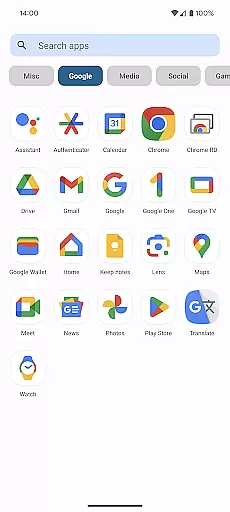
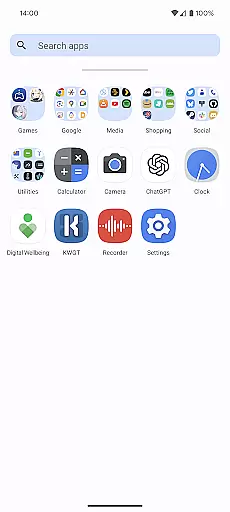
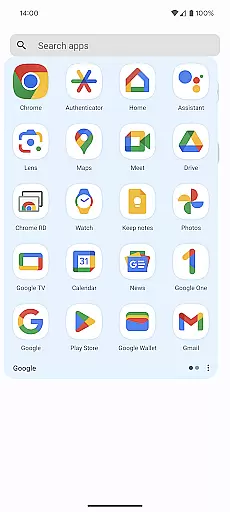
Nova Launcher Prime stands out with its comprehensive set of customization features that go beyond basic launcher functionality. The app drawer groups feature lets users categorize applications into custom tabs or folders, providing superior organization capabilities that are especially useful for devices with many installed apps.
The implementation of custom gestures demonstrates the app's focus on productivity enhancement. Users can set up unique swipe patterns, pinch actions, or double taps to trigger specific commands, optimizing navigation through muscle memory. Additionally, the ability to hide apps without uninstalling them adds a layer of privacy management.
Another notable feature is the custom icon swipe gestures, which allow users to execute commands directly from home screen icons without occupying additional space. This innovative approach to UI design exemplifies how Nova Launcher Prime maximizes both functionality and aesthetics while maintaining a clean interface.
Nova Launcher Prime offers an extensive range of customization options that allow users to tailor their Android home screen experience precisely to their liking. This includes the ability to create custom gestures, which enable users to execute commands such as launching apps, opening settings, or conducting searches through intuitive actions like swipes or pinches.
Moreover, the app provides advanced organization features within the app drawer. Users can design custom tabs and folders, facilitating a more streamlined and personalized access to their applications. With the option to hide apps, Nova Launcher Prime ensures that users can maintain a clutter-free environment without needing to uninstall seldom-used apps.
The inclusion of custom icon swipe gestures further enhances user productivity by allowing quick access to additional functionalities directly from home screen icons. These varied customization options collectively ensure that users can craft a smartphone experience that is both highly functional and uniquely theirs.
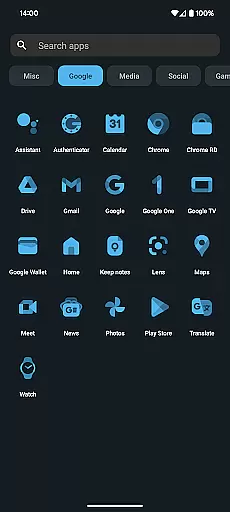
Theme compatibility in Nova Launcher Prime stands out as a crucial feature for users who value visual consistency across their device's interface. The launcher supports a wide array of themes, including those crafted by independent designers, ensuring that users can find and apply a look that resonates with their personal style or mood.
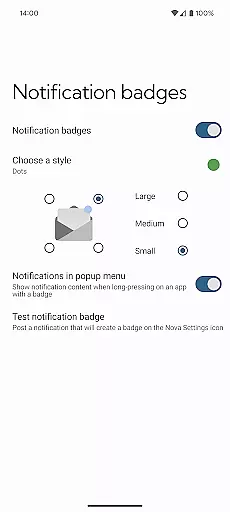
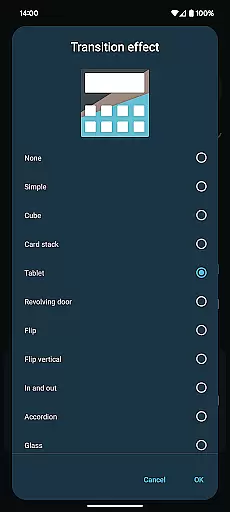
By integrating seamlessly with popular icon packs like OneYou Icon Pack by PashaPuma Design, Nova Launcher Prime not only broadens its aesthetic offerings but also guarantees that icons remain visually cohesive with chosen themes. This compatibility extends to notification badges and various scrolling effects, enriching the overall thematic experience.
Ultimately, this level of theme compatibility empowers users to transform their devices into personalized gadgets that reflect individual tastes while maintaining optimal usability. Whether opting for minimalist designs or vibrant displays, Nova Launcher Prime accommodates diverse preferences with ease.
Highly customizable
Intuitive gesture controls
Advanced privacy options
Seamless free version integration
Regular feature updates
Requires separate app installation
Steep learning curve
Premium price point
Limited iOS compatibility
Occasional stability issues

Glass style colourful icons with a One UI look and feel
 4.60
4.60
Ninja Turtles Cowabunga SE watch face for Wear OS
4.50
Romantic Kiss Stickers App. Start romantic messaging now!
4.30 4.50
4.50
Your go to Weather App & Home Screen. Get your weather at a swipe of a finger!
3.80
Crystal-clear, square icon provides a sleek and sophisticated visual upgrade
4.00
300+ widgets inspired by Material You and Material 3 expressive design.
4.60
350+ widgets with a premium glass-style finish, perfect for home & lock screens.
4.70
Your home screen, just the way you like it.
3.80
Gun Chase - Let the chase begin.
4.80
Wallpaper HD 4K Live - Thousands of high-quality Anime backgrounds for you.
4.80
100+ Stylish Fonts, Emojis, Symbols keyboard for Instagram & TikTok!
4.80
300+ Beautifully crafted widgets inspired by OneUI.
4.60
Ultra realistic gold analog watch face with lots of customization options.
4.50 4.50
4.50
Art & Emoji Keyboard with Cool Fonts, Cute Themes and Custom Designs.
4.40
The definitive Icon pack maker and editor
4.30
Launcher OS™ Pro without ads help make your phone simple and pretty
4.30
Customizable flower power digital watch face for Wear OS watches.
4.00


User Reviews