
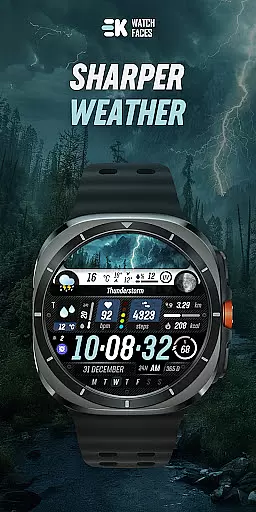
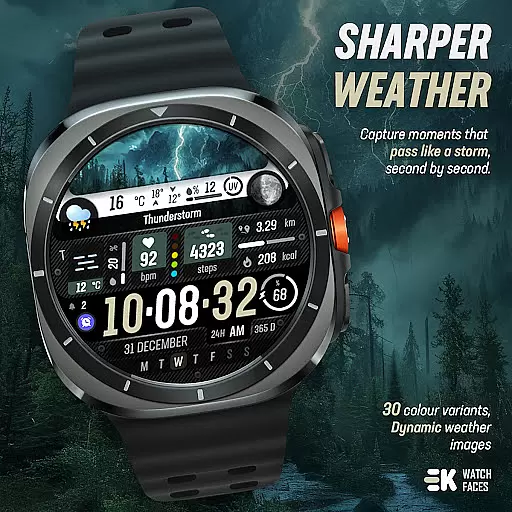
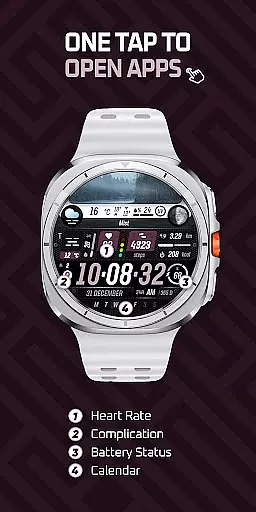
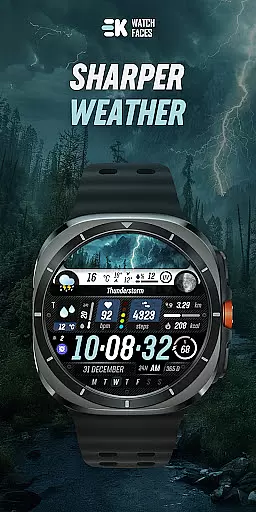
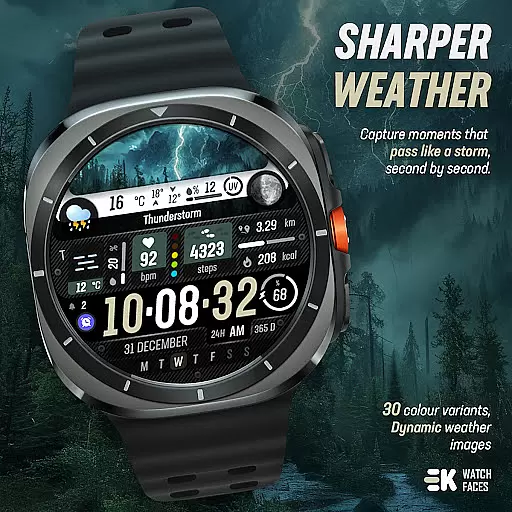
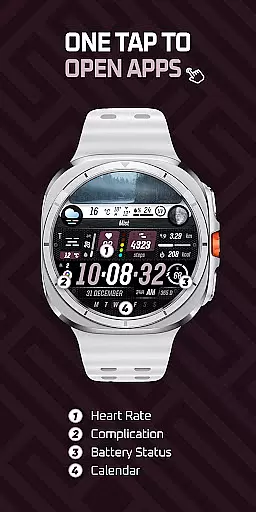
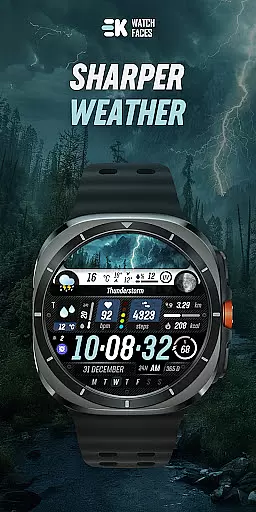
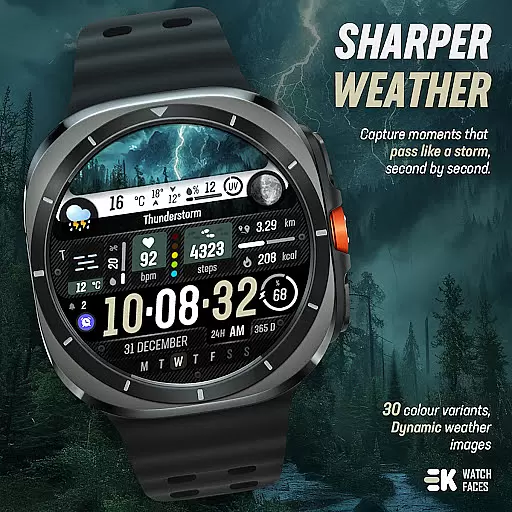
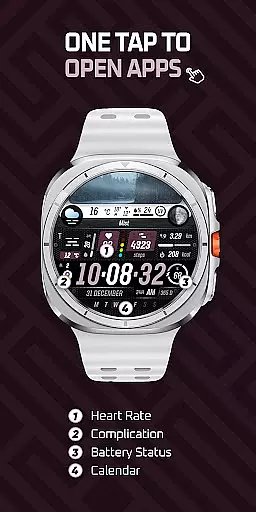
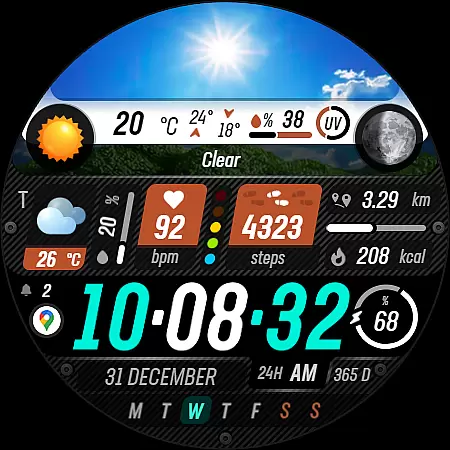
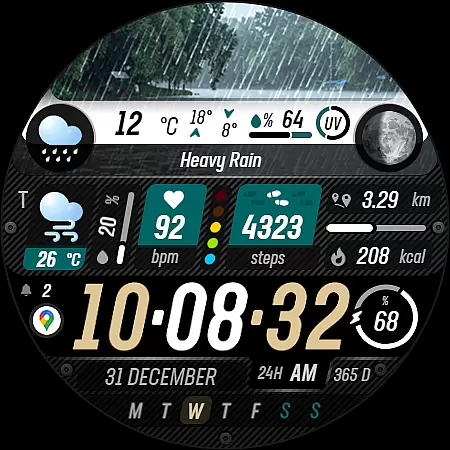
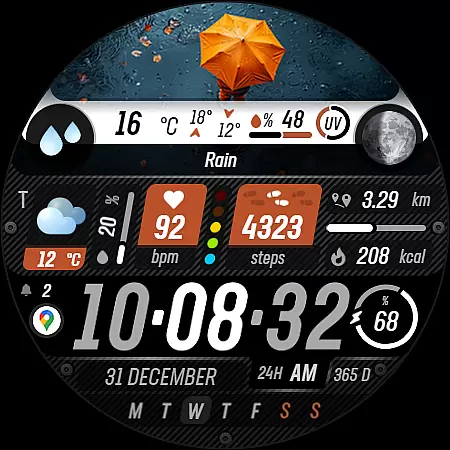
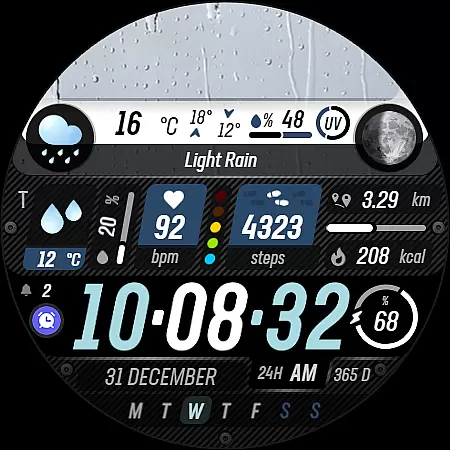
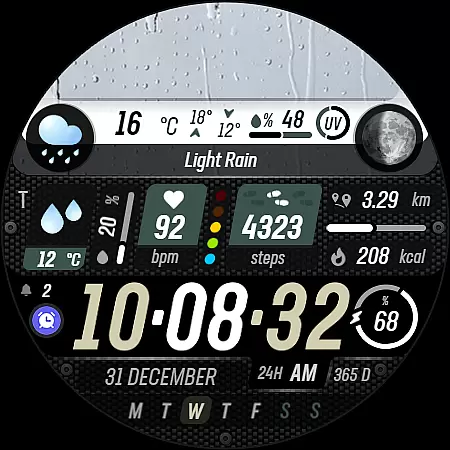
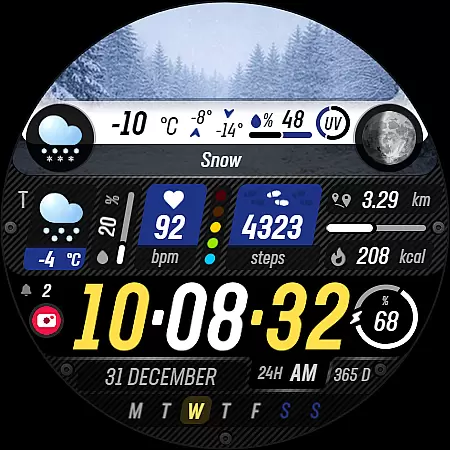
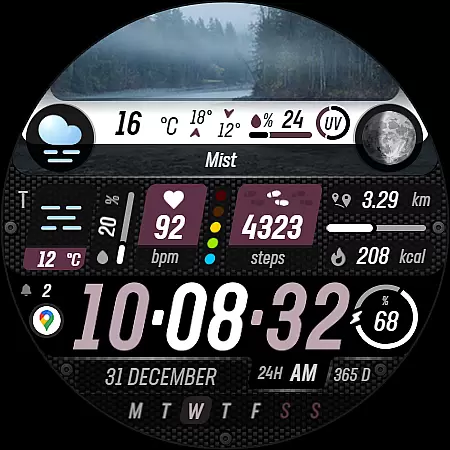
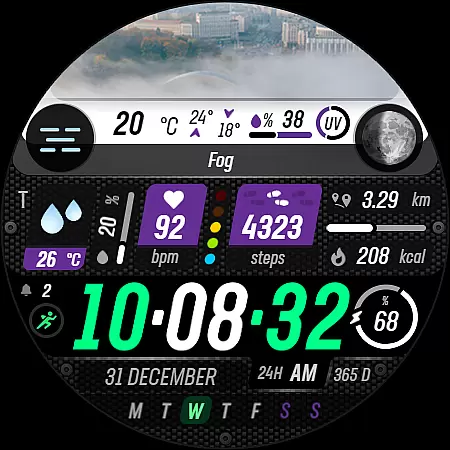
Sharper Weather is a feature-rich watch face designed exclusively for Wear OS devices, offering users an enhanced and personalized timekeeping experience. With its visually striking design and comprehensive weather tracking capabilities, this app transforms your smartwatch into a dynamic personal assistant.
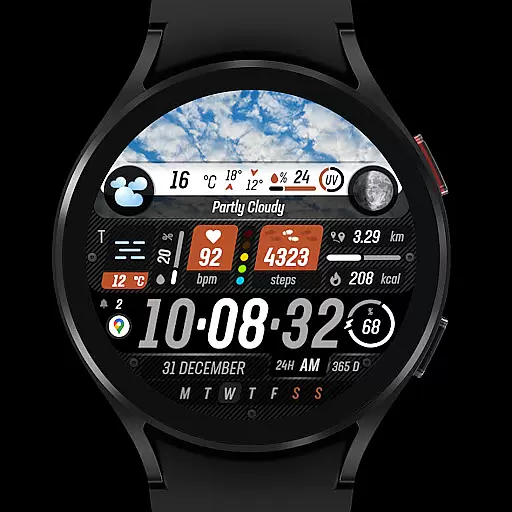
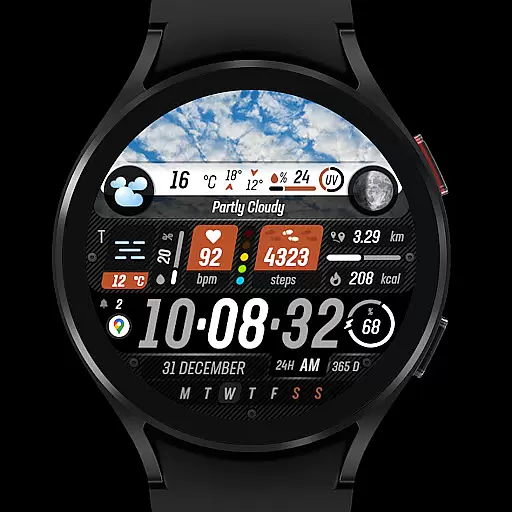
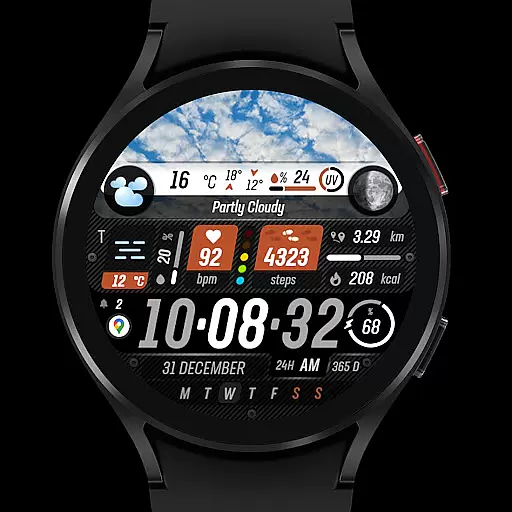
The watch face provides real-time weather updates through animated icons and condition-specific imagery, ensuring you stay informed about changing weather patterns throughout the day. It also includes essential health and fitness tracking features such as step count, distance traveled, calories burned, and heart rate monitoring, making it an ideal companion for both daily use and active lifestyles.
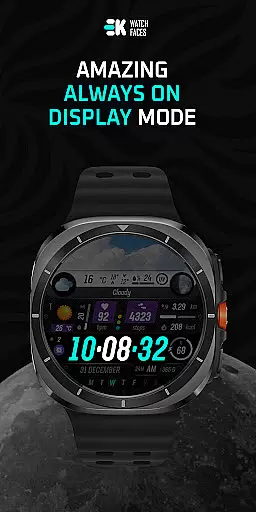
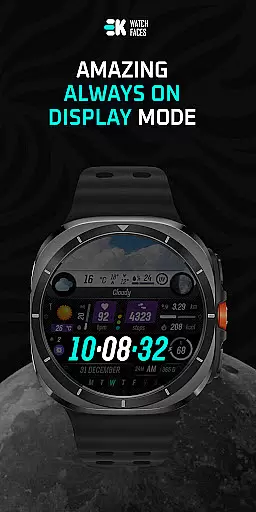
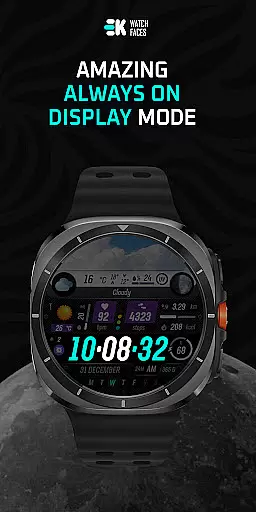
With support for always-on display and customizable complications, Sharper Weather ensures optimal usability while delivering crucial information at a glance. Whether you're monitoring your schedule, tracking fitness goals, or checking the forecast, this app offers a seamless and engaging user experience tailored to your needs.
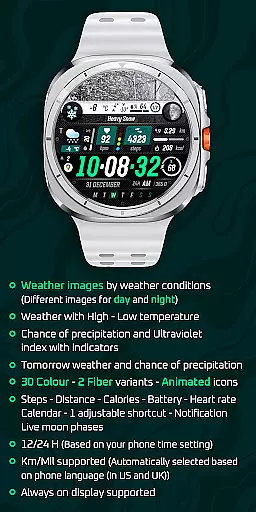
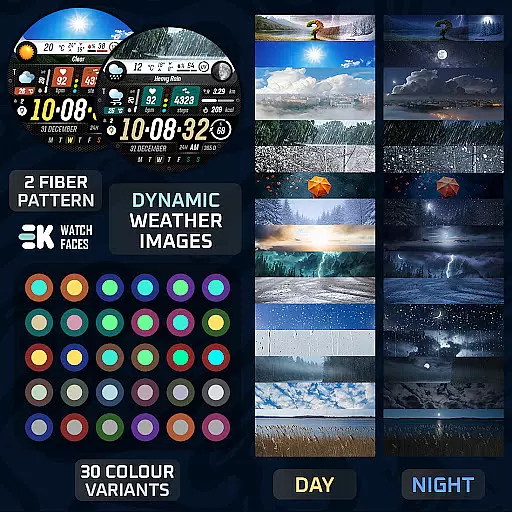
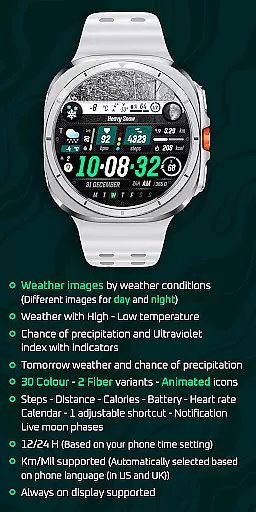
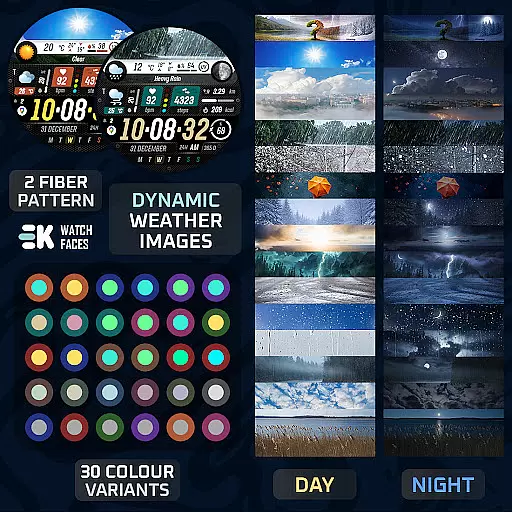
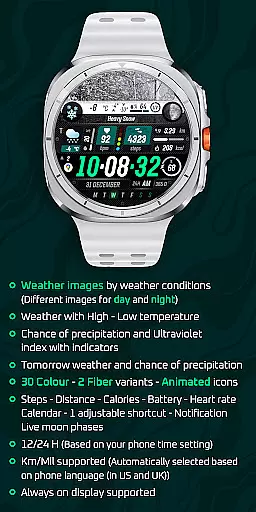
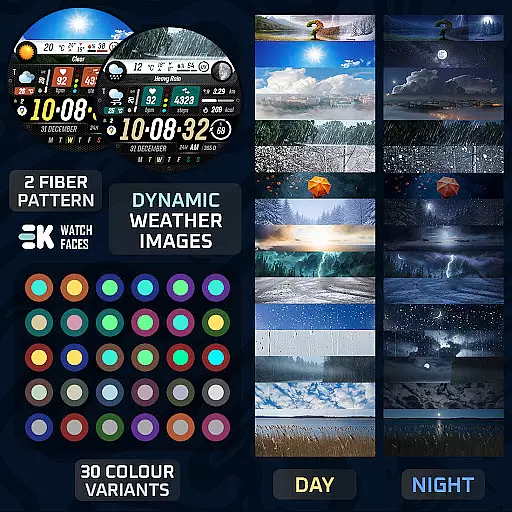
Sharper Weather stands out with its diverse range of innovative features that cater to various user preferences. One of its key highlights is the dynamic weather display, which showcases high-resolution images corresponding to current weather conditions, including separate visuals for day and night scenarios. This feature is complemented by detailed temperature readings, UV index indicators, and precipitation forecasts.
In addition to weather tracking, the app integrates advanced health metrics like step counting, calorie tracking, and heart rate monitoring, all displayed directly on the watch face. Users can further customize their experience with adjustable shortcuts, calendar notifications, and live moon phase updates. The inclusion of 30 color options and two fiber variants allows for extensive personalization, ensuring each user can create a unique look that suits their style.
Compatibility with both 12-hour and 24-hour time formats, along with automatic unit selection based on location (miles or kilometers), enhances global accessibility. Moreover, the always-on display functionality ensures important information remains visible even when the watch is idle, providing uninterrupted access to critical data without compromising battery life.
Sharper Weather - Watch Face offers a diverse range of customization options that allow users to tailor their Wear OS experience according to their preferences. With 30 color variants and 2 fiber options, the watch face ensures that there is a style for every user.
In addition to the aesthetic choices, the application provides animated icons and supports both 12 and 24-hour time formats based on the phone's settings. Users can also choose between kilometers or miles for distance measurement, which automatically aligns with the phone's language settings, ensuring a personalized touch.
The inclusion of features such as weather images that change with conditions and times of day, high and low-temperature displays, and indicators for precipitation chances and ultraviolet index further enhance the personalization possibilities. Tomorrow's weather forecast and chance of precipitation are also at your fingertips, making it not just visually customizable but functionally adaptable to daily needs.
This level of customization empowers users to create an interface that is not only visually appealing but also rich in functionality, providing quick access to essential information tailored to individual lifestyles.
Theme compatibility is a crucial aspect of any wearable device application, and Sharper Weather - Watch Face excels in this domain. The app is designed to seamlessly integrate with Wear OS devices, ensuring that users have a cohesive experience across their smartwatch and paired phone.
Users can enjoy features like steps, distance, calories burned, battery status, heart rate monitoring, calendar events, adjustable shortcuts, notifications, and live moon phases without worrying about inconsistencies between devices. This synchronization extends to the always-on display functionality, which is supported for continuous access to vital information.
To achieve full functionality, the app requires permissions for sensors and complication data. Once enabled, these permissions ensure that all elements of the watch face operate smoothly and maintain compatibility with the deviceu2019s hardware capabilities.
By focusing on compatibility and integration, Sharper Weather - Watch Face guarantees that users will have a harmonious and uninterrupted experience, enhancing the overall utility and enjoyment of their Wear OS device.
User-friendly interface
Comprehensive weather data
Versatile customization options
Integrated fitness tracking
Always-on display support
Limited to Wear OS
Installation process complex
Potential sync issues
No standalone iOS app
Requires manual permissions setup

Add cute Shimeji pets to screen, interact with them and relax with cute motions
 4.60
4.60
Interactive Miniature Painting Catalogue
3.30
Run multiple accounts of the same app on a single device
4.10
One 8 icons glass color version
4.80
300+ widgets inspired by Material You and Material 3 expressive design.
4.60
Transform your device in a game console
4.40
Customize phone with anime themes, 3D icons, aesthetic widgets & wallpapers
4.80
Your home screen, just the way you like it.
3.80
Transform your phone with stylish zipper lock themes and 4D live wallpaper
4.10
A launcher for Samsung Good Lock and Good Guardians modules without ads
4.70
Unique Android Launcher
4.60
Ultimate Gallery Lock App - Hide Pictures, Videos and Lock Apps Instantly!
4.60 4.50
4.50
Fingerprint Lock Screen & Live Animations with 4K Wallpapers as Live Wallpaper
4.40
Adult video chat, dating, making friends, random matching
4.20
More than 3000+ themes and 9000+ wallpapers for everybody!
4.10
Realistic animated snow on your wrist, with 10 images landscapes to choose from
4.00
Design your screen with unique, vibrant clocks
3.80
Prank your friends with realistic broken screen and cracked HD effects!
4.3


User Reviews