
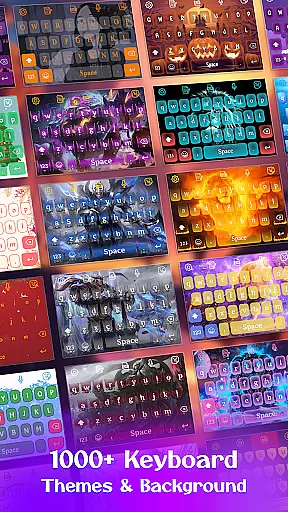
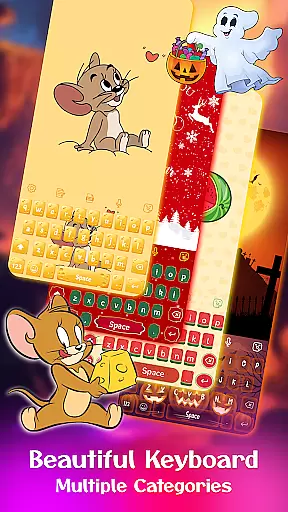
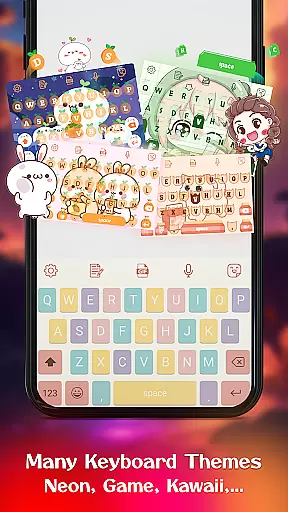
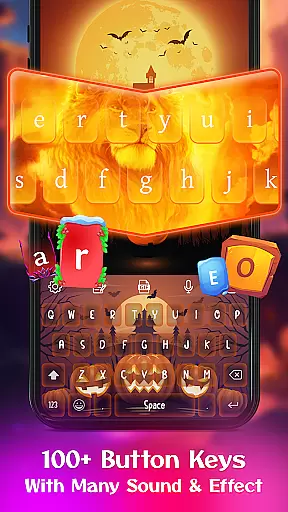
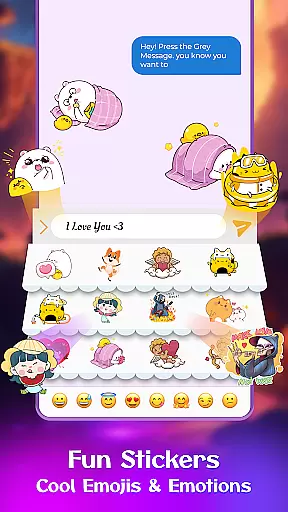
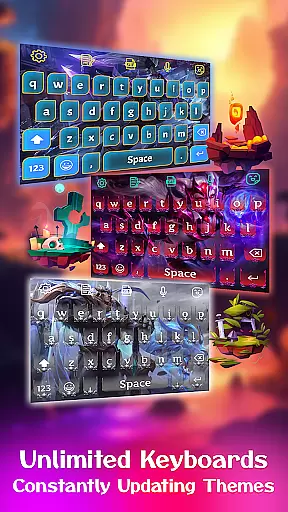
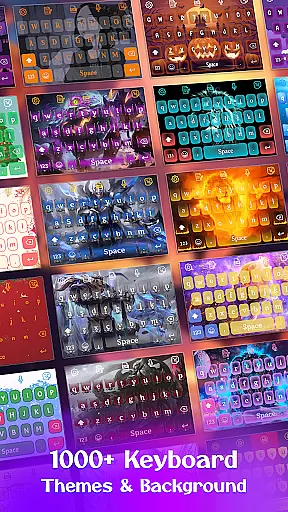
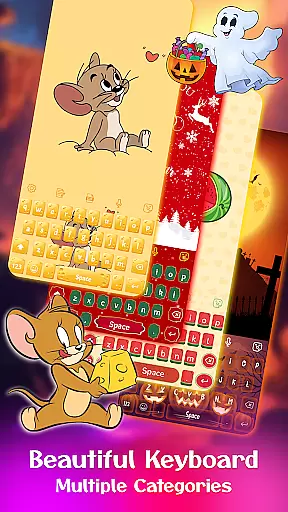
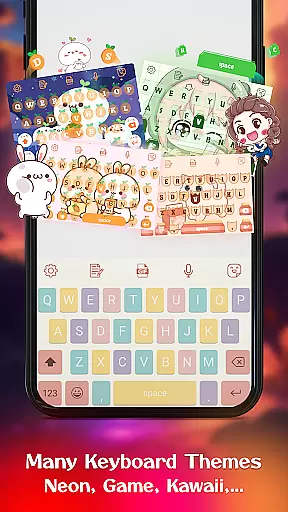
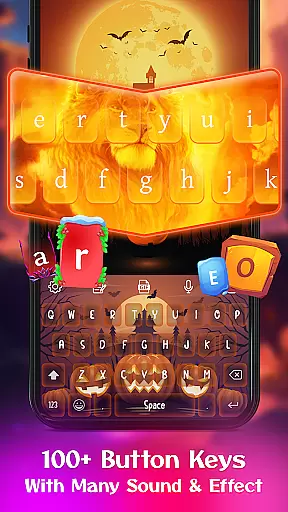
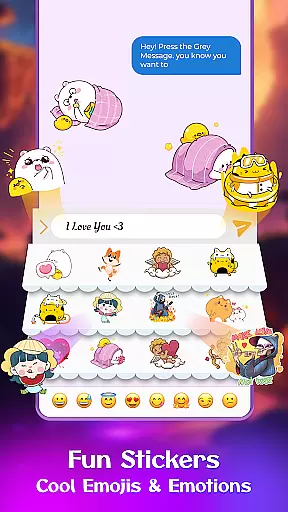
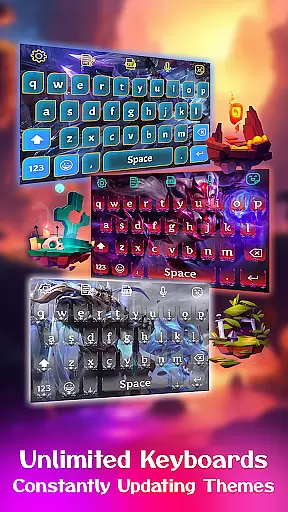
Keyboard Maker is a feature-rich keyboard application designed to enhance your typing experience on Android devices. This app offers a wide range of customization options, including free keyboard themes, wallpapers, and backgrounds that allow users to personalize their typing interface. With support for multiple languages and an array of fun stickers, emojis, and GIFs, Keyboard Maker ensures both functionality and entertainment.
The app stands out with its smart autocorrect and word prediction features, which streamline the typing process by fixing errors and predicting words as you type. Additionally, it supports gesture typing and voice input, making text input faster and more intuitive. Whether you're looking for a simple keyboard or one with vibrant themes like LED or anime styles, Keyboard Maker caters to all preferences.
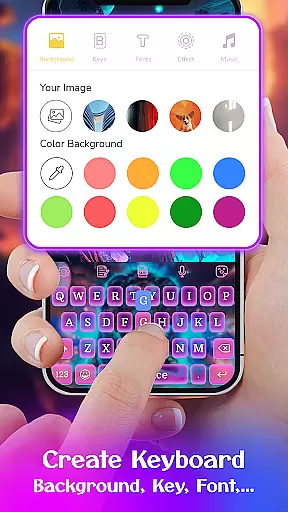
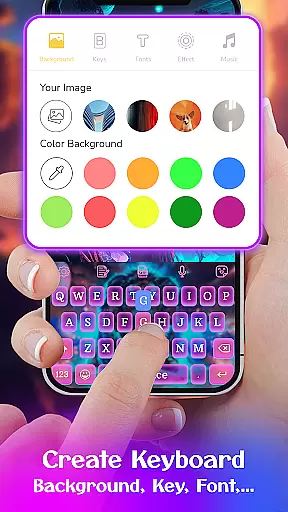
One of the key advantages of Keyboard Maker is its DIY feature, allowing users to design their own keyboard layout using personal photos or custom themes. This level of personalization not only makes typing more enjoyable but also provides a unique user experience tailored to individual tastes. The app's extensive language support and customizable settings make it suitable for diverse users worldwide.
Keyboard Maker boasts an impressive set of features that cater to various typing needs and preferences. One of its standout capabilities is the ability to customize every aspect of the keyboard, from themes and wallpapers to fonts and sound effects. Users can choose from hundreds of free themes, such as iOS, Neon, RGB, and Emoji keyboards, ensuring there's something for everyone. The app also includes a photo keyboard feature, enabling users to set personal images as keyboard backgrounds.
In addition to its aesthetic customizations, Keyboard Maker excels in functionality. It offers smart autocorrect and word prediction, which significantly reduce typing errors and speed up text input. Gesture typing and voice input further enhance usability, allowing for seamless communication. The app supports over 150 languages, making it accessible to a global audience. Moreover, features like clipboard management for quick copy-paste operations and multiple keyboard layouts demonstrate its versatility.
Another remarkable feature is the DIY keyboard option, where users can create completely personalized keyboard designs. This includes adding custom themes, selecting from various cute emoticons, GIFs, and stickers, and choosing unique fonts. These elements combine to offer an unparalleled level of personalization, ensuring that each user's keyboard reflects their individual style while maintaining high performance standards.
Customization is at the heart of Keyboard Maker, offering users a vast array of options to tailor their typing experience. With support for over 150 languages, this keyboard app ensures that users from different linguistic backgrounds can communicate effortlessly. The app provides thousands of emojis, emoticons, and GIFs, alongside smart autocorrect and word prediction features, enhancing both the efficiency and enjoyment of typing.
One of the standout customization features is the ability to design your own keyboard theme. Users can choose from more than 500 free themes, including LED, Neon, anime, and love themes, allowing for personal expression through vibrant designs. Whether you prefer a simple, colorful, or cute aesthetic, Keyboard Maker caters to all tastes, ensuring your keyboard reflects your unique style.
Beyond themes, the app offers extensive personalization options such as custom fonts, effects, and sounds. This flexibility extends to functional aspects too, with adjustable keyboard layouts, number rows, and resizing capabilities. Such comprehensive customization empowers users to create a typing interface that not only looks good but also feels intuitive and comfortable, significantly improving the overall user experience.
Theme compatibility in Keyboard Maker ensures that every chosen design integrates seamlessly with the app's functionality. Regardless of whether you select an iOS-inspired keyboard, a Neon-themed layout, or even upload a personal photo as your background, each theme maintains full operability. This means that all custom themes support essential features like autocorrect, word prediction, and multilingual typing without any compromise on performance.
The app's dedication to compatibility is further demonstrated by its support for various keyboard layouts and settings. Users can easily adjust their keyboardu2019s appearance and functionality, confident that their selected theme will adapt accordingly. Options such as vibration feedback, auto-capitalization, and suggestion displays are all preserved across different themes, providing a consistent and reliable typing experience.
By prioritizing theme compatibility, Keyboard Maker guarantees that aesthetic preferences do not come at the expense of usability. This harmonious blend of form and function allows users to enjoy personalized, visually appealing keyboards while retaining access to powerful tools that enhance typing speed and accuracy. Ultimately, this commitment to compatibility enriches the user experience, making daily interactions with the keyboard both efficient and delightful.
Highly customizable
Supports 150+ languages
Smart autocorrect
Fun stickers and GIFs
User-friendly interface
May use significant memory
Some features require premium
Occasional ads
Complex for beginners
Limited offline functions

Ultra realistic gold analog watch face with lots of customization options.
 4.50
4.50
Beautiful realistic hybrid watch face with numerous customization options.
4.50
Realistic animated snow on your wrist, with 10 images landscapes to choose from
4.00
The definitive Icon pack maker and editor
4.30
Unique Fonts, typefaces and stylish text. Fonts for Instagram, Whatsapp & others
4.20
Customize glowing edges, wallpapers, and caller screen with EdgeAura.
3.50 4.50
4.50
Modern Glass Icon Pack with glossy icons, clean minimal theme & aesthetic style
4.0
Magic fluids wallpaper 4D: Relax with stunning fluid simulation wallpaper app
4.20
Stunningly Different look with Line Icons and Neon Colors
4.60
Over 28,000 high quality icons to bring color & homogeneity to your phone.
4.60
Want to make your phone more special than ever?
4.60
Transform your phone with Launcher iOS 26 - Smooth & elegant iOS experience
4.50
Customizable screen pets that play, climb, and keep you company.
4.50
A light in the dark, a unique style and an andless cutomization!
4.30
Wear Os Watch Face - Seasonal - Animated Snow Effect - 9 Animals
4.20
Interactive Miniature Painting Catalogue
3.30
Adorable pets roam and play right on your phone screen!
3.30
Prank your friends with realistic broken screen and cracked HD effects!
4.4


User Reviews