
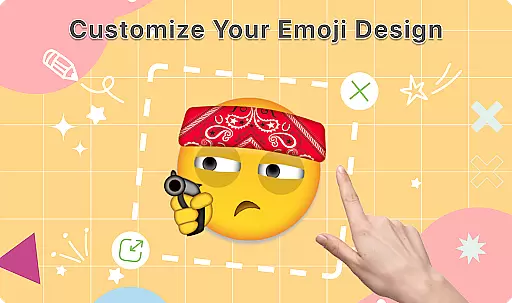
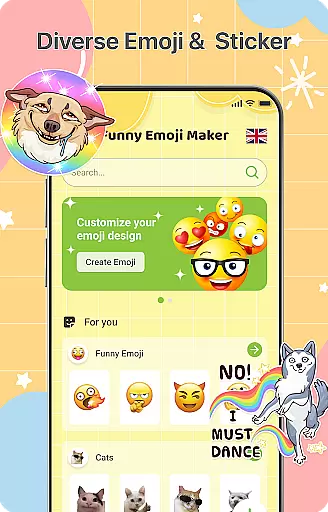
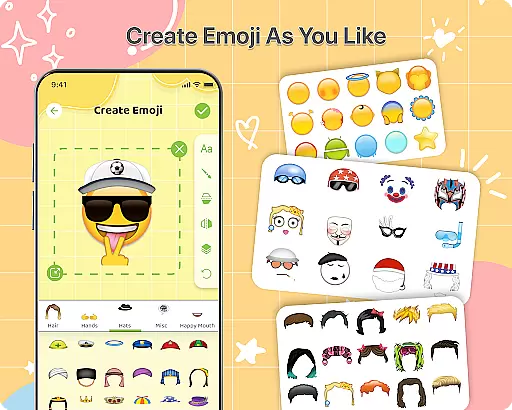
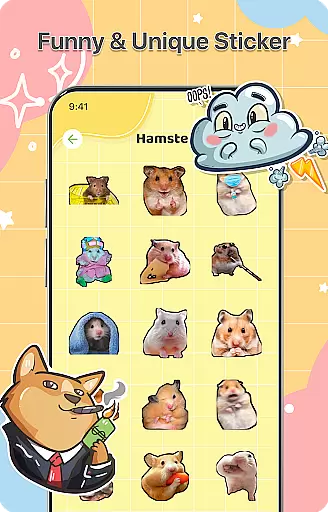
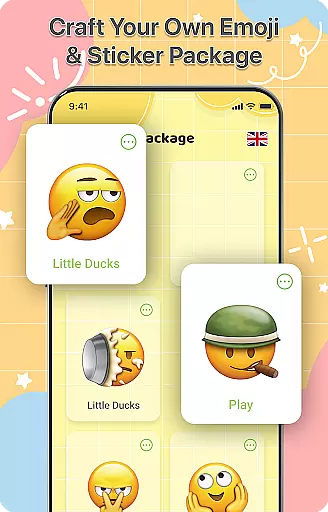
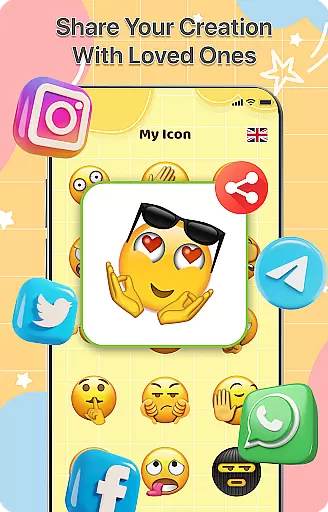
DIY Emoji is a creative personalization app that allows users to design their own unique emojis. With over 500 accessories including eyes, mouths, hats, and glasses, the app provides endless customization possibilities. Users can draw details, add text with various fonts and colors, and layer elements for perfect emoji designs.
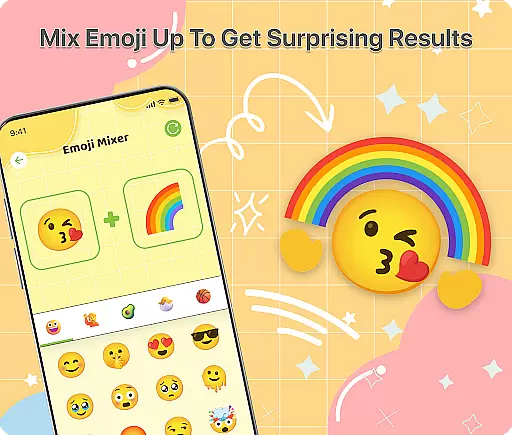
The app also features an innovative Emoji Mixer, enabling users to combine any two emojis into funny and unique creations. The built-in Emoji Library helps manage and store all custom emojis, while frequent updates ensure a growing collection of accessories and emotes. This makes DIY Emoji ideal for enhancing chat conversations with personalized emoticons.
DIY Emoji stands out with its comprehensive set of features tailored for emoji creation. The Emoji Maker tool offers advanced customization options, allowing users to flip elements, draw fine details, and add stylized text. The layering feature ensures precise control over design elements, resulting in professional-looking emojis.
The Emoji Mixer is another highlight, letting users experiment with countless combinations. The app's intuitive interface makes it easy to save and share creations directly from the platform. Regular updates bring new accessories and emotes, keeping the content fresh and engaging for continuous creative exploration.
Customization is at the heart of DIY Emoji, offering users a vast array of options to express their creativity. With over 500 accessories available, including eyes, mouths, hats, and glasses, the app allows for extensive personalization of emojis. This level of variety ensures that each user can craft unique emojis that genuinely reflect their personality or mood.
The app's customization extends beyond just selecting accessories. Users can flip elements to create unique effects, draw details with specialized tools, and add text using various fonts and colors. These features provide a granular level of control over the design process, making each emoji a distinct piece of digital art.
Layering elements is another powerful feature within DIY Emoji. This functionality enables users to build complex designs by stacking different components, resulting in perfectly crafted emojis. The ability to mix any two emojis further expands creative possibilities, allowing for quirky combinations that are both fun and expressive.
DIY Emoji ensures seamless theme compatibility across different platforms and devices. Whether you're using an Android phone or tablet, the emojis created with this app maintain their quality and appearance. This consistency enhances user experience, as custom emojis look great in any chat environment.
Beyond device compatibility, DIY Emoji supports various themes within messaging apps. Regardless of whether your contacts use light mode or dark mode in their chats, the emojis remain visually appealing and clear. This adaptability makes certain that your personalized emojis enhance conversations without appearing out of place.
Moreover, the app's frequent updates introduce new accessories and emotes, ensuring ongoing compatibility with evolving digital trends. By regularly expanding its library, DIY Emoji keeps pace with user demands and technological advancements. This commitment to staying current guarantees that your custom emojis will always be compatible with the latest chat environments.
User-friendly interface
Extensive customization options
Frequent content updates
Variety of sharing options
Creative and fun experience
Limited advanced tools
Some features may require payment
Occasional bugs in saving designs
Interface can feel cluttered
Learning curve for new users

A retro cartoon style watch face and a punch right in the face of the copyright
 4.60
4.60
Customizable flower power digital watch face for Wear OS watches.
4.00
Want to make your phone more special than ever?
4.60
Organize and manage your photos and videos effortlessly with Photo Gallery
4.20
400+ Beautifully crafted widgets inspired by NOTHING.
4.70
Modern Glass Icon Pack with glossy icons, clean minimal theme & aesthetic style
4.5
Your home screen, just the way you like it.
4.30
Enjoy a variety of amazing live wallpapers and colorful EDGE lighting borders!
4.80
Customize phone with anime themes, 3D icons, aesthetic widgets & wallpapers
4.80
300+ Stunning and well-designed widgets inspired by NOTHING.
4.70
Personalize your phone with stunning HD and 4K wallpapers!
4.70
Glass style colourful icons with a One UI look and feel
4.60
Unique Android Launcher
4.60
Zip lock screen with magic wallpaper to decorate your phone with fun zipper lock
4.60
Ultra realistic gold analog watch face with lots of customization options.
4.50
Beautiful realistic hybrid watch face with numerous customization options.
4.50
Transform your phone with Launcher iOS 26 - Smooth & elegant iOS experience
4.50
Turn text & photos into stunning AI videos, art, and creative visual stories.
4.50
Transform your phone with stunning video wallpapers and a unique, personal touch
3.80


User Reviews