
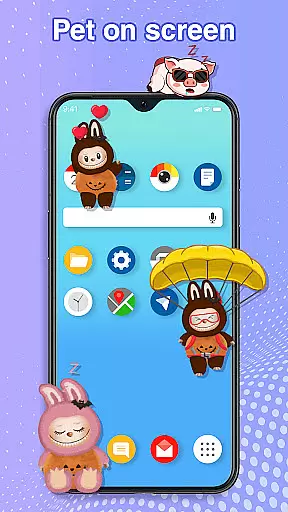
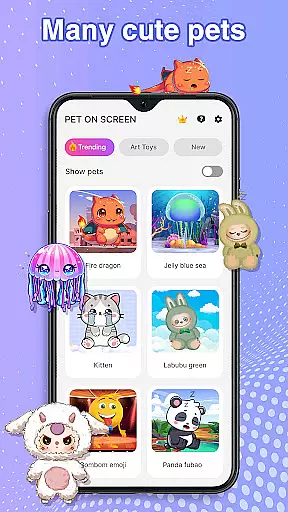
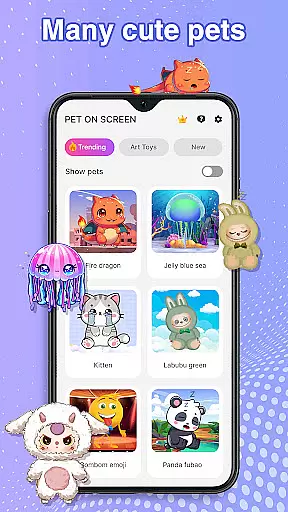
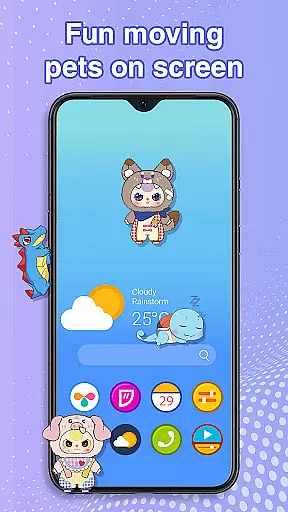
Pet On Screen - Desktop Pet is a delightful personalization app that brings charming virtual pets to your mobile screen. With an extensive collection of unique and colorful creatures, this app allows users to customize their phone experience with playful companions such as Jellyfish, Fire Dragon, Labubu, Panda, Turtle, and Parrot.
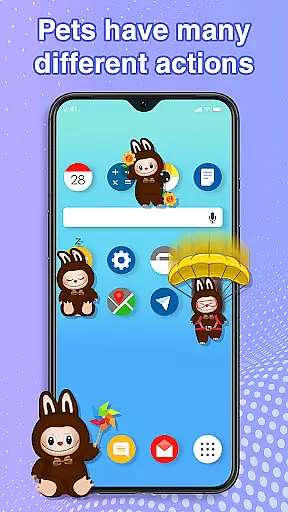
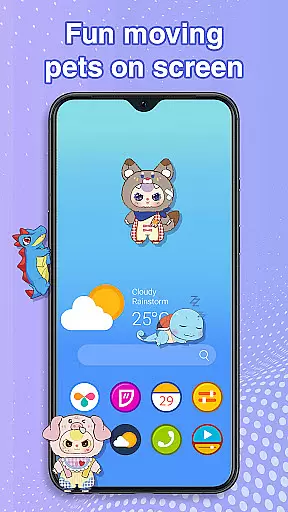
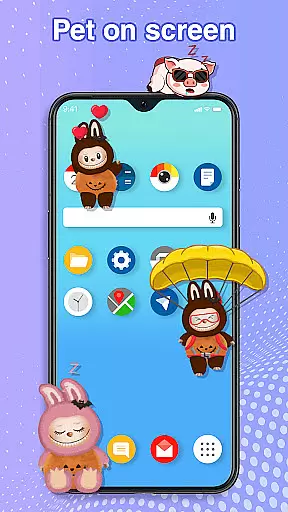
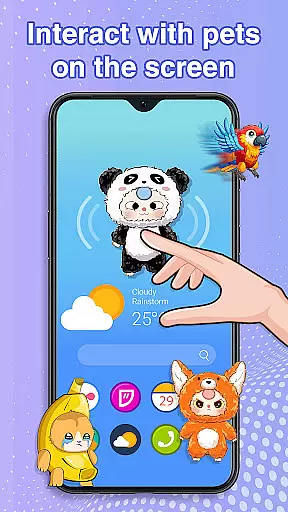
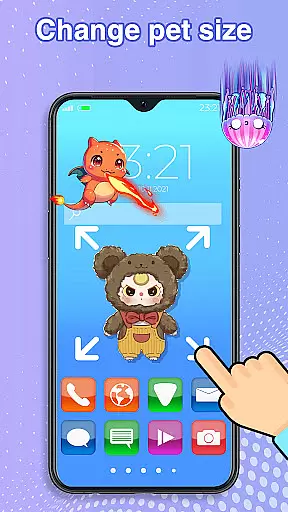
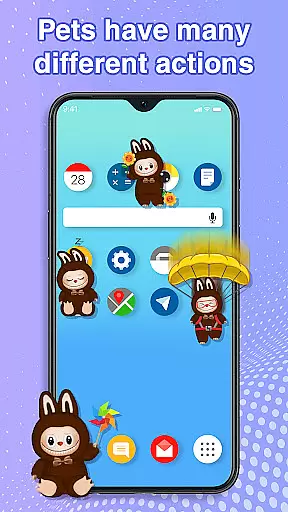
These interactive pets can be freely moved around the screen, respond to touch, and even exhibit random movements, creating a lively and engaging atmosphere. The app also offers customization options for size and movement speed, ensuring seamless integration with your daily activities without interrupting work or entertainment.
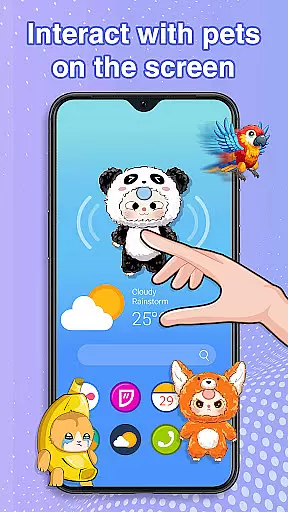
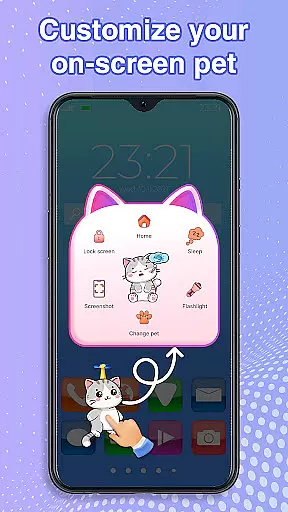
The standout feature of Pet On Screen - Desktop Pet is its diverse range of adorable pets, each with its own personality and charm. Users can interact with these pets by dragging them across the screen, tapping to trigger cute responses, and managing their sleep and wake cycles.
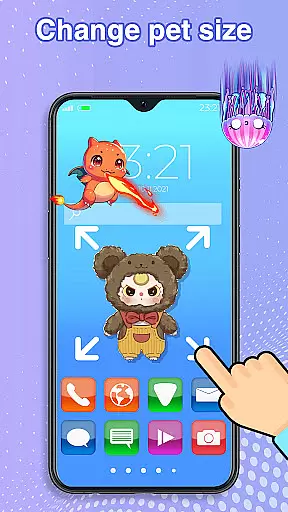
Customization is key, allowing users to adjust pet sizes and movement speeds according to their preferences. The app ensures smooth performance and requires accessibility permission to function correctly, which is solely used for drawing on the home screen and status bar without collecting or sharing any user information.
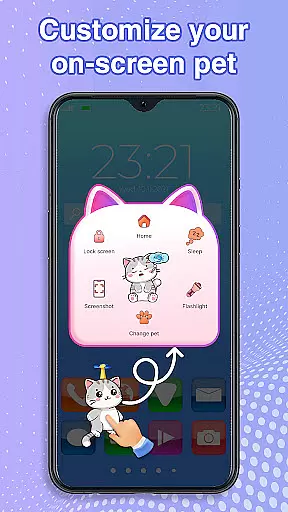
Customization is at the heart of Pet On Screen - Desktop Pet, allowing users to tailor their experience with a wide array of options. The app offers an extensive selection of pets, each with unique characteristics and animations, ensuring that every user can find a companion that suits their personality.
Beyond choosing from different pets like the soothing Jellyfish or the energetic Labubu, users have the freedom to adjust their pets' size and movement speed. This flexibility ensures that your virtual companion fits perfectly into your digital life without being intrusive.
The ability to switch between pets effortlessly adds another layer of personalization. Whether you need a calming presence or a playful buddy, this feature lets you adapt your pet to match your current mood or activity seamlessly.
This level of customization not only enhances user engagement but also fosters a deeper connection between the user and their chosen pet, making every interaction more meaningful and enjoyable.
Pet On Screen - Desktop Pet excels in theme compatibility, integrating smoothly with various device themes and settings. Regardless of whether your phone features a light or dark mode, these adorable pets blend seamlessly into your screen environment.
The pets are designed to be visually appealing across different themes, maintaining their charm and colorfulness without clashing with existing aesthetics. This thoughtful design ensures that users can enjoy their favorite companions without compromising on visual harmony.
Moreover, the app's performance remains consistent across theme changes, providing uninterrupted enjoyment. Users won't experience lag or graphical issues when switching between themes, thanks to optimized rendering processes.
By prioritizing theme compatibility, Pet On Screen - Desktop Pet guarantees that its delightful creatures enhance rather than disrupt your mobile experience, offering both functionality and aesthetic pleasure.
User-friendly interface
Wide variety of pets
Highly customizable
Fun interactions
Relaxation tool
Requires accessibility permission
Potential battery drain
Limited functionality offline
May distract some users
Not all pets free

Stunningly Different look with Line Icons and Neon Colors
 4.60
4.60
A light in the dark, a unique style and an andless cutomization!
4.30
Winter's Journey: digital watch face for Galaxy Watch & Wear OS
4.80
Interactive Miniature Painting Catalogue
3.30
Yandex Browser — stylish and secure, with voice search and data compression
4.40
Your go to Weather App & Home Screen. Get your weather at a swipe of a finger!
3.80
Handcrafted pixel art icons, widgets & wallpapers
4.60
Emoji Maker app - Design custom emojis and effortlessly blend them with Mixer
3.80
set a new experience for the Android mobile phone
4.20
Glass style colourful icons with a One UI look and feel
4.60
A retro cartoon style watch face and a punch right in the face of the copyright
4.60
Make your phone look simple & luxury, like iDevice
4.60
Over 28,000 high quality icons to bring color & homogeneity to your phone.
4.60
300+ widgets inspired by Material You and Material 3 expressive design.
4.60
Try creating your own keyboard with "Keyboard theme for android" app now!
4.50
Magic fluids wallpaper 4D: Relax with stunning fluid simulation wallpaper app
4.20
Ultimate widget creator. Design custom widgets for a truly unique home screen!
3.90
HappyLighting is a Bluetooth lamp control software.
3.40
Capture moments that pass like a storm, second by second.
4.4


User Reviews