
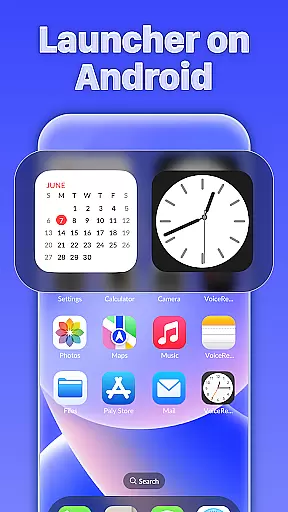
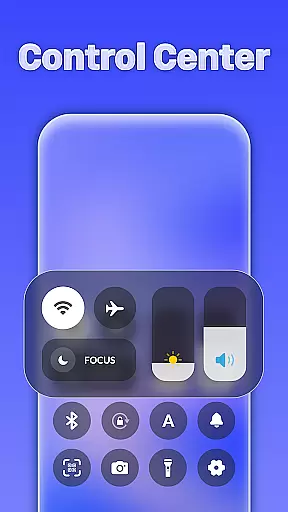
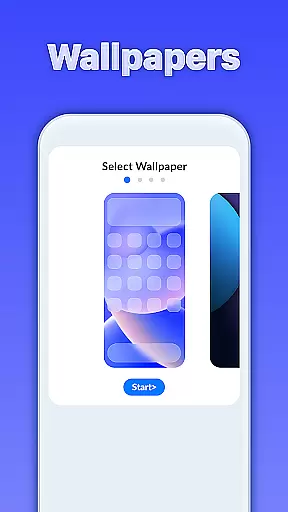
iLauncher OS redefines the Android experience by offering a sophisticated launcher that mirrors real OS devices. This personalization app transforms your smartphone into a more visually appealing and luxurious device, elevating both aesthetics and functionality.
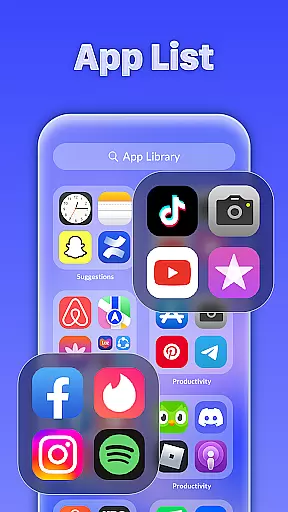
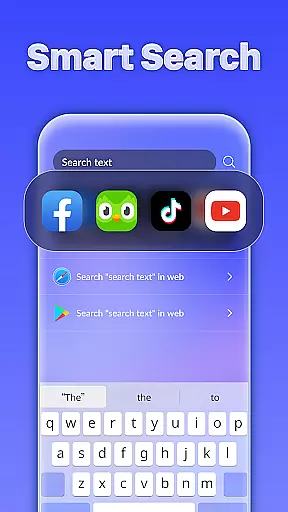
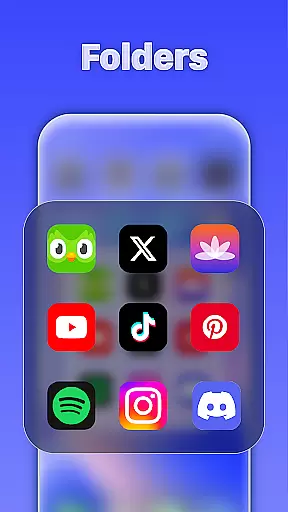
At its core, iLauncher OS features an App Library that organizes apps in a structured manner, similar to leading operating systems. Its Smart Search allows users to quickly find apps and content by swiping down on the home screen. Additionally, the Style Folder function lets you manage apps efficiently by grouping them into folders with a simple drag-and-drop gesture.
Whether you're looking to streamline app management or simply want a more elegant interface, iLauncher OS is designed for users who value both style and utility. The inclusion of a weather forecast feature further enhances its practicality, making it a comprehensive solution for personalizing your Android device.
iLauncher OS stands out with its innovative features tailored for Android users seeking a refined mobile experience. The App Library revolutionizes app organization by categorizing applications in an intuitive layout, akin to modern operating systems. This ensures quick access and better management of installed apps.
The Smart Search functionality is another highlight, enabling users to locate apps, contacts, or files effortlessly. By swiping down on any part of the home screen, you can activate this intelligent search tool that adapts to your usage patterns. Meanwhile, the Style Folder option provides a seamless way to group apps, allowing you to customize your home screen while maintaining a clean and organized appearance.
Additionally, iLauncher OS includes a built-in weather forecast feature, delivering timely updates on upcoming weather conditions. These thoughtful additions not only enhance usability but also add a touch of luxury to your everyday mobile interactions, setting iLauncher OS apart from other personalization tools.
Customization is at the heart of iLauncher OS, offering users a wide array of options to personalize their Android experience. With features like the App Library, it revolutionizes app organization akin to real OS devices, ensuring your home screen is both functional and aesthetically pleasing.
The launcher also includes Style Folders that mimic OS style folder management. Users can effortlessly drag and drop apps to create folders, streamlining access and decluttering the home screen. This level of customization ensures that every user's phone layout can be as unique as they are.
Moreover, iLauncher OS provides intelligent features such as Smart Search, which allows users to easily find what they need by swiping down anywhere on the home screen. This not only enhances usability but also adds another layer of personal touch to each user's interaction with their device.
iLauncher OS excels in theme compatibility, allowing users to transform the look and feel of their devices to match their personal style. The ability to customize themes brings a sense of luxury and uniqueness to the user's mobile operating system, making everyday interactions more enjoyable.
In addition to its theme options, iLauncher OS integrates essential features like weather forecasts directly into the interface. This seamless blend of practicality and personalization ensures that users have both the form and function they desire in a personalized OS environment.
By coupling theme flexibility with other customizable elements such as App Libraries and Style Folders, iLauncher OS guarantees a cohesive and visually consistent experience across the board. Users can enjoy an unparalleled level of control over their deviceu2019s appearance while benefiting from smart functionalities designed to enhance productivity and ease of use.
User-friendly interface
Efficient app organization
Smart search functionality
Stylish folder management
Integrated weather updates
Limited customization options
Higher system resource use
Occasional performance lags
No advanced widgets
Ads in free version

Vertically oriented rectangular icons
 4.70
4.70
Bring adorable pets to life on your screen. Playful, interactive and full of fun
4.60
Gun Chase - Let the chase begin.
4.80
Shimeji adds cute animated characters to your screen, lively and fun.
4.70
Run multiple accounts of the same app on a single device
4.10
Nothing Icon pack with more than 3750+ highly crafted icons.
4.70
Vibrant Adaptive Icons with Material You and Enhanced Monet Colors.
4.50
Unleash Your Creativity and Connect with Loved Ones with Lockscreen Drawing!
4.20
Transform your phone with stylish zipper lock themes and 4D live wallpaper
4.10
A launcher for Samsung Good Lock and Good Guardians modules without ads
4.70
350+ widgets with a premium glass-style finish, perfect for home & lock screens.
4.70
Want to make your phone more special than ever?
4.60
300+ Beautifully crafted widgets inspired by OneUI.
4.60
300+ widgets inspired by Material You and Material 3 expressive design.
4.60
Aesthetic Widgets, HD Wallpapers, Themes in Mico Widget for Home and Lock Screen
4.50 4.50
4.50
Art & Emoji Keyboard with Cool Fonts, Cute Themes and Custom Designs.
4.40
Wear Os Watch Face - Seasonal - Animated Snow Effect - 9 Animals
4.20
Transfer your live wallpapers from Windows to Android using Wallpaper Engine!
4.00


User Reviews