
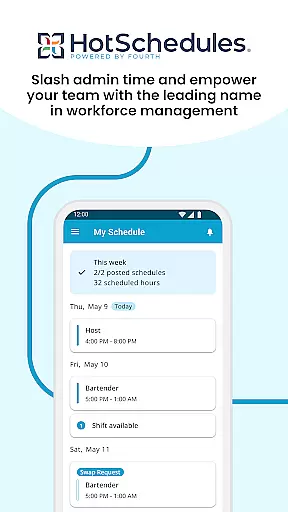
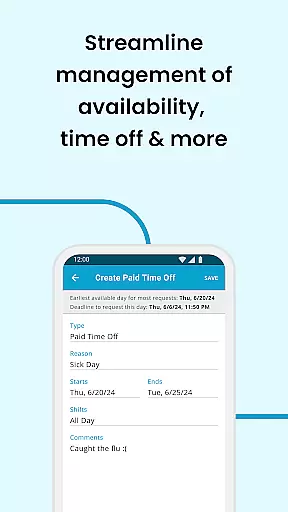
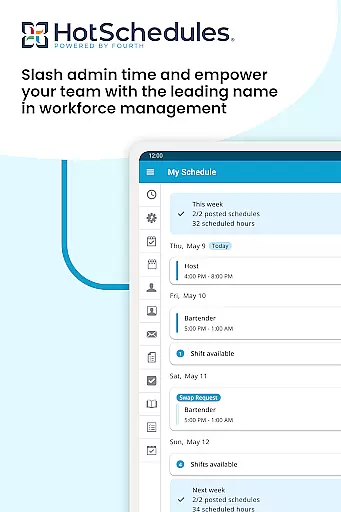
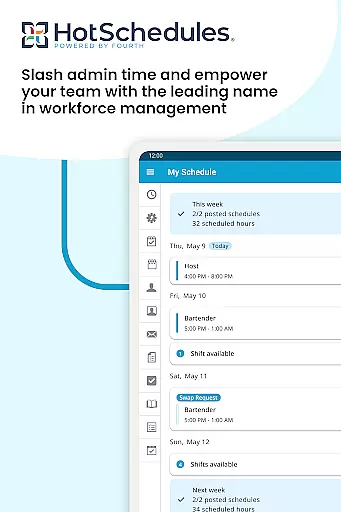
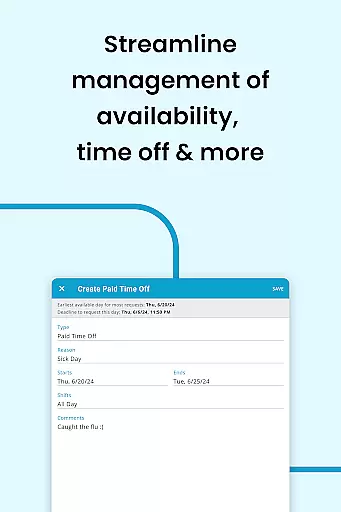
HotSchedules is a leading productivity app designed specifically for workforce management in businesses. The app's core functionality revolves around employee scheduling, enabling both team members and managers to efficiently manage work shifts. For employees, the app allows easy shift swapping, automatic shift pickups based on availability, and seamless time-off requests. Managers benefit from advanced features like one-click shift change approvals, 75% faster schedule creation, and real-time business performance monitoring through sales and labor snapshots.
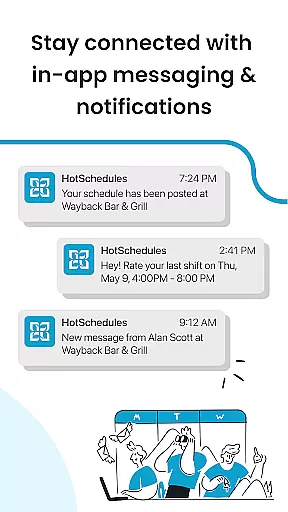
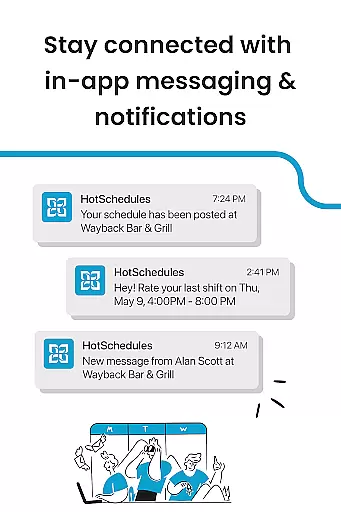
The app also facilitates effective team communication through broadcast messaging and one-to-one interactions. With calendar sync and instant notifications for any manager-approved changes, HotSchedules ensures that everyone stays updated with their schedules. This makes it an ideal solution for businesses looking to streamline operations while maintaining a happy and productive team culture. Its comprehensive feature set helps improve both operational efficiency and employee satisfaction.
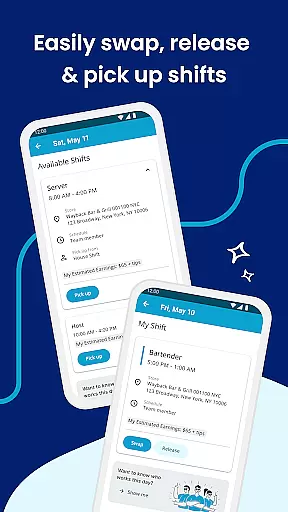
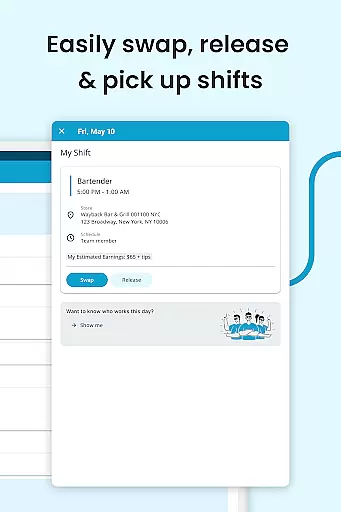
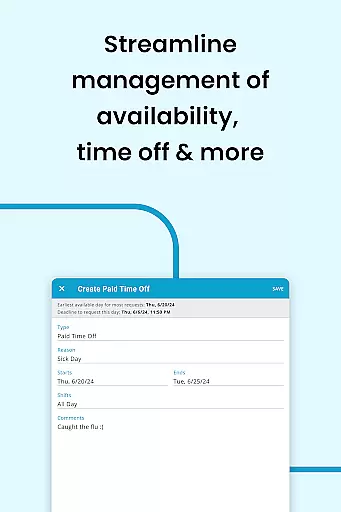
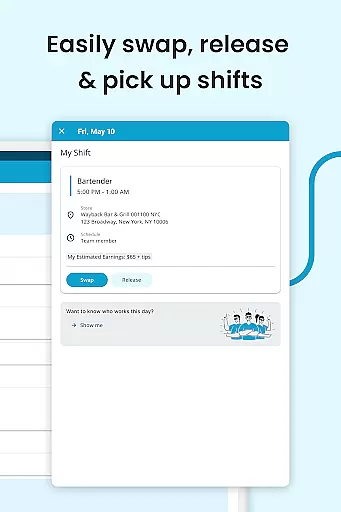
HotSchedules offers a rich set of features that cater to both employees and managers within a business. One of its standout capabilities is the ease with which team members can manage their shifts. With just one click, employees can swap shifts, pick up additional hours, or release shifts they cannot work. This flexibility significantly enhances work-life balance by allowing staff to adjust their schedules according to personal needs and preferences.
For managers, the app provides powerful tools such as automated scheduling which saves up to 75% of the time typically spent on creating schedules manually. Managers can approve shift changes with a single click and monitor key business metrics like sales and labor costs remotely. The app also supports robust communication features including broadcast messages to the entire team and private messages for individual interactions. These features ensure that important information reaches the right people promptly, fostering better teamwork and coordination.
Additionally, HotSchedules integrates seamlessly with existing calendars and sends instant notifications about any updates or changes approved by managers. This keeps everyone aligned and informed, reducing miscommunication and increasing overall productivity. By combining these functionalities, HotSchedules not only simplifies scheduling but also enhances team collaboration and business performance monitoring.
HotSchedules excels in core task management by offering a comprehensive suite of tools designed to streamline scheduling and team communication. The app allows for quick shift swaps, pickups, and releases with just one click, making work-life balance easier to achieve.
For managers, the app provides significant time savingsu2014up to 75%u2014when creating schedules and offers one-click approvals for shift changes. This ensures that both employees and managers can focus more on their tasks and less on administrative duties.
The ability to monitor business performance through sales and labor snapshots from anywhere is another key feature. This functionality helps keep managers informed and out of the back office, enhancing overall productivity.
Cross-device synchronization is a standout feature of HotSchedules, ensuring that all schedule updates and roster changes are automatically synced across devices. This reliability is crucial for maintaining up-to-date information accessible from anywhere.
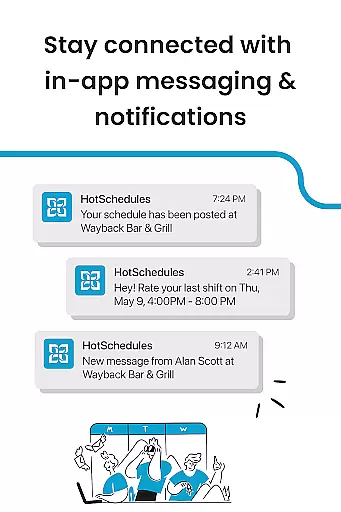
Team members benefit from calendar sync and notifications that update them on any manager-approved changes. This ensures everyone is always on the same page, reducing miscommunication and scheduling conflicts.
Moreover, staying connected through broadcast and one-to-one messaging fosters a cohesive team culture. This reliable synchronization across devices ensures that important messages and updates are never missed, contributing to a more organized and efficient workplace.
User-friendly interface
Efficient shift management
Real-time updates
Comprehensive reporting
Enhanced communication
Requires employer account
Limited customization
Dependent on internet
Premium features costly
Steep learning curve

Client for Nextcloud Deck
 4.60
4.60
When you Focus, so will your Bean in this cozy focus timer
4.30
Take control of your clipboard with Clipper!
3.90
Planet Free VPN - The best Fast Unlimited and Secure VPN Without Logs
4.50
Easiest event planning, volunteer signups & parent teacher conference scheduling
2.20
Fill, sign & send docs, forms, agreements & contracts via electronic signature.
4.50
Simple and reliable communication between inmates, friends and family
3.20
A simple Whisper AI keyboard for reliable speech transcription and rewording
4.60
Daily processing of PDF documents.
4.40
Great calculator for Android named one of USA TODAY's "25 Essential Apps".
4.90
Seamlessly integrate data and reports to build your presentation to impress
4.80
QuickBooks Workforce lets teams view pay info and track time in one place.
4.70
The Pro Version of Android's tiniest Notepad app. Just 0.3MB but feature-packed!
4.60
Total remote control for your Android device, PC and cloud services (IFTTT)!
4.20
Easily read and manage all your PDF files
4.10
Make apps & sites with natural language prompts
4.10
Access your phone's notifications, calls, apps, photos & texts on your PC
3.90
Create study competitions, track your hours, and stay consistent with friends
4.1
IP Camera Viewer - Android TV : RTSP Surveillance camera viewer for Android TV
4.3


User Reviews