
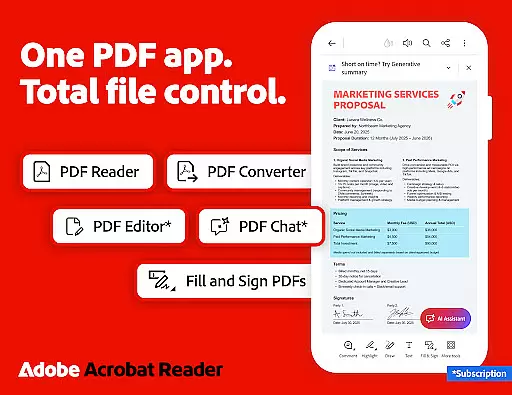
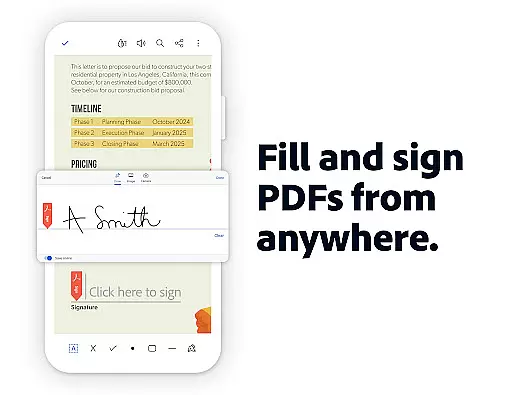
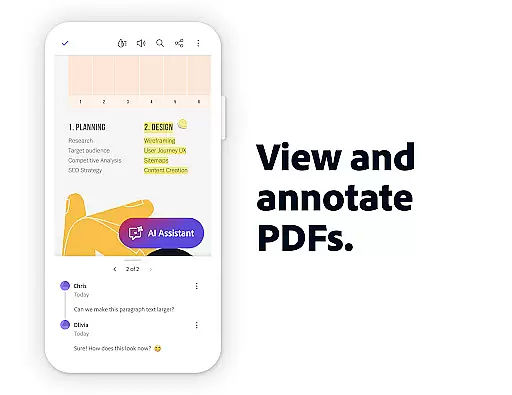
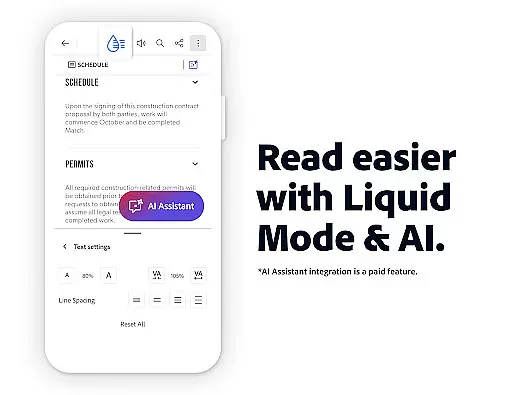
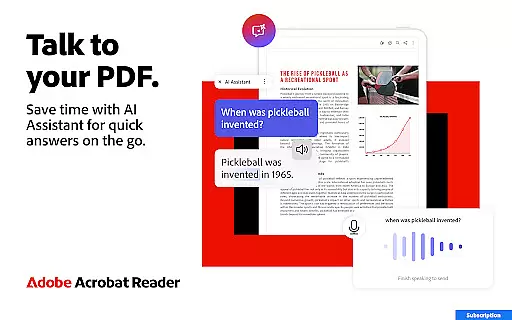
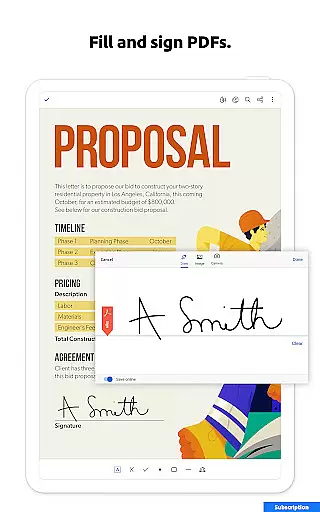
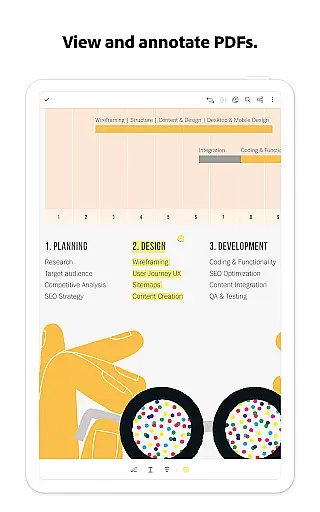
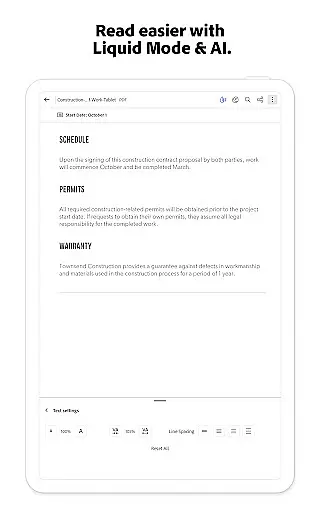
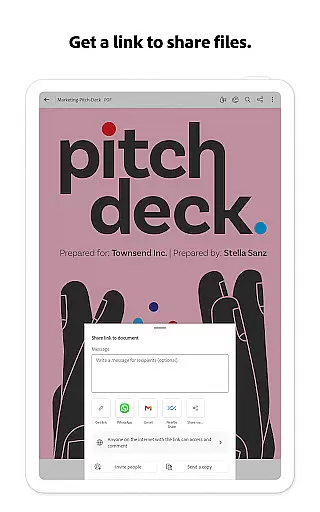
Adobe Acrobat Reader is a comprehensive productivity tool designed for managing PDF documents efficiently. As the world's most trusted PDF reader, editor, and maker, it boasts over 635 million installs. The app allows users to view, share, annotate, add comments, and sign documents seamlessly in one place. Its standout feature is the new Adobe Acrobat AI Assistant, which enhances PDF interactions through AI-powered tools like cited answers, voice support, and instant summaries.
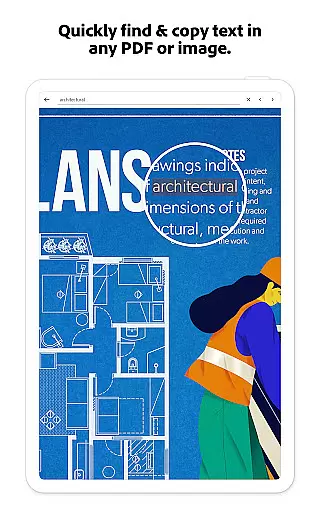
The app also offers advanced functionalities such as Optical Character Recognition (OCR), PDF editing, merging, compression, and conversion across multiple formats. With Liquid Mode for optimal viewing, enterprise-level security features, and integration with cloud services like Google Drive and Dropbox, this app caters to both individual and professional needs. Whether you're editing text, converting files, or collaborating on documents, Adobe Acrobat Reader ensures high performance and accessibility.
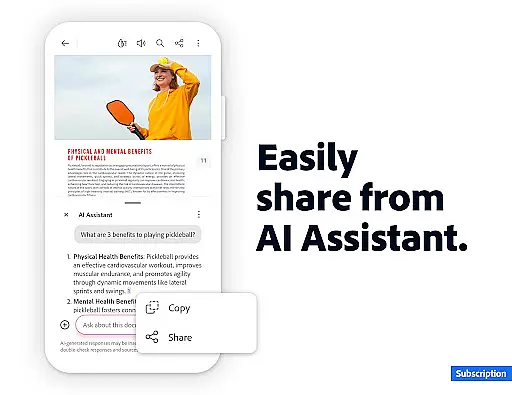
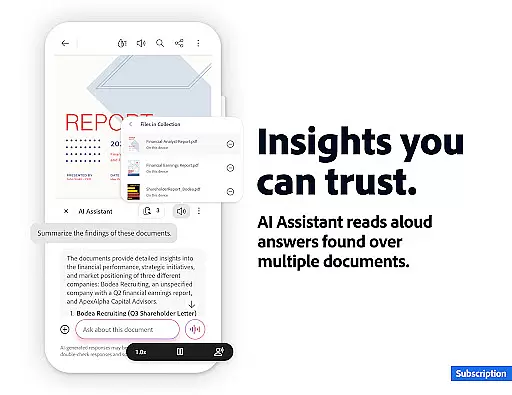
Adobe Acrobat Reader stands out with its robust set of features tailored for productivity enthusiasts. One of its key highlights is the Adobe Acrobat AI Assistant, which supports voice or text prompts, generates document summaries, and provides cited answers from charts, graphs, and tables. This AI-driven functionality simplifies complex tasks and saves time when working with detailed PDFs.
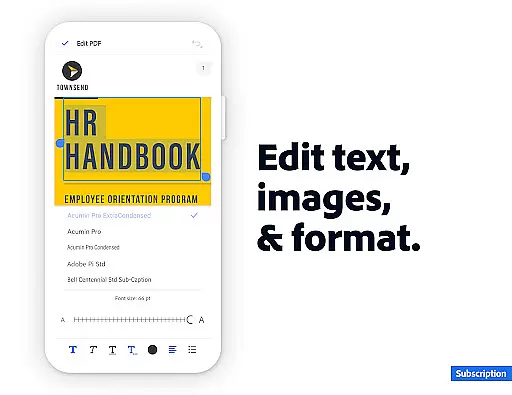
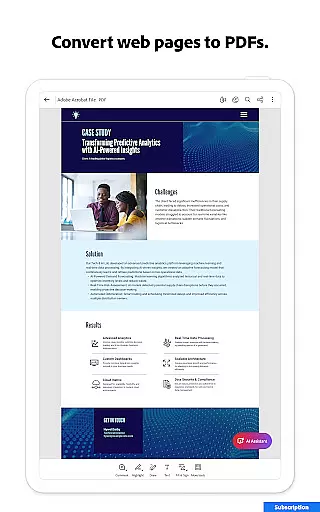
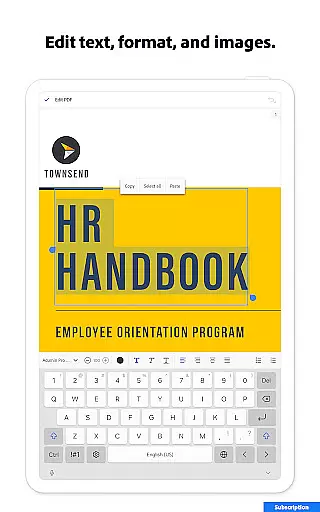
Additionally, the app includes practical tools such as a PDF editor for modifying text and images directly within files, an OCR feature that transforms scanned documents into editable content, and options to merge, split, or reorder pages. Users can compress large files, password-protect sensitive documents, and convert web pages or Microsoft Office files into PDF format effortlessly. These capabilities make it an indispensable tool for anyone dealing with extensive documentation workflows.
Task management is a cornerstone of productivity applications, and Adobe Acrobat Reader excels in this area. The app provides users with the ability to handle multiple tasks across various PDF documents seamlessly. With features like PDF Spaces, users can collaborate, store, and manage their files efficiently.
Adobe Acrobat Reader offers advanced tools such as AI Assistant, which allows users to interact with their documents through voice or text prompts. This functionality streamlines task execution by enabling quick queries about document details, including charts and graphs. Additionally, the AI-driven Generative Summaries feature instantly creates concise summaries from complex PDFs, aiding in faster comprehension and decision-making.
The application's task management extends to editing capabilities, allowing users to modify text and images directly within PDFs. This mobile-only feature ensures that users can make necessary changes on-the-go without needing access to desktop software. Such flexibility enhances productivity by reducing dependency on specific devices or locations.
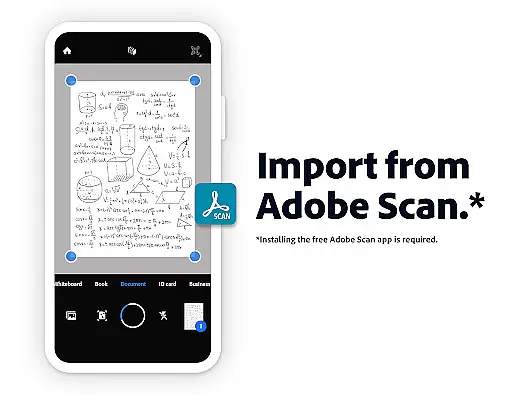
Furthermore, the app supports Optical Character Recognition (OCR), converting scanned documents into editable text. This function proves invaluable when working with legacy documents or materials received in non-editable formats. By providing these comprehensive task management features, Adobe Acrobat Reader empowers users to maintain high levels of efficiency while handling their PDF-related responsibilities.
Cross-device synchronization is crucial for maintaining workflow continuity in today's mobile-centric world. Adobe Acrobat Reader addresses this need by offering reliable synchronization across multiple platforms. Users can seamlessly transition between their desktop, tablet, and smartphone while maintaining consistent access to their PDF documents.
The application achieves this through its cloud integration capabilities, allowing users to link popular storage services like Google Drive, Dropbox, and Microsoft OneDrive. This connectivity ensures that all modifications made on one device are automatically updated across all linked platforms. Such reliability eliminates the risk of working with outdated document versions and promotes efficient collaboration among team members.
Moreover, Adobe Acrobat Reader's subscription model enables users to utilize advanced features across different devices. Whether it's editing PDFs, creating new documents, or utilizing AI-powered tools, subscribers enjoy full functionality regardless of their chosen platform. This consistency in feature availability enhances the overall user experience and productivity.
For professionals who frequently switch between devices, the app's synchronization reliability extends to its annotation and commenting features. All notes, highlights, and comments are preserved and accessible from any connected device. This comprehensive approach to cross-device synchronization ensures that users can pick up exactly where they left off, regardless of which device they're using at any given moment.
Trusted PDF solution
Advanced AI tools
Comprehensive editing
Cloud integration
Free core features
Paid AI features
Subscription required
Complex interface
Limited free trial
High cost

Auto-shutoff Alarm with Sunrise, Sunset & Fixed Options.
 3.50
3.50
Direct Chat without saving contacts & Dual WA Account on Single Device
4.70
Easily read and manage all your PDF files
4.10
Automates browsing any website and notifies you of important changes or events
4.30
aCalendar+ makes your day, week and month
4.70
Functional QR scanner and barcode reader that requires little storage space.
4.60
Best Tool for the professionals Electrician, Electrical contractors, etc.
4.90
To do list widget with a notebook organizer, checklist, simple shopping list
4.60
Browse and view your photos and videos from the phone with photo & video hide.
4.10
QuickBooks Workforce lets teams view pay info and track time in one place.
4.70
Fill, sign & send docs, forms, agreements & contracts via electronic signature.
4.50
PDF scanner & converter for files, photos, lottery, QR codes. One swipe away!
4.50
Tally and goal counter for Wear OS & mobile
4.50
Enjoy classic gameplay with customizable features and retro-style graphics.
4.30
All in One PDF Reader: Manage, Read and Edit your Documents
4.20
Unlock AutoNotification
4.00
Take control of your clipboard with Clipper!
3.90
ID.me Authenticator is a simple and free Two Factor Authentication solution
3.50
Create study competitions, track your hours, and stay consistent with friends
4.5


User Reviews