
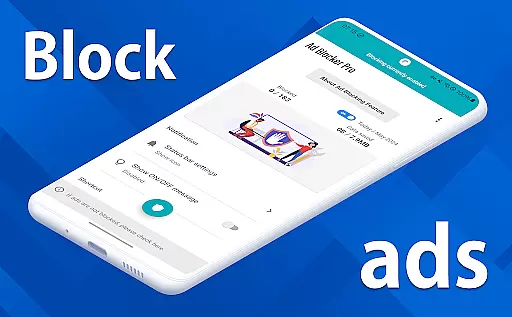
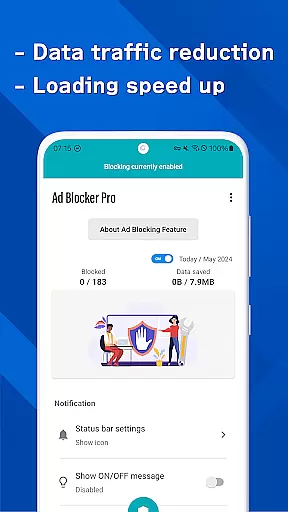
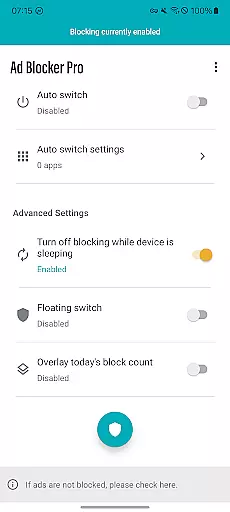
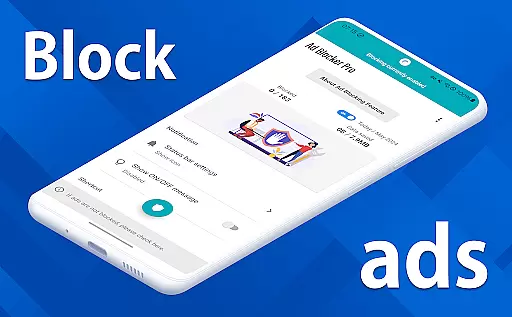
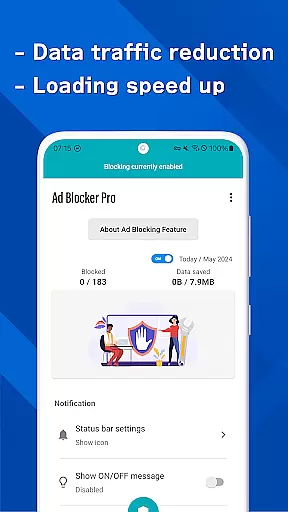
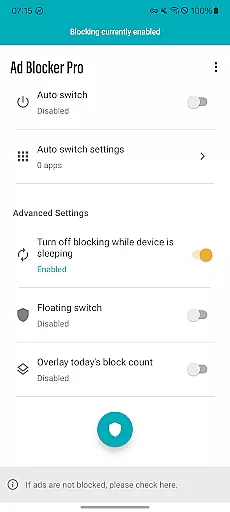
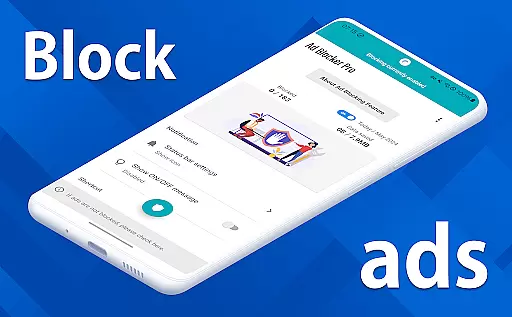
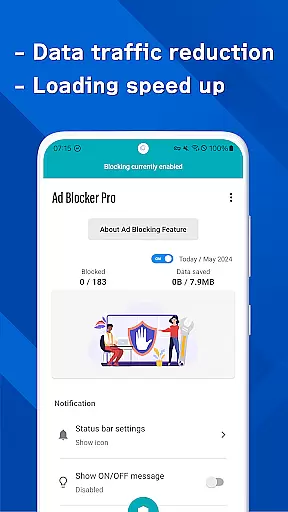

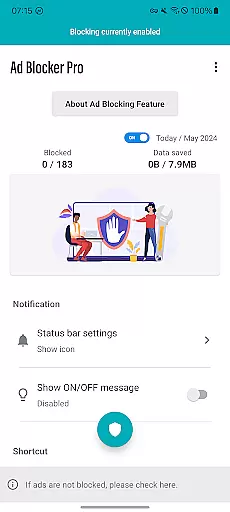
Ad Blocker Pro is a powerful ad-blocking application designed to enhance the browsing experience on Android devices. The app's core functionality revolves around blocking unwanted advertisements, malware, and trackers across all browser apps, ensuring a cleaner, faster, and more secure online environment. With its unique features like one-tap ON/OFF switch, automatic toggling during device sleep, and real-time block count display, it offers both convenience and control to users.
Beyond basic ad blocking, Ad Blocker Pro also contributes to reduced data usage and improved webpage loading speeds. This makes it an ideal solution for users who frequently visit ad-heavy websites or prioritize security and data savings. The app's compatibility with all browsers and its ability to simplify website layouts further enhance the overall user experience, making web surfing not only faster but also more intuitive.
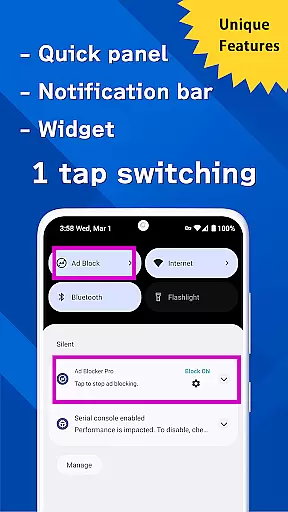
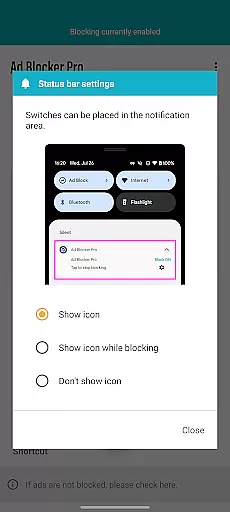
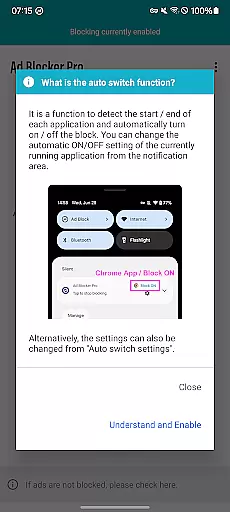
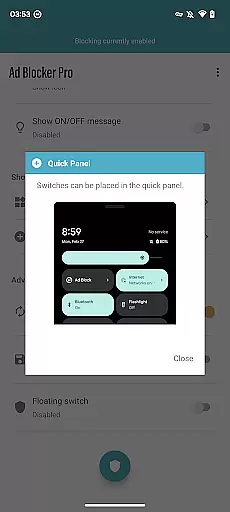
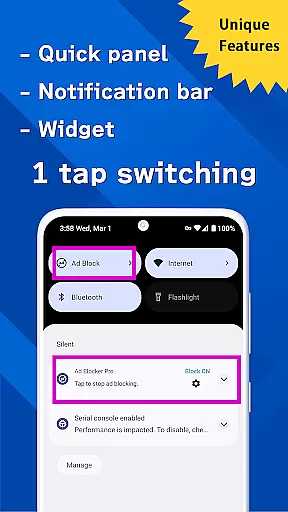
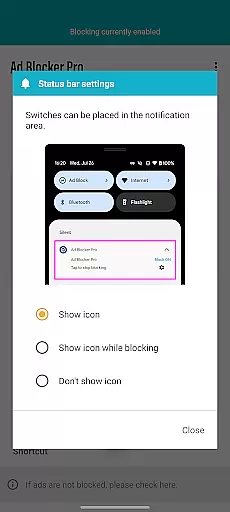
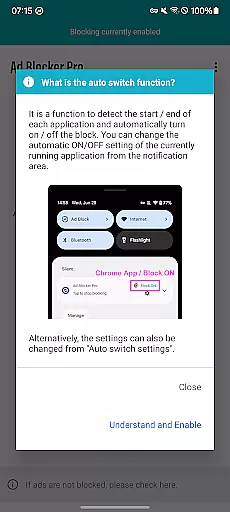
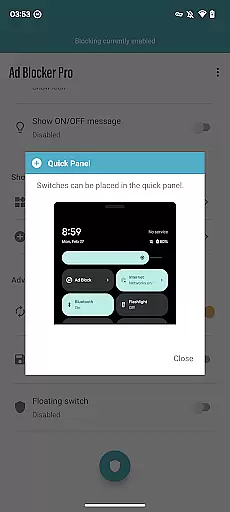
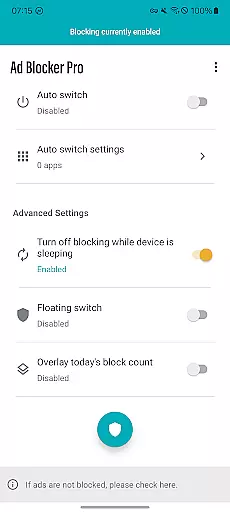
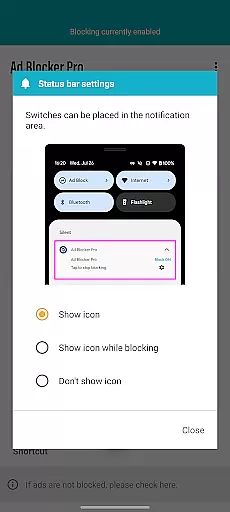
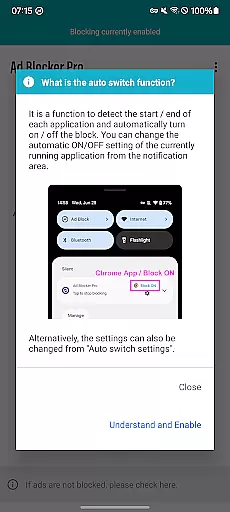
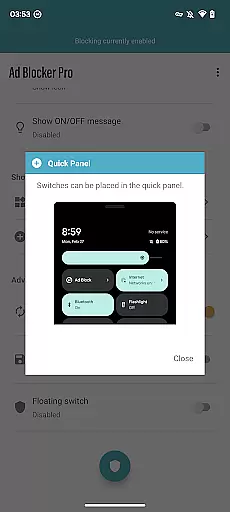
Ad Blocker Pro stands out with its diverse range of innovative features tailored to optimize browsing comfort and security. One of its key highlights is the one-tap ON/OFF switch, which allows users to enable or disable ad blocking effortlessly through various access points such as the notification area, quick panel, widget, or floating switch. Additionally, the Auto Switch feature intelligently detects app launches and terminations, enabling ad blocking only in specific apps as needed.
The app also provides an overlay display that shows the real-time count of blocked ads and trackers, giving users tangible evidence of its effectiveness. By working seamlessly with all browser apps, Ad Blocker Pro ensures fast browsing, enhanced security, and reduced data usage. These features collectively create a more streamlined and secure browsing experience, addressing common pain points such as slow page loads and intrusive ads.
Ad Blocker Pro exemplifies core function accuracy and effectiveness by delivering on its promise of blocking ads across all browser apps. The app's one-tap ON/OFF switch, available from the notification area, quick panel, widget, or floating switch, ensures users can effortlessly control their ad-blocking experience. This feature not only enhances user convenience but also underscores the app's commitment to providing a seamless browsing experience.
The Auto Switch functionality is another testament to the app's precision in executing its core tasks. By intelligently detecting app launches and terminations, Ad Blocker Pro automatically toggles ad blocking on or off, ensuring that other apps' data downloads and operations remain unhindered during device sleep. This level of automation and intelligence highlights the app's dedication to maintaining optimal device performance while prioritizing user comfort and security.
Furthermore, Ad Blocker Pro contributes to reduced data usage and faster browsing by blocking malware and trackers. This dual benefit not only optimizes the browsing experience but also reinforces the app's role in enhancing online safety. Users can enjoy a cleaner, more efficient web environment without compromising their personal data or system resources.
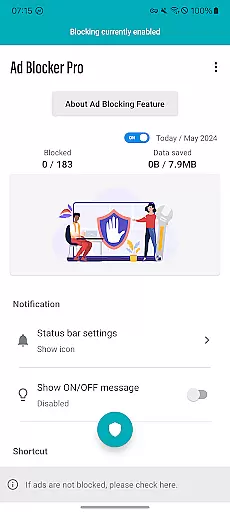
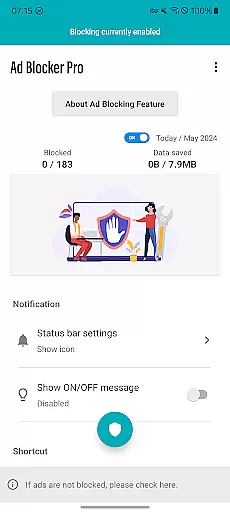
Ad Blocker Pro excels in interface simplicity and intuitiveness, offering users an uncluttered and easy-to-navigate design. The app's improved layout simplifies website and app interactions, making it accessible even to those unfamiliar with ad-blocking technology. Its straightforward approach eliminates unnecessary complexities, allowing users to focus on enjoying a seamless browsing experience.
The inclusion of features such as the overlay display of today's block count adds a layer of transparency and engagement for users. By providing real-time insights into blocked ads and trackers, Ad Blocker Pro empowers users with knowledge about their browsing security. This interactive element enhances user trust and satisfaction, reinforcing the app's reputation for delivering a user-centric experience.
Moreover, the app's compatibility with all browsers underscores its commitment to flexibility and ease of use. Regardless of the browser preference, users can expect consistent performance and protection. This universal compatibility ensures that Ad Blocker Pro remains a versatile tool in the pursuit of secure and comfortable web surfing, catering to a broad audience seeking simplicity without sacrificing functionality.
Effective ad blocking
Easy-to-use interface
Real-time block count
Enhanced security features
Reduced data consumption
Limited to browsers
Some ads can't be blocked
No iOS version available
Initial purchase cost
Occasional compatibility issues

A powerful, easy-to-use flight computer on your phone or tablet!
 3.80
3.80
Learn the vast amount of system information about device and monitor it's state
4.70
Fluid navigation gestures for all of us!
4.30
Remote for Roku, Fire TV, Samsung TV, LG TV, Android TV, Chromecast and VIZIO TV
4.20
Unlock your Essential Key. Create custom shortcuts to your favorite apps!
4.3
Keep track of your Palia friendships, tasks, and inventory with Palia Notebook
4.60
A non-root local ADB shell client. READ BELOW!
3.40
Monitor car performance in real time and troubleshoot malfunctions.
4.80
Making emulation easy for everyone!
4.30
Powerful collection of electronics tools and reference.A must for any enthusiast
4.90
Enjoy smooth gameplay with Game Booster
4.90
The one-and-only remote control for PC, Mac, and Linux
4.70
Use your phone as a webcam on your computer over WiFi or USB.
4.40
Complete kernel toolbox with features to manage and tweak your rooted device
4.30
Quickly check the frequency of the Earth
4.30
1-Click close all background apps on Android TV
3.90
Create your own custom widget with endless possibilities
3.90
Safely recover deleted photos, videos, and files with a single easy tap.
3.70
Undelete and recover your lost or deleted files with DiskDigger!
3.40


User Reviews