
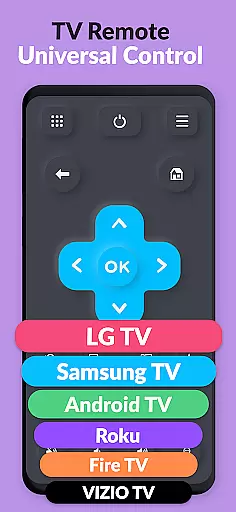
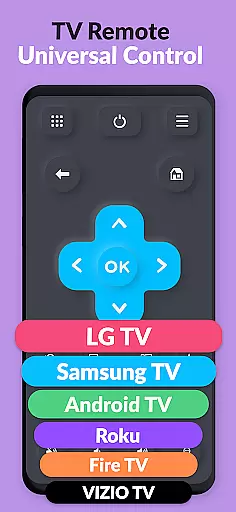
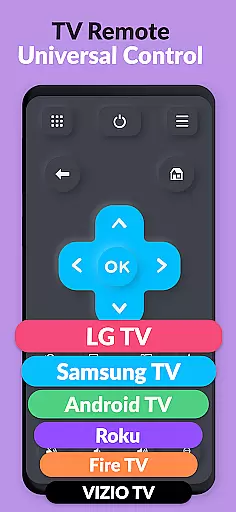
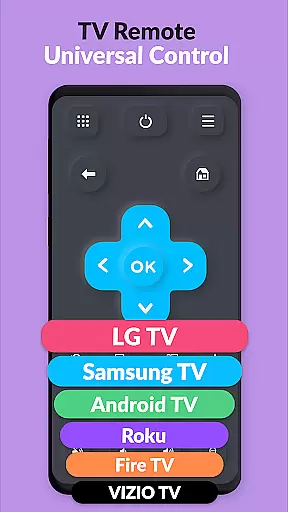
TV Remote Pro is a versatile remote control application designed for Roku, Fire TV, Samsung TV, LG TV, Android TV, Chromecast, and VIZIO TV. This app allows users to control their smart TVs directly from their smartphones or tablets, eliminating the need for physical remotes. With all features unlocked in its PRO version, it offers an ad-free experience with no subscription fees.
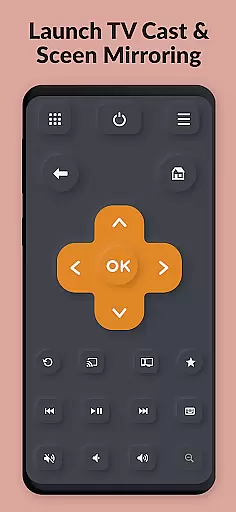
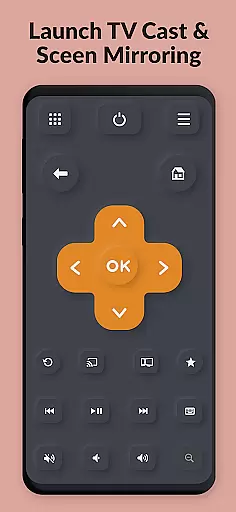
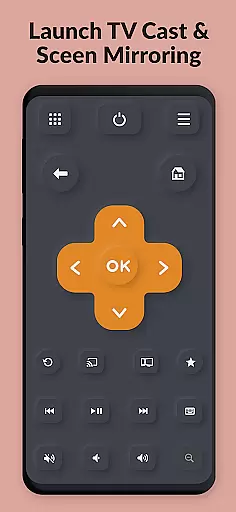
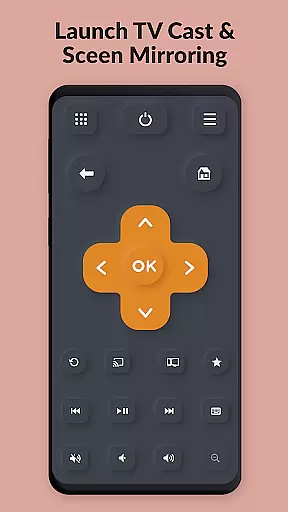
The app provides essential remote functions such as power, volume control, channel navigation, and text input through a virtual keyboard. It supports a wide range of TV brands and models, including older versions, ensuring compatibility across various devices. Whether you're looking to simplify your entertainment setup or replace a lost remote, TV Remote Pro delivers convenience and functionality.
TV Remote Pro is particularly useful in situations where the traditional remote is misplaced or broken. Its intuitive interface and reliable connectivity make it an indispensable tool for smart TV owners, enhancing the overall user experience by providing seamless control over their home entertainment systems.
TV Remote Pro boasts an array of features that cater to diverse user needs. The app's primary function is to serve as a universal remote control, compatible with multiple TV brands including Roku, Fire TV, Samsung, LG, Android TV, Chromecast, and VIZIO. This broad compatibility ensures that users can manage different types of smart TVs without needing separate apps for each brand.
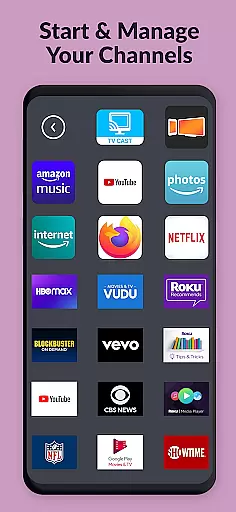
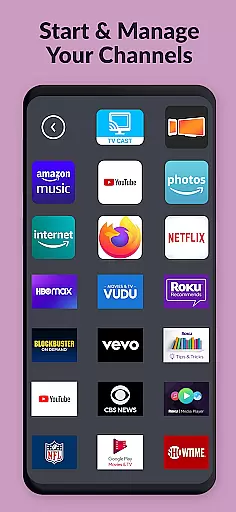
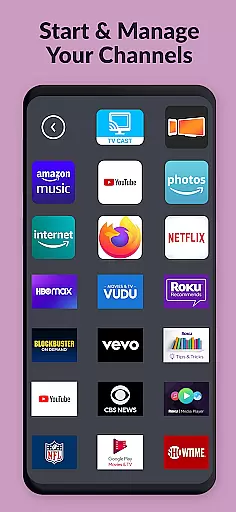
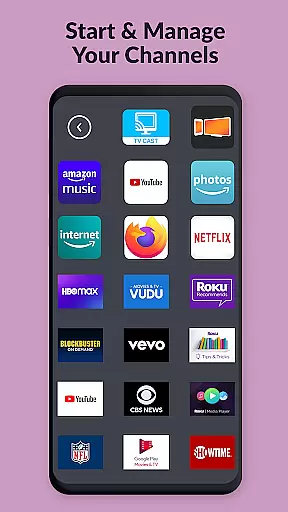
In addition to basic remote functionalities like power and volume control, the app includes advanced features such as a built-in search function for movies and channels, and a virtual keyboard for easy text entry on supported devices. Users can also open Roku, Fire TV, or Smart TV channels directly from the app, streamlining the navigation process. The absence of ads and subscription fees enhances the user experience, making it a cost-effective solution for controlling smart TVs.
One standout feature is the app's clean, fast, and simple interface, which prioritizes user convenience. By offering quick access to frequently used controls and maintaining a clutter-free design, TV Remote Pro ensures that users can operate their TVs efficiently. This combination of comprehensive functionality and user-friendly design sets TV Remote Pro apart from other remote control applications.
TV Remote Pro exemplifies core function accuracy and effectiveness by offering a reliable solution to control your Smart TV directly from your smartphone or tablet. The app supports a wide range of TV brands including Roku, Fire TV, Samsung TV, LG TV, Android TV, Chromecast, and VIZIO TV, ensuring broad compatibility.
The application provides essential remote control features such as power button functionality, volume control, and channel navigation without the need for additional hardware. Its intuitive interface allows users to open their preferred channels and search for movies effortlessly, enhancing the overall user experience through precision and speed.
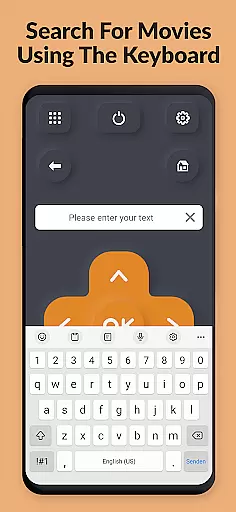
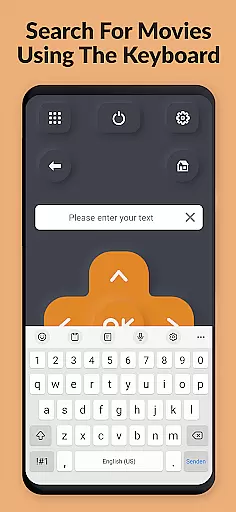
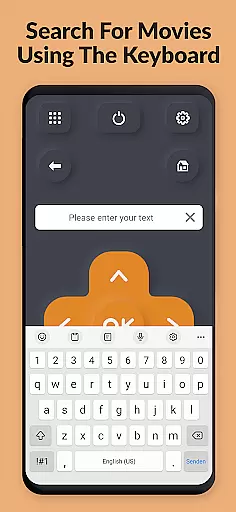
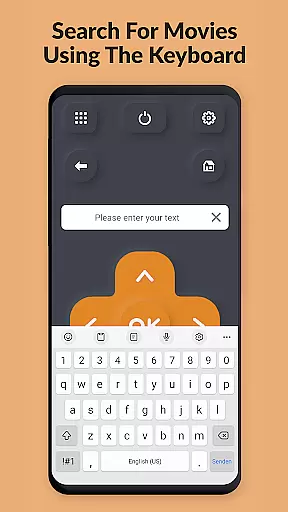
One standout feature is the fast and easy keyboard that lets users enter text on their TVs with ease, eliminating the cumbersome process typically associated with TV remote controls. This functionality significantly improves the efficiency of searching and navigating through content, making it an indispensable tool for modern smart homes.
By integrating seamlessly with various TV operating systems like Tizen OS, webOS Hub, and others, TV Remote Pro ensures that all commands are executed accurately and promptly. This reliability transforms the way users interact with their televisions, providing them with a seamless and responsive control solution that simplifies daily entertainment routines.
TV Remote Pro stands out in terms of interface simplicity and intuitiveness, offering a clean, fast, and straightforward user experience. The design philosophy behind the app emphasizes minimalism and ease of use, ensuring that even first-time users can navigate its features without any learning curve.
Upon launching the app, users are greeted with a streamlined layout that highlights the most frequently used remote control functions. This includes clearly labeled buttons for power, volume adjustment, channel switching, and input selection, all accessible within a few taps. Such organization reduces clutter and enhances accessibility, allowing users to focus on enjoying their viewing experience rather than figuring out complex controls.
In addition to basic controls, the app incorporates advanced functionalities like a built-in keyboard for effortless text entry on supported devices. This feature is particularly useful when searching for specific content or entering login credentials, streamlining processes that are often tedious with traditional remotes. The thoughtful placement of these tools within the interface underscores the app's commitment to user-centric design.
Overall, TV Remote Pro delivers an intuitive and efficient remote control solution that caters to both casual viewers and tech-savvy individuals alike. By prioritizing clarity and responsiveness, the app ensures that every interaction feels natural and immediate, ultimately elevating the standard for mobile-based TV management applications.
User-friendly interface
No subscription required
Wide device compatibility
Fast and reliable performance
Comprehensive remote features
Limited to compatible devices
No voice control option
Occasional connectivity issues
Requires initial setup
Some features may vary by TV model

pdf merge, word to pdf, jpg to pdf, edit pdf, convert to pdf and much more!
 4.20
4.20
A convenient photo, video, and file recovery tool.
4.00
Unit and currency converter with easy and simple UI.
4.80
Clean the junk files on your device
3.40
Smart and comfortable browsing experience.
3.80
Undelete and recover your lost or deleted files with DiskDigger!
3.40
With videos, electrical calculators, and built-in ebook, Ugly’s has your answer.
4.50
Planner and Tracker for Stardew Valley
4.60
Quickly check the frequency of the Earth
4.30
Easily install aab(Android App Bundle) files on your Android device with our app
4.80
HD Camera captures every special moment.
4.60
Canon PRINT is a companion app for your Canon printer.
4.60
Play your X-Box games remotely in 1080p with any controller and zero latency
4.60
Head tracking for PC sim games such as MSFS 2024 or Elite:Dangerous. No headset!
4.50
Just one-tap to easy translate in any language after calls within seconds.
4.20
Effortlessly run ADB commands directly on your device without a PC.
4.20
Detect hidden spy camera with advanced scanning {{ Premium version }}
4.00
Fun lie-detection pranks for friends and parties.
3.80
Unlock your Essential Key. Create custom shortcuts to your favorite apps!
4.0


User Reviews