
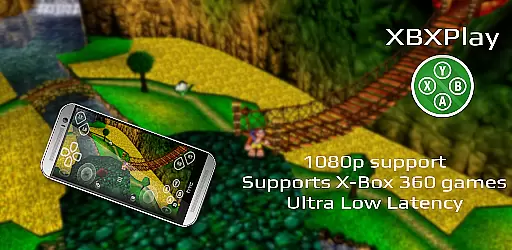
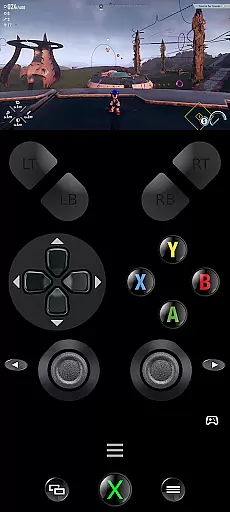
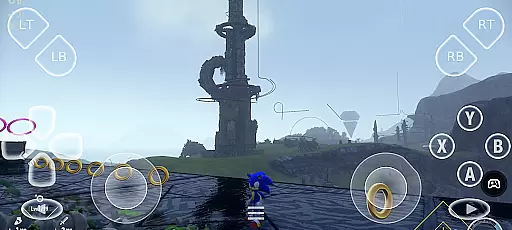
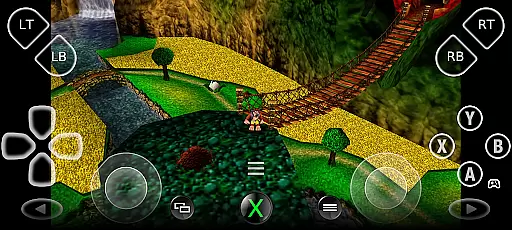
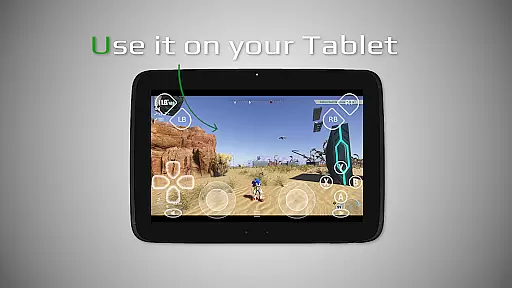
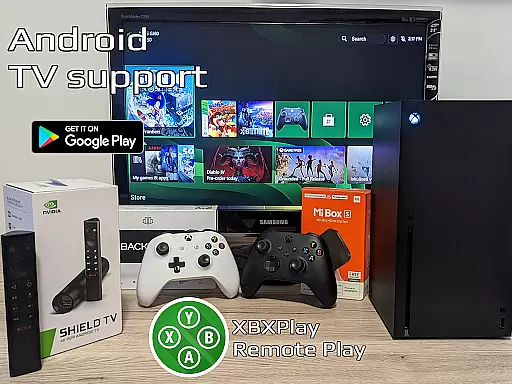

XBXPlay is a powerful remote control application designed specifically for X-Box Series X/S, X-Box One (X/S), and even X-Box 360 consoles. The app allows users to stream their favorite games in full 1080p resolution directly to their mobile devices, providing an exceptional remote gaming experience. With advanced features like customizable onscreen gamepad layouts, manual bitrate adjustments, and support for third-party controllers, XBXPlay ensures optimal performance and flexibility.
One of the standout capabilities of XBXPlay is its ability to function as a virtual gamepad for your console, enabling gameplay without the need for a physical controller. Additionally, it supports unique functionalities such as Picture-In-Picture mode and Multi-Window support, making it ideal for multitasking gamers. Whether you're at home or away, XBXPlay delivers low-latency streaming with proper network conditions, ensuring that you can enjoy uninterrupted gaming sessions wherever you are.
XBXPlay distinguishes itself through a variety of innovative features tailored for both casual and hardcore gamers. First and foremost, the app offers full 1080p streaming support, which surpasses the limitations of the official X-Box Remote Play app. This higher resolution ensures sharper visuals and a more immersive gaming experience. Furthermore, XBXPlay provides extensive compatibility with X-Box 360 games, allowing users to revisit classic titles with modern streaming technology.
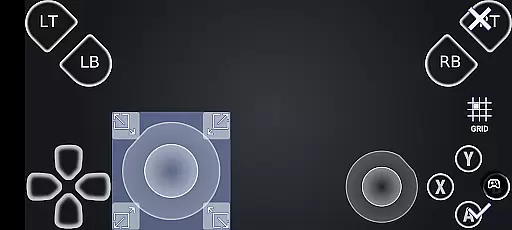
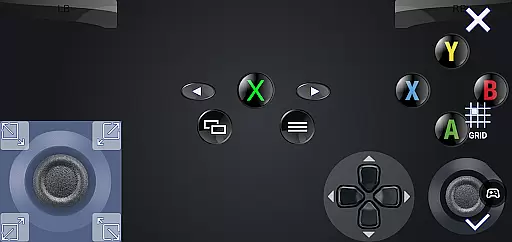
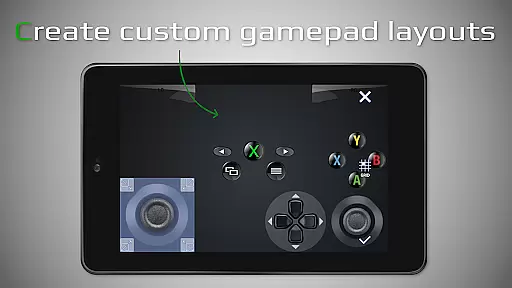
The app also includes advanced customization options, such as fully adjustable onscreen gamepad layouts and gamepad button mapping. These features enable players to tailor their controls to specific games, enhancing both comfort and efficiency. Additionally, XBXPlay supports native USB-OTG functionality, ensuring seamless connectivity with external controllers. With optimizations for low-latency streaming and support for high-speed internet connections, XBXPlay guarantees a smooth and responsive remote gaming experience across various devices.
XBXPlay excels in delivering core functionalities with precision and effectiveness, ensuring an optimal remote gaming experience. The app supports 1080p streaming, which allows users to enjoy high-definition gameplay on their mobile devices without limitations. This feature is crucial for gamers who demand clear visuals and smooth performance while playing remotely.
The application's support for third-party controllers and manual bitrate adjustments enhances its functionality. Gamers can customize their control schemes according to personal preferences, providing a tailored experience that meets individual needs. Additionally, the ability to adjust bitrates ensures that users can optimize their streaming quality based on their internet connection, reducing latency and improving overall gameplay responsiveness.
Another standout feature is the customizable onscreen gamepad layout. This allows players to create personalized control setups directly on their touchscreens, offering flexibility and convenience when physical controllers are not available or preferred. By enabling full-screen support without black bars, XBXPlay further immerses users into their gaming sessions, making it easier to focus on the action without distractions.
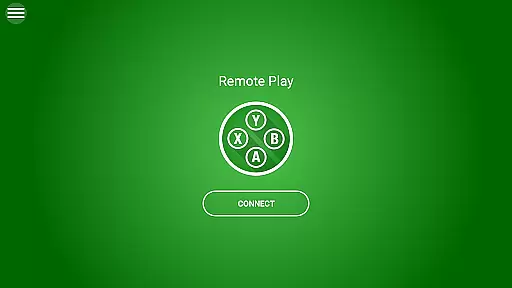
A simple and intuitive interface is vital for any tool-based application, and XBXPlay delivers this through its user-friendly design. Upon launching the app, users are greeted with a clean layout that prioritizes ease of access to essential features such as connecting to an Xbox console and initiating game streams. This straightforward approach minimizes the learning curve, allowing both new and experienced users to quickly adapt to the platform.
The inclusion of Picture-In-Picture mode and multi-window support adds another layer of usability, especially for multitaskers who need to manage several tasks simultaneously. These features enable seamless transitions between gaming and other activities, enhancing productivity without sacrificing entertainment value. Furthermore, native USB-OTP support simplifies the connection process with external devices, streamlining setup procedures for enhanced convenience.
XBXPlay also offers extensive customization options for onscreen controls, empowering users to modify button mappings and layouts to suit specific games or playstyles. Such flexibility not only improves comfort but also boosts performance by aligning the interface with user habits and expectations. Overall, these thoughtful design choices contribute to a more engaging and satisfying user experience within the realm of remote gaming tools.
User-friendly interface
Low latency streaming
Customizable controls
Supports X-Box 360 games
Picture-In-Picture mode
No microphone support
Requires stable internet
Limited to compatible devices
Dependent on console firmware
Premium features may cost extra

Change your GPS location instantly. Simulate routes anywhere in the world.
 4.90
4.90
Transfer Files, APK from Phone to Watch & Install.
4.3
HD Camera captures every special moment.
4.60
Use your phone as a webcam on your computer over WiFi or USB.
4.40
Keep track of your Palia friendships, tasks, and inventory with Palia Notebook
4.60
Detect hidden spy camera with advanced scanning {{ Premium version }}
4.00
Mirror your screen to Chromecast and Android TV - Super fast and simple
4.60
Fun lie-detection pranks for friends and parties.
3.80
Clean up large files and similar photos, fast and easy to use
4.40
Enjoy smooth gameplay with Game Booster
4.90
Navigate with Ease and Style
4.90
ADB support Android 4.X-Android 13(Support wireless pair mode).No root required!
4.70
Small and simple app to Verify Root Access and BusyBox Install!
4.70
Connect instantly to a fast, encrypted VPN with one tap
4.60
Remote for Roku, Fire TV, Samsung TV, LG TV, Android TV, Chromecast and VIZIO TV
4.20
Introducing Smart Printer, your ultimate destination for printing solutions!
4.00
Smart and comfortable browsing experience.
3.80
Undelete and recover your lost or deleted files with DiskDigger!
3.40
PDF Reader - Document Viewer: Read, Manage & Organize Your Documents
3.10


User Reviews