
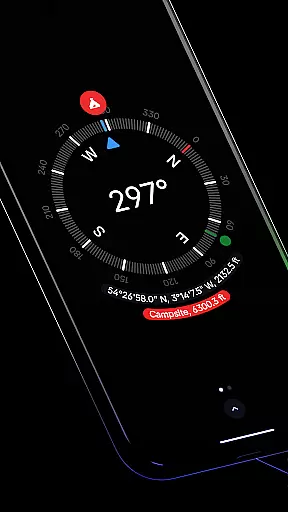
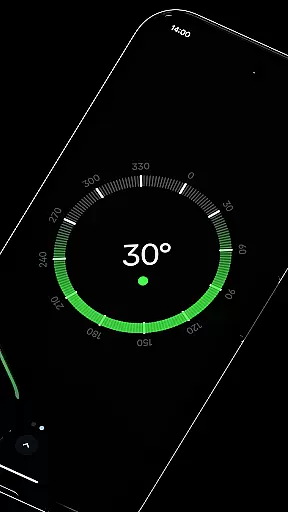
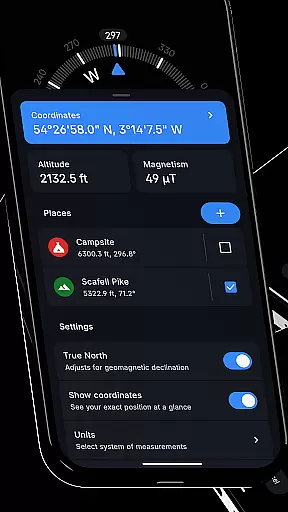
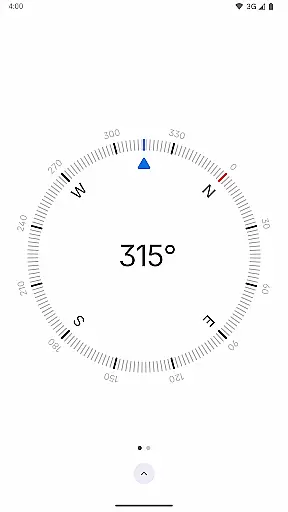
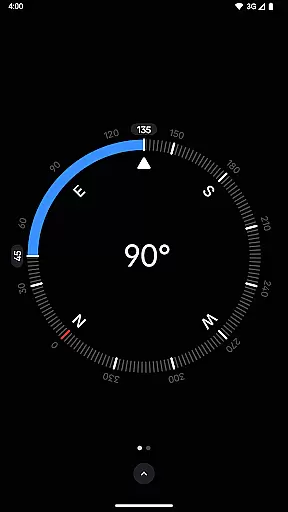
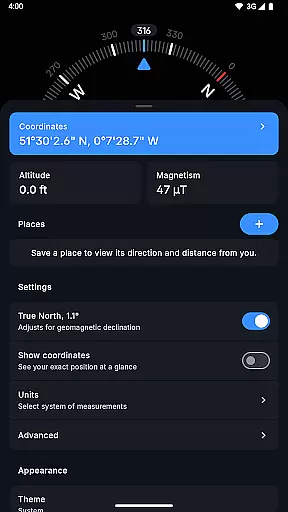
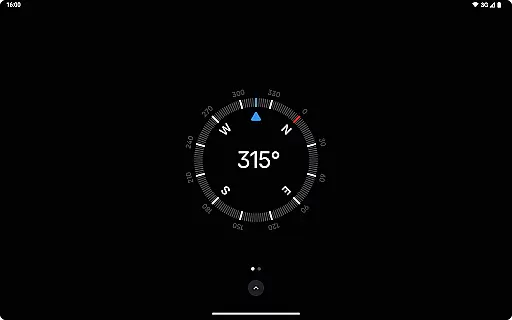
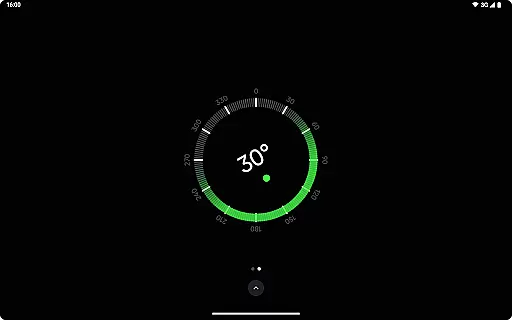
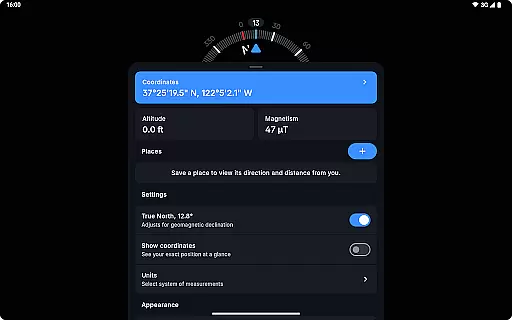
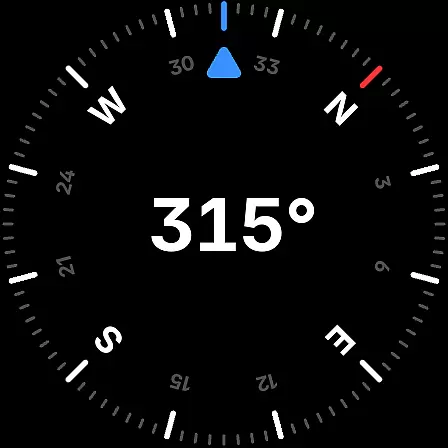
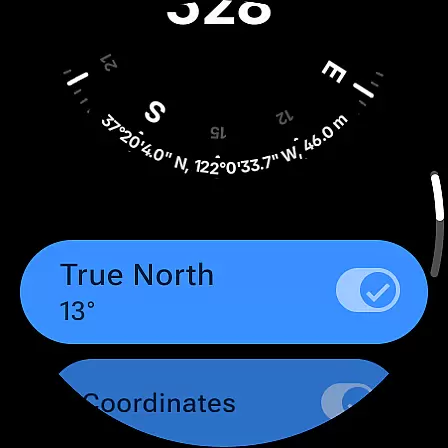
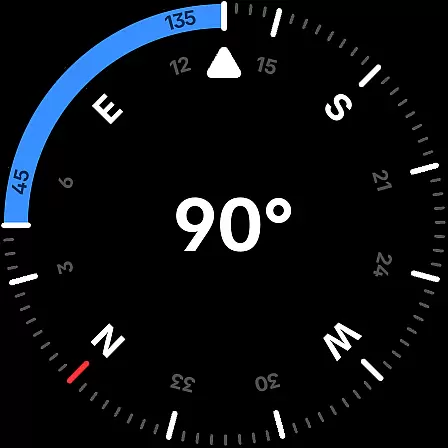
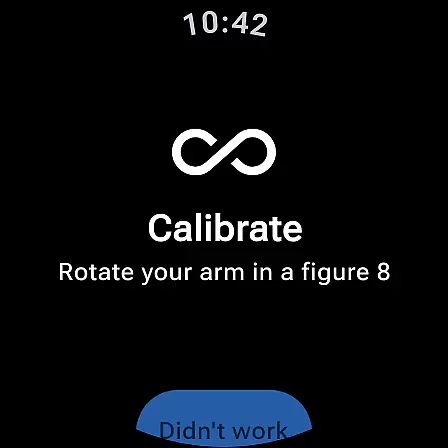
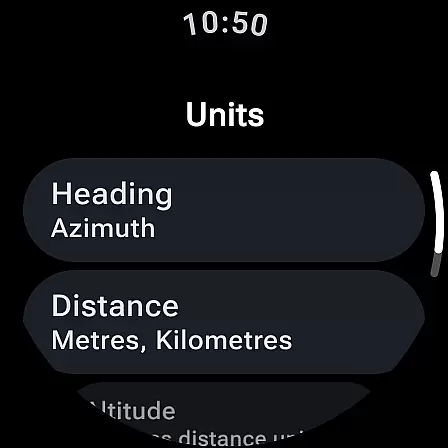
Compass is a sleek and minimalistic navigation app that combines simplicity with elegance. Designed for both Android phones and select Wear OS smartwatches, it offers users precise navigation through a modern dark-themed interface. The app provides essential tools such as coordinates, altitude, and true north alignment, ensuring accurate direction tracking. Its intuitive design makes it easy to use while offering advanced features like geomagnetic declination adjustment and an integrated bubble level.
One of the standout features of Compass is its ability to save places, allowing users to quickly check the direction and distance to their saved locations. With additional functionalities like angle measurement, unit customization, and rich haptic feedback, this app caters to explorers, hikers, and DIY enthusiasts alike. Whether you're navigating through remote areas or working on a home improvement project, Compass ensures you stay on course without distractions from ads or privacy concerns.
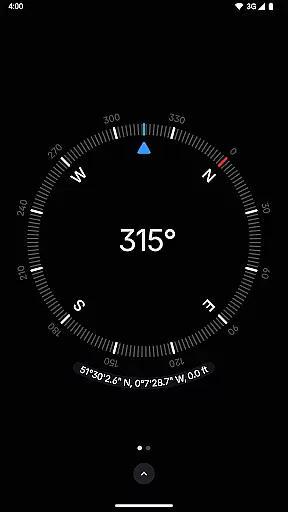
Compass stands out with its comprehensive set of features tailored for accuracy and convenience. The app displays exact location coordinates in multiple formats including DMS, DDM, DD, UTM, MGRS, and OLC (Plus Codes). Users can also view altitude and switch between different units for angles, distances, and coordinates, making it adaptable to various preferences. The inclusion of a bubble level and high-contrast display enhances usability in diverse environments.
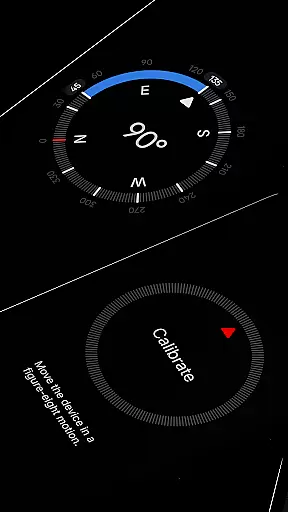
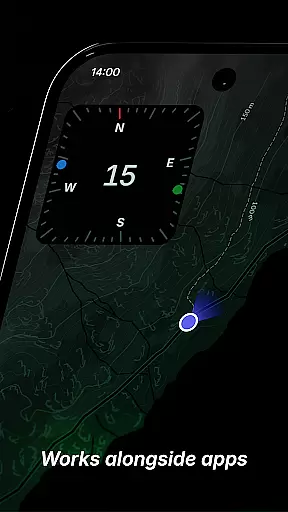
Another notable feature is the ability to dock the compass to the edge of the screen while using other apps, ensuring uninterrupted navigation. The app's calibration guide helps maintain precision, while the magnetic field magnitude display and anomaly detector alert users to potential interference. With options like dynamic colors, red screen filter, and theme customization, Compass offers a personalized experience. Most importantly, it operates offline, respects user privacy, and remains free from trackers and analytics.
Compass stands out for its precision and reliability in delivering navigation data. The app provides users with exact location coordinates, including altitude, supporting multiple formats such as DMS, DDM, DD, UTM, MGRS, and OLC (Plus Codes). This ensures that no matter the user's preference or required standard, Compass can cater to their needs accurately.
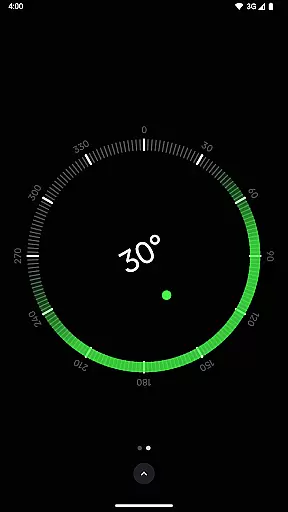
In addition to location tracking, Compass offers advanced features like geomagnetic declination adjustment, aligning with true north for more accurate readings. The inclusion of a bubble level feature further enhances its utility, allowing users to check the level of any surface easily. These functions are essential for explorers, hikers, and DIY enthusiasts who rely on precise measurements and orientations.
The app also includes an anomaly detector that alerts users to nearby objects interfering with the compass sensor, ensuring consistent performance. With rich haptic feedback, users receive tactile responses during navigation, enhancing the overall user experience by providing physical confirmation of their actions.
Compass excels in offering a sleek, minimalistic, and intuitive interface that prioritizes ease of use without compromising functionality. Its modern dark-themed design not only adds a touch of elegance but also ensures clarity and visibility in various lighting conditions. Users can effortlessly switch between dark and light themes, adapting the app to their environment or personal preference.
Customization options abound with Android 12's dynamic colours feature, enabling users to personalize the app's appearance to match their device's wallpaper. Additionally, the red screen filter option allows for better visibility at night by reducing screen glare, making it ideal for nighttime navigation or use in low-light environments.
Usability is further enhanced by the app's ability to dock to the edge of the screen while using other apps, ensuring that navigation remains accessible without interrupting other tasks. This seamless integration into daily activities underscores Compass's commitment to providing a simple yet powerful navigation tool.
User-friendly interface
Accurate navigation tools
Customizable display options
No internet connection required
Privacy-focused design
Limited to basic functions
Not ideal for complex tasks
Requires manual calibration
Wear OS support is limited
May drain battery faster

Amateur Radio app for APRS: Track friends, exchange messages, get tactical info.
 3.90
3.90
App to pay for FUTO Keyboard
4.60
PC precision for mobile gaming: dominate with keyboard and mouse!
4.30
Making emulation easy for everyone!
4.30
Powerful collection of electronics tools and reference.A must for any enthusiast
4.90
Screen Mirroring with sound for Samsung TV, LG TV, Sony TV, Smart TV and Browser
4.20
Button mapper, mouse toggle, sleep timer and a lot of another features
4.50
Introducing Smart Printer, your ultimate destination for printing solutions!
4.00
Mobile Security with Scam Protection | Malware & Virus Cleaner | Safe Browser
4.70
Connect wirelessly to your computer to watch movies, browse the web, play games
5.00
Fast Video Downloader, Movie Downloader, Torrent Downloader & Adblock Browser
4.70
Protect your device with antivirus, storage cleanup, and system monitoring
4.70
Connect instantly to a fast, encrypted VPN with one tap
4.60
Use your phone as a webcam on your computer over WiFi or USB.
4.40
Mirror your screen to Fire TV - Super fast and simple
4.40
Quickly & easily calculate the spacing of handrail balusters
4.20
Automate everything from settings to photos, SMS to speech. ADC2 prize winner.
4.10
Detect hidden spy camera with advanced scanning {{ Premium version }}
4.00
PDF Reader - Document Viewer: Read, Manage & Organize Your Documents
3.10


User Reviews