
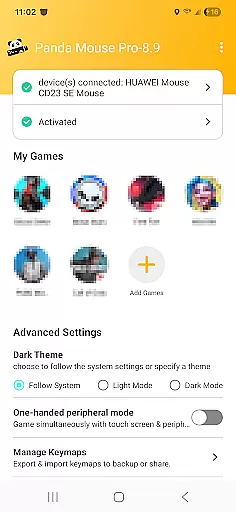
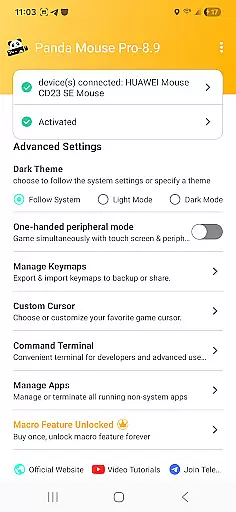
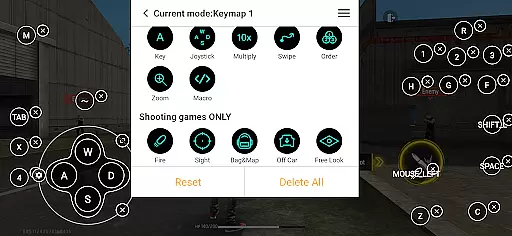
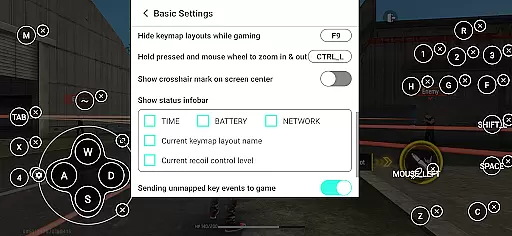
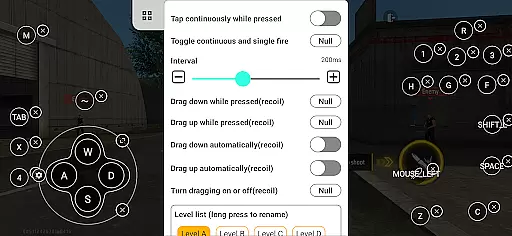
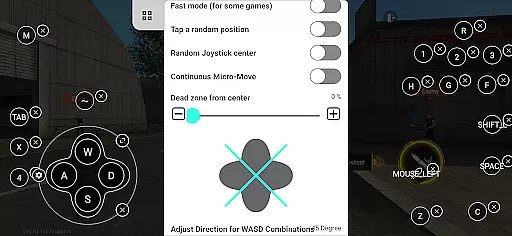
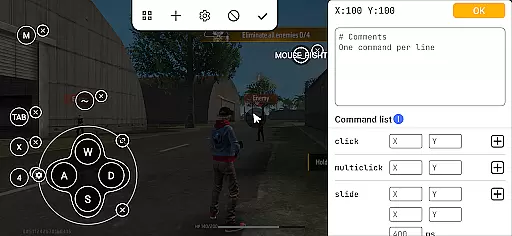
Panda Mouse Pro is a powerful keymapper tool that revolutionizes mobile gaming by allowing players to use their keyboard and mouse for enhanced control. Designed for gamers who demand precision, this app supports virtually all keyboard and mouse brands and works seamlessly with Android devices. Whether you're playing shooters, MOBAs, or sports games, Panda Mouse Pro provides pinpoint accuracy and lightning-fast reactions.
One standout feature is its direct game launch capability, which eliminates the need for cloning apps and lets users dive straight into gameplay. The app also ensures secure Google Play logins and employs ban-proof technology, making it safe for competitive gaming. With extensive compatibility across game genres and Android versions, Panda Mouse Pro is an essential tool for elevating your mobile gaming experience.
Panda Mouse Pro offers several innovative features that set it apart from other keymapping tools. First, its direct game launch functionality allows users to start games instantly without any cloning processes, saving time and effort. This feature is particularly beneficial for gamers who want to jump straight into action without technical delays.
The app's secure Google Play login system ensures that users can connect their accounts safely, while its ban-proof technology prevents account suspensions in games that restrict duplication running. Additionally, Panda Mouse Pro supports universal compatibility with almost all keyboard and mouse brands, providing flexibility for gamers. Its extensive game support spans multiple genres, including shooters, MOBAs, sports games, and more, ensuring that every player can benefit from enhanced control.
Activation is hassle-free, with different methods available depending on the Android version. For Android 11 and above, activation occurs directly on the device, while earlier versions can be activated via PC or Mac. Rooted devices enjoy automatic activation, streamlining the setup process for advanced users.
Panda Mouse Pro is designed to provide gamers with an unparalleled level of control and precision in mobile gaming. The core functionality revolves around its ability to seamlessly map keyboard and mouse inputs to touchscreen actions, allowing for a more accurate and responsive gaming experience.
The application supports direct game launching without the need for cloning, which not only simplifies the process but also enhances security. This feature ensures that users can jump straight into their games, experiencing pinpoint accuracy in shooters and lightning-fast reactions in MOBAs, all while mitigating the risk of bans associated with duplication running.
With universal compatibility across virtually all keyboard and mouse brands, Panda Mouse Pro caters to a wide audience. Its extensive game support spans multiple genres, ensuring that no matter what game you play, you'll enjoy enhanced control and performance.
Achieving mastery over mobile games has never been easier thanks to Panda Mouse Pro's intuitive interface. Designed with both novice and pro gamers in mind, the app offers a hassle-free activation process tailored to different Android versions and device types.
For devices running Android 11 and above, users can activate the keymapper directly on their device, streamlining setup. Meanwhile, those with Android 10 or below can quickly activate via PC or Mac, ensuring broad accessibility. Rooted devices benefit from automatic activation, further simplifying the user journey.
Moreover, Panda Mouse Pro provides video tutorials and guides, making it even easier for users to learn how to maximize their gaming setup. With clear instructions available at https://www.youtube.com/@0xgary and https://pandagame.app/a, players can swiftly become adept at using this powerful tool.
Enhanced precision
Wide game support
Secure login system
Ban-proof technology
Universal compatibility
Requires initial setup
Limited touchscreen use
Premium pricing
Device compatibility checks
Learning curve for new users

A convenient photo, video, and file recovery tool.
 4.00
4.00
FV File Manager Pro, Fast and powerful file manager for Android
4.60
Quickly & easily calculate the spacing of handrail balusters
4.20
VESC Tool can monitor and configure VESC-compatible devices over BLE and Wifi
4.20
Detect hidden spy camera with advanced scanning {{ Premium version }}
4.00
The Ultimate Bluetooth Keyboard & Mouse. Securely control your PC, Mac, and more
4.50
Powerful collection of electronics tools and reference.A must for any enthusiast
4.90
Screen Mirroring for Roku Sticks, Roku TCL TV and Roku Hisense TV
4.50
Button mapper, mouse toggle, sleep timer and a lot of another features
4.50
Bedrock Together: Join any bedrock server on Xbox/PS
4.80
Monitor car performance in real time and troubleshoot malfunctions.
4.80
WiFi Signal Strength Meter help you detect WiFi Signal Strength in real time.
4.80
Family Locator, Share location, StayConnect with your family in real time
3.90
Unleash gamepad precision for ultimate mobile gaming dominance.
3.90
Create your own custom widget with endless possibilities
3.90
Smart and comfortable browsing experience.
3.80
Fun lie-detection pranks for friends and parties.
3.80
Safely recover deleted photos, videos, and files with a single easy tap.
3.70
Unlock your Essential Key. Create custom shortcuts to your favorite apps!
4.2


User Reviews