
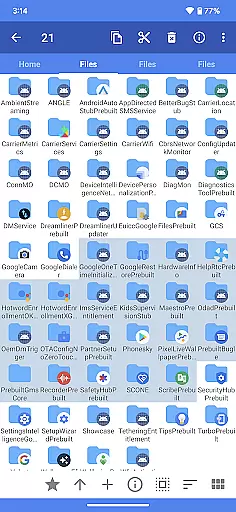
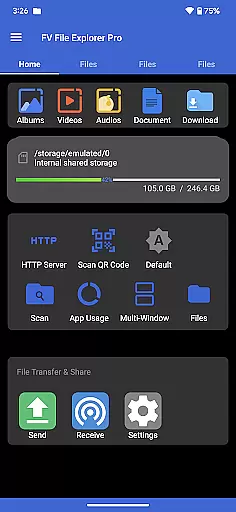
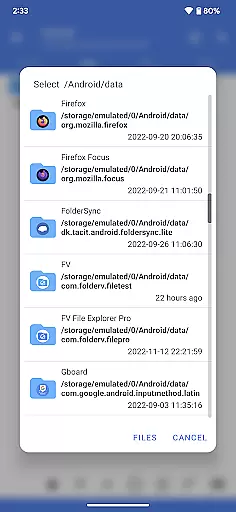
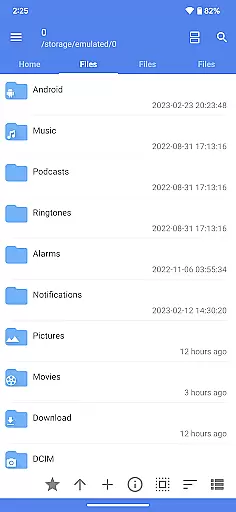
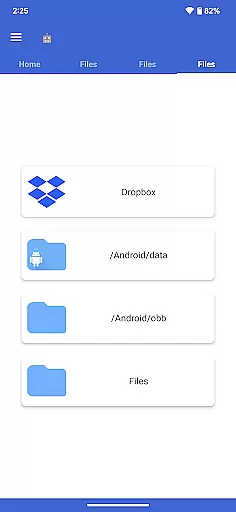
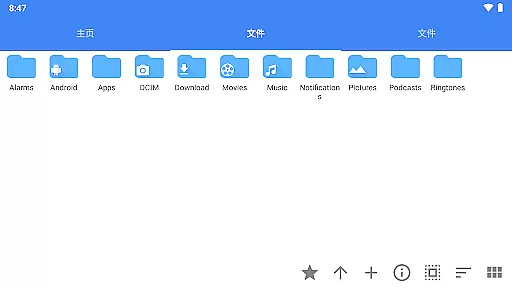
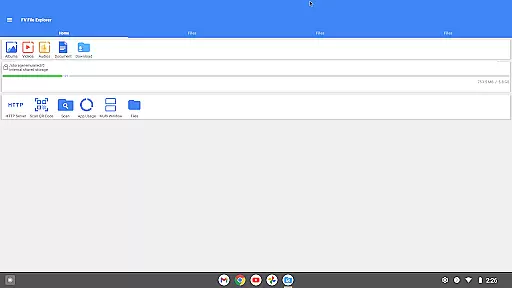
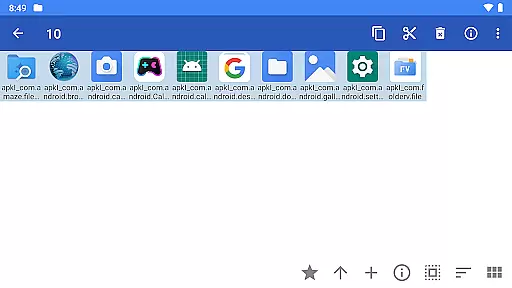
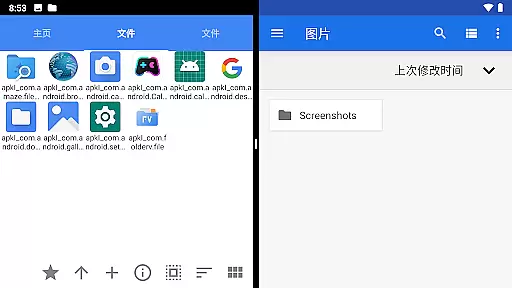
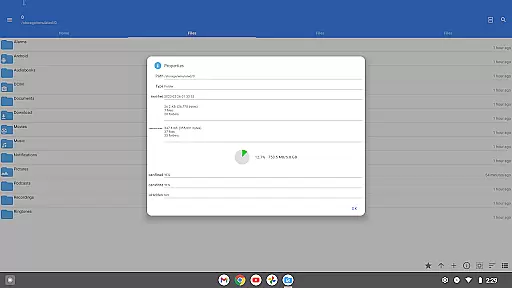
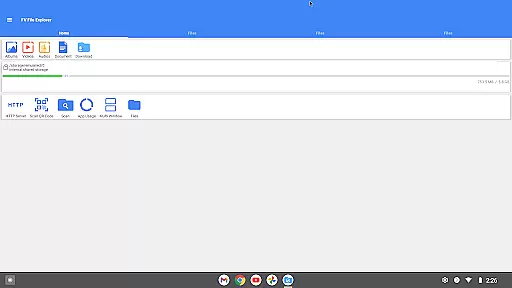
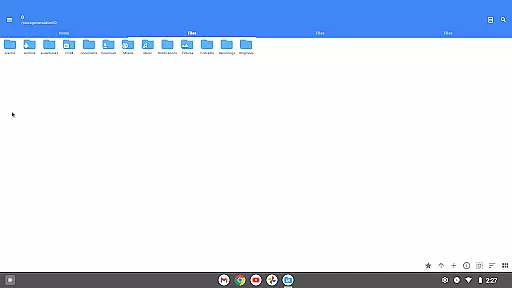
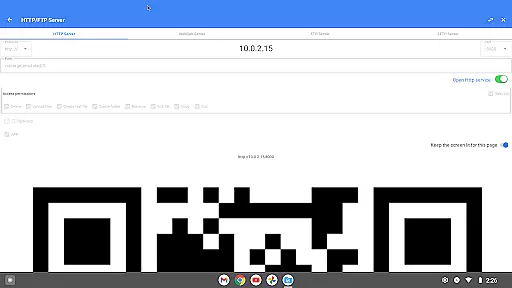
FV File Pro is a robust file management tool designed for Android users who need efficient and versatile control over their files. This app allows seamless access to critical directories such as /Android/data and /Android/obb on Android 13 without requiring root permissions, ensuring enhanced security and ease of use.
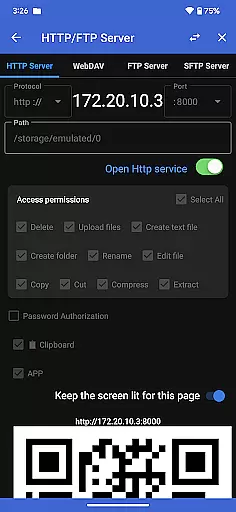
With its Material Design UI, FV File Pro offers an intuitive user experience while supporting multiple image formats including JPG, PNG, BMP, TIFF, and more. Additionally, it provides powerful features like managing files over wireless networks via HTTP, FTP, or SFTP, making file transfers between devices effortless without the need for data cables.
The app also includes advanced functionalities such as WebDAV server support, treemap visualizations for storage analysis, QR code scanning, markdown file previews, and HTTP file downloads, catering to both casual and power users seeking comprehensive file management solutions.
FV File Pro stands out with its extensive feature set tailored for diverse file management needs. One of its key strengths is the ability to extract various compressed file formats such as ZIP, RAR, 7Z, ISO, and DMG, providing users with flexibility in handling different types of archives.
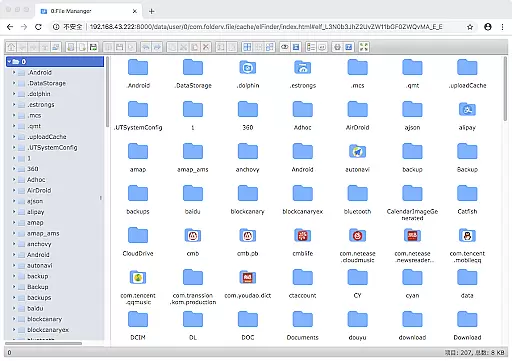
Another notable feature is the integrated WebDAV server functionality, allowing users to connect their Mac or PC to the app easily. By entering the WebDAV server address into Finder, users can manage files directly from their computer, streamlining workflows and enhancing productivity.
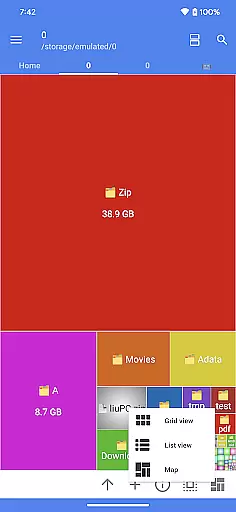
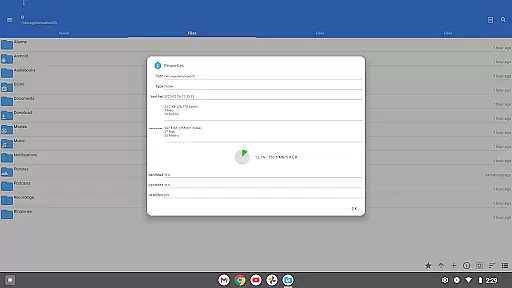
Furthermore, the treemap visualization tool offers a unique way to analyze storage usage by representing files as colored rectangles proportional to their size. This innovative approach helps users quickly identify large files and optimize their device's storage efficiently.
FV File Pro stands out as a robust file management tool designed for Android users, offering precise and effective core functionalities that cater to both casual and power users. The app provides seamless access to typically restricted directories such as /Android/data and /Android/obb on Android 13 without requiring root permissions, ensuring that all users can manage their files with ease.
One of the key highlights is its support for viewing multiple image formats including JPG, PNG, BMP, TIFF, WebP, HEIF, AVIF, ICO, and APNG. This extensive compatibility ensures that users can open nearly any image file they encounter, making it an invaluable tool for photographers and designers who work with various formats.
In addition to image support, FV File Pro excels in handling compressed files. It supports decompression of ZIP, RAR, 7z, ISO, and DMG files, allowing users to extract multiple types of archives effortlessly. This feature is particularly beneficial for individuals who frequently download or share large files and need a reliable tool to manage them.
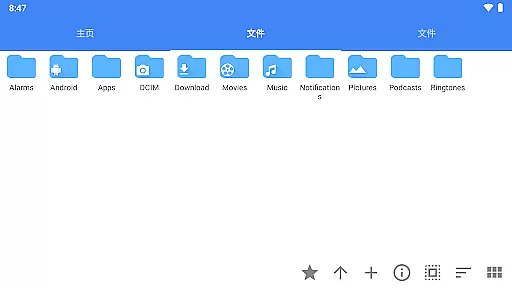
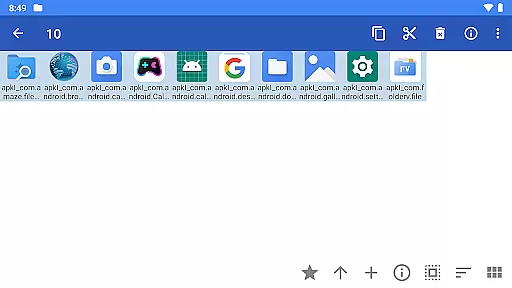
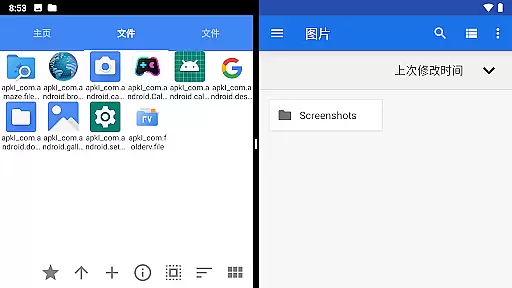
The interface of FV File Pro follows Material Design principles, providing a clean and intuitive user experience. Its design ensures that even those new to file management can navigate and utilize its features without a steep learning curve. The visually appealing layout helps users focus on their tasks without unnecessary distractions.
Managing files over a wireless network is simplified through HTTP, FTP, or SFTP protocols within the local area network (LAN). This functionality eliminates the need for data cables, facilitating easy transfer of documents, pictures, and text files between computers and mobile devices. Users can conveniently share files with colleagues or family members without consuming mobile data.
Another remarkable feature is the built-in WebDAV server, which allows users to connect directly from their Mac's Finder by entering the server address. This makes remote file management straightforward and efficient, enhancing productivity for users who need constant access to their files from different devices.
User-friendly interface
Extensive format support
Wireless file management
Advanced visualization tools
Comprehensive utility functions
Limited iOS compatibility
Occasional performance lags
Complex setup for beginners
Premium features require subscription
Interface may feel cluttered

A recovery soft,it features photo recovery, video recovery, file recovery.
 3.40
3.40
Unit and currency converter with easy and simple UI.
4.80
Remote for Roku, Fire TV, Samsung TV, LG TV, Android TV, Chromecast and VIZIO TV
4.20
Keep track of your Palia friendships, tasks, and inventory with Palia Notebook
4.60
Detect hidden spy camera with advanced scanning {{ Premium version }}
4.00
Powerful collection of electronics tools and reference.A must for any enthusiast
4.90
Fast Video Downloader, Movie Downloader, Torrent Downloader & Adblock Browser
4.70
Screen Mirroring for Roku Sticks, Roku TCL TV and Roku Hisense TV
4.50
Your personal health butler
3.60
Change your GPS location instantly. Simulate routes anywhere in the world.
4.90
Best leveling tool for your Android device. Hang paintings like a pro.
4.90
Easily install aab(Android App Bundle) files on your Android device with our app
4.80
Excellent scientific calculator with symbolic algebra, integrals, derivatives
4.80
The one-and-only remote control for PC, Mac, and Linux
4.70
NFC Tools can read and write NFC tags.
4.70
Connect instantly to a fast, encrypted VPN with one tap
4.60
The Ultimate Bluetooth Keyboard & Mouse. Securely control your PC, Mac, and more
4.50
PC precision for mobile gaming: dominate with keyboard and mouse!
4.30
Smart and comfortable browsing experience.
3.80


User Reviews