
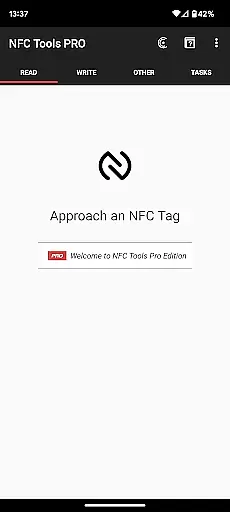
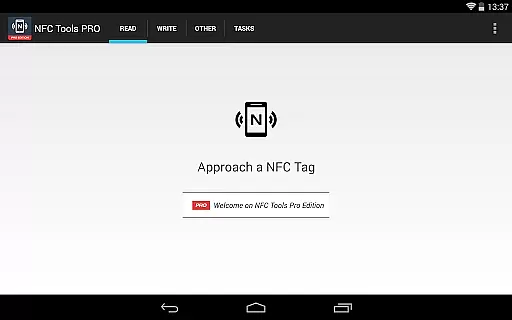
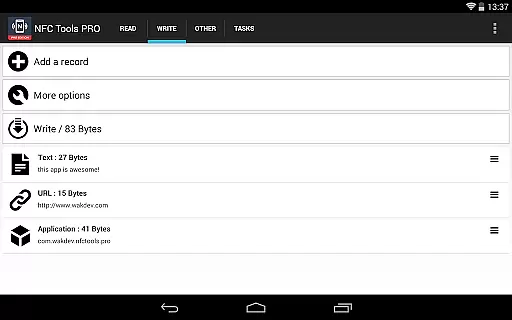
NFC Tools - Pro Edition is a powerful tool for managing NFC tags with advanced capabilities. This application allows users to read, write, and program tasks on NFC tags through a simple and lightweight interface. It unlocks all features available in the standard NFC Tools app without limitations, enabling users to create complex routines and automate tasks.
With exclusive features like profile management, task execution without NFC tags, and conditional blocks for creating intricate actions, this app caters to both casual users and power users who want to maximize their NFC technology usage. Whether you need to emulate an NFC tag or manage over 200 tasks, NFC Tools - Pro Edition provides the tools necessary to unleash your creativity and improve efficiency.
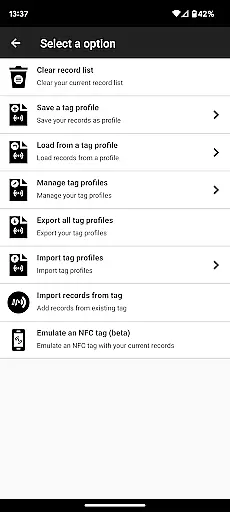
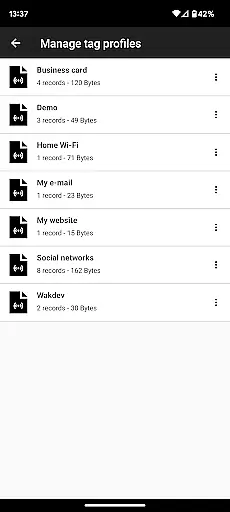
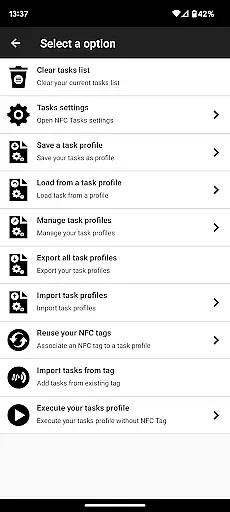
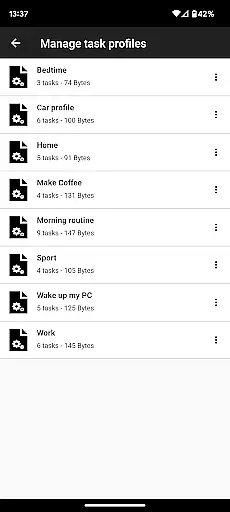
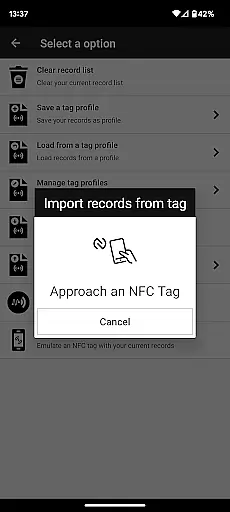
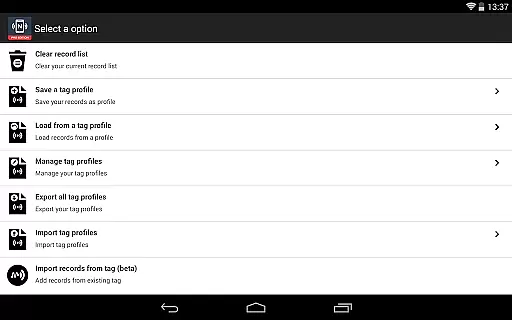
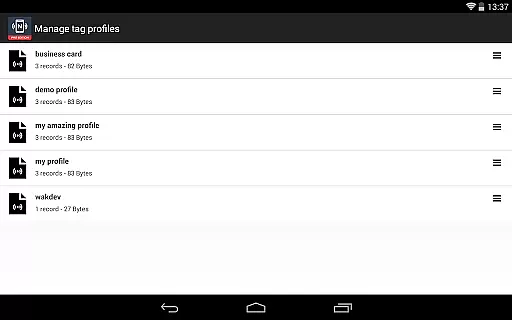
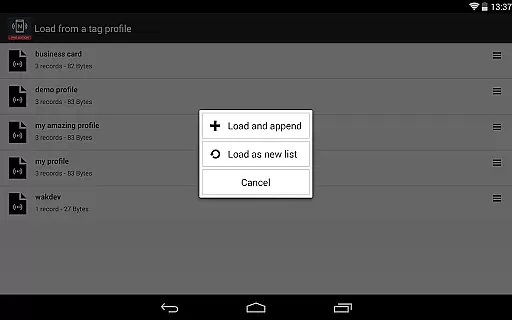
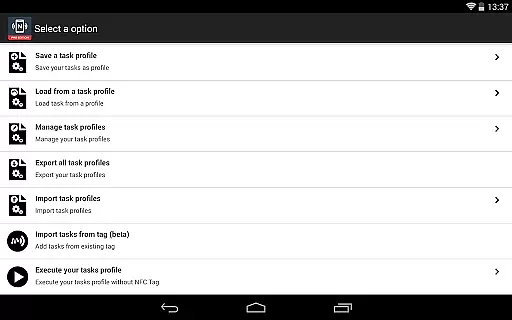
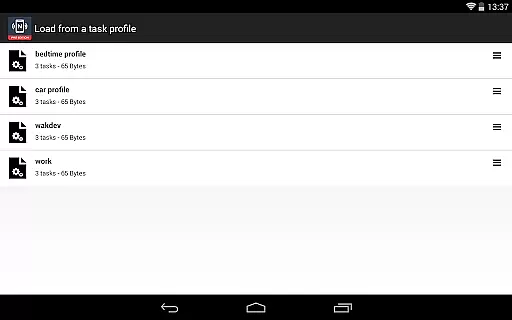
The NFC Tools - Pro Edition stands out with its comprehensive feature set tailored for NFC tag management. One of its key features is the ability to save and reuse profiles, which include records and tasks, allowing users to quickly apply predefined settings to new NFC tags. Additionally, the app supports importing data from existing NFC tags, making it easy to edit and update records or tasks.
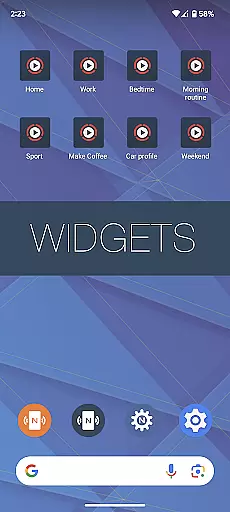
Another highlight is the capability to execute tasks without needing physical NFC tags by using shortcuts on the home screen. The app also enables device-based NFC tag emulation, letting users simulate NFC tags directly from their devices. With support for more than 200 tasks and conditional blocks, users can design sophisticated routines that respond dynamically to various triggers, thus enhancing productivity and convenience.
NFC Tools - Pro Edition stands out in the realm of NFC programming by offering unparalleled core function accuracy and effectiveness. This application allows users to read, write, and program tasks on NFC tags with precision, ensuring that each command is executed as intended without errors or misinterpretations.
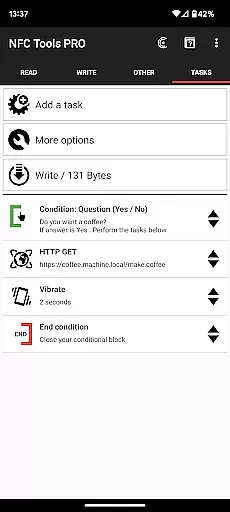
The app's robust architecture supports over 200 tasks for infinite combinations, enabling both simple and complex routines to be created and executed flawlessly. Whether it's automating device settings or triggering specific actions through NFC tags, the reliability of task execution is consistently high.
Moreover, the inclusion of exclusive features such as conditional blocks and profile management enhances the overall functionality. Users can create intricate action sequences based on specific conditions, knowing that these will be carried out accurately every time they are triggered by an NFC tag or shortcut.
The hallmark of NFC Tools - Pro Edition is its interface simplicity and intuitiveness, which makes advanced NFC programming accessible even to novices. With a lightweight user interface, the app ensures that all functionalities are easily navigable, allowing users to focus on creating their desired routines without being bogged down by complex menus or options.
Every feature, from importing existing NFC tag data to emulating NFC tags with NDEF records using your device, is streamlined for ease of use. The straightforward design encourages experimentation and learning, empowering users to unlock the full potential of their NFC-compatible devices without requiring extensive technical knowledge.
In addition, the ability to execute tasks via home screen shortcuts exemplifies the app's commitment to user-friendly interaction. By minimizing the steps needed to trigger actions, NFC Tools - Pro Edition not only simplifies daily operations but also enhances productivity, making it an indispensable tool for anyone looking to leverage NFC technology effectively.
User-friendly interface
Comprehensive task library
Profile management system
Conditional task execution
NFC tag emulation
Requires NFC-compatible device
Premium version costly
Complex features may overwhelm beginners
Limited use without NFC Tasks app
Advanced functions need technical know-how

 4.50
4.50
pdf merge, word to pdf, jpg to pdf, edit pdf, convert to pdf and much more!
4.20
Learn the vast amount of system information about device and monitor it's state
4.70
App to pay for FUTO Keyboard
4.60
VESC Tool can monitor and configure VESC-compatible devices over BLE and Wifi
4.20
PC precision for mobile gaming: dominate with keyboard and mouse!
4.30
Clean up your phone, find files, play media, and share files offline
4.50
Screen recorder with audio to record high-quality videos and take screenshots.
4.40
Enjoy a smooth mobile reading experience!
3.60
Small and simple app to Verify Root Access and BusyBox Install!
4.70
HD Camera captures every special moment.
4.60
HD Video player and downloader for all formats, fast & smooth 4K video playback.
4.60
Game Booster, GFX Tool is now compatible with newer game update
4.50
Just one-tap to easy translate in any language after calls within seconds.
4.20
App that Recover your pictures, videos or files after you delete them.
4.20
An open-source APK explorer for Android!
4.10
Automate everything from settings to photos, SMS to speech. ADC2 prize winner.
4.10
Detect hidden spy camera with advanced scanning {{ Premium version }}
4.00
Transfer Files, APK from Phone to Watch & Install.
4.5


User Reviews