
Wear APK Install is a powerful tool designed specifically for Wear OS smartwatches, enabling users to seamlessly transfer and install APK files directly on their devices. The app eliminates the need for complex sideloading methods by establishing a secure Wi-Fi server connection between the phone and the watch.
With its intuitive interface and efficient file management system, Wear APK Install allows users to send APKs over a local Wi-Fi network, manage transferred files, and install them with a single tap. This makes it an essential utility for power users and developers who wish to expand their smartwatch's functionality beyond what is available on official app stores.
Whether you're looking to test new applications or customize your Wear OS experience, this app provides a fast, reliable, and user-friendly solution that unlocks the full potential of your device.
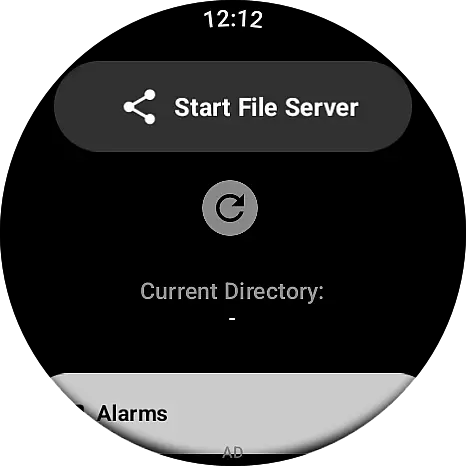
One of the standout features of Wear APK Install is its effortless file transfer capability. By setting up a secure Wi-Fi server directly on the smartwatch, users can quickly send APK files from their Android phone without the need for cables or complicated ADB commands. This ensures a smooth and hassle-free transfer process.
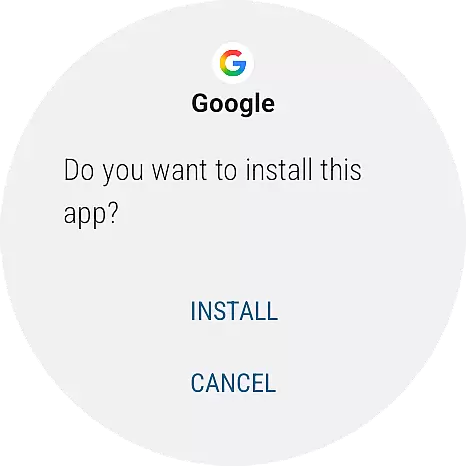
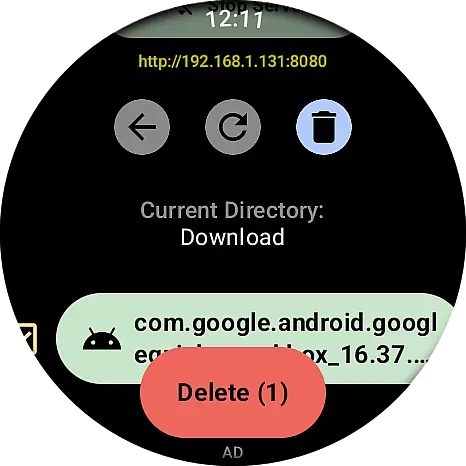
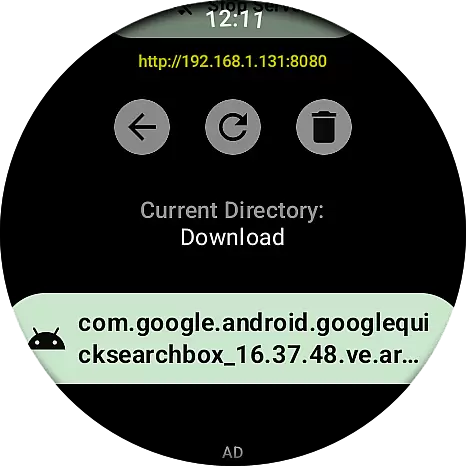
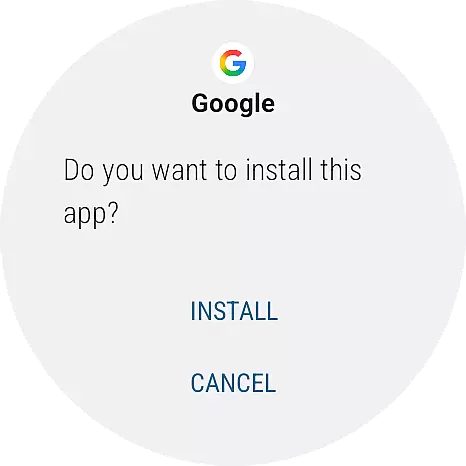
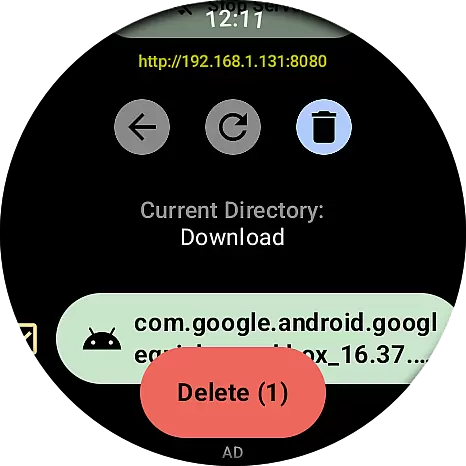
The integrated file manager offers an intuitive way to navigate and manage transferred files directly on the watch. Once files are transferred, users can easily locate and install APKs using the native Wear OS Package Manager. With just one tap, the installation process begins, streamlining the entire experience.
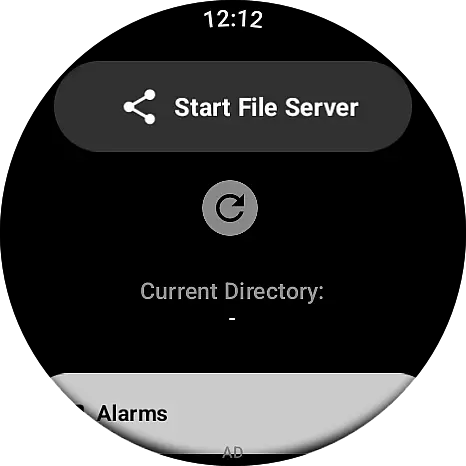
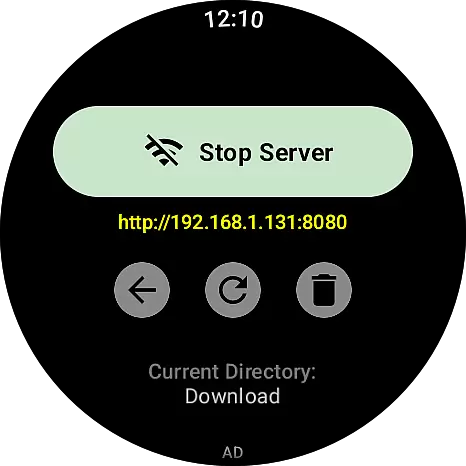
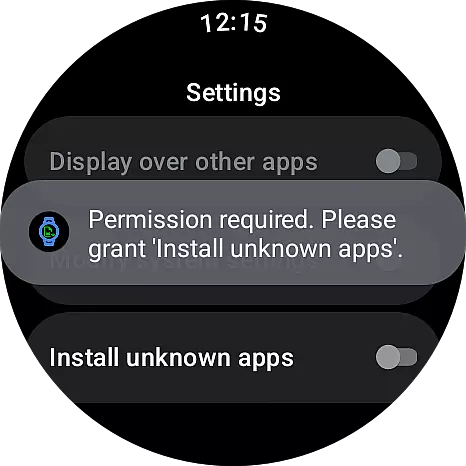
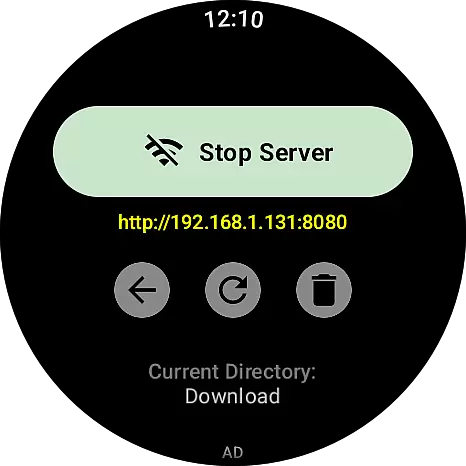
Designed with usability in mind, the app provides a clean and responsive interface optimized for small screens. Its three-step operation—launching the server, transferring files via IP, and installing on the watch—ensures that even those new to sideloading can efficiently manage their apps while enjoying a seamless smartwatch experience.
Wear APK Install excels in delivering core functionality with precision and reliability. The app establishes a secure Wi-Fi server on your smartwatch, enabling seamless file transfers from your phone to your Wear OS device. This eliminates the need for cumbersome wired connections or complex ADB commands.
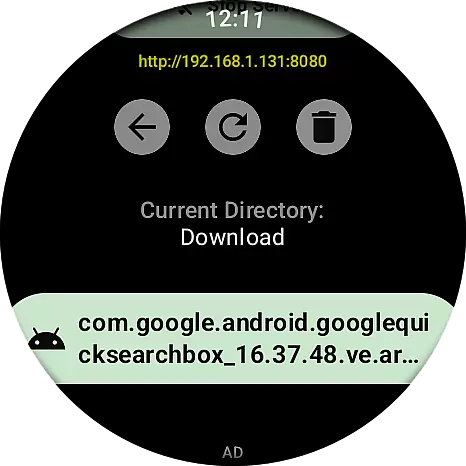
The integrated file manager allows users to effortlessly navigate transferred files directly on their smartwatch. With a simple tap, APK files can be installed instantly using the native Wear OS Package Manager. This intuitive process ensures that even users unfamiliar with traditional sideloading methods can manage their apps with ease.
By leveraging local network connectivity, the app guarantees fast and stable transfers. The unique IP address and port system provides a direct communication line between devices, ensuring data integrity and quick installation processes. These features collectively enhance the overall user experience.
The user interface of Wear APK Install is meticulously designed for optimal usability on small smartwatch screens. Its clean layout and straightforward navigation make it accessible even to non-technical users. The three-step process - launching the server, transferring files, and installing apps - is clearly presented and easy to follow.
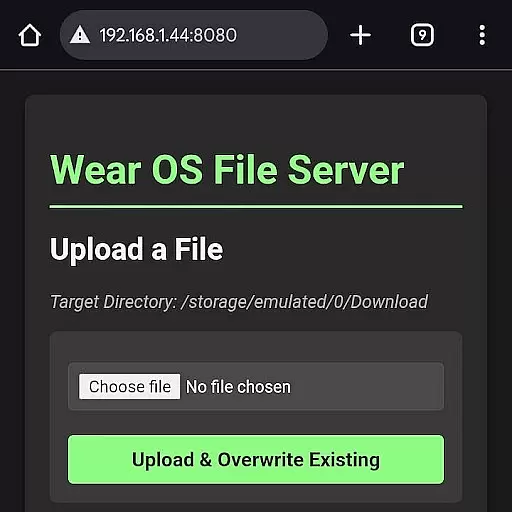
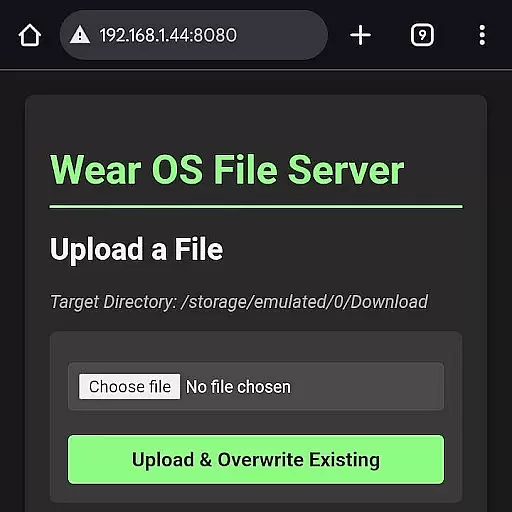
A key strength lies in its intuitive design: users simply start the Wi-Fi server on their watch, connect through their phone's browser, and upload files via a simple web interface. The app's interface adapts well to the limited screen real estate of Wear OS devices while maintaining full functionality.
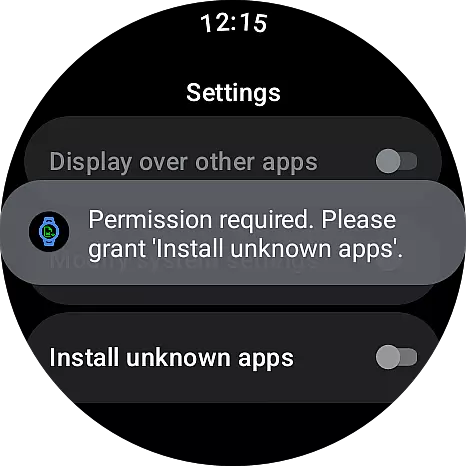
This thoughtful design extends to the installation process itself. Once files are transferred, users can easily locate and install them through a streamlined interface that integrates seamlessly with the native Wear OS Package Manager, making app management both efficient and user-friendly.
Effortless Wi-Fi transfer
Secure server connection
Integrated file manager
One-tap installation
User-friendly interface
Limited to Wear OS
Requires Wi-Fi
No iOS support
Advanced setup needed
Not for beginners

A convenient photo, video, and file recovery tool.
 4.00
4.00
Unit and currency converter with easy and simple UI.
4.80
Fluid navigation gestures for all of us!
4.30
Unlock your Essential Key. Create custom shortcuts to your favorite apps!
4.2
Create your own live wallpaper or check out thousands already made presets
3.90
Mirror your screen to Chromecast and Android TV - Super fast and simple
4.60
Support Fossify apps with a warm thank you!
5.00
Mirror your screen to Fire TV - Super fast and simple
4.40
NFC Tools can read and write NFC tags.
4.70
Bedrock Together: Join any bedrock server on Xbox/PS
4.80
Monitor car performance in real time and troubleshoot malfunctions.
4.80
WiFi Signal Strength Meter help you detect WiFi Signal Strength in real time.
4.80
App to pay for FUTO Keyboard
4.60
Forza Tuning Calculator App for Forza Horizon 5, Motorsport and Earlier Titles
4.40
Complete kernel toolbox with features to manage and tweak your rooted device
4.30
Effortlessly run ADB commands directly on your device without a PC.
4.20
Automate everything from settings to photos, SMS to speech. ADC2 prize winner.
4.10
1-Click close all background apps on Android TV
3.90
Download any file easily and quickly with Downloader
4.4


User Reviews