
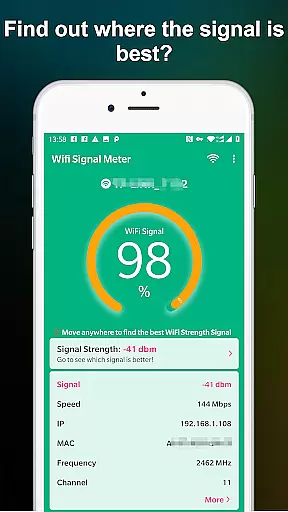
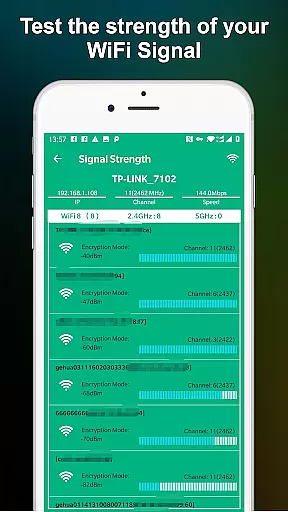
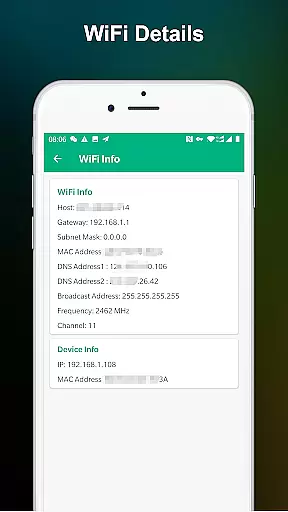
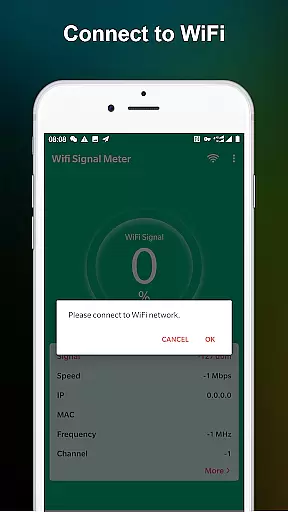
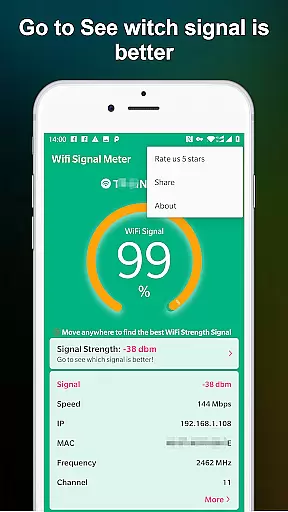
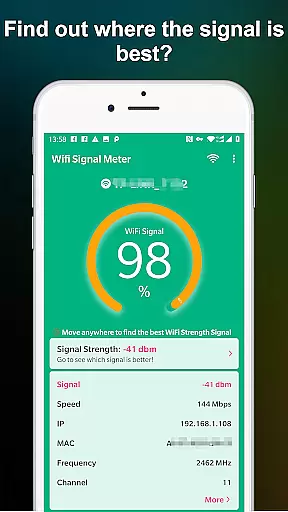
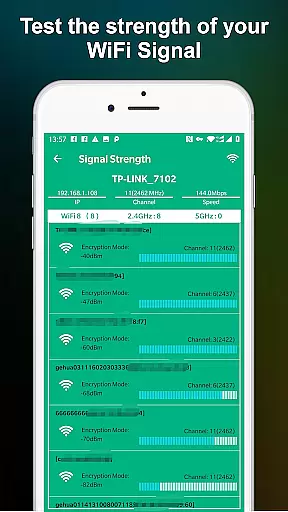
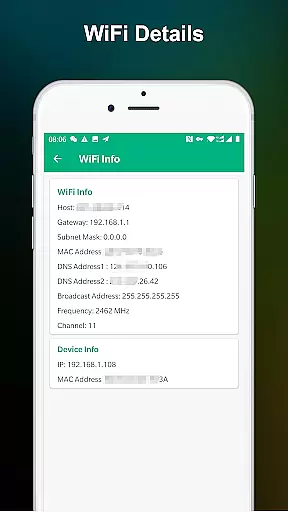
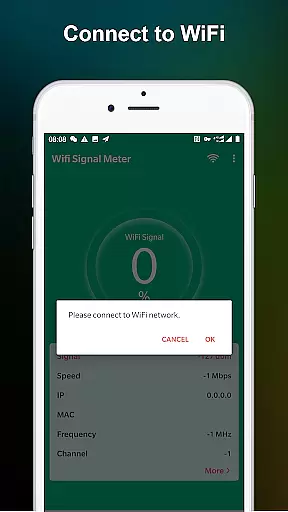
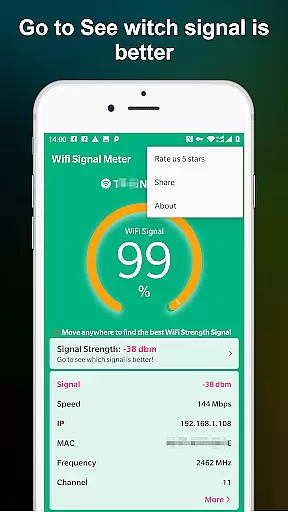
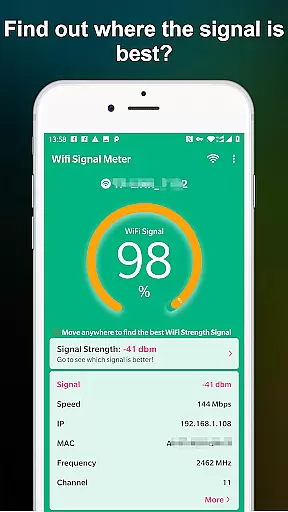
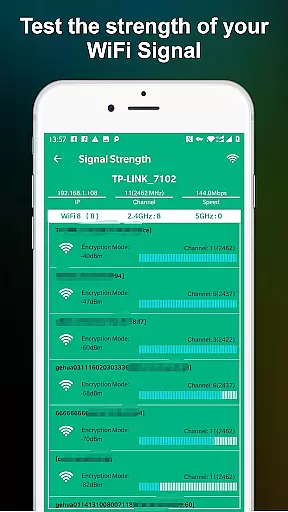
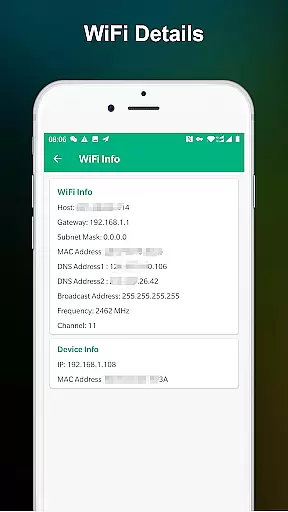
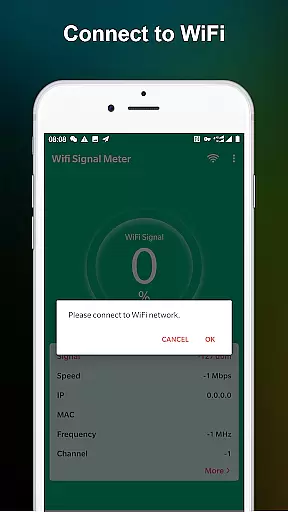
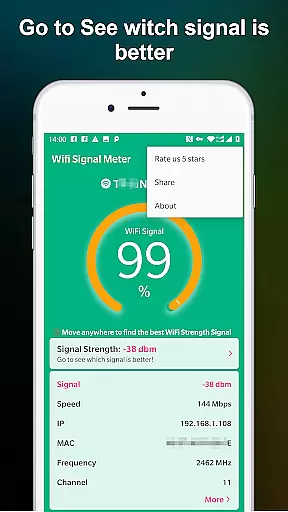
WiFi Signal Strength Meter Pro is a professional tool designed to help users optimize their WiFi network performance. The app's core function is to identify the strongest WiFi signal areas, or sweet spots, within your environment. This allows users to strategically position themselves for optimal connectivity.
In addition to real-time signal strength monitoring, the app provides continuous updates as you move through different locations. This feature is particularly useful for both home and office environments where signal strength can vary significantly. By maintaining a signal strength above 60%, users can avoid common connectivity issues.
This application proves especially valuable when setting up workspaces or troubleshooting network problems. It empowers users to make informed decisions about router placement and network optimization, ultimately enhancing their overall internet experience.
The app offers several distinctive features that set it apart from basic WiFi monitoring tools. Its primary capability lies in continuous real-time signal strength tracking, which updates every few seconds as you navigate through your environment. This ensures you always have the most current information about your WiFi connection quality.
A notable advantage of WiFi Signal Strength Meter Pro is its intuitive visualization system. Users can easily interpret signal strength through clear numerical values and percentage indicators. The app also includes historical data tracking, allowing users to identify patterns in signal fluctuations throughout different times of the day.
What makes this tool particularly valuable is its ability to detect potential connectivity issues before they occur. When signal strength drops below 50%, the app provides immediate alerts, helping users maintain a stable connection. This proactive approach to network monitoring gives users greater control over their WiFi experience.
WiFi Signal Strength Meter Pro is designed to provide accurate and real-time monitoring of WiFi signal strength, ensuring users can identify the best locations for their network connectivity. This functionality is crucial for maintaining a stable internet connection in various environments.
The app employs advanced algorithms to constantly update and display the current signal strength percentage. This allows users to walk through their spaces and pinpoint areas with optimal WiFi coverage. The real-time feedback mechanism ensures that users can make immediate adjustments to their router placement or network setup.
By providing precise signal strength data, the application helps prevent common connectivity issues associated with weak signals. Users can rely on the app's readings to ensure their WiFi signal remains above the recommended 60% threshold, minimizing disconnection risks and maximizing network performance.
This level of accuracy and effectiveness in monitoring provides significant value to users who depend on consistent internet access for work, study, or entertainment purposes. The app's ability to maintain up-to-date signal information makes it an essential tool for network optimization.
The user interface of WiFi Signal Strength Meter Pro is deliberately designed to be simple and intuitive, making it accessible to users of all technical backgrounds. A clean layout ensures that the most critical information - the current WiFi signal strength - is always prominently displayed.
Navigation within the app follows standard mobile design patterns, allowing users to easily access different features without a steep learning curve. The main monitoring screen presents signal strength data in a clear numerical format, accompanied by a color-coded indicator that simplifies signal quality assessment at a glance.
Despite its sophisticated monitoring capabilities, the app maintains an uncluttered interface that focuses on essential functions. Users can quickly understand their network status without being overwhelmed by unnecessary technical details or complex settings.
This thoughtful design approach enhances user experience by reducing cognitive load while maintaining full functionality. The intuitive nature of the interface enables users to efficiently utilize the app's features without requiring extensive technical knowledge or training.
Real-time signal tracking
User-friendly interface
Continuous updates
Signal alerts
Historical data
Premium version cost
Advanced technical terms
Limited customization
No automatic optimization
Occasional lags

eXtended Permission Manager - a small app to manage permissions and AppOps
 4.50
4.50
Small and simple app to Verify Root Access and BusyBox Install!
4.70
Create your own live wallpaper or check out thousands already made presets
3.90
Navigate with Ease and Style
4.90
Screen Mirroring for Roku Sticks, Roku TCL TV and Roku Hisense TV
4.50
Play your X-Box games remotely in 1080p with any controller and zero latency
4.60
The ultimate tool for network analysis, wifi scanning and problem detection.
4.90
Button mapper, mouse toggle, sleep timer and a lot of another features
4.50
Clean up your phone, find files, play media, and share files offline
4.50
Best leveling tool for your Android device. Hang paintings like a pro.
4.90
Optimize your WiFi network, turn your phone into Wifi Analyzer
4.70
HD Video player and downloader for all formats, fast & smooth 4K video playback.
4.60 4.50
4.50
Carry a FTP server in your pocket and avoid USB cables for file transfer
4.20
MS-DOS in your pocket. Play old DOS games anywhere you are ;)
4.10
A simple app to back up and restore SMS & MMS messages and call logs.
4.10
Clean the junk files on your device
3.40
card-reader app
2.20
Download any file easily and quickly with Downloader
4.5


User Reviews