
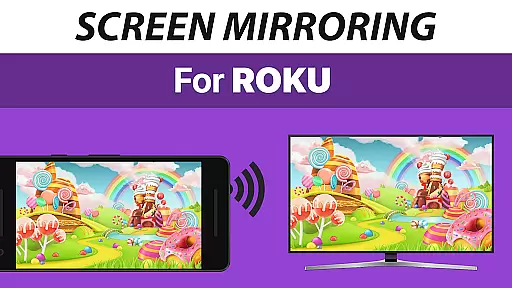
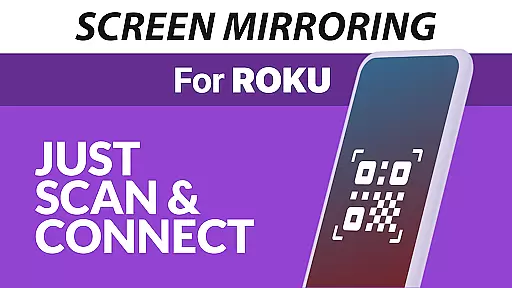
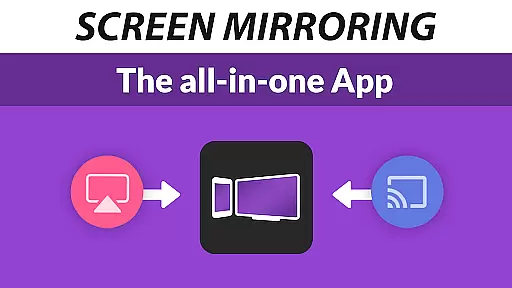
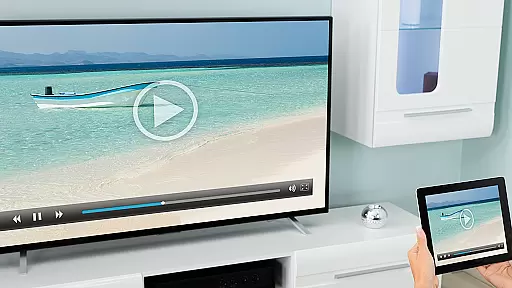
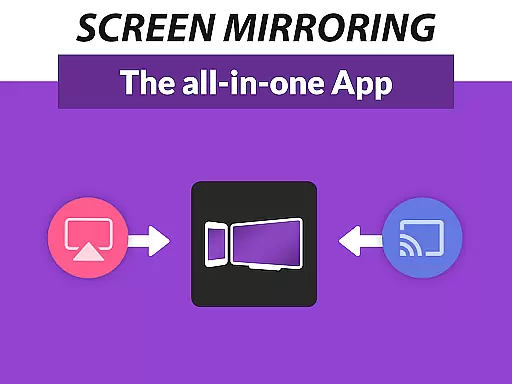
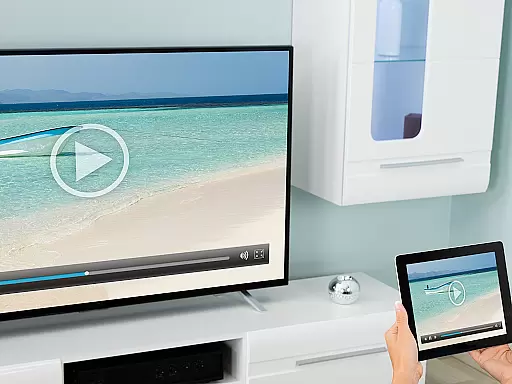
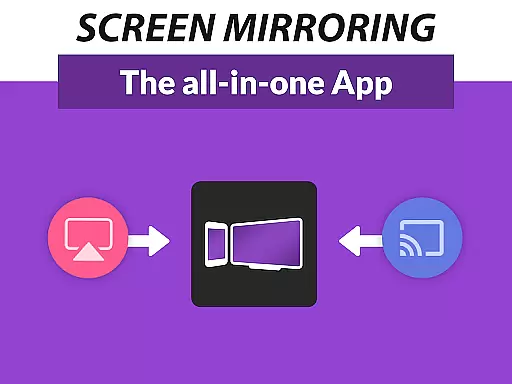
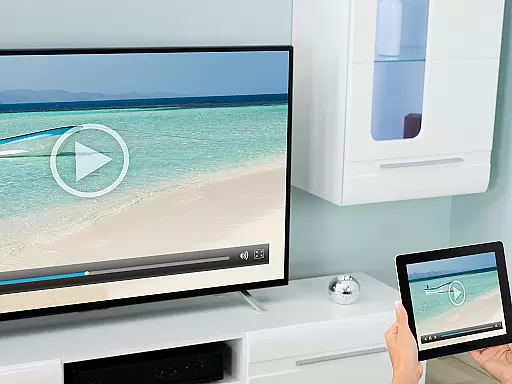
Screen Mirroring Pro for Roku is a premier tool designed to seamlessly mirror your screen onto any Roku-enabled device, including Roku Sticks, Boxes, and TVs from brands like TCL and Hisense. This application eliminates the need for wires, providing an easy setup process while maintaining HD quality streaming. It stands out by offering superior advantages over the native Roku Screen Mirroring feature based on Miracast technology.
The app supports all Android devices running version 5.0 and above, ensuring broad compatibility. With its user-friendly interface, you can effortlessly share photos, videos, games, websites, apps, presentations, and documents with friends, family, or colleagues. The unified setup across all Android devices simplifies the connection process without requiring changes to Android settings or Wi-Fi options, making it accessible even for non-technical users.
For optimal performance, both your Android device and Roku must be connected to the same Wi-Fi network, preferably a 5GHz network for enhanced speed and reliability. Whether you're looking to share content at home or during professional presentations, Screen Mirroring Pro for Roku provides a reliable solution that enhances connectivity and sharing capabilities.
Screen Mirroring Pro for Roku boasts several standout features that make it an indispensable tool for anyone looking to share their screen. First and foremost, it offers unparalleled device support, compatible with all Android devices running Android 5.0+ and every Roku device, including Sticks, Boxes, TVs, and Roku Express models 3700 and 3710. This extensive compatibility ensures that no matter what devices you own, you can easily connect and share content.
Another key feature is the app's super easy and unified setup process. Unlike other mirroring solutions, there's no need to adjust Android settings or Wi-Fi configurations. Simply ensure both your Android device and Roku are connected to the same Wi-Fi network—preferably a 5GHz network for the best performance—and you're ready to go. This streamlined approach significantly reduces setup time and complexity, making it ideal for users of all technical backgrounds.
Additionally, the app is developed by the creators of VIDEO & TV CAST, the world’s leading video casting app with over 100 million downloads. This pedigree guarantees a high-quality, reliable experience backed by industry leaders. For any support or feedback, users can reach out via email to info@screenmirroring.app, ensuring prompt assistance and continuous improvement.
Screen Mirroring Pro for Roku delivers exceptional core functionality by enabling seamless screen mirroring from Android devices to any Roku device. This includes Roku Sticks, Boxes, and TVs, ensuring that users can share content effortlessly in high-definition quality.
The app supports all Android devices running version 5.0 and above, providing broad compatibility. Its unified setup process eliminates the need for complex settings adjustments, making it accessible even to non-technical users. By simply connecting both the Android device and Roku to the same Wi-Fi network, users can initiate screen sharing instantly.
Performance is optimized under good Wi-Fi conditions, with a recommendation for 5GHz networks to ensure smooth transmission. This attention to network specifics enhances the overall user experience, delivering fast and reliable screen mirroring without interruptions or lag.
The interface of Screen Mirroring Pro for Roku is designed with simplicity and user-friendliness at its core. The developers have prioritized an intuitive layout that allows users to start screen mirroring with minimal effort, enhancing accessibility for individuals of all technical skill levels.
Unlike the built-in Roku screen mirroring feature based on Miracast, this app offers superior ease of use. Users are not required to navigate through complicated settings or adjust Wi-Fi options, streamlining the entire process. This simplicity ensures that even first-time users can quickly understand and utilize the app's features.
Furthermore, the app provides clear instructions and feedback throughout the screen mirroring process. This guidance helps users troubleshoot common issues and optimize their setup for the best results, maintaining a frustration-free experience while using the application.
User-friendly interface
Broad device compatibility
Seamless HD streaming
No wires required
Reliable customer support
Requires stable Wi-Fi
Limited to Roku devices
Premium version costs
Occasional lag
Not affiliated with Roku

Connect instantly to a fast, encrypted VPN with one tap
 4.60
4.60
Family Locator, Share location, StayConnect with your family in real time
3.90
App to pay for FUTO Keyboard
4.60
Small and simple app to Verify Root Access and BusyBox Install!
4.70
PC precision for mobile gaming: dominate with keyboard and mouse!
4.30
Quickly check the frequency of the Earth
4.30
Fun lie-detection pranks for friends and parties.
3.80
Mobile Security with Scam Protection | Malware & Virus Cleaner | Safe Browser
4.70
Enjoy a smooth mobile reading experience!
3.60
Support Fossify apps with a warm thank you!
5.00
Enjoy smooth gameplay with Game Booster
4.90
The ultimate tool for network analysis, wifi scanning and problem detection.
4.90
WiFi Signal Strength Meter help you detect WiFi Signal Strength in real time.
4.80
The one-and-only remote control for PC, Mac, and Linux
4.70
Canon PRINT is a companion app for your Canon printer.
4.60
The Ultimate Bluetooth Keyboard & Mouse. Securely control your PC, Mac, and more
4.50
Button mapper, mouse toggle, sleep timer and a lot of another features
4.50
Screen Mirroring with sound for Samsung TV, LG TV, Sony TV, Smart TV and Browser
4.20
A recovery soft,it features photo recovery, video recovery, file recovery.
3.40


User Reviews