
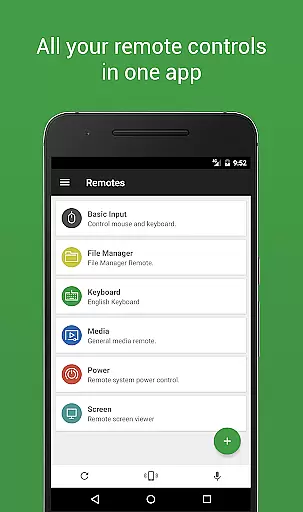
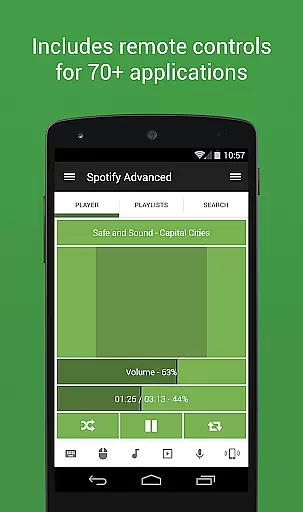

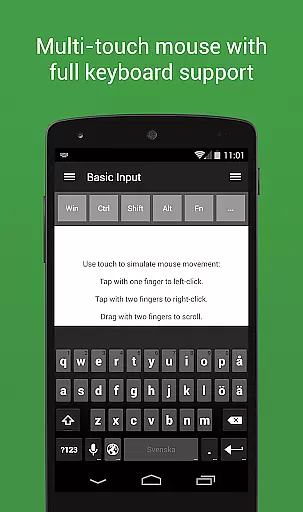
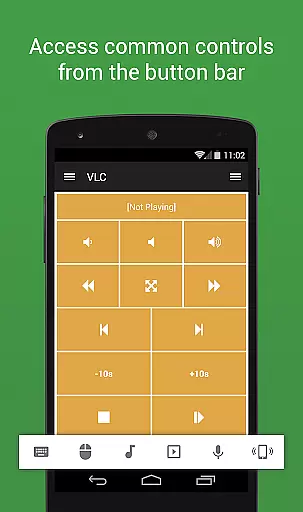
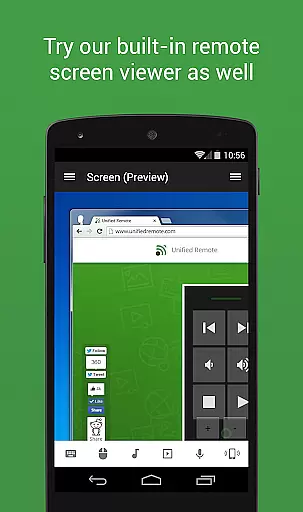
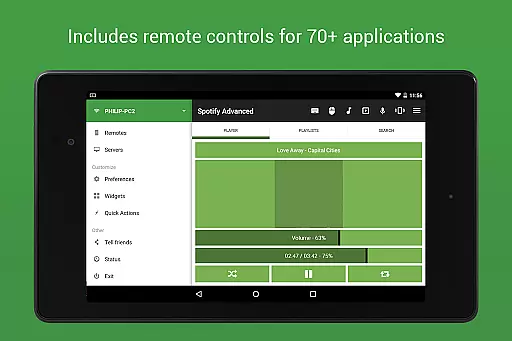
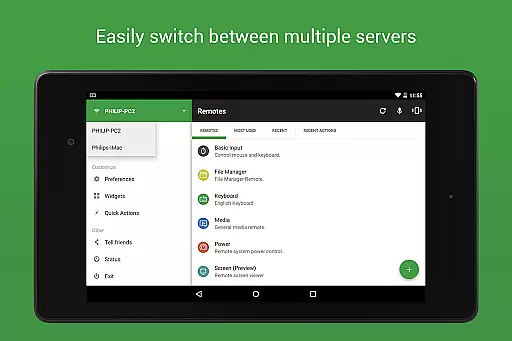
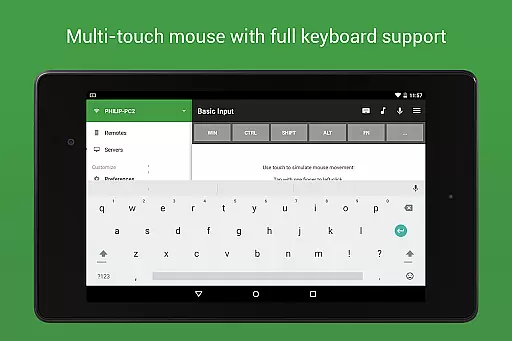
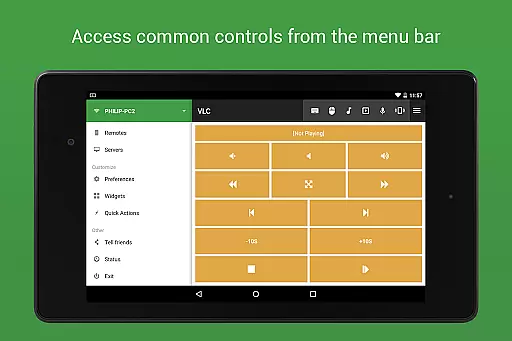
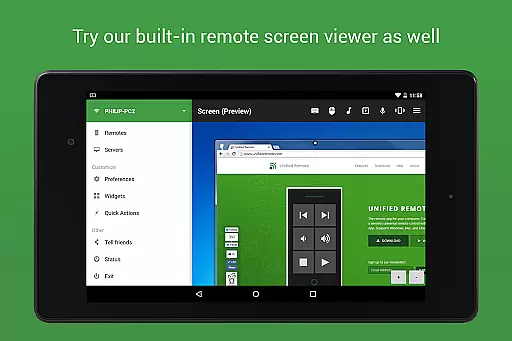
Unified Remote Full is the ultimate remote control solution for your computer, turning your mobile device into a versatile WiFi or Bluetooth universal remote. Compatible with Windows PC, Mac, and Linux systems, this app offers an impressive range of functionalities that cater to various user needs. With support for over 90 programs, it includes essential tools like mouse and keyboard control, media player management, presentation navigation, screen mirroring capabilities, power control options, file manager access, terminal operations, and much more.
This application stands out by providing users with both convenience and advanced features. Whether you're looking to enhance your home entertainment setup or streamline your workflow during presentations, Unified Remote Full delivers a seamless experience. Its intuitive interface and robust feature set make it an indispensable tool for anyone seeking to remotely manage their computer systems efficiently.
Unified Remote Full boasts an array of powerful features designed to simplify remote computer management. The app's easy server and app setup process ensures a hassle-free installation, while automatic server detection helps quickly identify servers on your network. Security is prioritized with server password protection and encryption options, ensuring that your remote sessions remain private and secure.
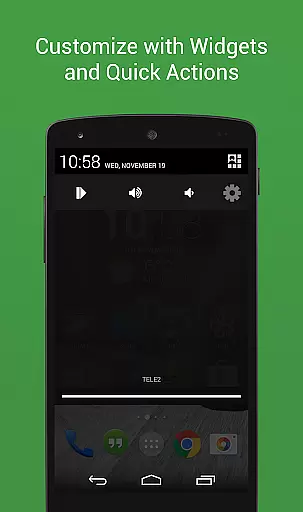
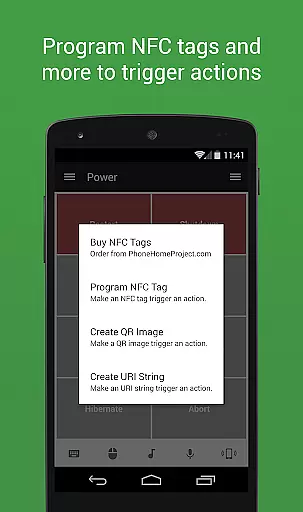
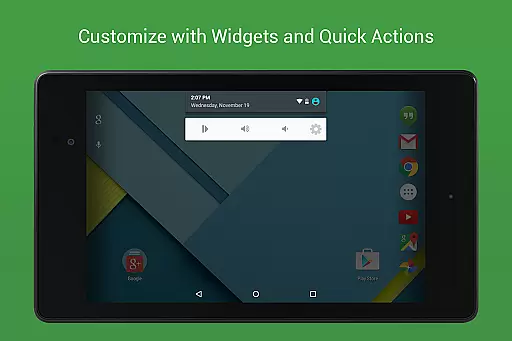
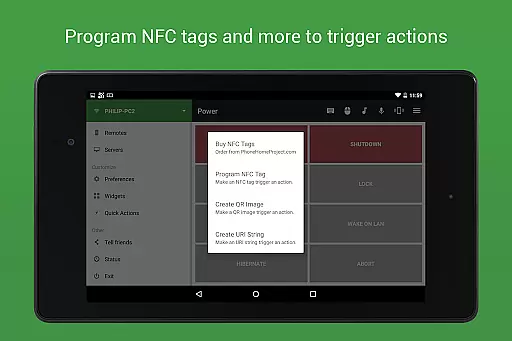
One of the standout features is its support for both single and multi-touch mouse control, allowing for precise navigation. The Wake On LAN functionality enables users to start their servers effortlessly, while light and dark color themes provide customizable visual experiences. Additionally, the app extends its compatibility beyond computers to include devices like Raspberry Pi and Arduino Yún. With 90+ remotes available in the full version, users can enjoy advanced functionalities such as floating remotes, custom remotes, widgets, quick actions, voice commands, IR actions, NFC actions, and Android Wear support.
Unified Remote Full excels in providing precise and effective control over a wide range of devices, including Windows PCs, Macs, Linux systems, Raspberry Pi, and Arduino Yu00fan. The app supports 90+ remotes, ensuring that users can accurately manipulate various programs and functions such as media players, presentations, and screen mirroring.
The application's effectiveness is further enhanced by its support for both single and multi-touch mouse control, server password protection, encryption, and Wake On LAN capabilities. These features ensure that users not only have comprehensive control but also maintain security while enjoying the convenience of remote access.
For users seeking additional customization, Unified Remote Full offers custom remotes, widgets, quick actions, voice commands, IR actions, and NFC actions. This level of personalization allows users to tailor the app to their specific needs, thereby increasing productivity and ease of use.
Ultimately, Unified Remote Full delivers on its promise of transforming your device into a universal remote control, empowering users to manage their digital environments with precision and efficiency. Whether controlling essential functions like volume and power or managing complex tasks within media centers and browsers, this app ensures every action is executed with accuracy.
A standout feature of Unified Remote Full is its interface design, which balances simplicity with intuitiveness. The setup process is straightforward, allowing users to easily configure both the server and app components without extensive technical knowledge. Automatic server detection simplifies finding servers on your network, making initial configuration hassle-free.
The inclusion of light and dark color themes caters to user preference and environmental lighting conditions, enhancing readability and comfort during prolonged use. Additionally, floating remotes enable users to operate controls over other apps seamlessly, maintaining an unobstructed view while multitasking.
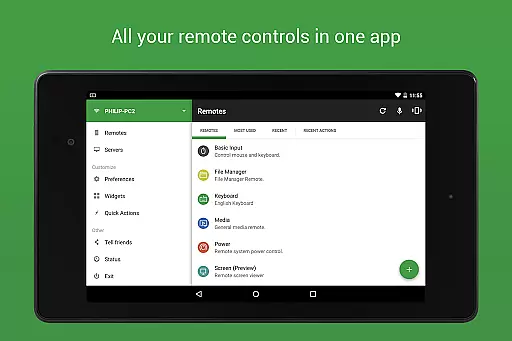
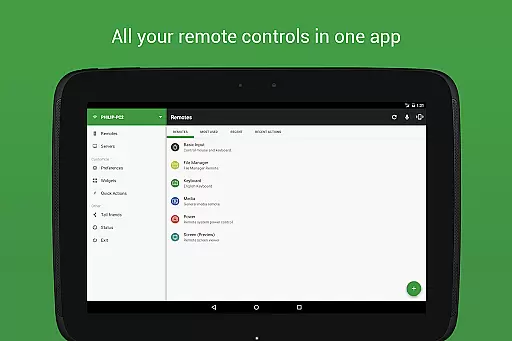
Unified Remote Full provides an intuitive experience through well-organized categories such as Essentials, Music, Video, Media Center, Streaming, Presentations, Browsers, and Other functionalities. Each category contains preloaded remotes designed for popular applications, ensuring that users can quickly locate and utilize the necessary controls without confusion.
Overall, Unified Remote Full prioritizes user experience by offering an interface that is both simple to navigate and rich in functionality. By minimizing the learning curve and maximizing accessibility, it ensures that even novice users can efficiently harness the full potential of their remote control capabilities.
User-friendly interface
Wide device compatibility
Comprehensive feature set
Secure connection options
Customizable remote controls
Paid version required for full features
Setup may require technical knowledge
Some remotes not available on all OS
Occasional connectivity issues
Limited free remote options

 4.50
4.50
Quickly switch to an encrypted DNS server on Android TV
4.50
Transfer Files, APK from Phone to Watch & Install.
4.5
FV File Manager Pro, Fast and powerful file manager for Android
4.60
Remote for Roku, Fire TV, Samsung TV, LG TV, Android TV, Chromecast and VIZIO TV
4.20
Carry a FTP server in your pocket and avoid USB cables for file transfer
4.20
eXtended Permission Manager - a small app to manage permissions and AppOps
4.50
Forza Tuning Calculator App for Forza Horizon 5, Motorsport and Earlier Titles
4.40
The Ultimate Bluetooth Keyboard & Mouse. Securely control your PC, Mac, and more
4.50
Change your GPS location instantly. Simulate routes anywhere in the world.
4.90
Excellent scientific calculator with symbolic algebra, integrals, derivatives
4.80
WiFi Signal Strength Meter help you detect WiFi Signal Strength in real time.
4.80
Creation, Learning, Entertainment & More — The All-in-One AI Search Engine
4.70
HD Video player and downloader for all formats, fast & smooth 4K video playback.
4.60
Screen Mirroring for Roku Sticks, Roku TCL TV and Roku Hisense TV
4.50
Universal TV remote control all TVs, Roku, LG, Samsung, Fire, Vizio, Sony, TCL.
4.40
Quickly & easily calculate the spacing of handrail balusters
4.20
A recovery soft,it features photo recovery, video recovery, file recovery.
3.40
PDF Reader - Document Viewer: Read, Manage & Organize Your Documents
3.10


User Reviews