
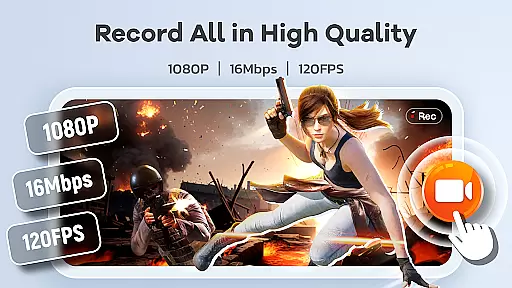
Screen Recorder Video Recorder is a versatile screen recording and video editing tool designed for content creators, gamers, and professionals. This all-in-one app allows users to capture high-quality videos of their screens with options for HD recording at 1080P resolution, up to 120FPS, and 16Mbps bitrate. The app also supports both internal and external audio sources, ensuring crisp sound quality whether you're recording voiceovers or system sounds.
Beyond basic recording, the app offers advanced features like built-in video editing tools, live drawing, and facecam functionality. These features make it ideal for creating engaging tutorials, capturing gameplay highlights, or recording video calls. With intuitive controls such as gesture customization and a floating control ball, users can easily manage recordings without interrupting their workflow. Whether you're producing educational content or sharing personal moments, Screen Recorder Video Recorder provides the tools needed to create polished, professional-grade videos.
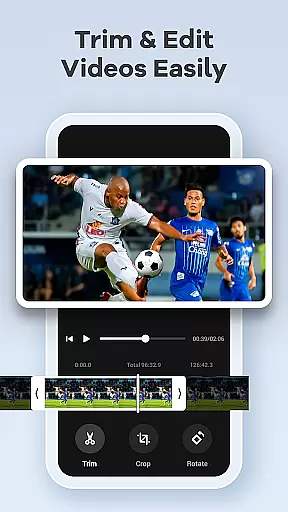
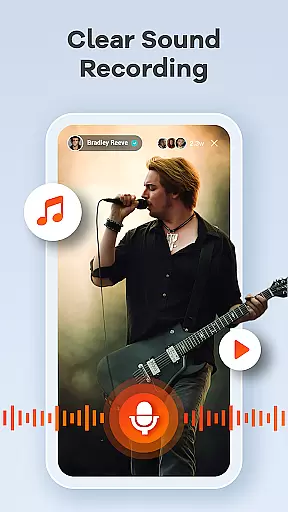
One of the standout features of Screen Recorder Video Recorder is its robust set of recording options. Users can record in stunning HD quality with customizable settings for resolution, frame rate, and bitrate. The app also includes support for both internal device audio and external microphones, allowing for clear and professional sound capture. Additionally, the built-in video editor lets users trim, crop, and rotate footage, while the ability to convert videos into GIFs adds another layer of versatility.
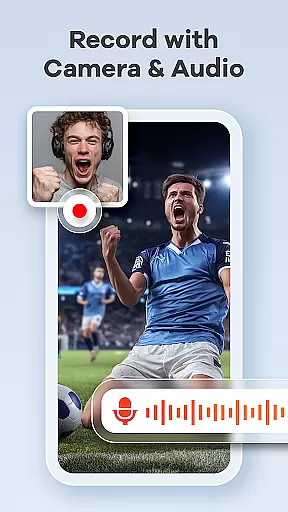
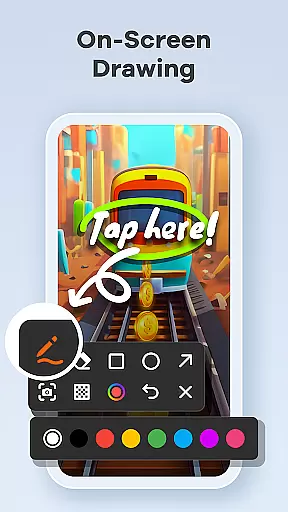
The app goes beyond simple screen recording by offering creative tools like live drawing and annotation, which are perfect for explaining complex ideas during tutorials or presentations. Facecam functionality enables creators to add personal reactions or commentary directly into their videos, enhancing viewer engagement. Other notable features include one-tap gesture controls, no time limits on recordings, and the absence of watermarks, giving users complete creative freedom over their content.
Screen Recorder Video Recorder excels in delivering precise and effective core functionalities that cater to both casual and professional users. The app supports HD recording at up to 1080P, 16Mbps, and 120FPS, ensuring every detail is captured with stunning clarity. This level of precision is crucial for creating high-quality content, whether you're recording gameplay, tutorials, or video calls.
Beyond just video capture, the app offers a built-in video editor that allows users to trim, crop, and rotate their recordings. These editing tools ensure that the final output is not only high in quality but also polished and ready for sharing. The ability to instantly convert video highlights into GIFs adds another layer of versatility, making it easier to share engaging content across various platforms.
The inclusion of live drawing and annotation tools further enhances the app's effectiveness by enabling users to explain complex concepts visually. By drawing directly on the screen in real-time, educators, gamers, and presenters can make their content more interactive and informative. This comprehensive suite of features ensures that Screen Recorder Video Recorder meets diverse user needs with remarkable accuracy and efficiency.
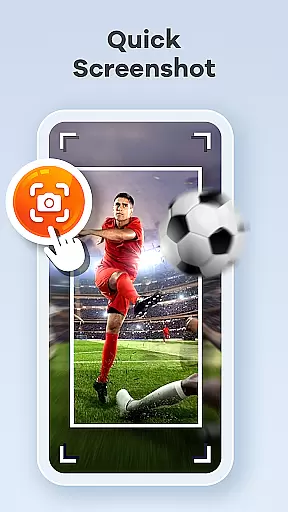
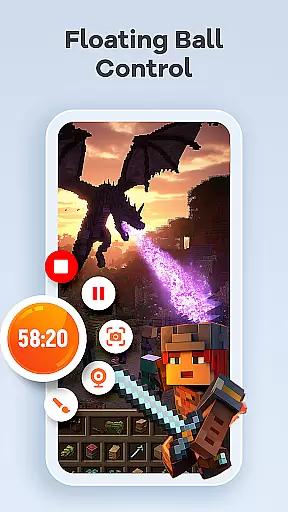
A standout feature of Screen Recorder Video Recorder is its commitment to providing a simple and intuitive user interface. The one-tap floating ball is a prime example of this design philosophy, allowing users to start, pause, resume, and take screenshots without interrupting their workflow. This seamless control mechanism significantly enhances the overall user experience by minimizing distractions and maximizing productivity.
In addition to the floating ball, the app supports customizable gesture controls, letting users tailor quick actions to their preferences. This flexibility streamlines the video creation process, making it faster and more efficient. Users can focus on their content rather than navigating through complicated menus or settings.
Furthermore, Screen Recorder Video Recorder eliminates common pain points such as time limits and watermarks, which can detract from the recording experience. By offering customizable settings for recording parameters and operation methods, the app ensures that both novice and advanced users can achieve their desired results effortlessly. This blend of simplicity and powerful functionality makes the app an ideal choice for anyone looking to create and share high-quality videos with ease.
User-friendly interface
High-quality recording
Built-in editing tools
No watermark on videos
Facecam and live drawing
Requires permissions
Limited in some apps
Privacy concerns
Ads may appear
Premium features cost

 4.50
4.50 4.50
4.50
Just one-tap to easy translate in any language after calls within seconds.
4.20
Save any video in HD - paste the link, download fast and watch offline.
4.2
Unleash gamepad precision for ultimate mobile gaming dominance.
3.90
Mirror your screen to Chromecast and Android TV - Super fast and simple
4.60
Making emulation easy for everyone!
4.30
With videos, electrical calculators, and built-in ebook, Ugly’s has your answer.
4.50
Button mapper, mouse toggle, sleep timer and a lot of another features
4.50
Change your GPS location instantly. Simulate routes anywhere in the world.
4.90
Learn the vast amount of system information about device and monitor it's state
4.70
Creation, Learning, Entertainment & More — The All-in-One AI Search Engine
4.70
App to pay for FUTO Keyboard
4.60
Head tracking for PC sim games such as MSFS 2024 or Elite:Dangerous. No headset!
4.50
Screen Mirroring for Roku Sticks, Roku TCL TV and Roku Hisense TV
4.50
Create your own custom widget with endless possibilities
3.90
This app unlocks the Pro features of the Central for DayZ app
3.60
A recovery soft,it features photo recovery, video recovery, file recovery.
3.40
Unlock your Essential Key. Create custom shortcuts to your favorite apps!
4.3


User Reviews