
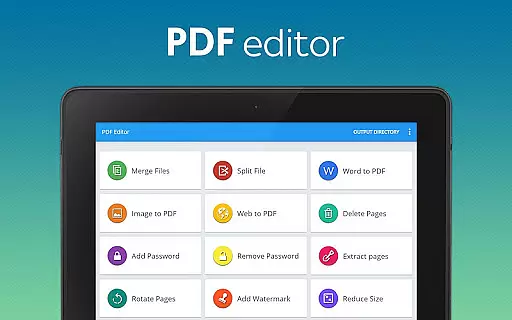
PDF Editor & PDF Converter Pro is a comprehensive document management tool designed to enhance productivity and streamline PDF handling. This all-in-one solution allows users to convert various file formats into PDFs, merge multiple documents, and split large files with ease.
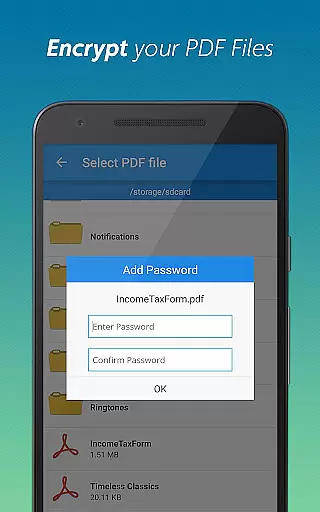
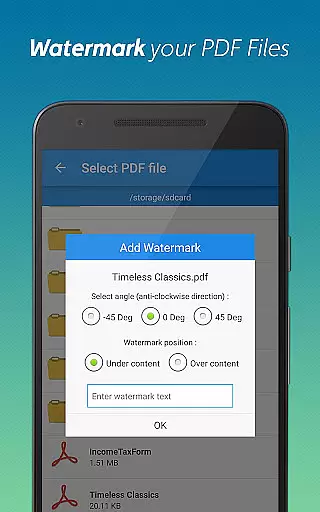
The app's standout features include password protection, watermark addition, and page manipulation tools such as rotation, deletion, and extraction. These capabilities make it an ideal choice for professionals who need to manage sensitive documents or customize their PDFs for specific purposes.
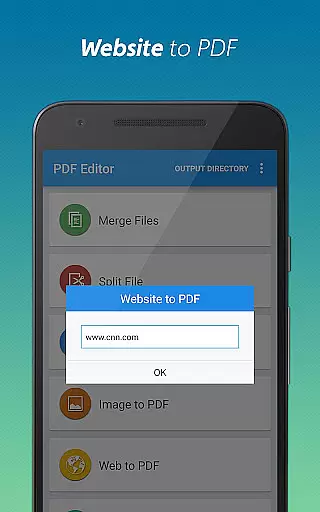
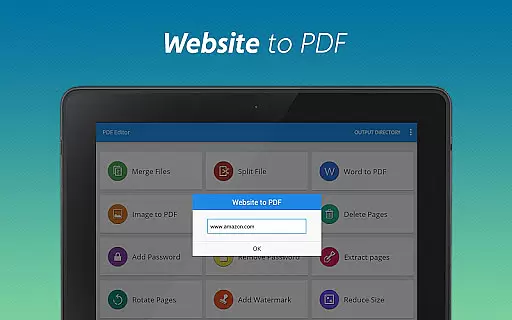
Whether you're working on a mobile device or tablet, this application provides a user-friendly interface that simplifies complex document tasks. From compressing files for easier sharing to converting webpages into PDF format, the app delivers significant value to anyone dealing with digital documents regularly.
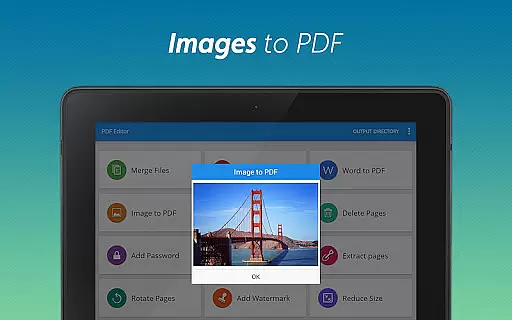
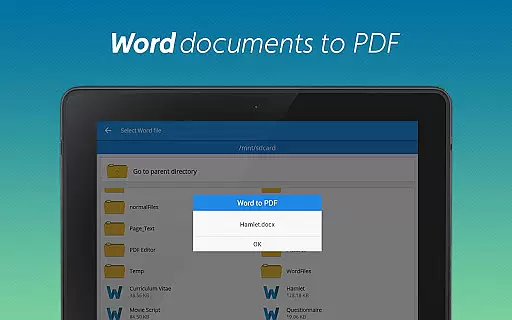
This powerful PDF tool distinguishes itself through its extensive feature set and intuitive design. The conversion functionality supports multiple formats including Word to PDF and Image to PDF transformations, making document preparation seamless across devices.
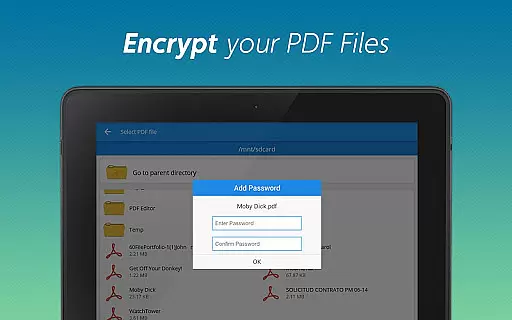
Advanced security features enable users to add or remove password protection while maintaining complete control over document access. The app also offers sophisticated editing capabilities such as page reordering, watermark customization, and precise file compression without quality loss.
What sets this PDF editor apart is its ability to handle complex document operations while maintaining exceptional performance. Each feature is optimized for efficiency, ensuring that even resource-intensive tasks like merging multiple files or processing high-resolution images are completed quickly and accurately.
When it comes to document management tools, the precision and reliability of core functions are paramount. PDF Editor & PDF Converter Pro offers an extensive suite of features that ensure both accuracy and effectiveness in handling PDF files.
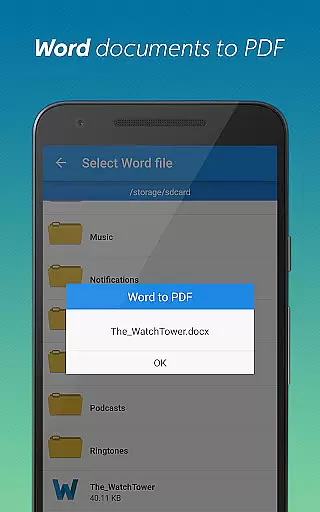
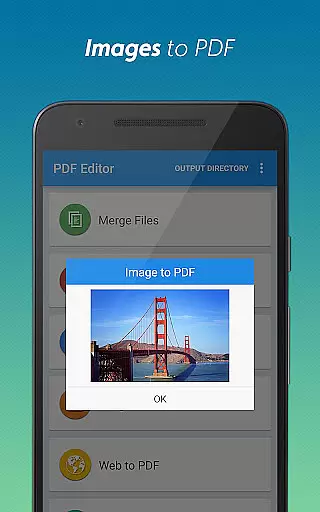
The app allows users to convert Word documents to PDFs with impeccable formatting retention. This conversion process preserves the original layout, fonts, and images, ensuring professional-quality results every time. Additionally, its capability to transform images into PDFs maintains high resolution and proper alignment.
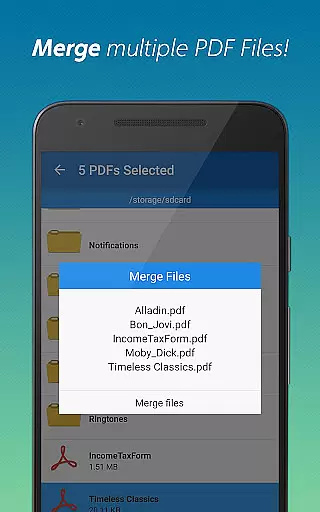
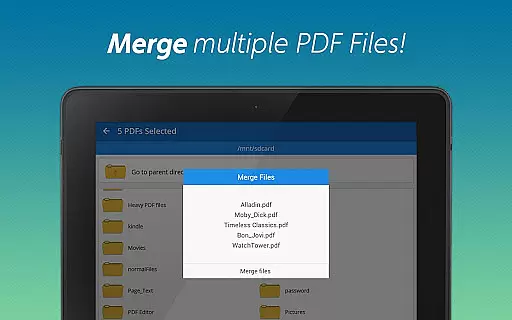
Another notable feature is the ability to merge multiple PDFs seamlessly. Users can combine several files into one cohesive document without any loss of quality or misalignment. The app also supports splitting large PDFs into smaller sections, allowing for more organized and manageable file structures.
With functionalities like password protection, watermark addition, and page manipulationu2014including deletion, extraction, rotationu2014the app ensures comprehensive control over PDF documents. These features collectively enhance both the security and customization options available to users, making PDF Editor & PDF Converter Pro a reliable choice for all PDF-related tasks.
A user-friendly interface is crucial for productivity tools, and PDF Editor & PDF Converter Pro excels in providing an intuitive experience. The design focuses on ease of use, ensuring that even those new to PDF editing can navigate and utilize its features effortlessly.
Upon launching the app, users are greeted with a clean and organized layout. Each tool is easily accessible from the main menu, categorized logically to help users find what they need quickly. Whether converting files, merging documents, or adding watermarks, each action is just a few taps away.
The app streamlines complex processes such as compressing PDFs or managing webpage conversions into simple steps. Real-time previews allow users to see changes before finalizing them, reducing errors and enhancing satisfaction. Furthermore, clear instructions and tooltips guide users through each feature, minimizing the learning curve.
Overall, the straightforward interface not only boosts efficiency but also makes document management less daunting. By prioritizing simplicity and intuitiveness, PDF Editor & PDF Converter Pro ensures that users spend less time figuring out how to use the app and more time accomplishing their tasks effectively.
User-friendly interface
Comprehensive feature set
Fast processing speed
Secure document handling
Cross-platform compatibility
Premium features locked
Occasional ads display
Limited free usage
Large file size
Subscription required

Unit and currency converter with easy and simple UI.
 4.80
4.80
Use your phone as a webcam on your computer over WiFi or USB.
4.40
Detect hidden spy camera with advanced scanning {{ Premium version }}
4.00
View detailed information about your Nissan Leaf the dealer never shows you.
4.10
Monitor car performance in real time and troubleshoot malfunctions.
4.80
Planner and Tracker for Stardew Valley
4.60
The ultimate tool for network analysis, wifi scanning and problem detection.
4.90
Clean up large files and similar photos, fast and easy to use
4.40
Fast VPN USA for any country. Super secure VPN for calls, streaming, games, TV.
4.40
Bedrock Together: Join any bedrock server on Xbox/PS
4.80
Extremely fast, secure, and protects your privacy
4.80
Small and simple app to Verify Root Access and BusyBox Install!
4.70
Fast Video Downloader, Movie Downloader, Torrent Downloader & Adblock Browser
4.70
Protect your device with antivirus, storage cleanup, and system monitoring
4.70 4.50
4.50
Button mapper, mouse toggle, sleep timer and a lot of another features
4.50
PC precision for mobile gaming: dominate with keyboard and mouse!
4.30
Carry a FTP server in your pocket and avoid USB cables for file transfer
4.20
Amateur Radio app for APRS: Track friends, exchange messages, get tactical info.
3.90


User Reviews