
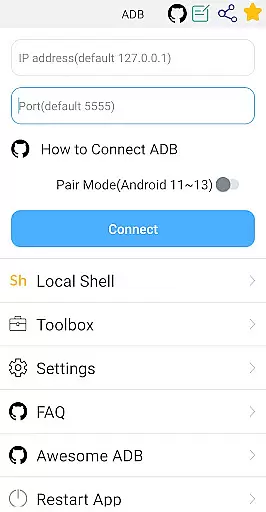
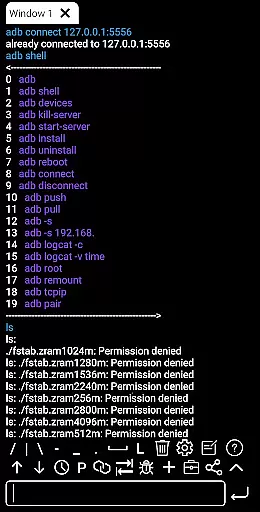
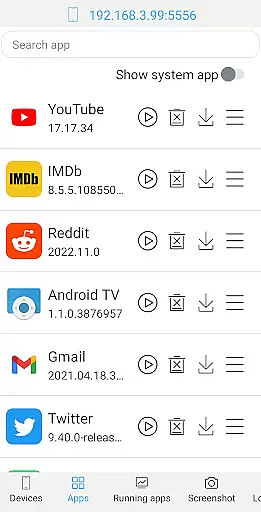
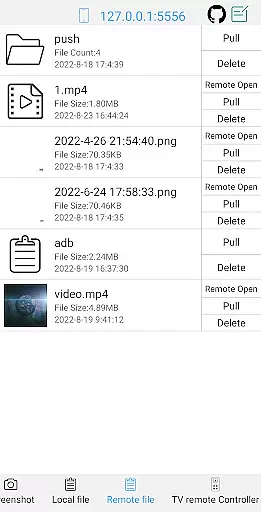
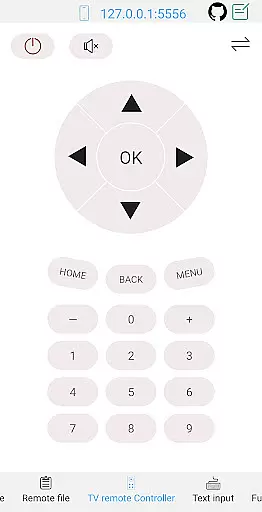
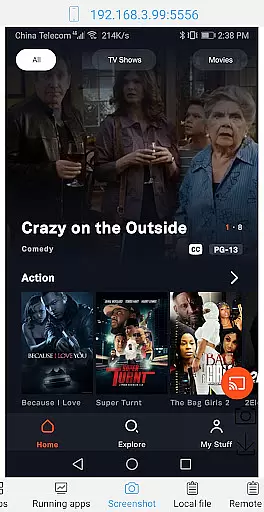

ADB Shell is a comprehensive and powerful toolbox application designed for Android device management. The app provides an extensive suite of features that allow users to manage applications, handle device operations, and execute shell commands with ease. With support for Android versions 4.X through Android 13, it offers versatile functionalities like launching, uninstalling, and managing applications, taking screenshots, transferring files, installing APKs, and even controlling TV remotes.
In addition to its robust toolbox capabilities, ADB Shell includes advanced shell features such as wireless pairing, WiFi ADB support, local shell ADB, command history, multi-window support, and more. These features make it an indispensable tool for developers and power users who require deep control over their Android devices. Whether you need to monitor system performance, view detailed system information, or execute complex shell commands, ADB Shell delivers a seamless experience across various use cases.
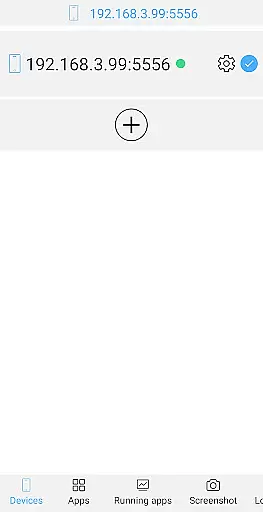
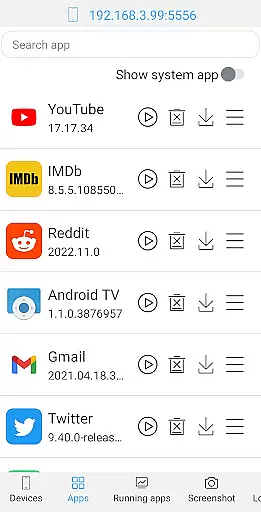
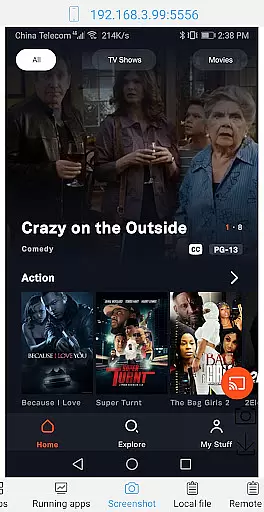
ADB Shell stands out with its rich feature set tailored for both casual users and professional developers. The toolbox functionality allows users to perform essential device management tasks including launching and uninstalling applications, monitoring running apps, taking screenshots, and transferring files between devices. It also supports advanced operations like installing APKs, pulling files from remote devices, and controlling TVs remotely.
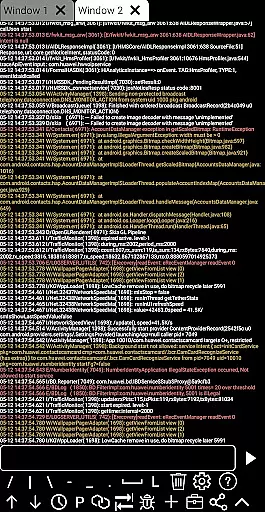
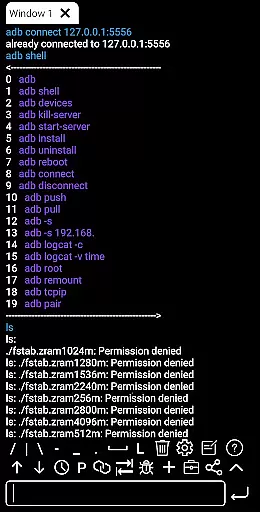
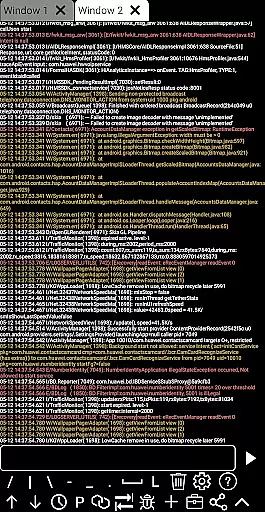
The shell features are equally impressive, offering compatibility with Android 4.X to Android 13, wireless pair mode for newer Android versions, and WiFi ADB support. Users can execute commands locally or remotely, benefit from associative input suggestions, and automatically save command outputs. Additional conveniences include sharing output with others, accessing command history, copying commands quickly, and working within a multi-window environment. Color-coded text and background execution further enhance usability, while recommended commands and prefab scripts streamline workflows.
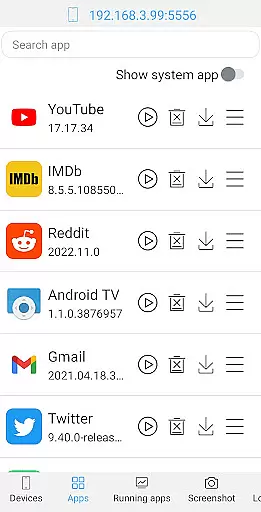
ADB Shell is a comprehensive toolbox and shell application designed for Android devices, offering a wide range of functionalities to manage applications and device settings. The core functions include launching, uninstalling, downloading, and managing applications with options to force stop, clear data, disable, or enable them.
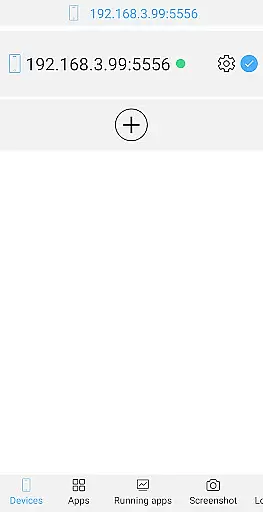
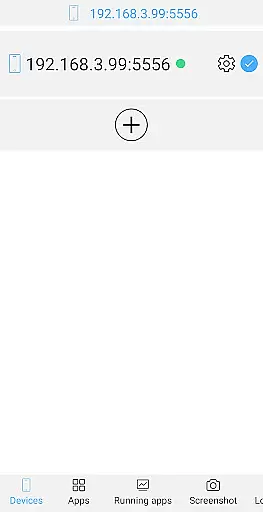
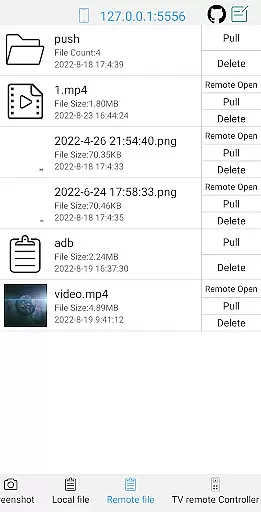
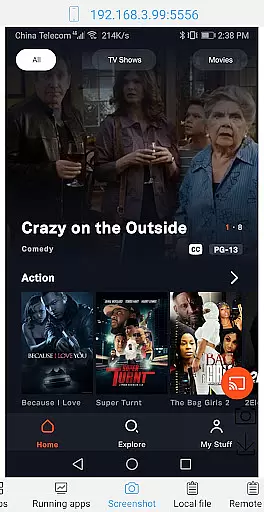
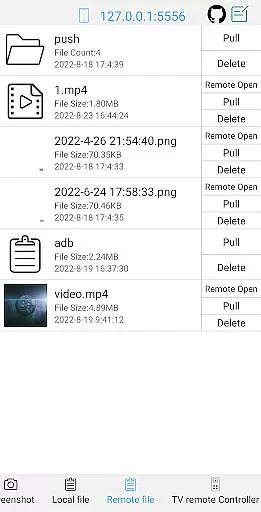
Device management features are extensive, allowing users to view running applications, take screenshots, push or pull files, install APKs, and even open remote image, audio, and video files directly. These capabilities ensure that users can efficiently handle both local and remote files with ease.
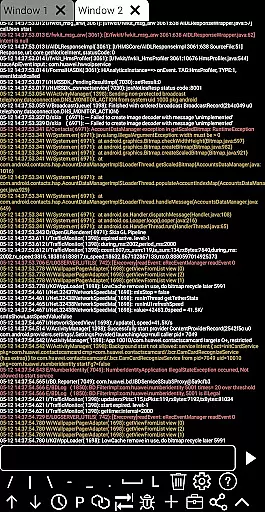
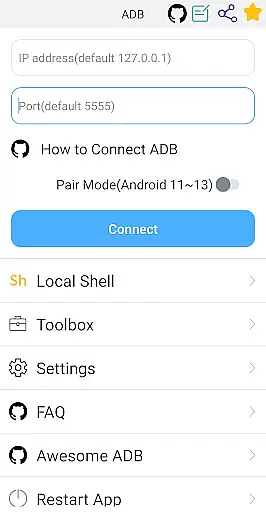
The shell component supports Android versions 4.X through 13, providing compatibility with wireless pair modes, WiFi wireless ADB, and local shell ADB. It also includes advanced features such as associative input, autosave output, command history, fast copy commands, multi-window support, color text, background execution, and logcat functionality.
By integrating these powerful tools, ADB Shell ensures high accuracy and effectiveness in performing various tasks, making it an indispensable utility for developers and power users who require precise control over their Android devices.
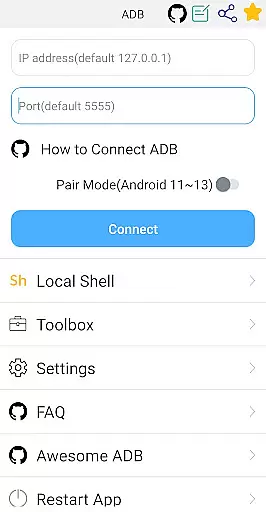
ADB Shell offers a user-friendly interface that simplifies complex operations, making it accessible even to those who may not be familiar with command-line tools. The intuitive design allows users to easily navigate through the myriad of features without feeling overwhelmed by technical jargon or complicated menus.
One of the standout aspects of this app is its ability to provide straightforward access to advanced functionalities like system monitoring, viewing system information, and managing device properties. This ensures that users can quickly find and utilize the tools they need without unnecessary hassle.
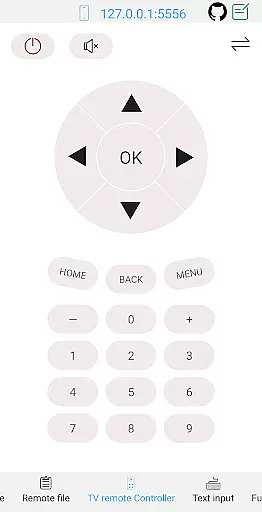
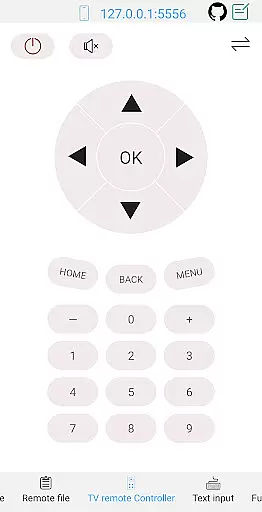
Additionally, the app supports features such as text input, TV remote control, and prefab commands, which further enhance the overall user experience. These elements contribute to a seamless interaction process, enabling users to execute commands and manage their devices with minimal effort.
Overall, ADB Shell combines powerful functionality with an intuitive interface, ensuring that users can leverage its full potential without compromising on simplicity or ease of use.
User-friendly interface
Comprehensive toolbox
Advanced shell features
Wide Android version support
Efficient workflow tools
Complex for beginners
Requires technical knowledge
Limited aesthetic customization
No iOS support
Occasional connection issues

 4.50
4.50
Making emulation easy for everyone!
4.30
Screen Mirroring for Roku Sticks, Roku TCL TV and Roku Hisense TV
4.50
NFC Tools can read and write NFC tags.
4.70
Fun lie-detection pranks for friends and parties.
3.80
Creation, Learning, Entertainment & More — The All-in-One AI Search Engine
4.70
Clean up your phone, find files, play media, and share files offline
4.50
Screen recorder with audio to record high-quality videos and take screenshots.
4.40
Fast VPN USA for any country. Super secure VPN for calls, streaming, games, TV.
4.40
Connect wirelessly to your computer to watch movies, browse the web, play games
5.00
Powerful collection of electronics tools and reference.A must for any enthusiast
4.90
Best leveling tool for your Android device. Hang paintings like a pro.
4.90 4.50
4.50
Quickly switch to an encrypted DNS server on Android TV
4.50
Pro Emulator is an easy to use game console emulator for a range of consoles.
4.40
A simple app to back up and restore SMS & MMS messages and call logs.
4.10
Detect hidden spy camera with advanced scanning {{ Premium version }}
4.00
Safely recover deleted photos, videos, and files with a single easy tap.
3.70
A non-root local ADB shell client. READ BELOW!
3.40


User Reviews