
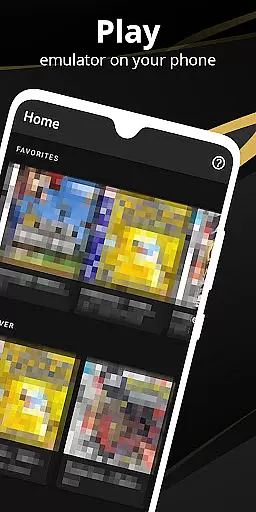

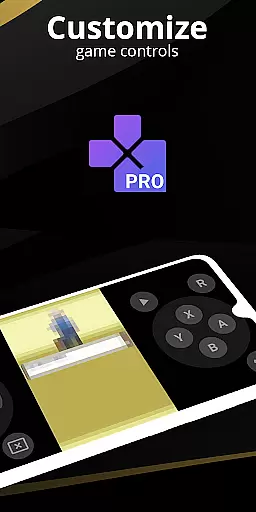
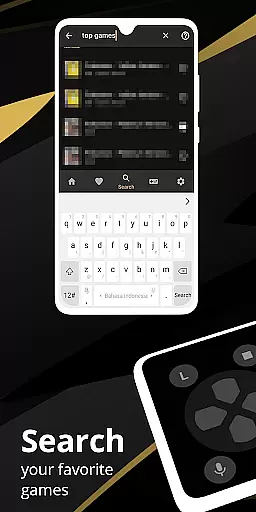
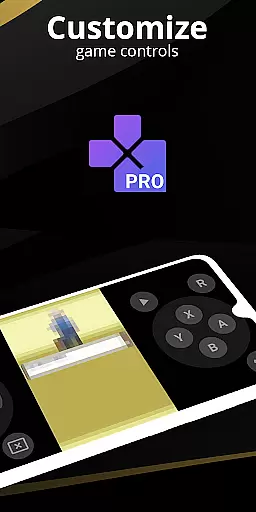
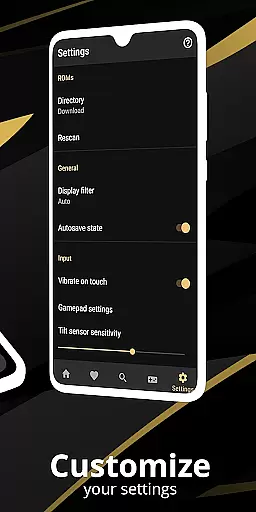
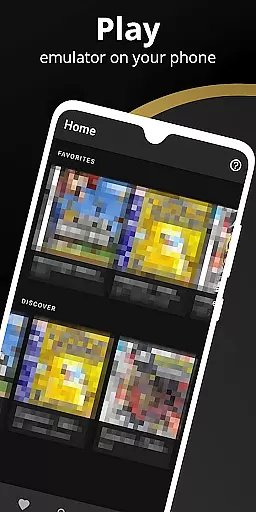
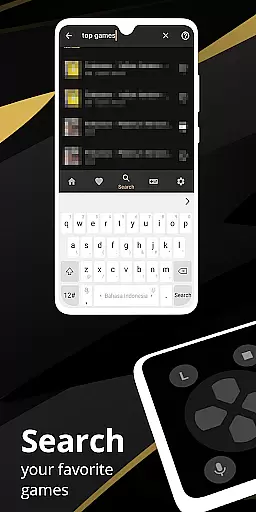
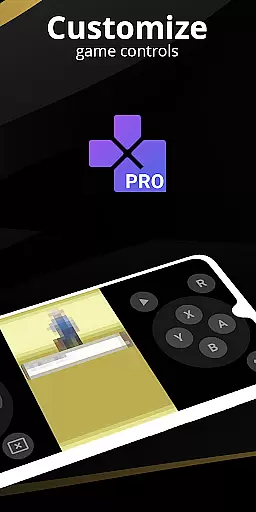
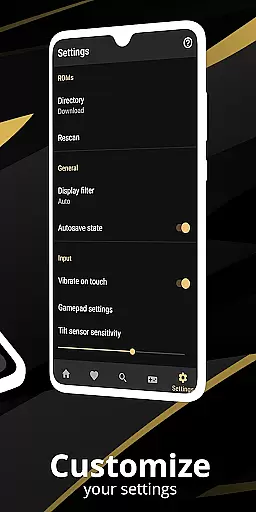
Pro Emulator for Game Consoles is a versatile emulator designed to bring classic gaming experiences to Android devices. This powerful tool supports emulation of various game consoles, ensuring high compatibility and seamless performance across multiple devices. The app automatically saves and restores game states, provides quick save/load functionality, and offers optimized touch controls with customizable size and position.
One of the standout features is its ability to emulate link cables across devices using Bluetooth or Wi-Fi, along with support for gyroscope, tilt, and solar sensors. The emulator also includes advanced video filters through GLSL shaders, fast-forward capabilities, and an intuitive screen layout editor. These features make it an ideal solution for both casual gamers and dedicated retro gaming enthusiasts who want to relive the nostalgia of classic games on modern hardware.
The Pro Emulator for Game Consoles stands out with its comprehensive feature set tailored for an optimal user experience. It utilizes a high-level BIOS emulation system that eliminates the need for BIOS files while maintaining exceptional game compatibility. The app's OpenGL rendering backend ensures smooth performance even on devices without dedicated GPUs, while its support for IPS/UPS zipped ROM patching allows users to modify games as needed.
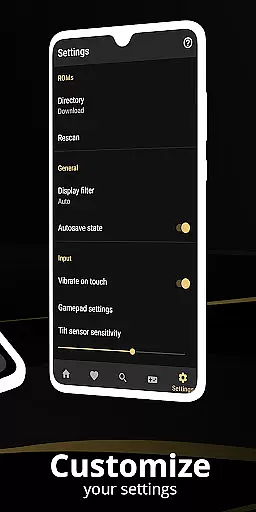
Another key aspect is the robust customization options. Users can create different key-mapping profiles, customize touch controls, and use external controllers like MOGA gamepads. The emulator also supports local multiplayer by connecting multiple gamepads to the same device and offers cloud save synchronization for uninterrupted gaming sessions. With its clean and modern user interface seamlessly integrated with the latest Android versions, this emulator delivers both functionality and ease of use.
For an emulator application like Pro Emulator for Game Consoles, core function accuracy is essential to ensure that games run as they were originally intended. This app achieves high compatibility with nearly all games, allowing users to play without encountering major issues. The precision in replicating console-specific features such as gyroscope, tilt, solar sensor, and rumble effects ensures an authentic gaming experience.
The emulator's effectiveness is further enhanced by advanced functionalities such as automatic save states, quick save/load slots, and lightning-fast emulation that conserves device battery. These features not only improve usability but also extend play sessions without compromising performance. Additionally, the support for link cable emulation across devices via Bluetooth or Wi-Fi adds another layer of accurate multiplayer interaction.
Users benefit from the high-level BIOS emulation which eliminates the need for additional BIOS files, streamlining the setup process while maintaining system authenticity. With optimized touch controls customization and OpenGL rendering, the app caters to both high-end and low-end devices, ensuring broad compatibility and a smooth visual experience. Such comprehensive functionality makes this emulator a reliable tool for reliving classic gaming experiences on modern Android devices.
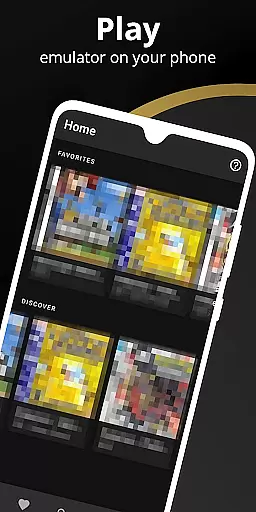
A simple and intuitive interface is crucial for tools applications, especially emulators that target a wide audience with varying technical skills. Pro Emulator for Game Consoles offers a clean and well-designed user interface that integrates seamlessly with the latest Android versions. Its straightforward design allows users to easily navigate through settings and game libraries without a steep learning curve.
The powerful screen layout editor exemplifies the app's commitment to customizability and ease of use. Users can define the position and size of on-screen controls, catering to their personal preferences and enhancing the overall gaming experience. Shortcut buttons for quick actions like load/save further simplify complex tasks, making them accessible even to novice users.
Support for external controllers, including MOGA controllers, and innovative features like tilt-to-stick provide versatile control options that adapt to different play styles. Moreover, the ability to create and switch between key-mapping profiles ensures that each user can tailor the interface to their specific needs. By combining these elements, Pro Emulator delivers an intuitive and enjoyable experience that invites gamers of all levels to explore its capabilities effortlessly.
High game compatibility
Optimized touch controls
Cloud save sync
Multiplayer support
Customizable UI
Powerful device required
No BIOS file support
Limited console range
Advanced setup needed
Premium version cost

 4.50
4.50
Head tracking for PC sim games such as MSFS 2024 or Elite:Dangerous. No headset!
4.50
Canon PRINT is a companion app for your Canon printer.
4.60
ADB support Android 4.X-Android 13(Support wireless pair mode).No root required!
4.70
Small and simple app to Verify Root Access and BusyBox Install!
4.70
Create your own live wallpaper or check out thousands already made presets
3.90
Smart and comfortable browsing experience.
3.80
MS-DOS in your pocket. Play old DOS games anywhere you are ;)
4.10
Support Fossify apps with a warm thank you!
5.00
Easily install aab(Android App Bundle) files on your Android device with our app
4.80
Fast Video Downloader, Movie Downloader, Torrent Downloader & Adblock Browser
4.70
Creation, Learning, Entertainment & More — The All-in-One AI Search Engine
4.70
HD Video player and downloader for all formats, fast & smooth 4K video playback.
4.60
Play your X-Box games remotely in 1080p with any controller and zero latency
4.60
Game Booster, GFX Tool is now compatible with newer game update
4.50
Fun lie-detection pranks for friends and parties.
3.80
A non-root local ADB shell client. READ BELOW!
3.40
Unlock your Essential Key. Create custom shortcuts to your favorite apps!
4.4
Save any video in HD - paste the link, download fast and watch offline.
4.2


User Reviews