
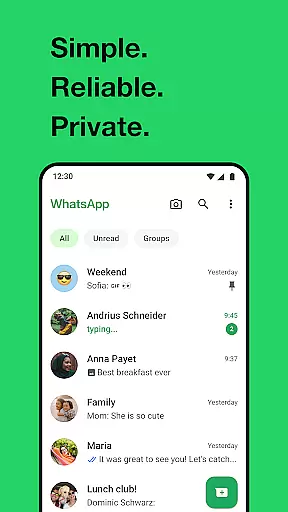
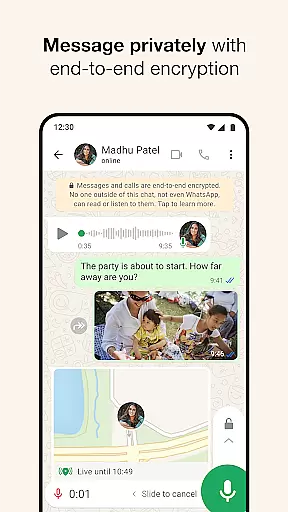
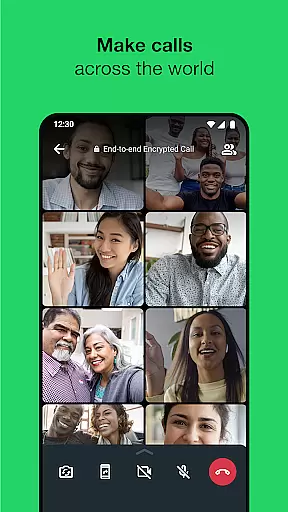
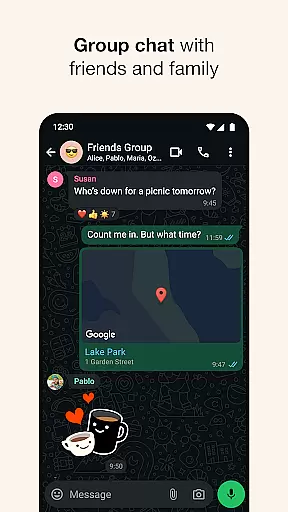
WhatsApp Messenger is a leading communication app that allows users to send messages, make voice and video calls, and share media across mobile and desktop platforms. Its core functionality lies in providing secure, end-to-end encrypted messaging and calling services. The app supports group chats with up to 32 participants, making it ideal for both personal and professional use.
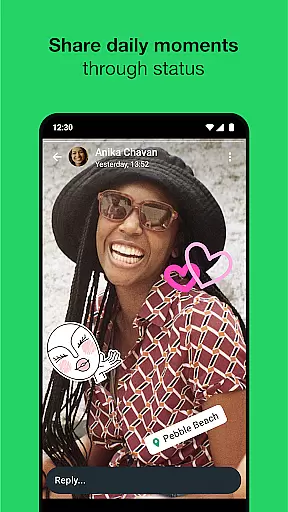
One of WhatsApp's standout features is its seamless integration with phone contacts, eliminating the need for additional usernames or logins. It also offers a Status feature, enabling users to share updates that disappear after 24 hours. With support for Android Wear, users can reply to messages and take calls directly from their smartwatches, ensuring constant connectivity even on the go.
This app is particularly valuable for staying connected with friends and family across the globe without worrying about data privacy. Its ability to function reliably even on slower internet connections makes it accessible to users in diverse locations worldwide.
WhatsApp Messenger stands out through its robust set of features designed to enhance user communication. One key aspect is its end-to-end encryption, which ensures that only the sender and recipient can access the content of messages and calls. This level of security extends to group chats, voice notes, and shared files, offering peace of mind to users concerned about privacy.
The app also provides high-quality voice and video calling capabilities, supporting group calls with up to 32 participants. These calls work efficiently even on slower internet connections, maintaining clarity and reliability. Additionally, the Status feature allows users to post ephemeral updates in the form of text, photos, videos, or GIFs, visible to selected contacts for 24 hours.
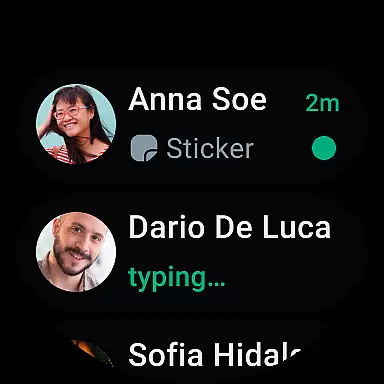
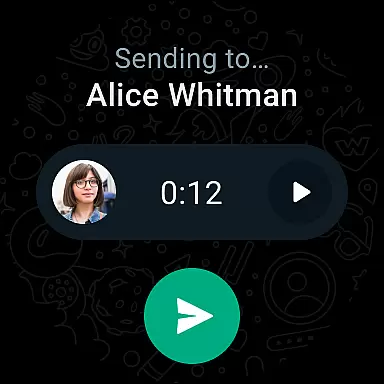
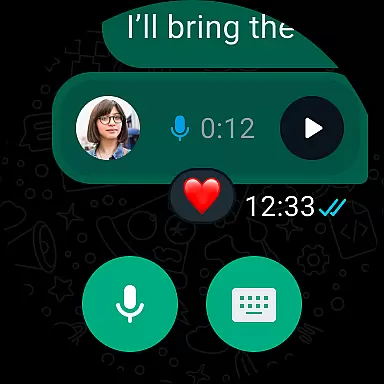
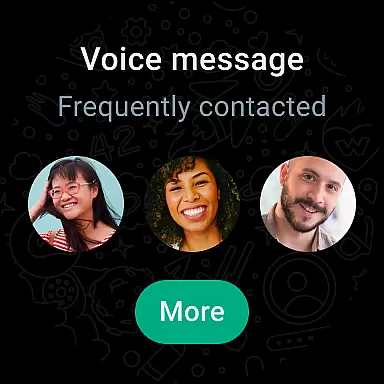
For Android Wear users, WhatsApp offers an optimized experience by allowing them to read and respond to messages, take calls, and send voice notes directly from their smartwatch. Integration with phone contacts simplifies the onboarding process, while cross-platform support ensures consistent performance across devices.
Companion app integration is essential for a seamless user experience across multiple devices. WhatsApp Messenger excels in this area by offering robust synchronization between mobile and desktop platforms.
The application ensures that all your messages, calls, and status updates are consistently mirrored on any linked device. This means you can start a conversation on your phone during your commute and continue it on your desktop when you arrive at work.
WhatsApp's companion app feature provides users with the flexibility to stay connected regardless of their current device. This cross-device functionality enhances productivity and convenience, allowing users to maintain communication without interruption.
Moreover, the integration maintains end-to-end encryption across all synchronized devices, ensuring that your conversations remain private and secure whether you're using a smartphone, tablet, or computer.
Wear OS compatibility is crucial for smartwatch users who want to stay connected on the go. WhatsApp Messenger offers excellent support for Wear OS devices, enabling users to manage their communications directly from their wrist.
The app allows you to receive notifications, read messages, and even respond using voice commands or pre-defined responses. This functionality is particularly useful when you're busy or engaged in activities where using a phone isn't practical.
WhatsApp's Wear OS implementation includes intuitive complications and tiles that provide quick access to your most important conversations. These features make it easy to stay updated without needing to pull out your phone constantly.
Furthermore, the application supports taking calls directly from your smartwatch, ensuring you never miss an important conversation. This comprehensive Wear OS integration demonstrates WhatsApp's commitment to providing a versatile and user-friendly messaging experience across all devices.
End-to-end encryption
Cross-platform support
High-quality calls
User-friendly interface
Free messaging service
Limited customization options
No built-in themes
Heavy on storage
Occasional bugs
Dependent on internet

Animated Watch Face and Customizable with 24 Backgrounds. Perfect for Christmas!
 3.90
3.90
A full-featured Amazon Alexa voice assistant that can show you things.
3.70
Easy Voice Recorder is your everyday companion to record important moments.
4.70
Be an elegant and classy secret agent, with this carefully detailed watch face
4.70
Digital, flexibly customizable watch face. For Wear OS 5.0, API 34+ and later.
5.00
Stylish digital watch face for Wear OS devices with customizable features
4.1
The ultimate destination for kids ages 3-8 to explore the Marvel Universe!
4.30
Hybrid Vibrant Health Watch Face for Wear OS
4.3
Control your Samsung Smart TVs, appliances, and SmartThings-compatible devices
4.60
The most customizable hybrid watch face. For Wear OS 5.0, API 34+ and later
4.70
Highly customizable hybrid watch face for Wear OS, perfect for everyday use.
4.60
Embrace the holiday spirit with this magical animated watch face!
4.40
Current temperature, weather hourly, weather radar by the weather forecast app
4.40
Find EV charging stations
4.30
Locate your family members by GPS phone location tracker everywhere and anytime
4.30
Calming & relaxing sounds for sleeping and stress relief. Stay focused all day!
4.20
Watch face for Wear OS.
4.20
Professional weather radar and more
3.90
Watch face designed for Thanksgiving Day. 7 Background Styles included.
3.20


User Reviews