
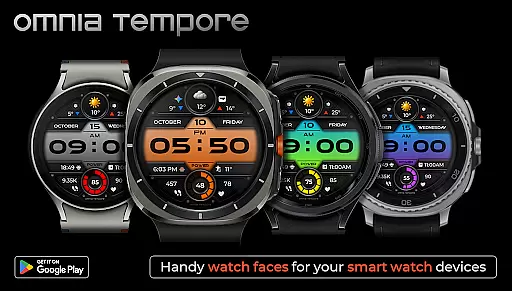
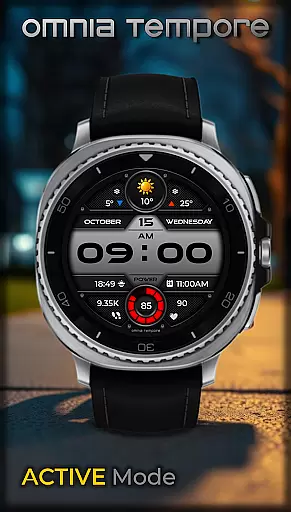
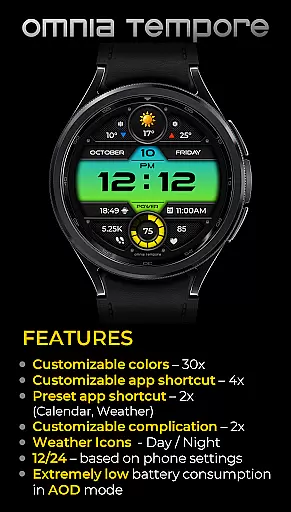
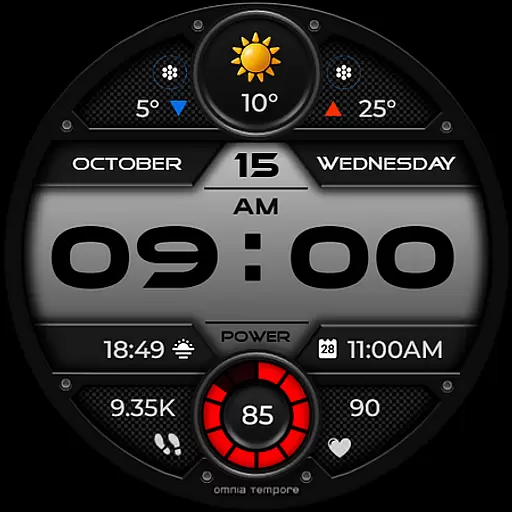
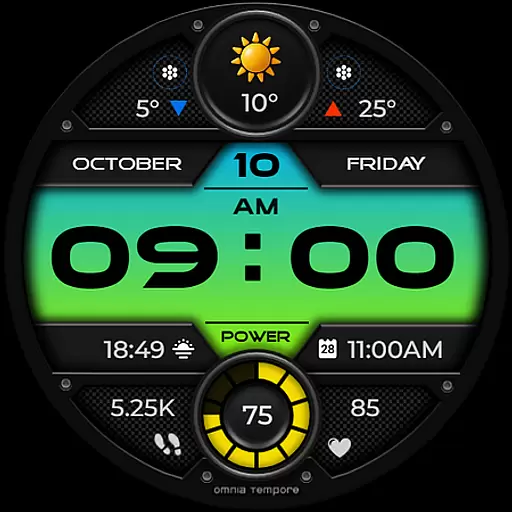
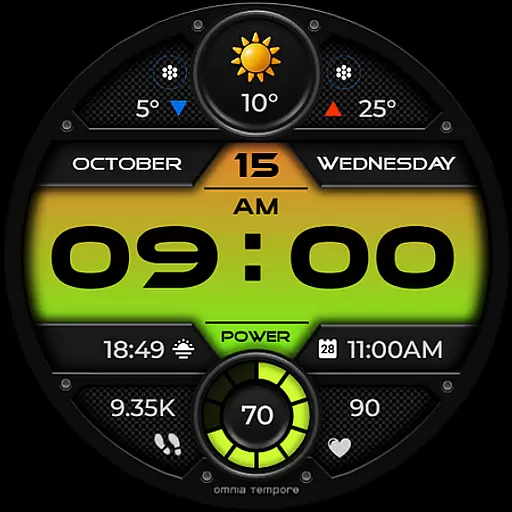
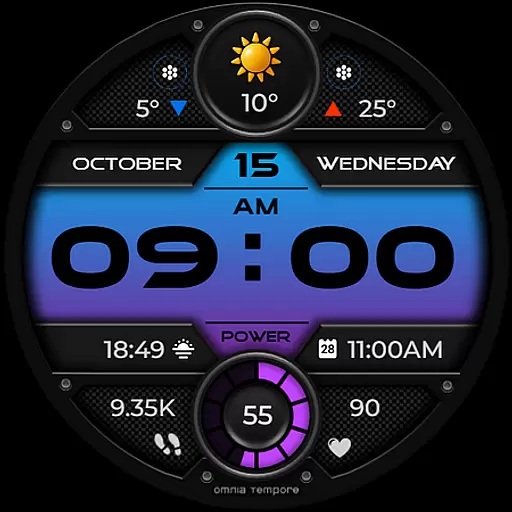
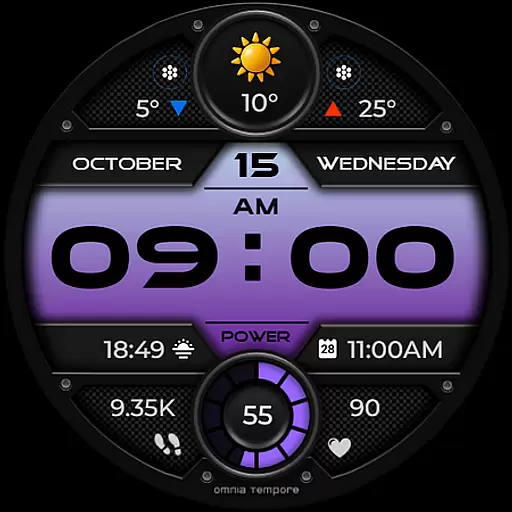
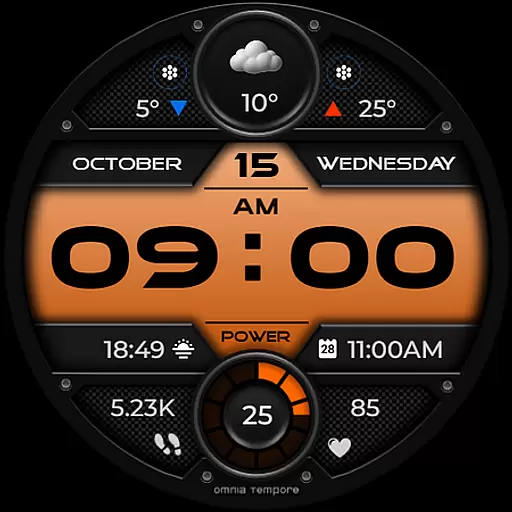
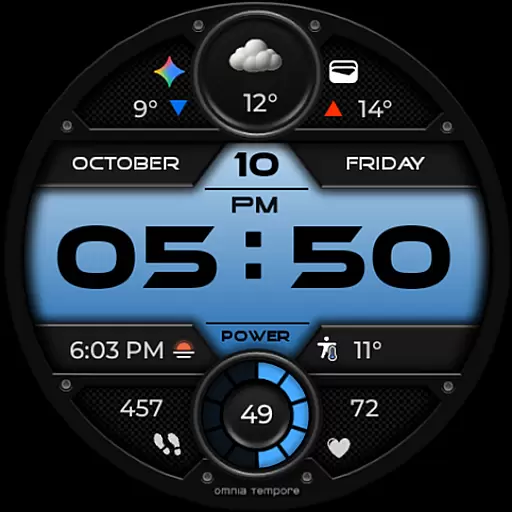
OT is a stylish digital watch face for Wear OS devices (5.0+) that combines sleek design with smart features. It provides real-time weather updates, step counting, and heart rate tracking to keep you connected to the world and your well-being. With customizable complications and app shortcuts, it offers clarity, control, and confidence in a modern aesthetic.
This watch face elevates your everyday life by providing important stats right on your wrist. Whether you're heading to a meeting or hitting the gym, OT ensures you stay informed and stylish without missing a beat.
OT offers a range of smart features designed to enhance your daily routine. With real-time weather updates, step counting, and heart rate tracking, it keeps you informed about both your environment and your health. The inclusion of customizable complications allows you to tailor the display to reflect your priorities.
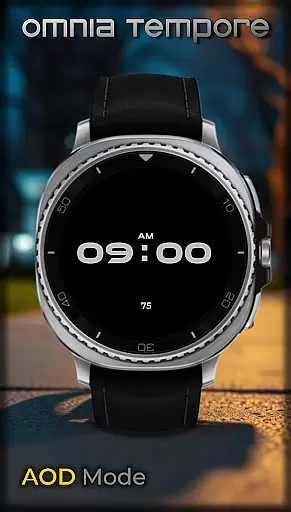
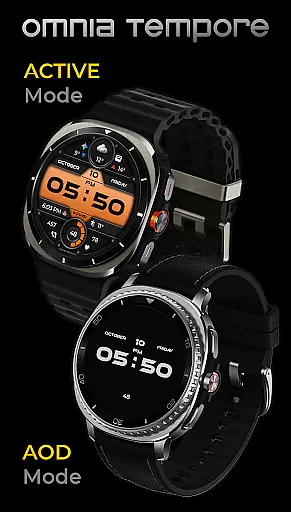
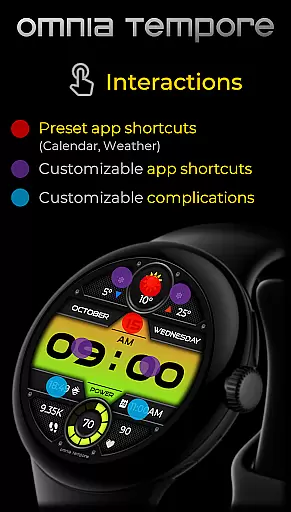
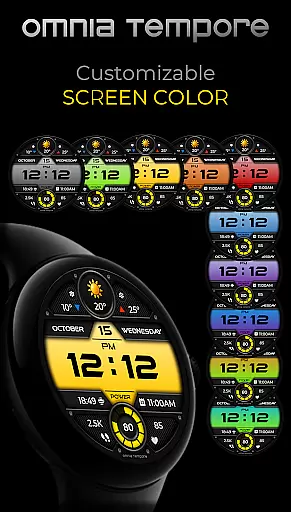
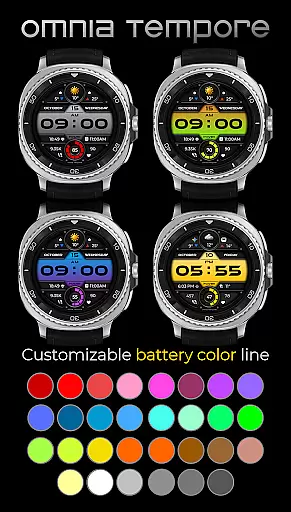
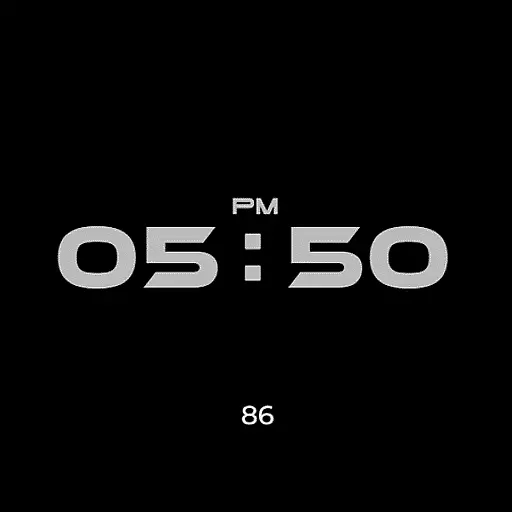
In addition to its smart capabilities, OT provides two preset app shortcuts (Calendar, Weather) and four app shortcut slots (2x visible, 2x hidden), making it easy to access your favorite tools with just a tap. You also get 10 color versions of the display and 30 color options for battery status, ensuring a personalized experience. Plus, low power consumption in AOD mode helps extend battery life.
Companion app integration is essential for a seamless wearable experience. The OT watch face excels in this area by offering deep connectivity with Wear OS devices.
This application provides real-time synchronization of crucial data such as weather updates, fitness metrics, and calendar events. Users can trust that their information is always up-to-date across all devices.
The two preset app shortcuts for Calendar and Weather, along with customizable complications, ensure quick access to frequently used apps. This thoughtful design enhances the overall usability of the smartwatch.
With four app shortcut slots available, users can personalize their experience while maintaining optimal performance. This balance of customization and functionality makes OT a reliable companion app.
Ensuring compatibility with various devices is crucial for any Wear OS application. OT is designed to work seamlessly with Wear OS 5.0 and above, guaranteeing broad device support.
This compatibility extends beyond mere functionality; it maintains high performance standards across different hardware configurations. Whether you're using a newer model or an older version, OT delivers consistent quality.
The application's low power consumption in AOD mode demonstrates its optimization for various devices. This feature is particularly beneficial for users who prioritize battery life without compromising on style or features.
With ten color versions of the display and thirty color options for battery status, OT offers versatile customization possibilities. These options ensure that every user can tailor the watch face to their specific device and personal preferences.
User-friendly interface
Real-time weather updates
Customizable display options
Heart rate tracking
Low power consumption
Limited to Wear OS devices
Requires version 5.0+
Some features may drain battery
Complications can be complex
Not all shortcuts visible at once

"PER27 Galaxy Digital" is a digital Wear OS watch face designed by PERSONA
 4.10
4.10
Rose gold watch face with festive lights & customizable features.
4.60
Deck out your Wear OS Watch face with a beautifully decorated pine wreath!
4.50
Stunning modern digital watch face with 7 complications and strong contrast
4.2
Locate your family members by GPS phone location tracker everywhere and anytime
4.30
Reliable phone calls with spam protection, caller ID and more helpful features
4.40
Simple, helpful messaging by Google
4.60
Start and succeed with PAP
4.10
From periods to pregnancy & perimenopause, Flo helps you track it all. Try now.
4.70
Diet tracker for weight loss - track calories, food and macros. Simple and easy!
4.70
WTW M17 is a premium and luxurious hybrid watch face
4.70
The most customizable hybrid watch face. For Wear OS 5.0, API 34+ and later
4.70
Christmas watch face. For Wear OS devices.
4.30
Elegant animated Christmas tree with multiple customization options
4.20
Let's celebrate Thanksgiving - Wear Os watch face
4.20
Hyper-Realistic Airplane Dashboard Watch Face With 10 Skins and Custom AOD
4.00
Authentic military-tactical design with ZULU time! Realistic and functional!
3.80
Wear Os Watch Face - Animated Snow - Sesonal for Christmas & Winter
4.0
Artistic Digital Watchface
4.2


User Reviews