
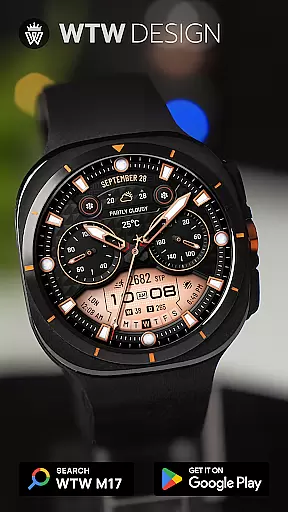
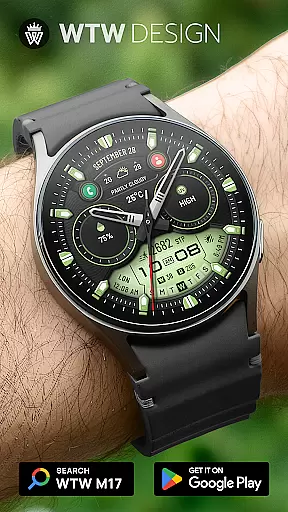
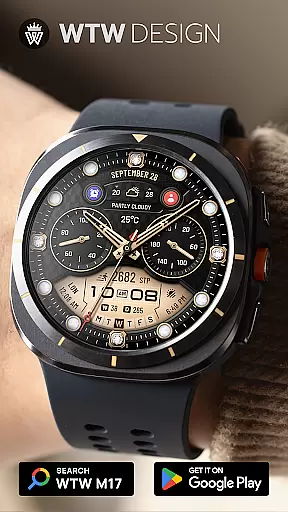
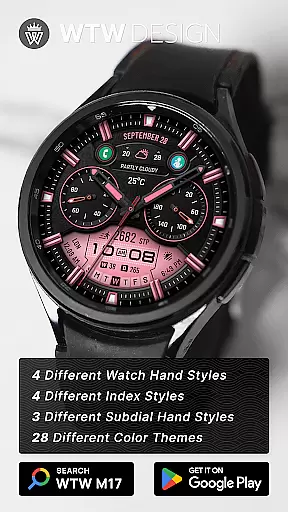
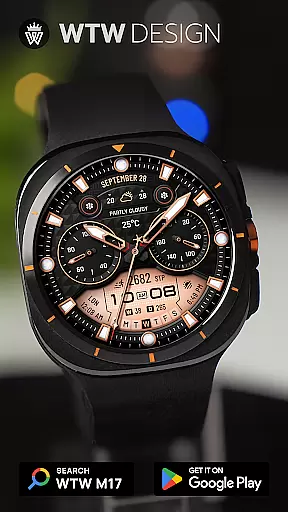
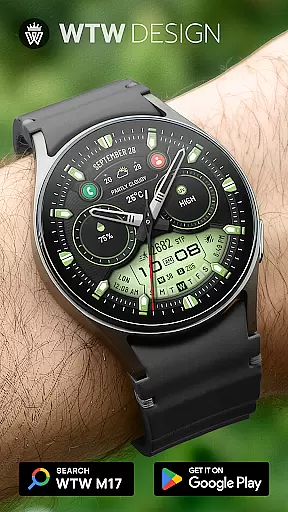
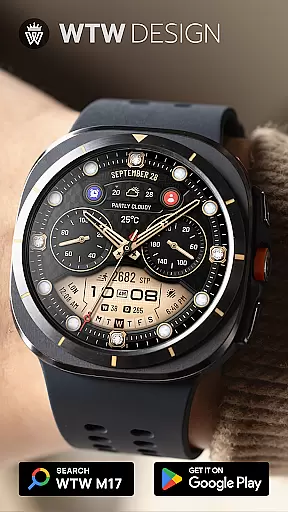
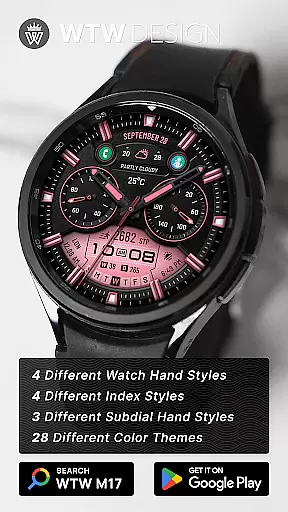
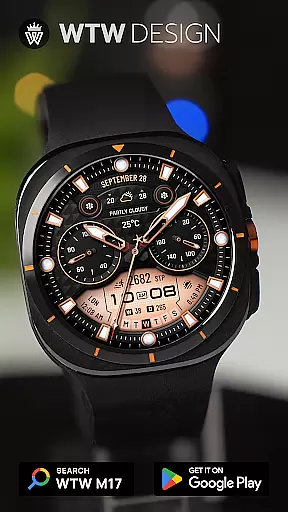
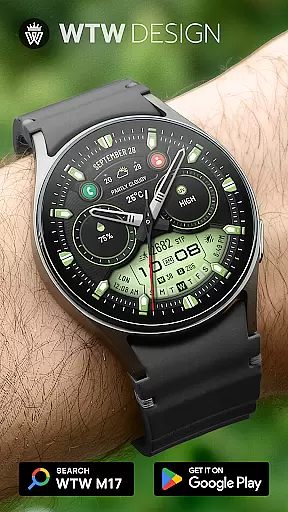
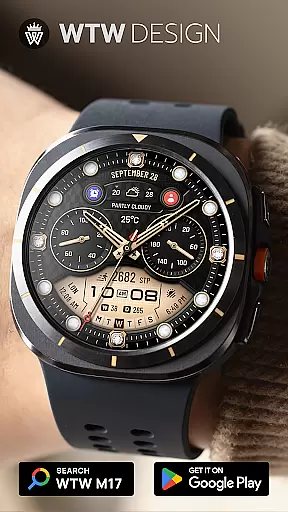
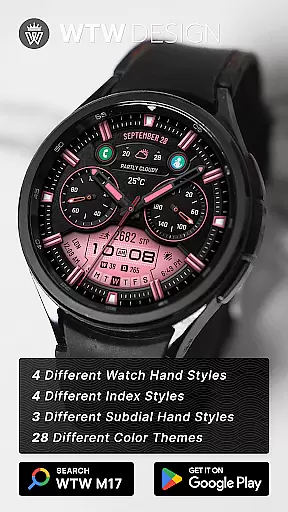
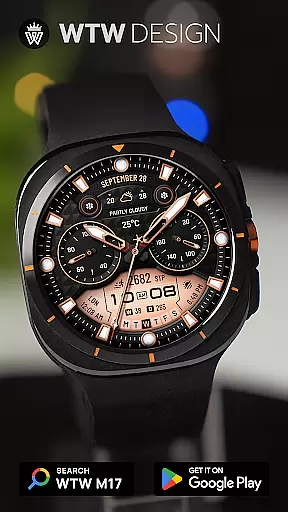
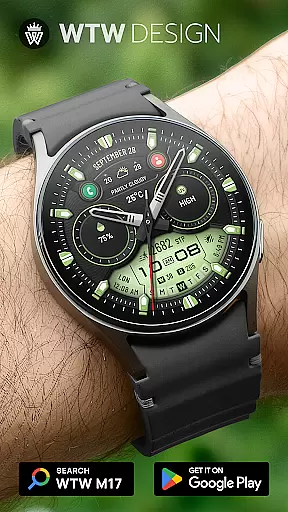
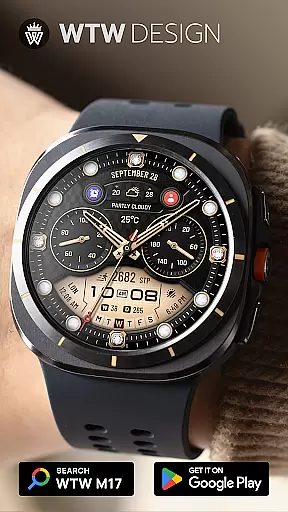
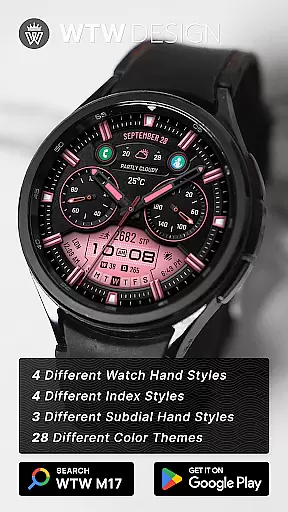
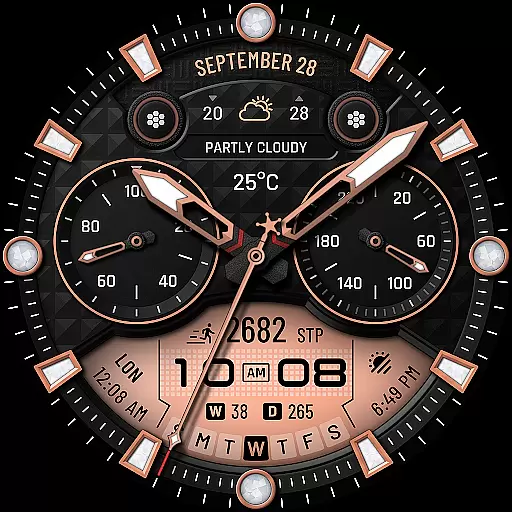
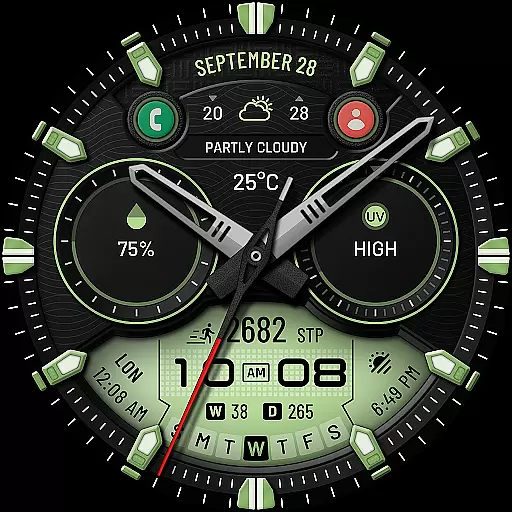
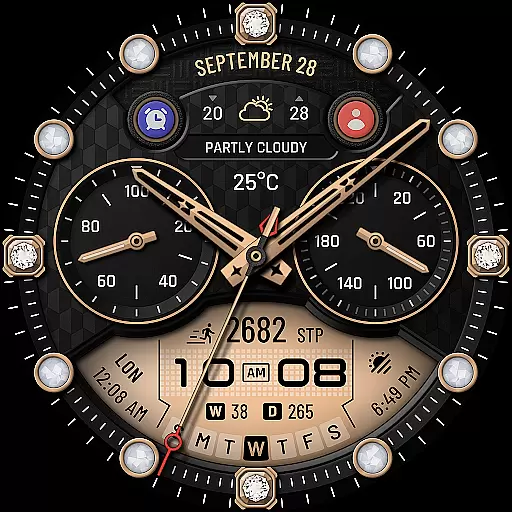
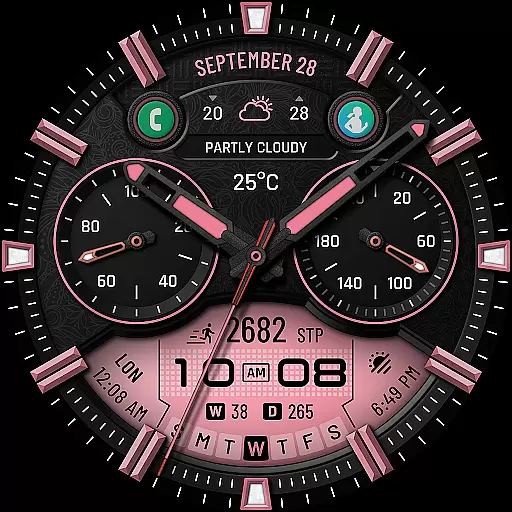
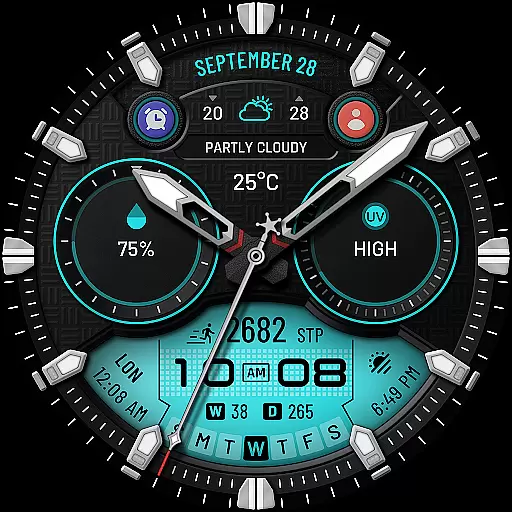
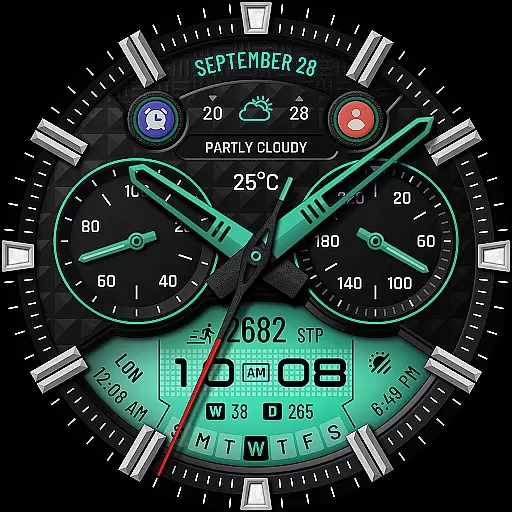
WTW M17 Hybrid Watch Face is a versatile and customizable watch face designed for Wear OS devices. It supports all Wear OS smartwatches with API Level 30+, including Samsung Galaxy Watch series and Pixel Watch.
This application offers an array of features such as analog and digital time display, health tracking (heart rate, steps), calendar information, weather updates, and more. Users can personalize their watch faces with different styles of hands, indexes, and subdial hands. With always-on display and multi-color options, it ensures both functionality and style.
Whether you need quick access to your favorite apps or want to track your daily activities, this watch face provides a seamless experience tailored to your needs.
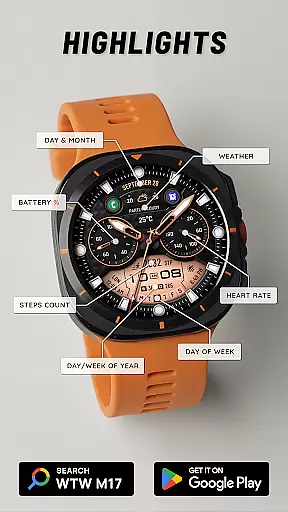
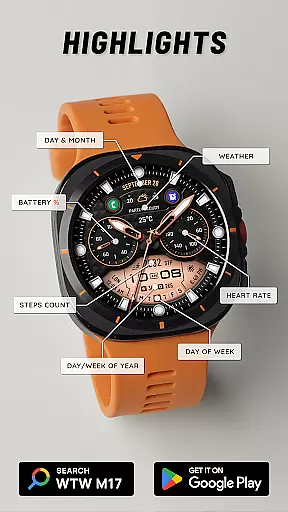
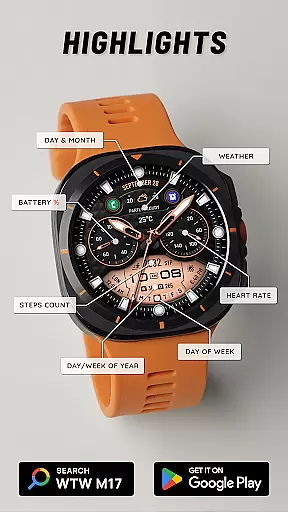
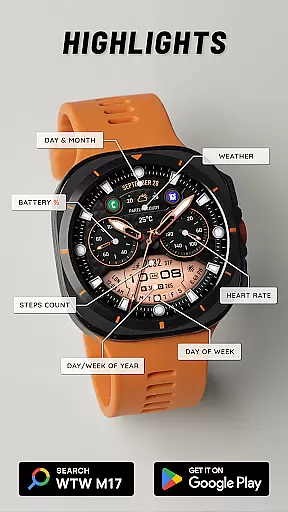
The WTW M17 Hybrid Watch Face stands out with its comprehensive feature set. It includes an analog dial, 12/24hr digital time based on phone settings, battery percentage, heart rate monitoring, step counting, day & month display, day of the week, day in year, week in year, and weather updates.
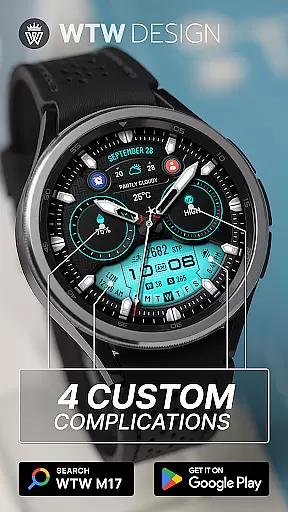
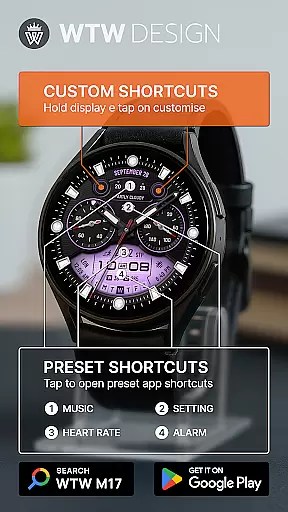
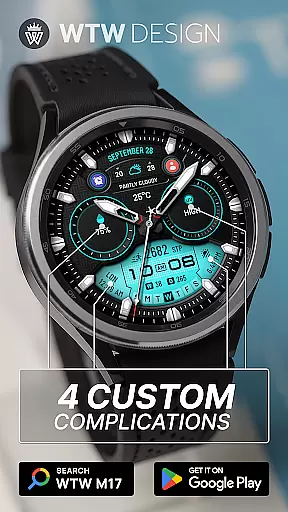
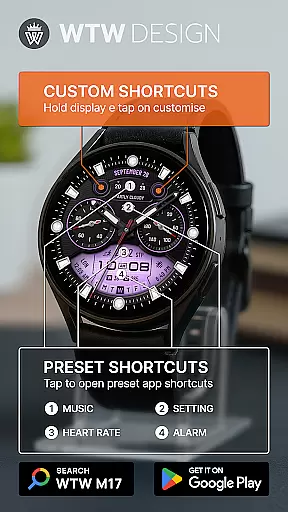
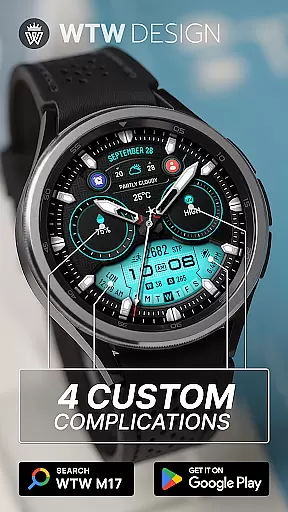
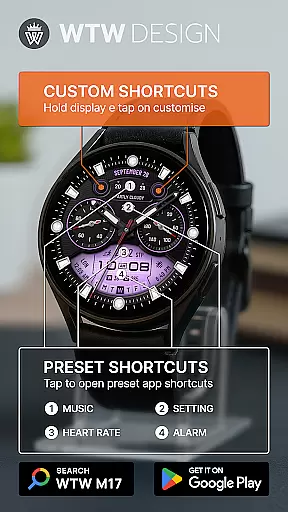
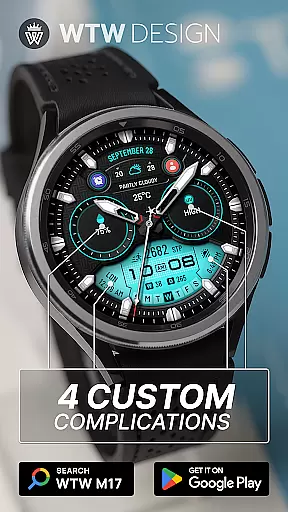
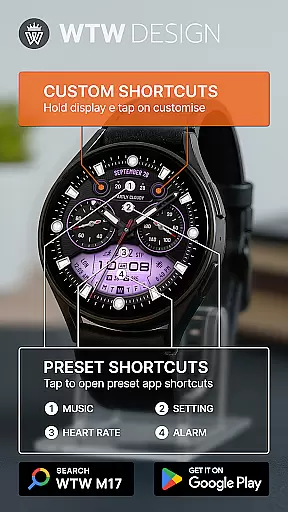
Customization is key with four different watch hand styles, four index styles, three subdial hand styles, and support for complications. Users can choose from four preset app shortcuts like Music, Alarm, Heart Rate, and Settings, along with two customizable app shortcuts.
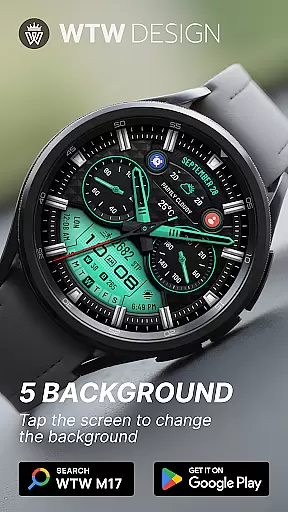
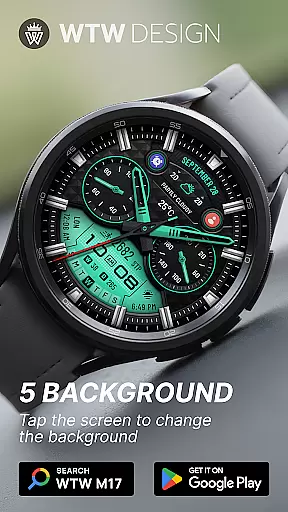
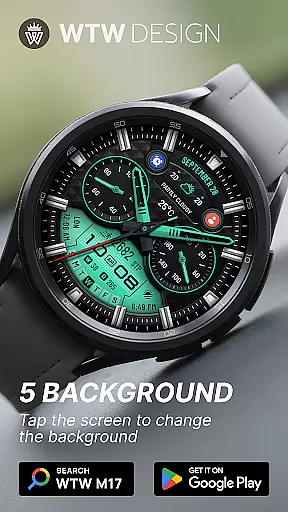
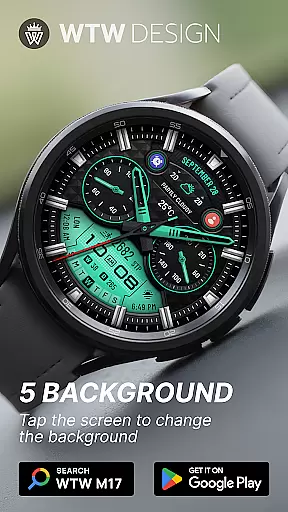
With multicolor options and an always-on display, users can tailor their watch face to match their personal preferences while maintaining essential functionalities at their fingertips.
For the WTW M17 Hybrid Watch Face, companion app integration is crucial for a seamless wearable experience. This feature ensures that your watch face settings are perfectly synchronized with your smartphone.
The application supports all Wear OS devices with API Level 30+, including Samsung Galaxy Watches and Pixel Watches. It allows users to customize their watch faces directly from their phones, providing features like analog dials, digital time display based on phone settings, battery percentage, heart rate monitoring, and more.
With this integration, users can enjoy the convenience of setting up app shortcuts, complications, and customizable options such as watch hand styles, index styles, and multicolor themes. The ability to touch and hold the display to customize ensures that personalization is just a tap away.
Device compatibility is a significant aspect of the WTW M17 Hybrid Watch Face, ensuring it works seamlessly across various Wear OS devices. Supporting devices like Samsung Galaxy Watch versions 4 through 8, including Classics and Ultras, as well as Pixel Watches, guarantees broad usability.
This wide compatibility range means that regardless of the model you own, you can enjoy features such as 12/24hr digital time, heart rate monitoring, step counting, and detailed date displays. Additionally, the inclusion of weather updates and multiple customization options like watch hands, index styles, and subdial hands enhance user engagement.
By supporting Always On Display and offering preset app shortcuts for music, alarm, heart rate, and settings, the WTW M17 ensures that users have quick access to essential functions without compromising on style or performance.
Highly customizable
Wide device compatibility
Comprehensive health tracking
Vivid color options
User-friendly interface
Requires API Level 30+
Limited to Wear OS
No advanced analytics
Preset shortcuts only
Basic design elements

Walking app for weight loss: walk & step tracker, pedometer, indoor treadmill
 4.60
4.60
Wear Os Watch Face - Animated Snow Effect & Christmas Lights
4.2
Christmas - Festive - Christmas Village - Winter - Christmas lights
5.00
Stunning modern digital watch face with 7 complications and strong contrast
4.2
Easy Voice Recorder is your everyday companion to record important moments.
4.70
Watch face designed for Thanksgiving Day. 7 Background Styles included.
3.20
The most customizable minimal watch face. For Wear OS 5.0, API 34+ and later
4.70
Hybrid watch face for Wear OS with customizable complications by Matteo Dini MD
4.70
Track airplanes and follow flights with our real-time flight tracker
4.50
Period, ovulation & pregnancy tracker. Fertility insights & menstrual calendar.
4.90
The Chevron App allows you to pay for fuel from the comfort of your car!
4.80
A modern hybrid informative watch face for Wear OS designed by BALLOZI
4.80
Your second brain for organizing your life: to-do, calendar, reminder.
4.70
Digital watch face with big numbers and many customization for Wear OS devices
4.40
Find EV charging stations
4.30
Professional weather radar and more
3.90
Watch the sharpness of the sky on your wrist..
3.70
A full-featured Amazon Alexa voice assistant that can show you things.
3.70
Hybrid Vibrant Health Watch Face for Wear OS
4.1


User Reviews