
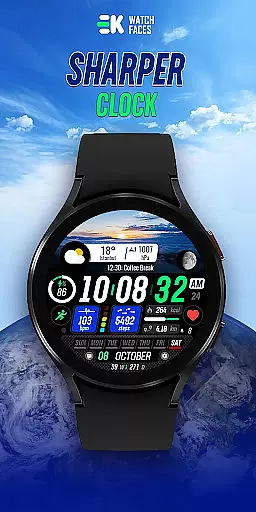
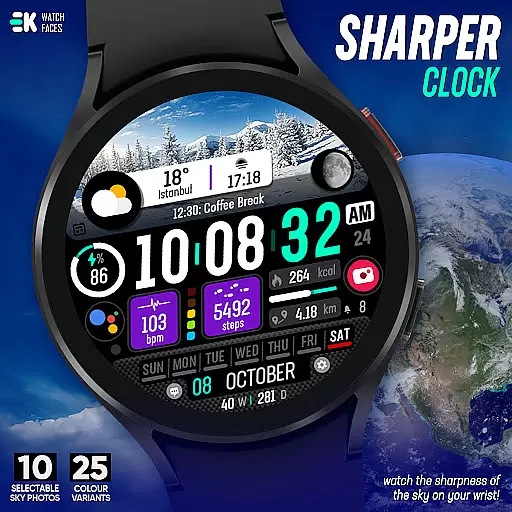
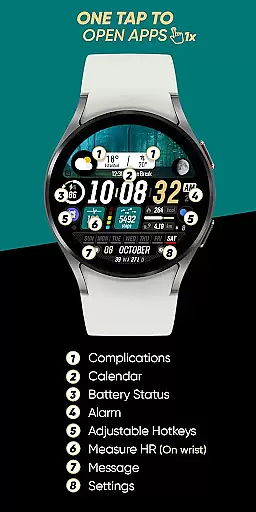
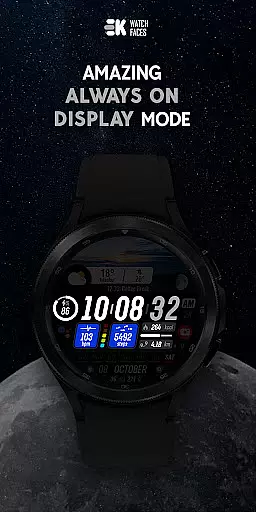
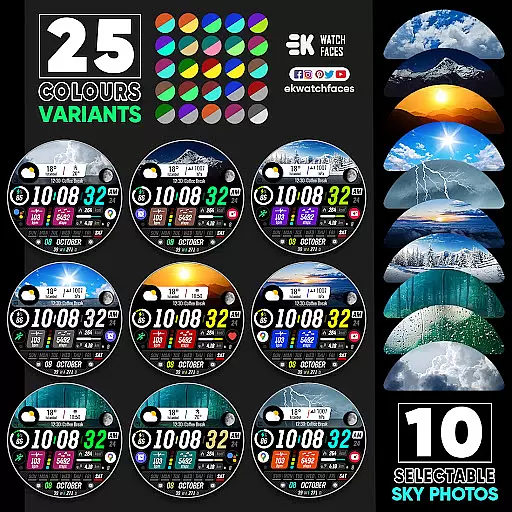
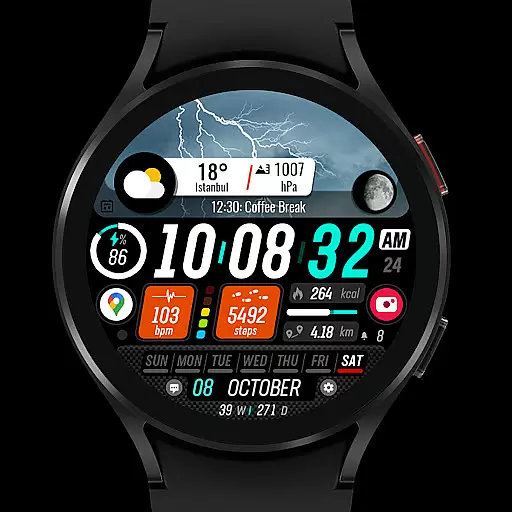
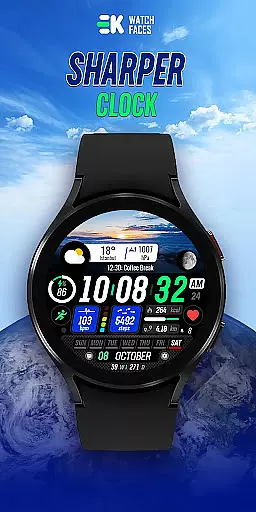
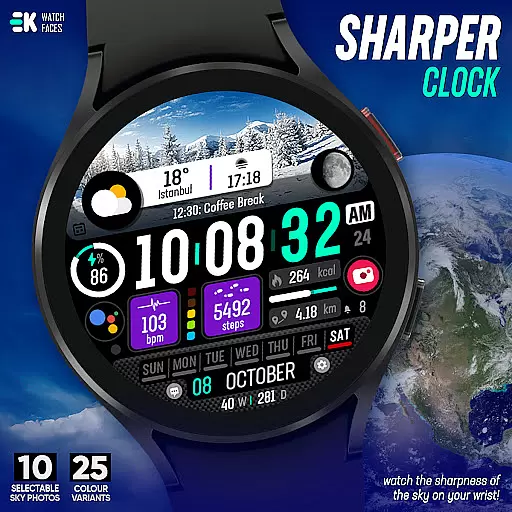
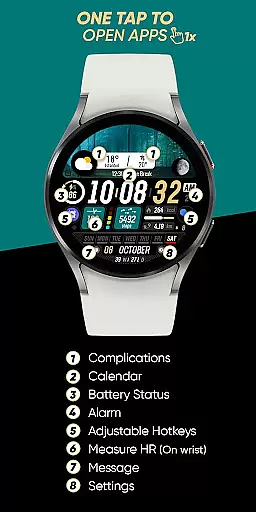
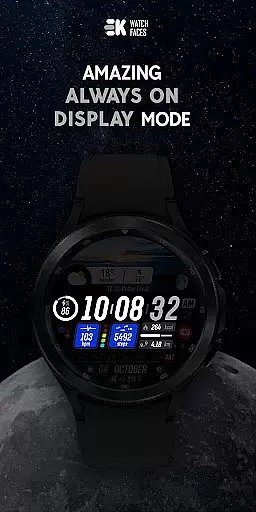
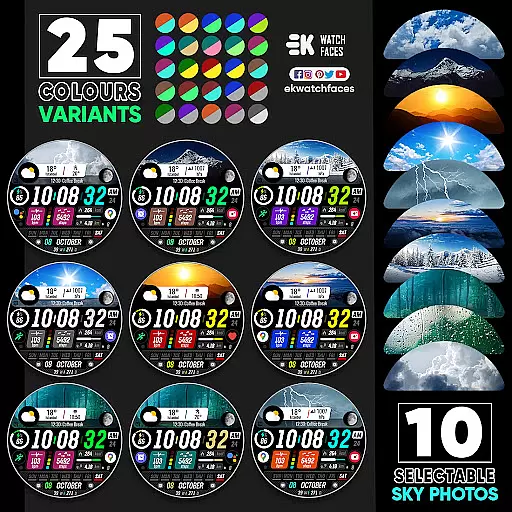
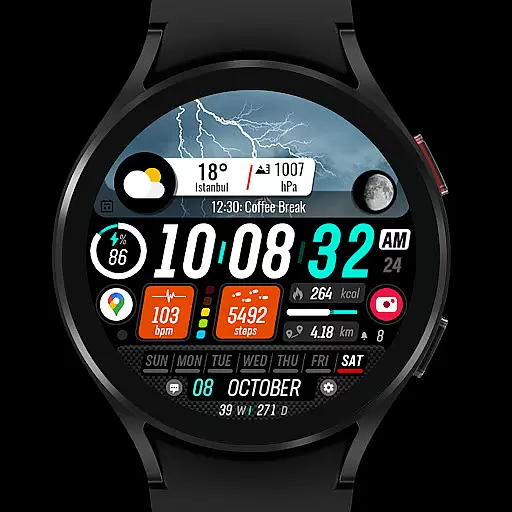
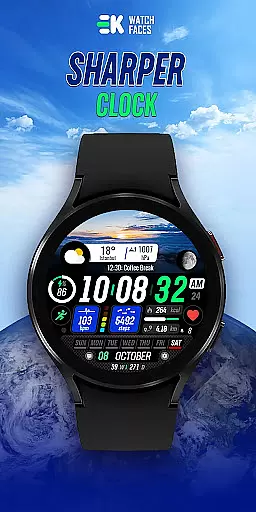
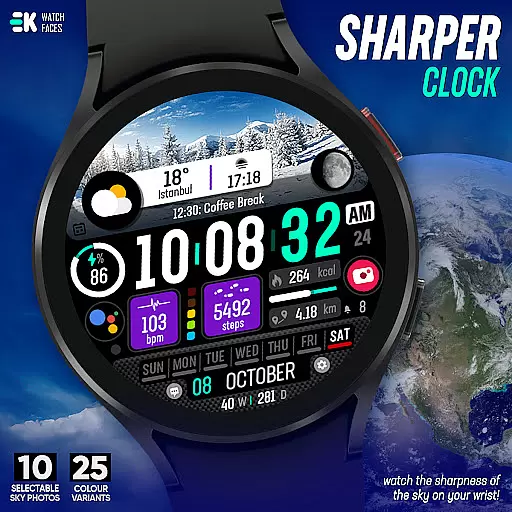
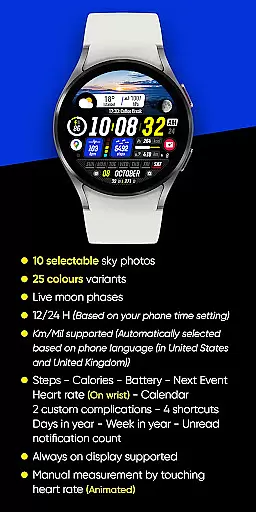
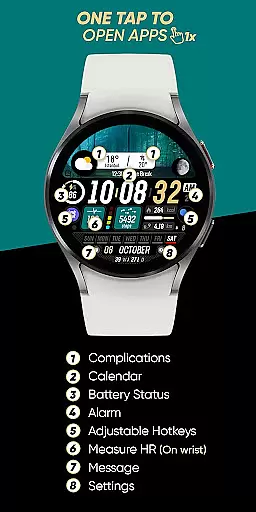
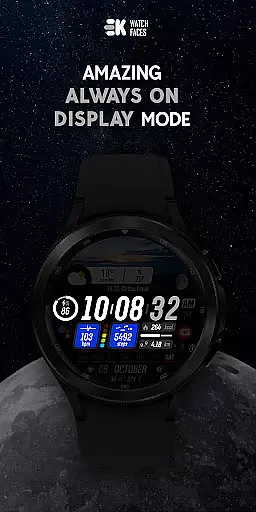
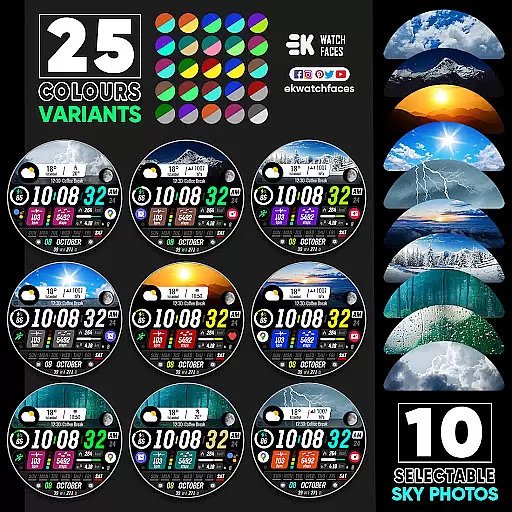
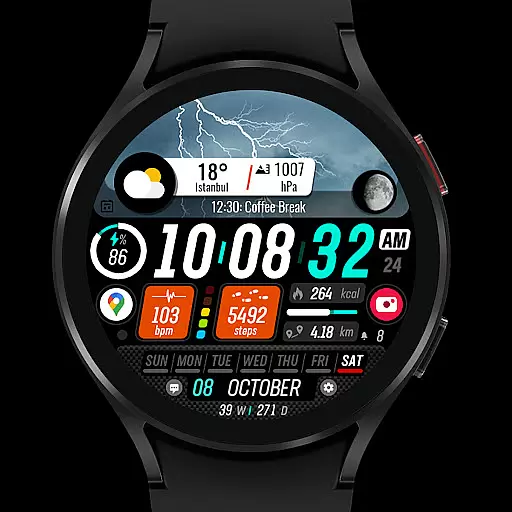
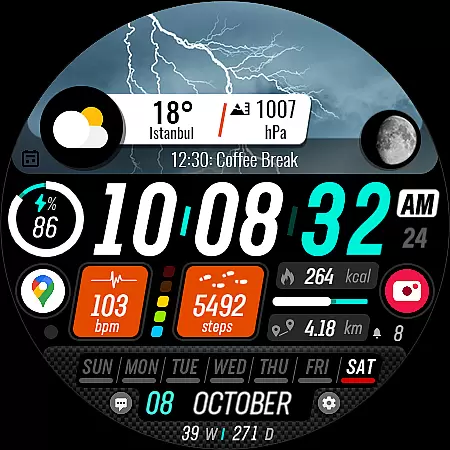
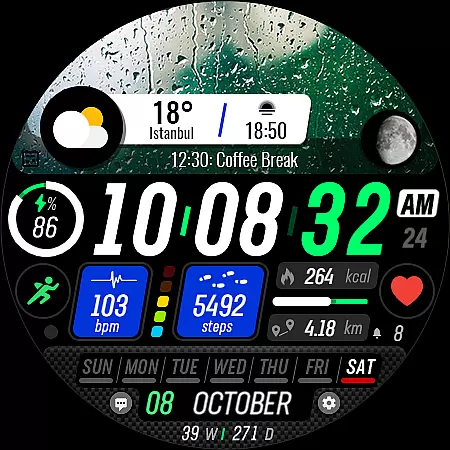
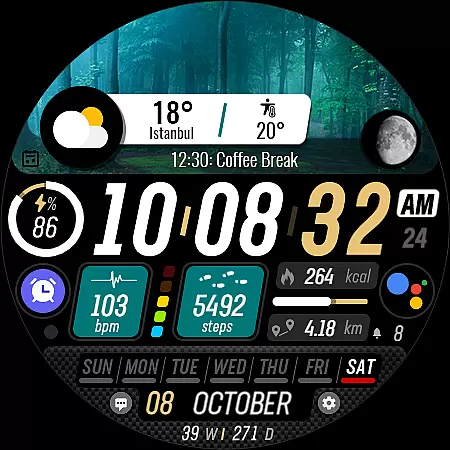
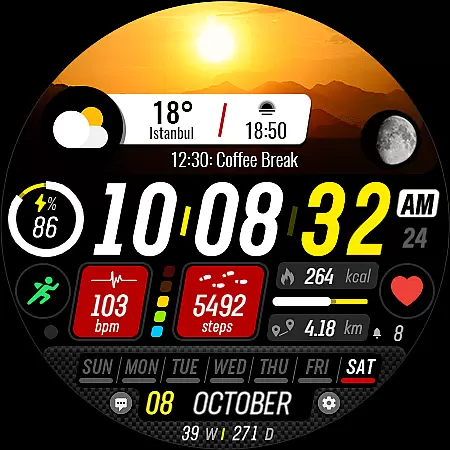
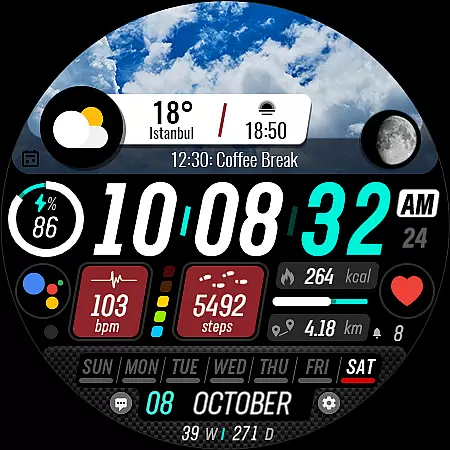
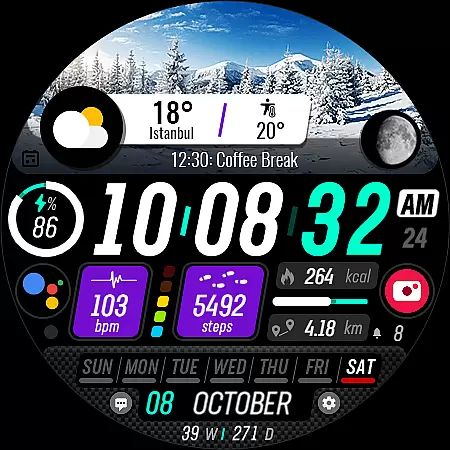
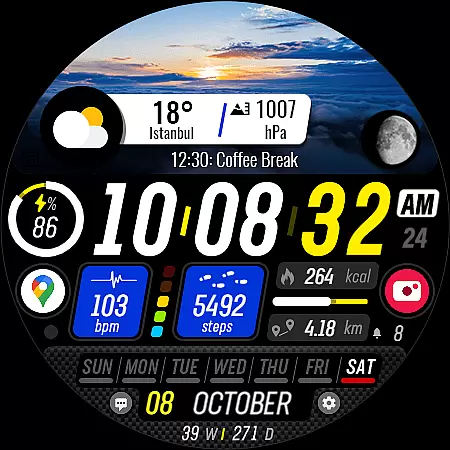
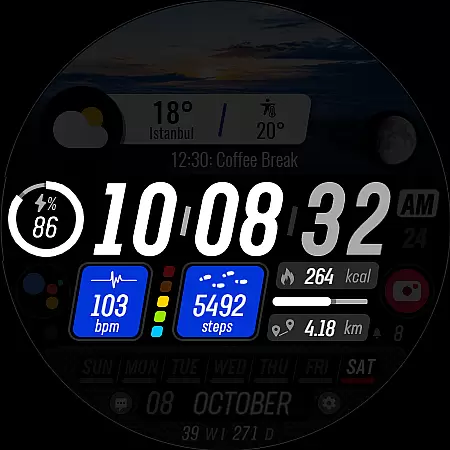
Sharper Clock is a premium watch face designed exclusively for Wear OS devices, offering users an elegant and highly customizable timekeeping experience. The app features 10 selectable sky photos with 25 color variants, creating visually stunning displays that adapt to your personal style.
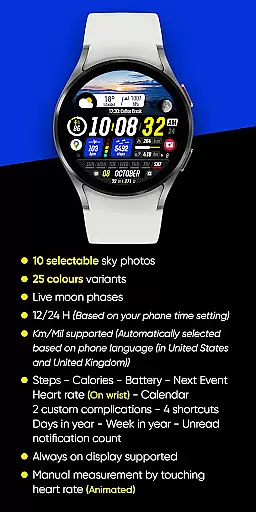
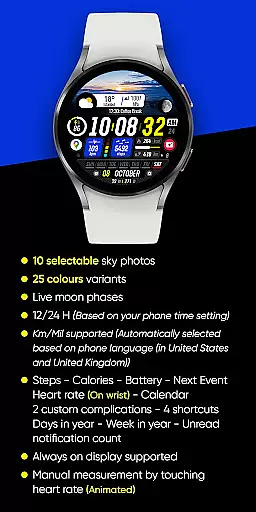
In addition to its aesthetic appeal, Sharper Clock provides practical functionality with live moon phases, 12/24-hour time formats, and automatic metric/imperial unit selection based on phone language settings. Users can access essential information including steps, calories, battery status, next event, heart rate, and calendar details directly from their wrist.
This sophisticated watch face supports always-on display and offers two custom complications, four shortcuts, and various data points such as day of the year and unread notification count. For optimal performance, users should manually enable Sensors & receive complication data permissions. Whether you're a fitness enthusiast or a professional seeking quick access to important information, Sharper Clock enhances your Wear OS experience with both style and substance.
Sharper Clock distinguishes itself through its comprehensive feature set tailored for Wear OS users. The application showcases 10 carefully selected sky photographs, each available in 25 different color variations, allowing users to personalize their watch face according to their mood or preference.
The watch face automatically synchronizes with your phone's time settings, supporting both 12-hour and 24-hour formats. It intelligently detects your location and phone language to display distance measurements in either kilometers or miles. The live moon phase feature provides accurate astronomical information, while the always-on display ensures you can check the time without activating the screen.
For health-conscious users, Sharper Clock integrates seamlessly with wearable sensors to display real-time data including step count, calorie consumption, heart rate, and battery status. The interface also includes practical information such as upcoming calendar events, unread notifications, and even calculates the current week and day of the year. With support for two custom complications and four shortcuts, this watch face combines beauty with functionality, making it an essential companion for your Wear OS device.
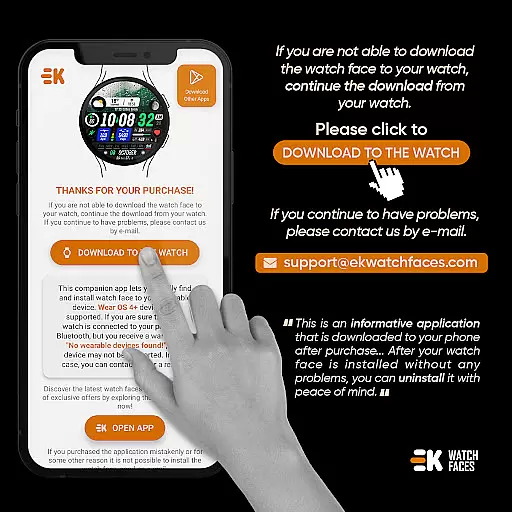
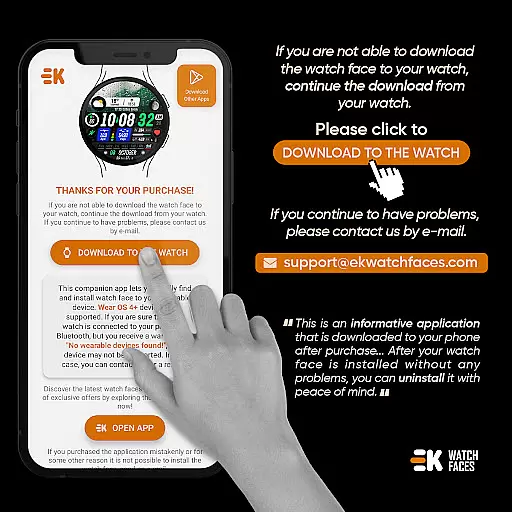
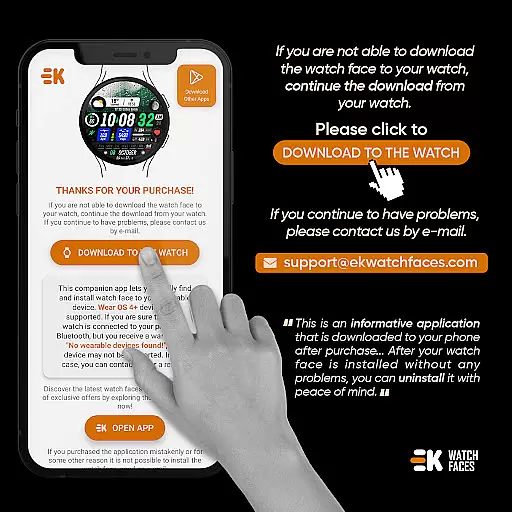
Sharper Clock - Watch Face offers seamless companion app integration, ensuring that your watch and phone work together harmoniously. The phone app acts as a convenient placeholder, simplifying the installation process and making it easier to locate the watch face on your Wear OS device.
By following the straightforward installation notes provided, users can ensure their watch is properly connected to their phone. This connection allows for smooth data transfer and synchronization between devices, enhancing the overall user experience.
The app provides clear instructions on how to download and install the watch face from either the phone or a web browser on a PC. This flexibility ensures that users can choose the method most convenient for them, while still achieving optimal integration between their devices.
With proper setup, users can enjoy all the features of Sharper Clock, including live moon phases, step tracking, and more, with data seamlessly synced across their devices. This integration highlights the importance of a reliable companion app in maximizing the utility and enjoyment of wearable technology.
Designed specifically for Wear OS devices running API 33 and above, Sharper Clock - Watch Face ensures broad compatibility with a range of smartwatches. This compatibility is crucial for users seeking a high-quality watch face that functions reliably on their devices.
The app takes full advantage of Wear OS capabilities, offering features such as always-on display support, live moon phases, and health tracking metrics like steps, calories, and heart rate monitoring. These features are optimized to work seamlessly within the Wear OS ecosystem.
Additionally, the app automatically adjusts settings based on the user's phone language and region, supporting both 12/24-hour time formats and Km/Mil units. This intelligent adaptation enhances usability across different regions and preferences.
While primarily focused on Wear OS compatibility, the developer also acknowledges potential synchronization issues with Google servers. By providing clear guidance and support, they ensure users can resolve any temporary issues and enjoy uninterrupted access to Sharper Clock's comprehensive feature set.
Visually stunning design
Highly customizable options
Live moon phase tracking
Automatic unit conversion
Comprehensive health metrics
Wear OS exclusive
Requires API 33+
Installation complexity
Premium price point
Permission management needed

Diet tracker for weight loss - track calories, food and macros. Simple and easy!
 4.70
4.70
A full-featured Amazon Alexa voice assistant that can show you things.
3.70
Elegant animated Christmas tree with multiple customization options
4.20
Be an elegant and classy secret agent, with this carefully detailed watch face
4.70
Watch face for Wear OS.
4.20
Ideal for surviving in the wasteland left after nuclear fallout
4.50
Minimalistic design modern digital watch face.
4.0
Animated video-game inspired “secret agent” simulation, right on your wrist!
4.20
Fitbit is dedicated to helping people lead healthier, more active lives.
4.10
Retro digital watch face with customizable colors and a unique lighting effect
4.60
Walking app for weight loss: walk & step tracker, pedometer, indoor treadmill
4.60
Your music, your playlists, and more—offline and unlimited.
4.20
Daily Weather forecast with 15 weather images for Day & Night plus Big Bold time
4.10
Viewer for Wyze/Yi/Eufy/Arlo/ONVIF/RTSP/P2P IP cams w/ adv. features & DIY DVR
4.00
Structured watch face with seven complications and modular UI elements
3.90
Wear Os Watch Face - Animated Snow Effect & Christmas Lights
4.2
A watch face that fuses motorsport precision with contemporary smartwatch design
4.5
Artistic Digital Watchface
4.4
Fitness interactive virtual pet super fighter boy watch face
4.2


User Reviews