
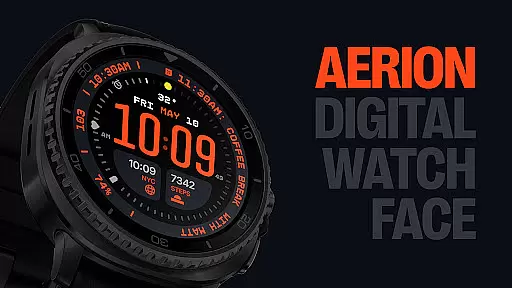
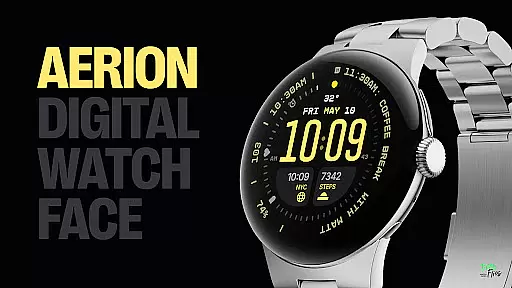
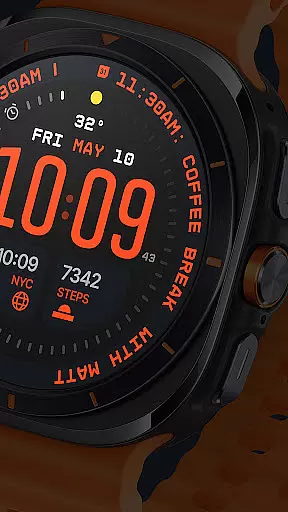
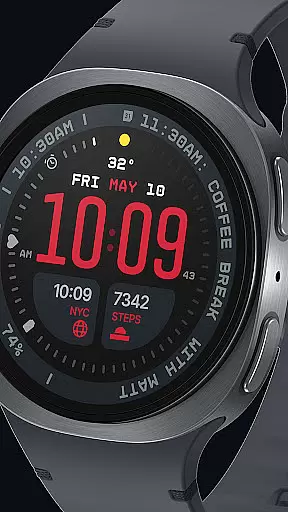
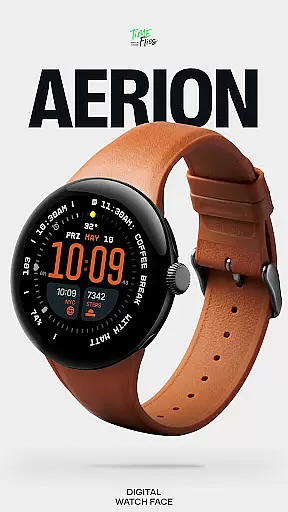
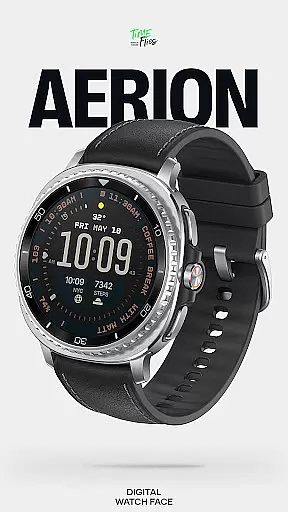
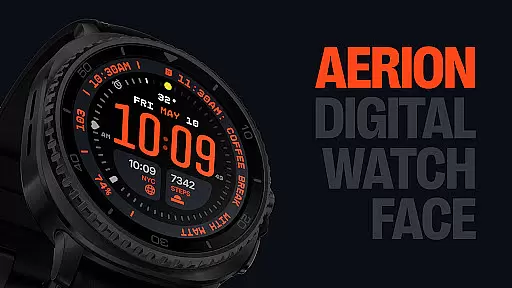
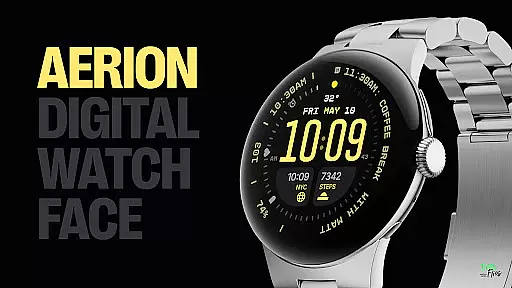
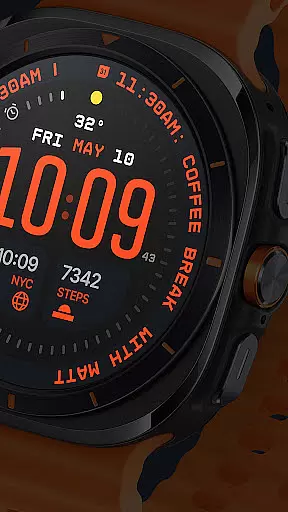
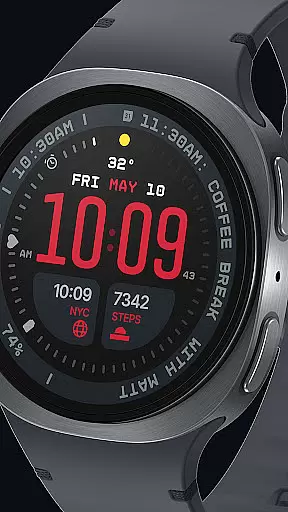
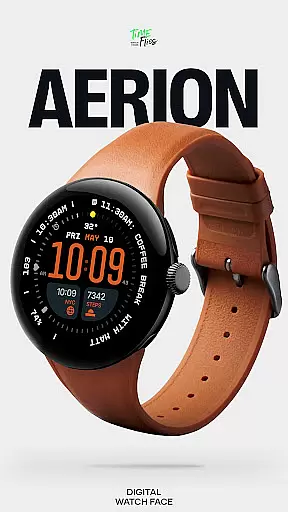
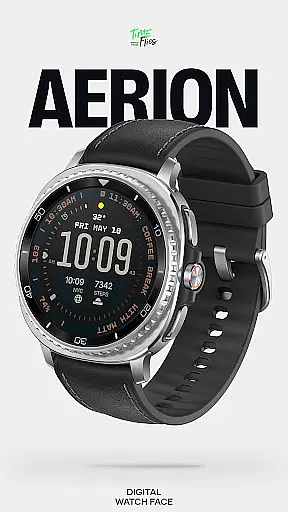
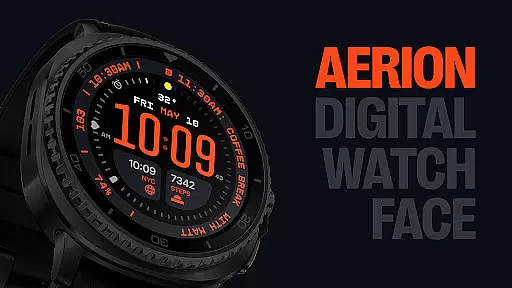
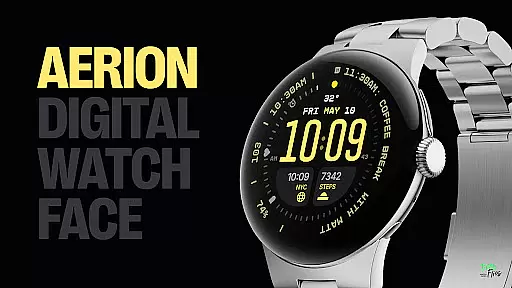
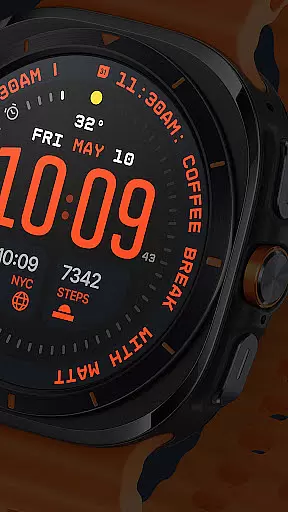
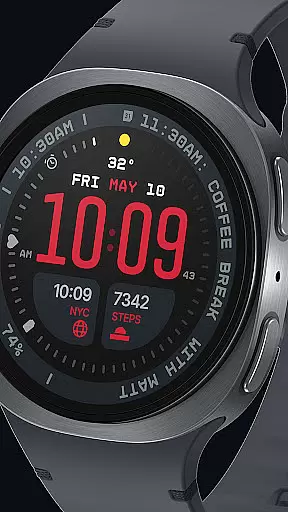
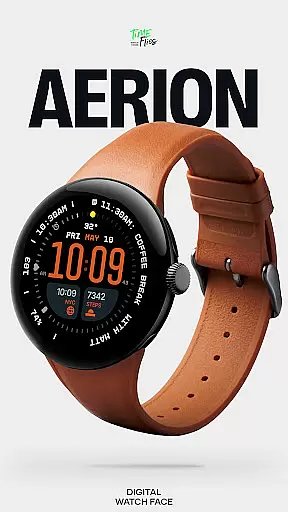
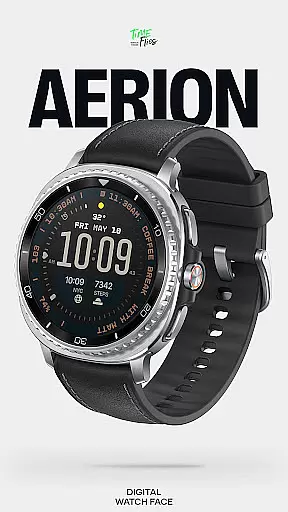
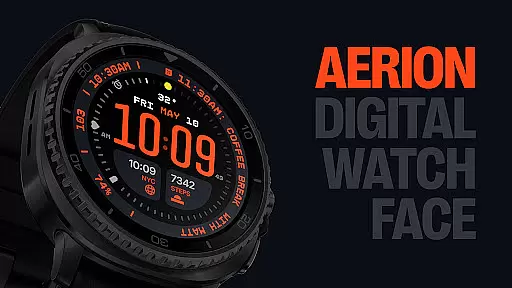
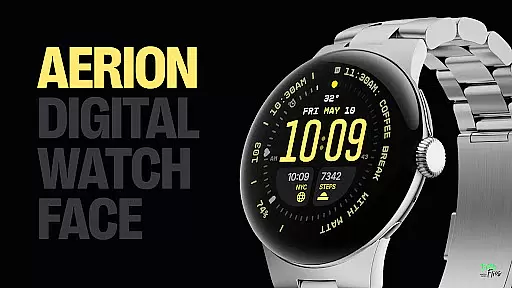
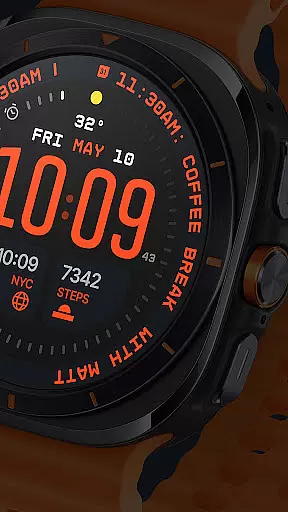
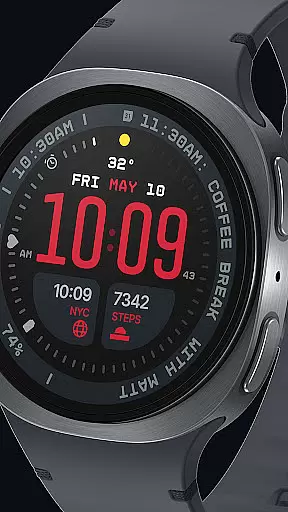
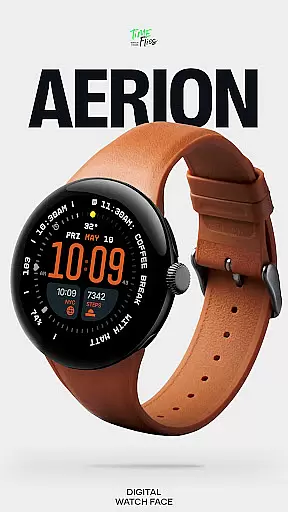
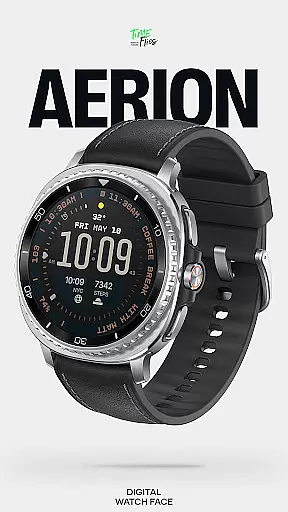
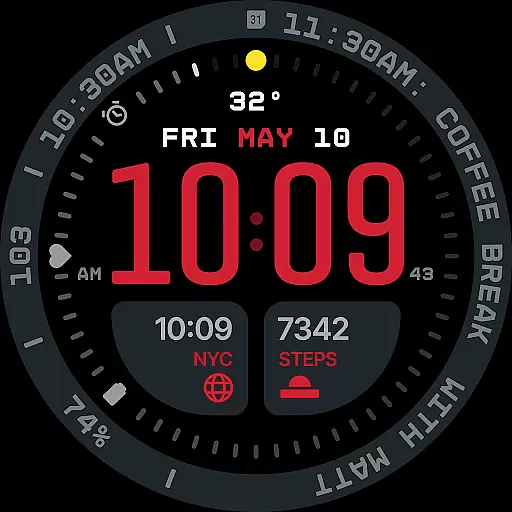
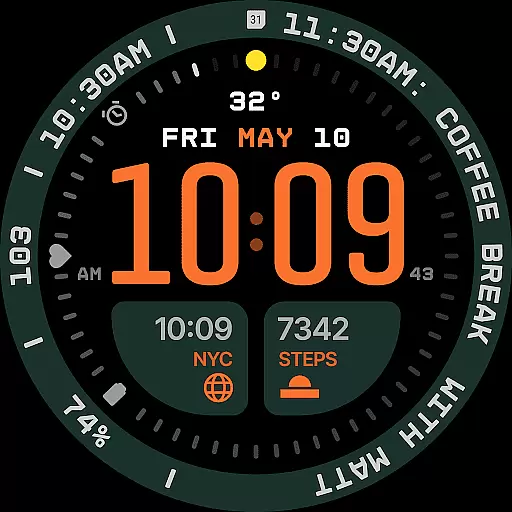
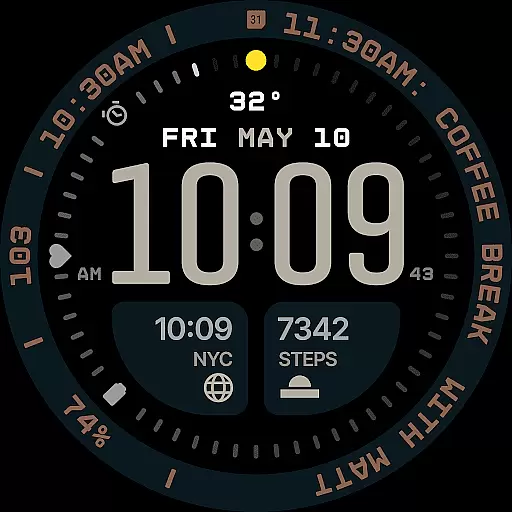
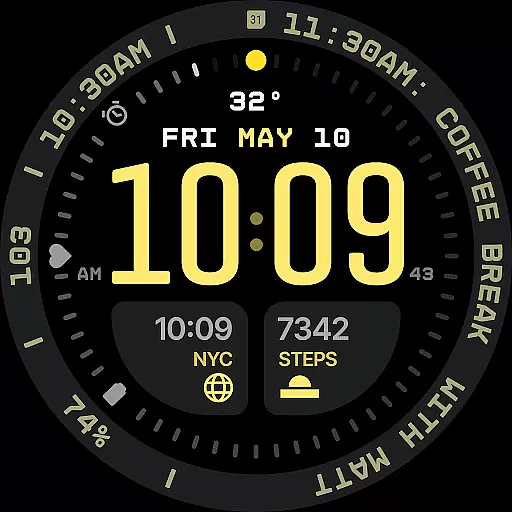
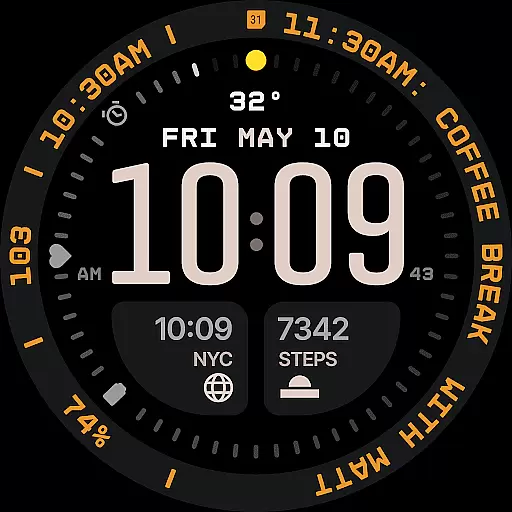
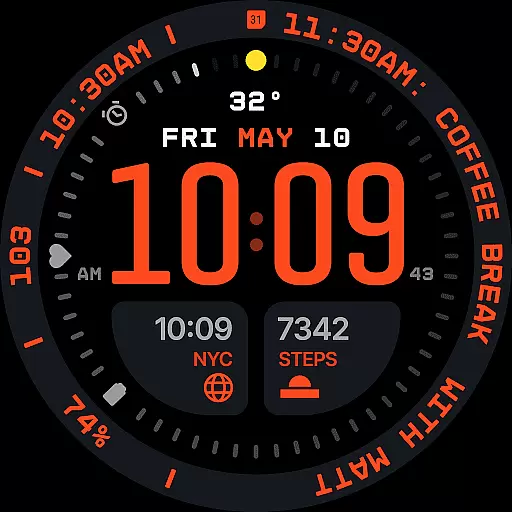
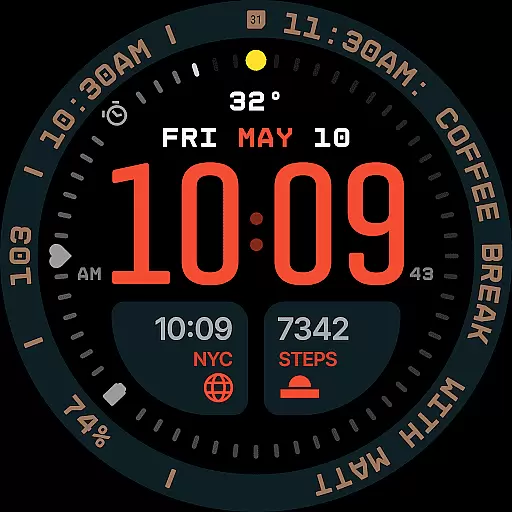
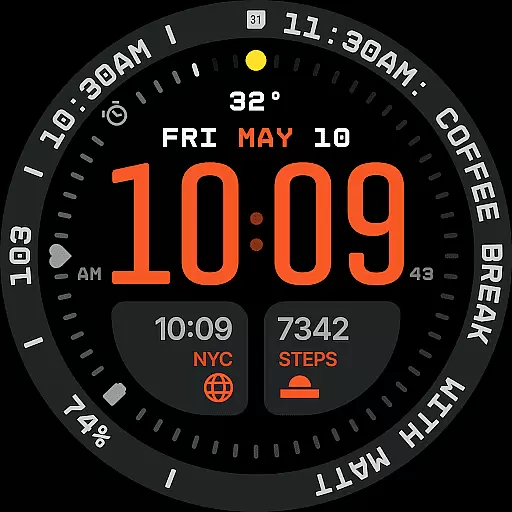
Aerion Digital Watch Face offers a modern take on digital timekeeping for Wear OS, focusing on structured design and clarity. The watch face features precise spacing, integrated complication zones, and balanced typography for optimal readability.
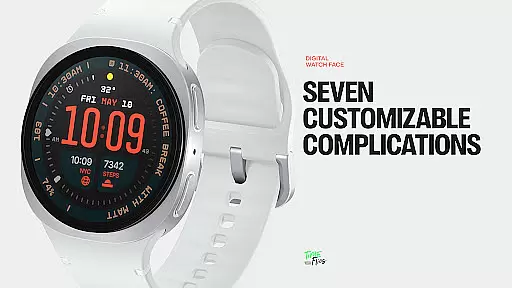
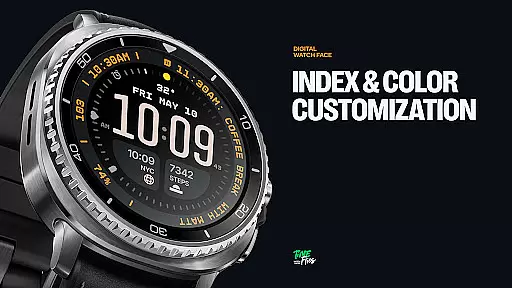
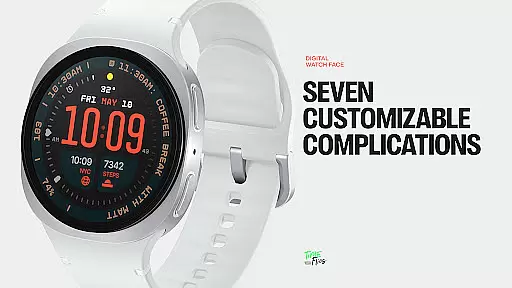
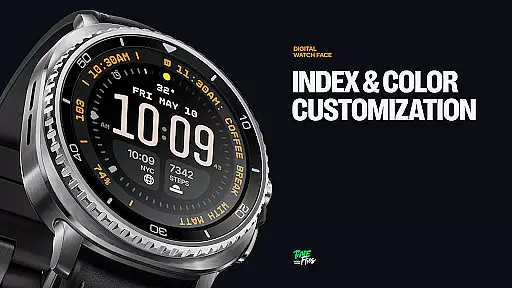
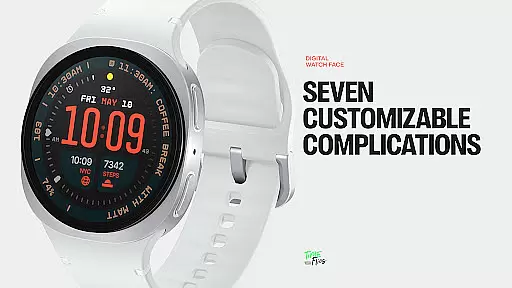
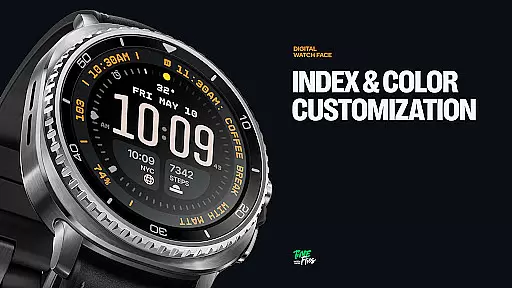
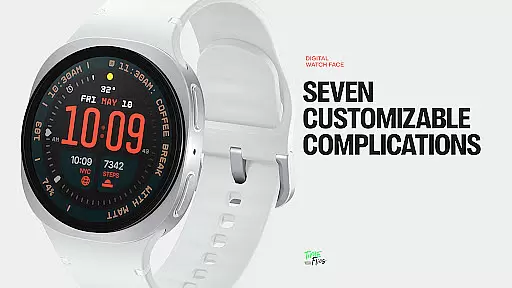
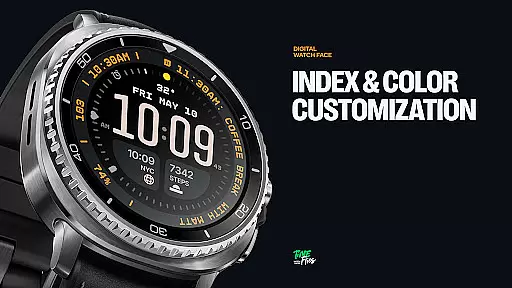
With 7 customizable complications, built-in day and date display, and 30 color schemes, users can personalize their experience while maintaining a clean aesthetic. Optional bezel and background layers provide additional customization options without compromising the core layout.
Designed for both form and function, Aerion supports four Always-on Display styles, ensuring visibility while conserving battery life. Its intelligent design makes it ideal for users seeking a blend of technical precision and stylistic control in their smartwatch experience.
Aerion stands out with its meticulously designed interface that includes two universal slots, one short-text slot above the time, three positioned around the dial, and a long-text slot perfect for contextual data like calendar events or voice assistant content.
The inclusion of subtle day and date elements, along with switchable ring and background layers, allows users to tailor the appearance to their preferences. With 30 curated color palettes, personalization is effortless while supporting optimal readability.
Performance-wise, Aerion leverages the modern Watch Face File format for smooth operation and energy efficiency. Four Always-on Display modes offer flexibility between full visibility and power-saving minimal configurations, making it a reliable choice for everyday use.
Companion app integration is crucial for enhancing the functionality of wearable devices like smartwatches. The Aerion Digital Watch Face offers an optional Android companion app that allows users to access additional watch faces from Time Flies conveniently.
This seamless integration between the wearable and its companion app ensures that users can easily switch between different watch faces, tailoring their experience to match personal preferences or occasions. By providing this flexibility, Aerion empowers users with more control over their device's appearance and functionality.
The companion app not only simplifies the process of managing watch faces but also maintains system performance and battery efficiency. This means users can enjoy a diverse range of styles without compromising on speed or energy consumption, making it an ideal solution for those seeking both variety and practicality in their digital timekeeping.
Ensuring compatibility with Wear OS and various devices is essential for a versatile smartwatch application. The Aerion Digital Watch Face is engineered using the modern Watch Face File format, which guarantees smooth performance across different Wear OS-powered devices.
By focusing on structure, clarity, and intelligent visual rhythm, Aerion provides an optimal experience regardless of the specific device model. Its design supports four Always-on Display styles, ensuring that users can choose configurations that best suit their needs while conserving power.
With thirty color schemes and customizable complications, Aerion caters to individual preferences without sacrificing readability or performance. This commitment to compatibility ensures that whether you're using a newer or older model of Wear OS device, you'll enjoy a consistent, high-quality experience tailored to your digital lifestyle.
Modern and clean design
Highly customizable
Battery efficient
Clear readability
Versatile complications
Limited analog appeal
Companion app required
Fewer dynamic elements
Premium cost
Complex setup

Walking app for weight loss: walk & step tracker, pedometer, indoor treadmill
 4.60
4.60
Wear Os Watch Face - Animated Snow - Sesonal for Christmas & Winter
4.2
Simple Analog-Digital Watchface For Wear OS 3.0 and Up Smartwatches
4.1
Digital watch face with big numbers and many customization for Wear OS devices
4.40
Digital watch face. For Wear OS devices.
4.40
Kia Access makes getting your vehicle information easier than ever
4.60
The Chevron App allows you to pay for fuel from the comfort of your car!
4.80
Bold weather Digital watchface with forecast & optional animated background
4.40
Download full tracks, listen to music offline, make unlimited playlists.
4.80
Real-time weather radar with temperatures, warnings, hurricanes, and widgets
4.80
Be an elegant and classy secret agent, with this carefully detailed watch face
4.70
Retro digital watch face with customizable colors and a unique lighting effect
4.60
Find EV charging stations
4.30
Embrace the festive spirit with our Christmas Countdown watchface for Wear OS
4.10
Wear Os Watch Face - Animated Snow Effect & Magic Spark - 6 Scenes
4.10
Connect, create, and collaborate with Gmail, part of Google Workspace.
4.10
Get helpful reminders, take progress photos and find answers to your questions.
3.90
Your local weather forecast, storm tracker, radar maps & live weather news
3.40
A Wintery Snow Globe on Your Wrist; now celebrating Christmas!
4.1


User Reviews