
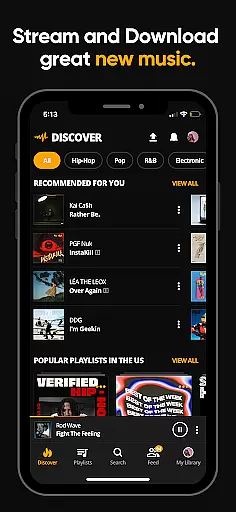
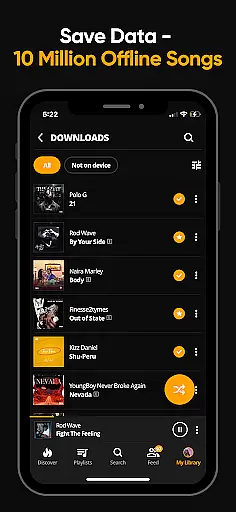
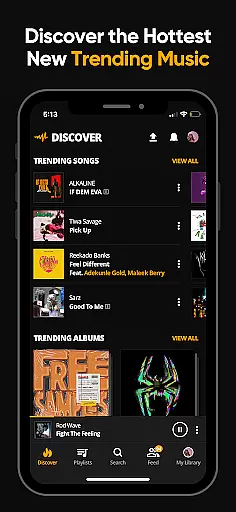

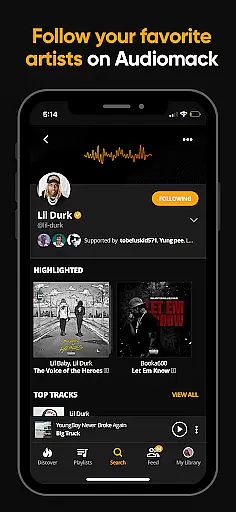
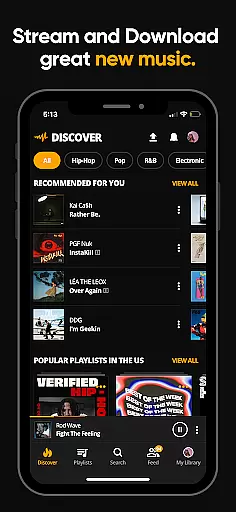
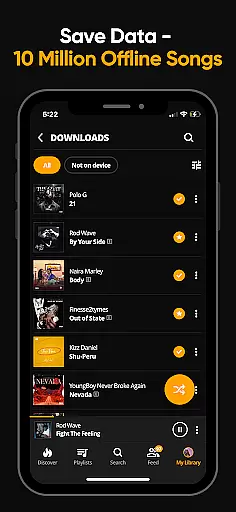
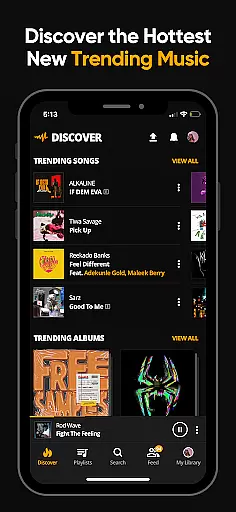

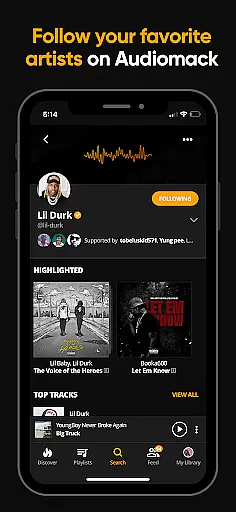
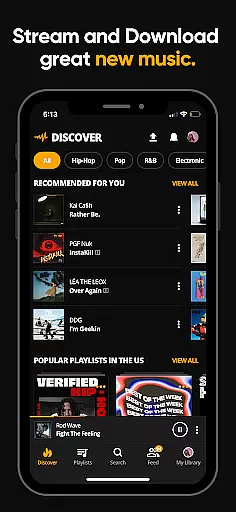
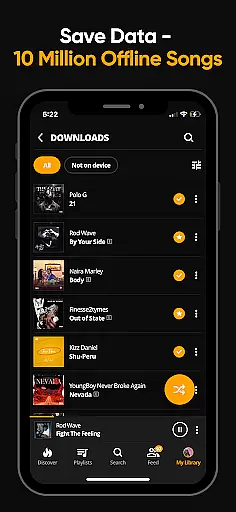
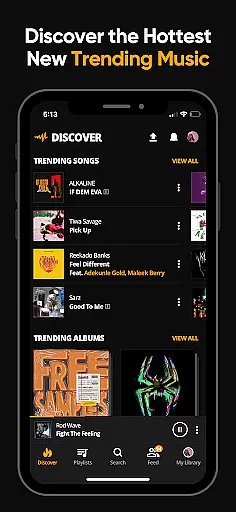

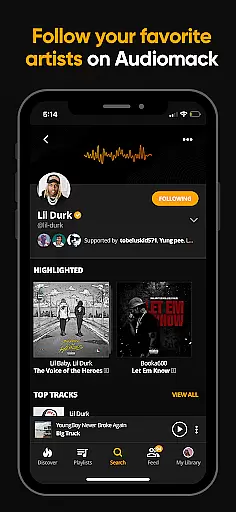
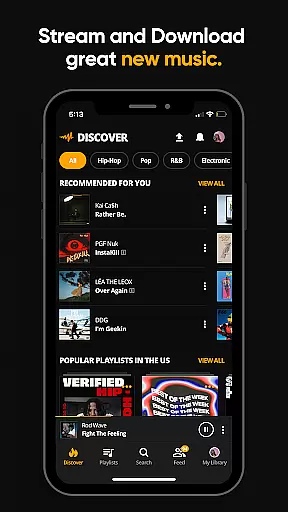
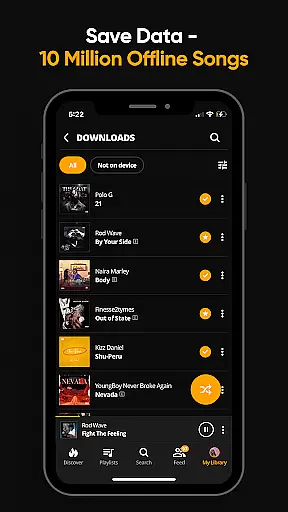
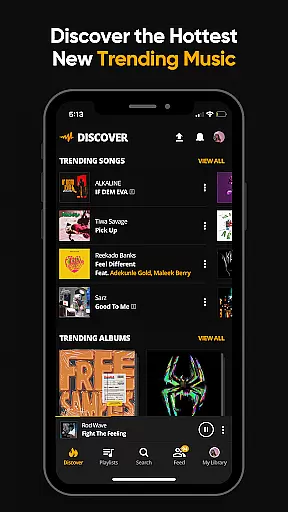
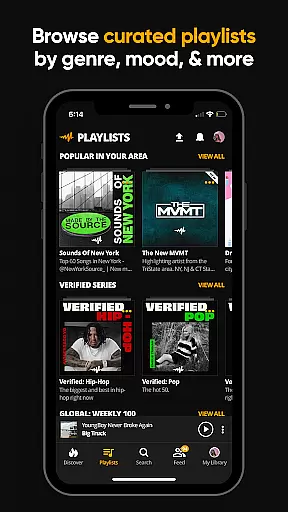
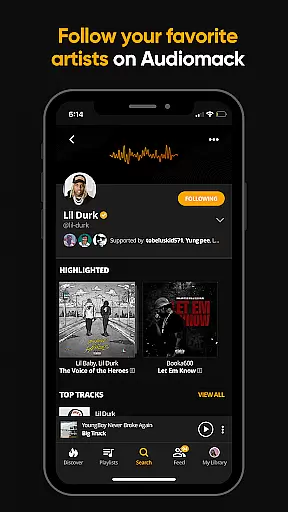

Audiomack is a premier music streaming and download app tailored for Android Wear users. It offers unlimited access to trending full tracks across Hip-Hop, Rap, R&B, EDM, Afropop, and Reggae genres. The app allows offline downloads, enabling data-free listening, and supports local MP3, WAV, M4A, AAC files. With features like curated playlists, favorites management, and cross-platform support including Wear OS and Android Auto, Audiomack ensures an immersive music experience.
Users can explore new music through expertly curated playlists by mood or genre, create personal playlists, and follow top artists such as 21 Savage, Young Thug, and Bad Bunny. The app also provides an ad-free option for $4.99 monthly, enhancing uninterrupted music enjoyment.
Audiomack stands out with its comprehensive music discovery and management tools. Users can stream unlimited full tracks and mixtapes that are trending or newly released, ensuring they stay ahead in music trends. The offline download feature allows storing songs and albums without using data, perfect for on-the-go listening.
The app's favorites system lets users save and manage tracks, albums, and playlists efficiently. Integration with Wear OS and Android Auto extends usability, allowing music control from multiple devices. Additionally, Audiomack supports various audio formats like MP3, WAV, M4A, and AAC, providing versatility in music playback options.
Companion app integration is essential for a seamless experience across multiple devices. Audiomack excels in this area by ensuring that your music library and preferences are synchronized between your smartphone and Wear OS devices. This means you can start listening to a track on your phone and continue it on your smartwatch without interruption.
The app's cross-platform functionality extends to Android Auto, allowing users to access their favorite music while driving. This integration ensures that whether you're commuting or at home, your music is always accessible. The ability to control playback and browse playlists directly from your wearable or car display enhances user convenience significantly.
Audiomack's companion app feature also supports offline listening. Once you download songs or albums on one device, they become available across all linked devices. This ensures that your music is accessible even without an internet connection, making it perfect for travel or areas with poor connectivity.
By prioritizing robust companion app integration, Audiomack delivers a unified music experience that adapts to various contexts and devices. This comprehensive approach to synchronization empowers users to enjoy their preferred content anytime, anywhere, maintaining consistent quality and accessibility.
Wear OS and device compatibility is crucial for apps aiming to provide a versatile user experience. Audiomack stands out by offering extensive support for Wear OS devices, ensuring that users can enjoy their music library directly from their smartwatches. This compatibility allows for effortless music control and browsing right from your wrist.
The app's optimization for Wear OS guarantees smooth performance and intuitive navigation. Users can easily access their favorite tracks, albums, and playlists without needing to reach for their phones. This level of integration enhances the overall user experience by providing quick access to music controls and information.
Beyond Wear OS, Audiomack ensures broad device compatibility across various Android versions and hardware configurations. This commitment to inclusivity means that whether you're using a high-end smartphone or a more budget-friendly option, you'll experience consistent performance and functionality.
By focusing on comprehensive Wear OS and device compatibility, Audiomack demonstrates its dedication to delivering a versatile and accessible music streaming service. This approach not only expands the app's reach but also reinforces its position as a leader in mobile music solutions.
User-friendly interface
Wide music variety
Offline listening
Cross-platform support
Ad-free option
Limited free version
Occasional bugs
Ads in free tier
Subscription cost
Regional restrictions

A Wintery Snow Globe on Your Wrist; now celebrating Christmas!
 4.0
4.0
Let's celebrate Thanksgiving - Wear Os watch face
4.20
Digital watch face. For Wear OS devices.
4.40
Monitor health with the stress test and pulse checker in the heart rate app.
4.60
Find EV charging stations
4.30
Locate your family members by GPS phone location tracker everywhere and anytime
4.30
Hybrid Vibrant Health Watch Face for Wear OS
4.4
A white realistic classic analog watch face with many customization options.
4.40
From periods to pregnancy & perimenopause, Flo helps you track it all. Try now.
4.70
Kia Access makes getting your vehicle information easier than ever
4.60
Current temperature, weather hourly, weather radar by the weather forecast app
4.40
Digital watch face with big numbers and many customization for Wear OS devices
4.40
Reliable phone calls with spam protection, caller ID and more helpful features
4.40
The ultimate destination for kids ages 3-8 to explore the Marvel Universe!
4.30
Snowflake Rose Gold Watch Face - Digital, modern, & sleek with GYRO effect.
4.10
Christmas and New Year - Themed Watchface
4.4
Wear Os Watch Face - Animated Snow - Sesonal for Christmas & Winter
4.3
Contemporary digital watch face with five complications
4.5
Fitness interactive virtual pet super fighter boy watch face
4.0


User Reviews