
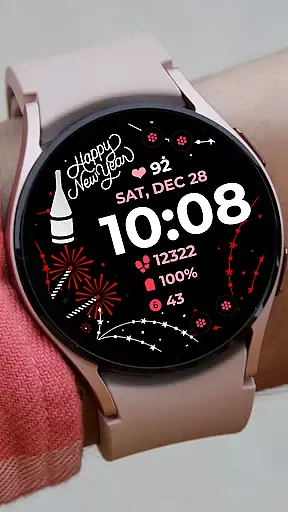
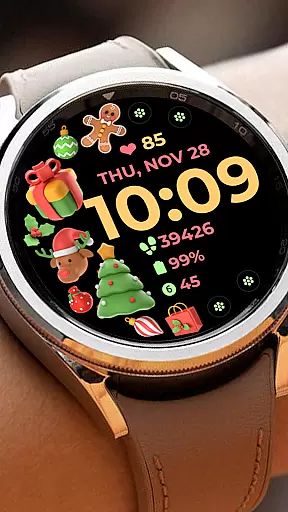
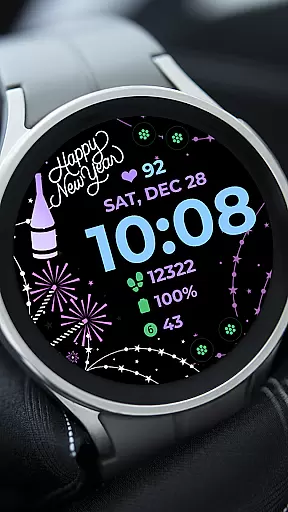
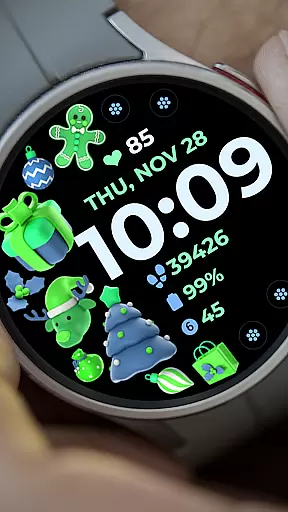
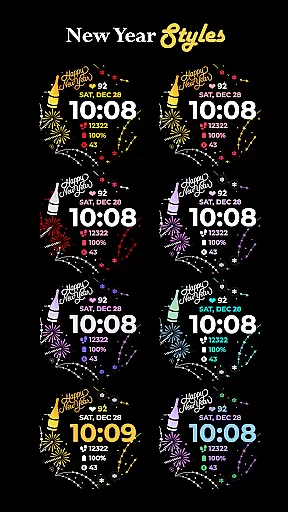
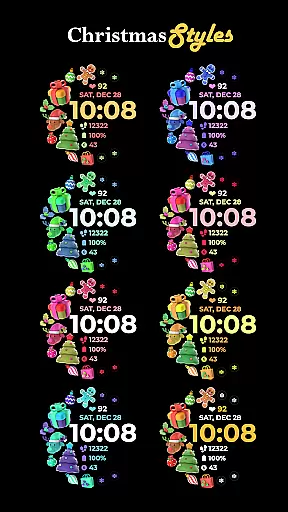
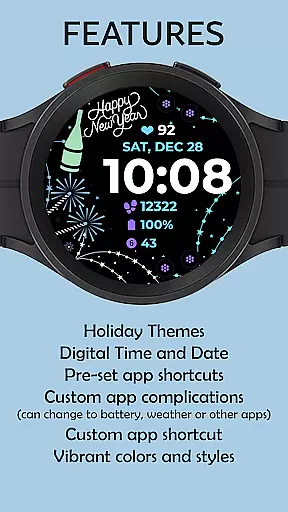
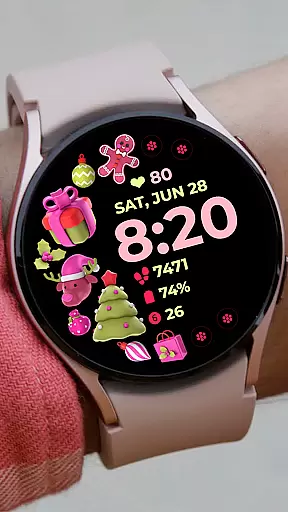
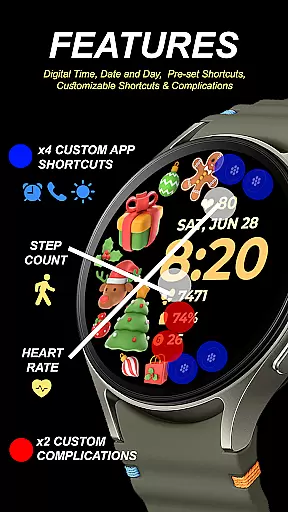
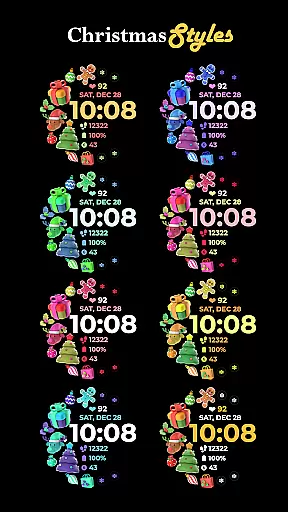
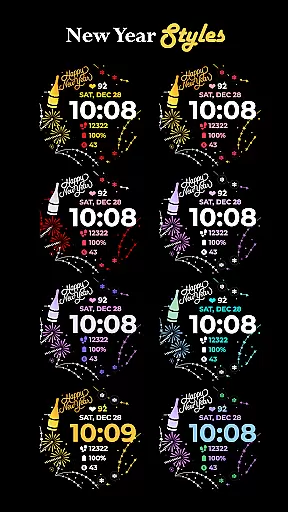
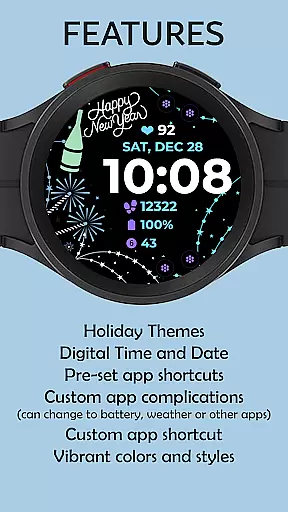
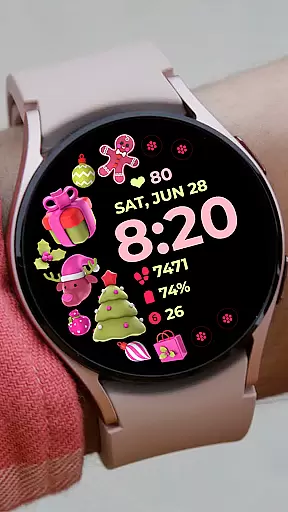
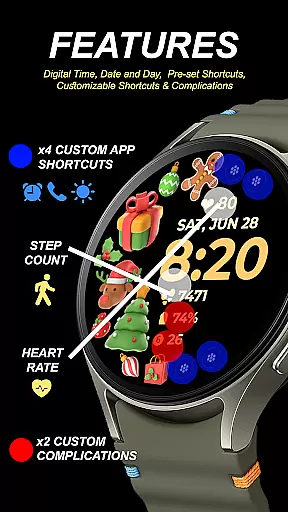
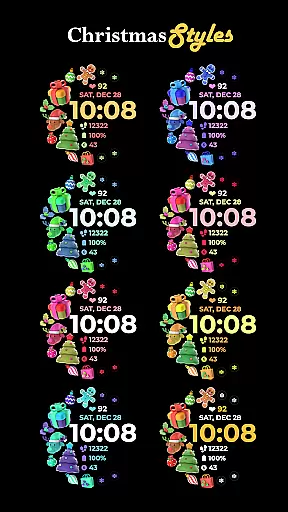
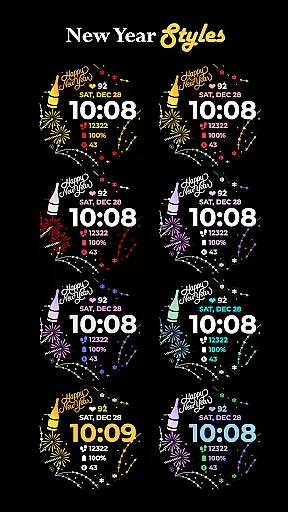
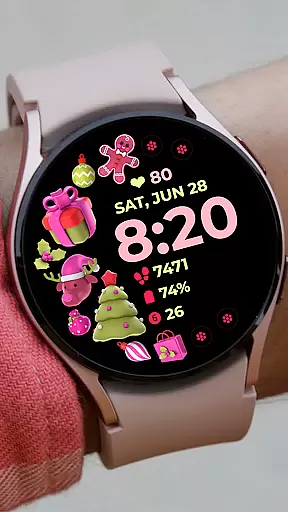
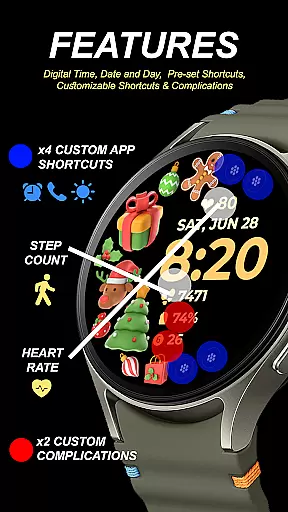
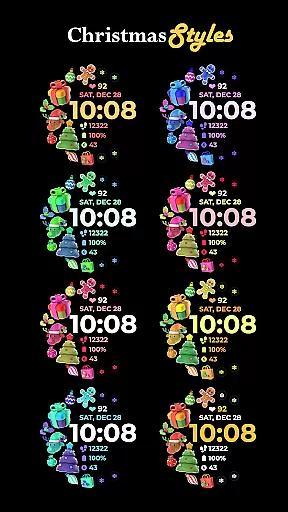
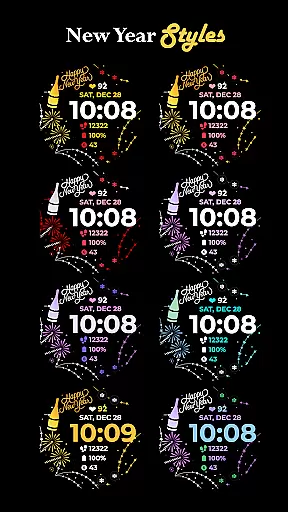
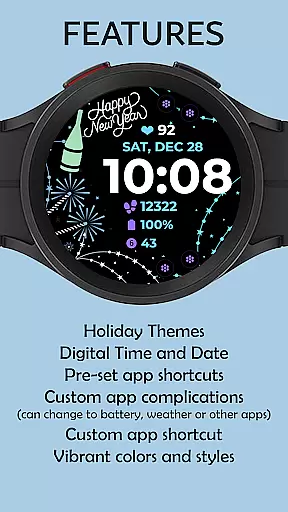
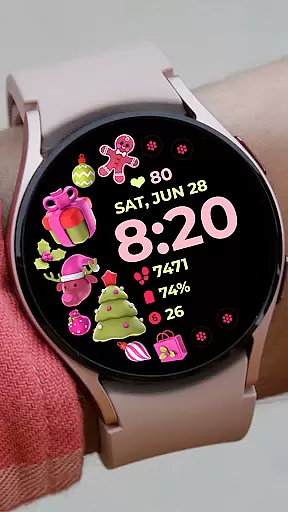
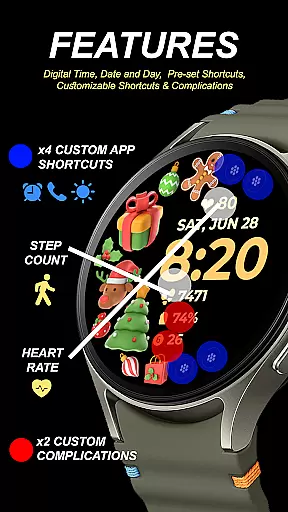
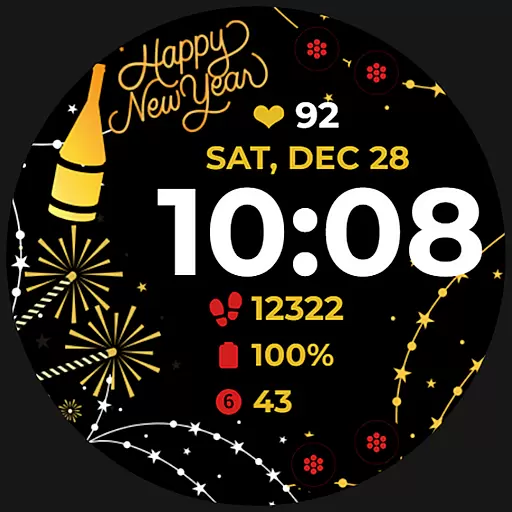
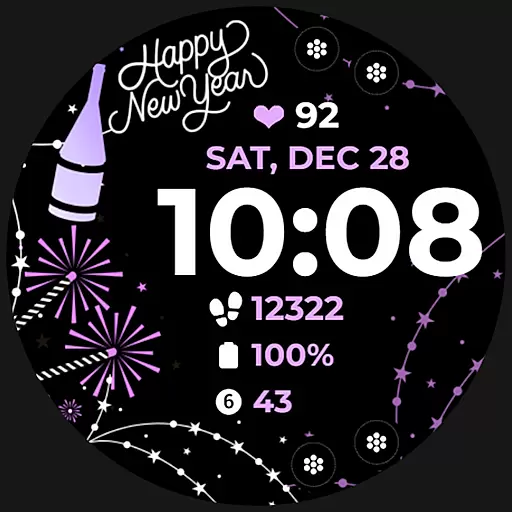
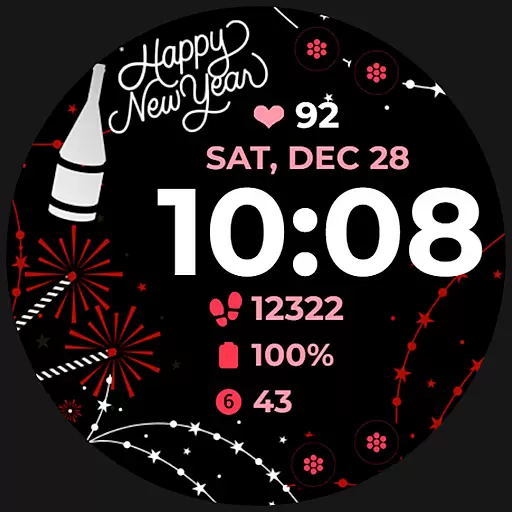
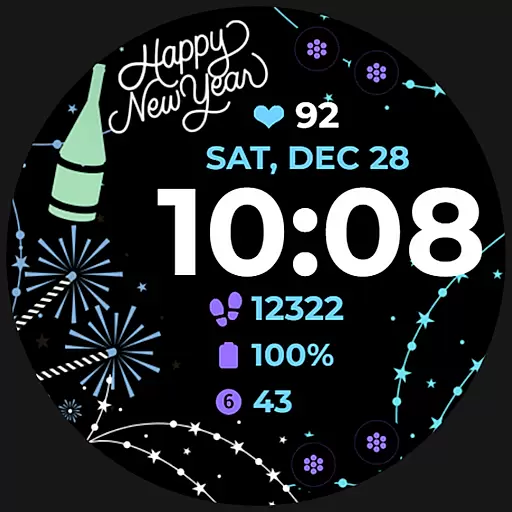
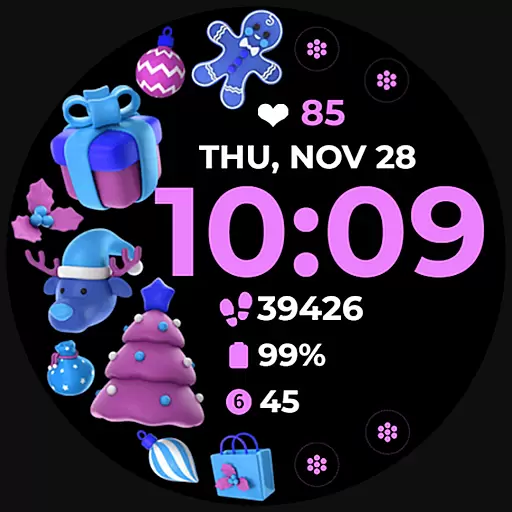
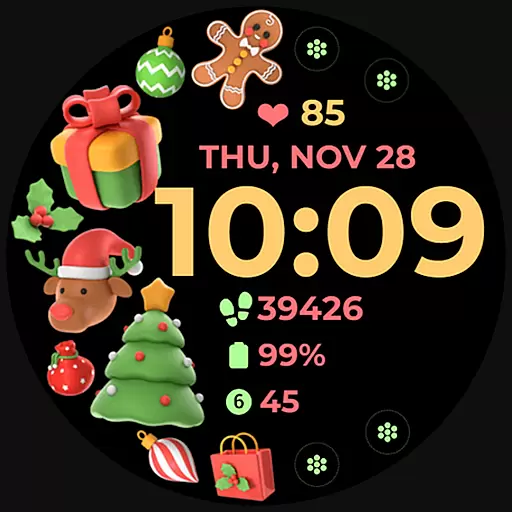
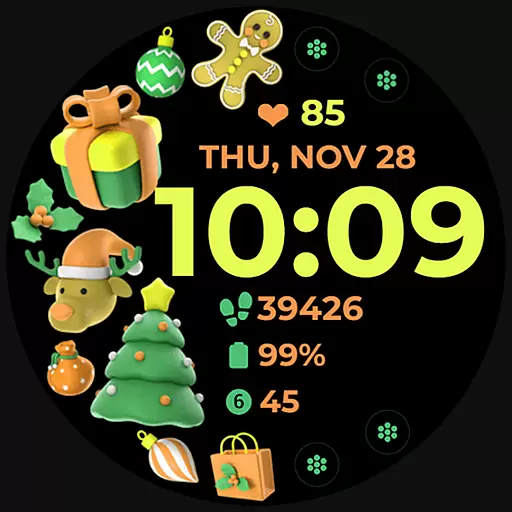
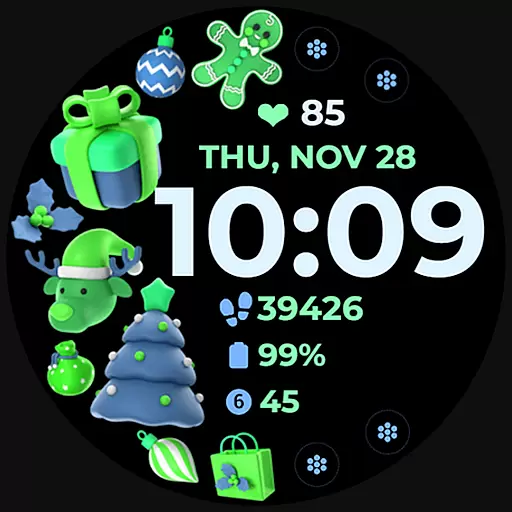
Holiday Art is a feature-rich watch face app designed specifically for Wear OS devices like Samsung Galaxy Watch 4. This digital watch face offers users an enhanced timekeeping experience with its modern design elements and customizable features.
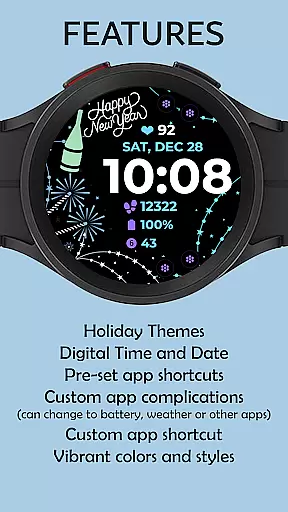
The app provides essential timekeeping functions including digital clock, date and day display, along with advanced features such as Always-On Display (AOD) functionality. Users can personalize their watch interface through preset app shortcuts, customizable app shortcuts, complications, and changeable styles with multiple color palette options.
Perfect for tech-savvy individuals who value both style and functionality in their wearable devices, Holiday Art ensures seamless integration between your smartphone and smartwatch while offering extensive customization possibilities to match your personal preferences.
Holiday Art distinguishes itself through its comprehensive set of features tailored for smartwatch users. The app's main highlight is its digital clock interface that works in tandem with the Always-On Display (AOD) technology, ensuring time is visible even when the watch is inactive.
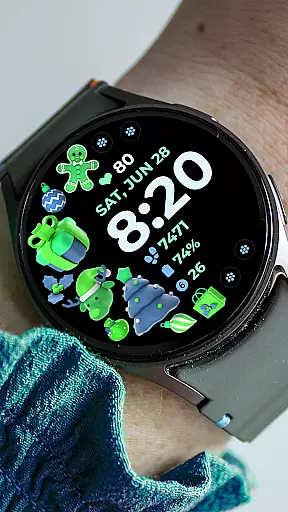
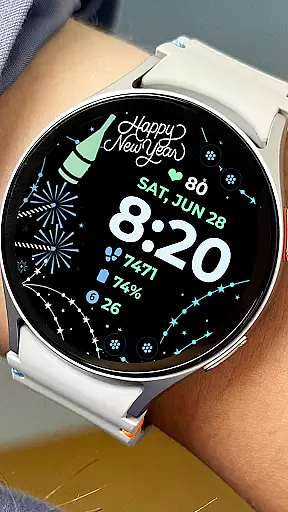
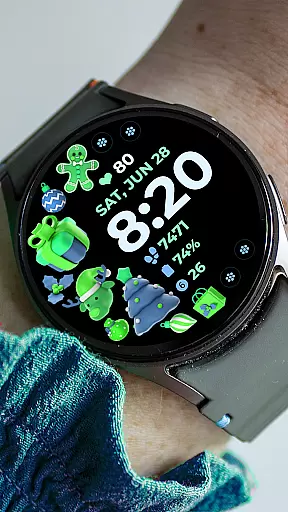
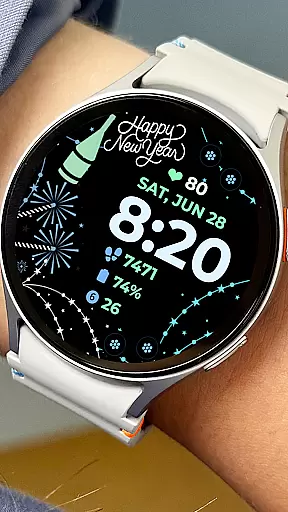
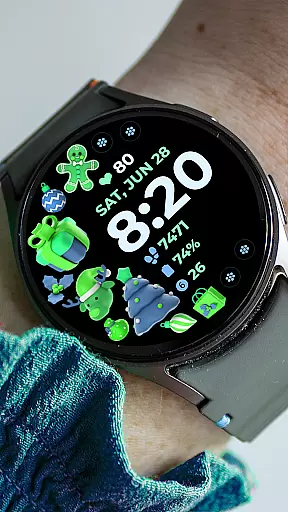
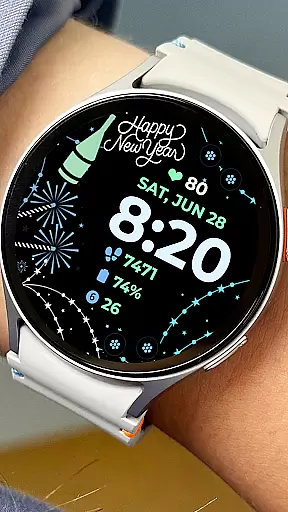
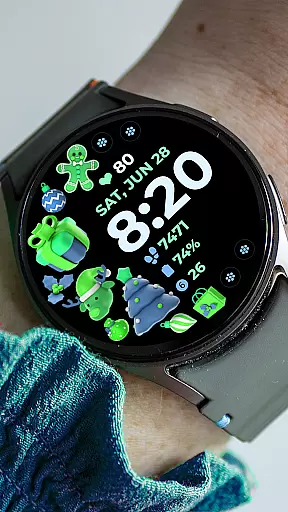
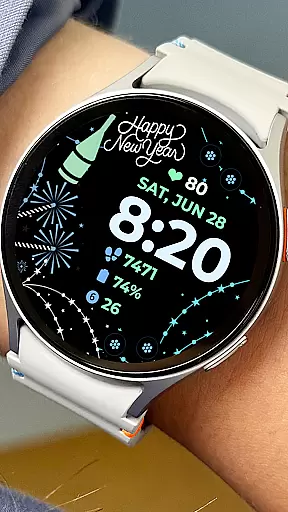
Users can customize their watch faces with various options including preset app shortcuts, customizable app shortcuts, and complications. The app also offers changeable styles and a versatile color palette, allowing for personalized configurations that suit individual tastes and needs.
While some features may vary across different watch models, Holiday Art maintains compatibility with most Wear OS devices. The app requires proper permissions setup and strong device connection for optimal performance, making it an ideal choice for those seeking both aesthetic appeal and functional utility in their smartwatch experience.
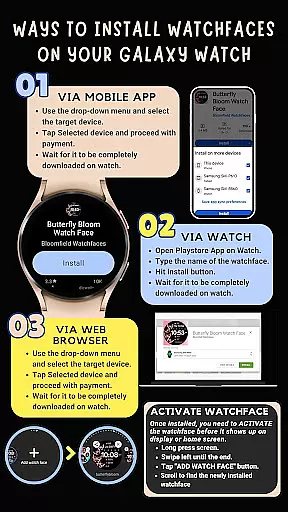
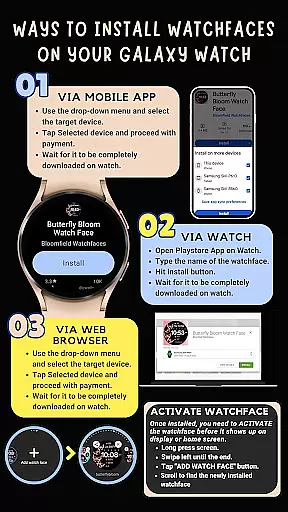
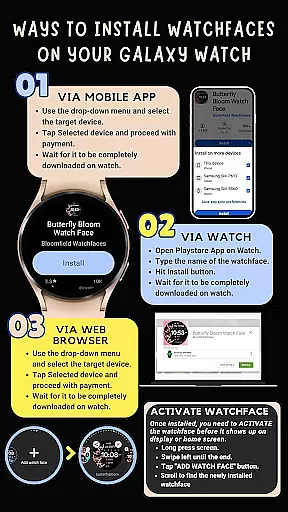
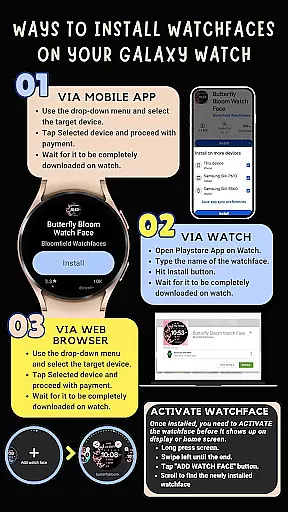
Companion app integration is essential for a seamless wearable experience. Holiday Art ensures that its watch face app works in harmony with your smartphone, providing users with an easy installation process and reliable performance. The app requires a strong connection between the phone and the Galaxy Watch 4, using the same Wi-Fi network, to facilitate smooth data transfer.
The application leverages Google Play Store's trusted environment to ensure that all features are perfectly synced across devices. Users must log into their Google account on their watch to enable automatic installation and updates. This streamlined approach allows for instant access to functionalities such as digital clock, date, day display, and more without any hassle.
Holiday Art goes beyond just syncing time and date; it offers customizable app shortcuts and complications tailored to individual preferences. These personalization options can be managed directly from the companion app on the smartphone, ensuring that every user can tweak their watch face according to their style while maintaining full functionality on both devices.
Compatibility with Wear OS and various devices is a cornerstone of the Holiday Art watch face app. Designed using Samsungu2019s 'Watch Face Studio' tool, this app supports devices based on the new Wear OS by Google and One UI Samsung operating systems, including but not limited to the Galaxy Watch 4 series. This broad compatibility ensures that most users within the Android ecosystem can enjoy a personalized and feature-rich experience.
Holiday Art provides extensive support for different functionalities like Always-On Display (AOD), preset app shortcuts, and customizable complications. However, it's important to note that some advanced features may vary depending on the specific device model. To maximize utility, users should ensure they grant all necessary permissions through settings -> applications -> permissions.
For those seeking additional guidance or encountering issues during setup, Holiday Art offers comprehensive support via email at bloomfieldwatchfaces@gmail.com. They also provide detailed installation instructions and video tutorials accessible via YouTube, making sure every customer has access to resources needed for successful integration regardless of their device type.
Extensive customization
User-friendly interface
Always-On Display
Regular updates
Responsive support
Complex installation
Limited compatibility
Permission requirements
Premium features
Learning curve

Gym Log & Workout Tracker | Fitness Journal, Training & Weight Lifting Planner
 4.90
4.90
Diet tracker for weight loss - track calories, food and macros. Simple and easy!
4.70
Walking app for weight loss: walk & step tracker, pedometer, indoor treadmill
4.60
Stunning modern digital watch face with 7 complications and strong contrast
4.4
Easy Voice Recorder is your everyday companion to record important moments.
4.70
Your second brain for organizing your life: to-do, calendar, reminder.
4.70
Find EV charging stations
4.30
Bold weather Digital watchface with forecast & optional animated background
4.40
Your local weather forecast, storm tracker, radar maps & live weather news
3.40
Christmas Theme Watch Face for Wear Os
5.00
A modern hybrid informative watch face for Wear OS designed by BALLOZI
4.80
Retro digital watch face with customizable colors and a unique lighting effect
4.60
Christmas watch face. For Wear OS devices.
4.30
Animated video-game inspired “secret agent” simulation, right on your wrist!
4.20
Hyper-Realistic Airplane Dashboard Watch Face With 10 Skins and Custom AOD
4.00
A digital watch face that celebrates Christmas.
4.00
Authentic military-tactical design with ZULU time! Realistic and functional!
3.80
Precision analog watch face with 7 complications and style options
4.1
Fitness interactive virtual pet super fighter boy watch face
4.3


User Reviews