
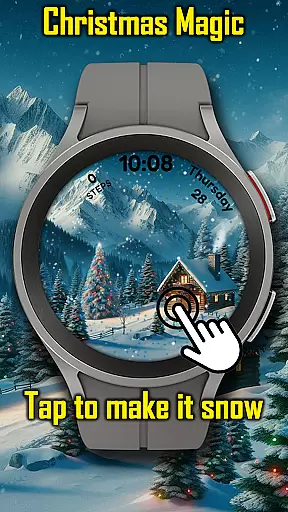
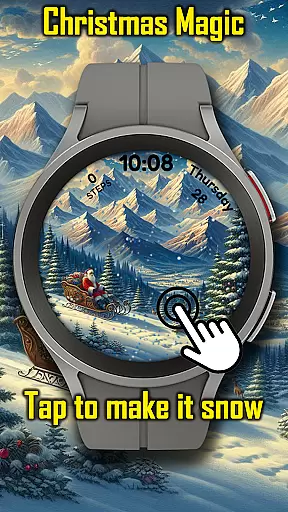
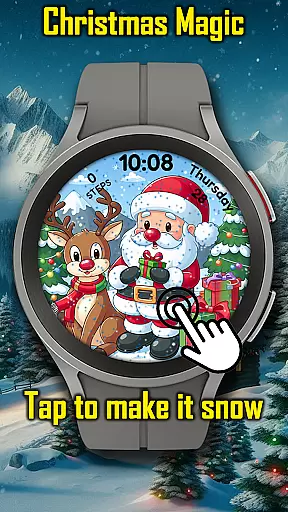
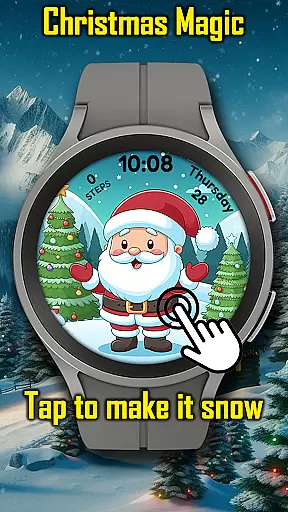
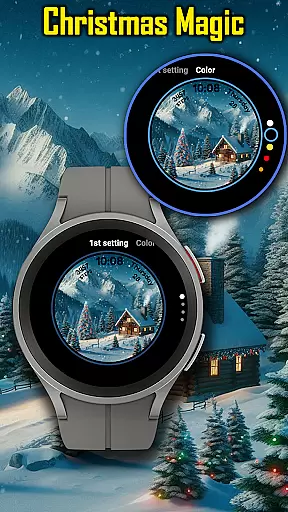
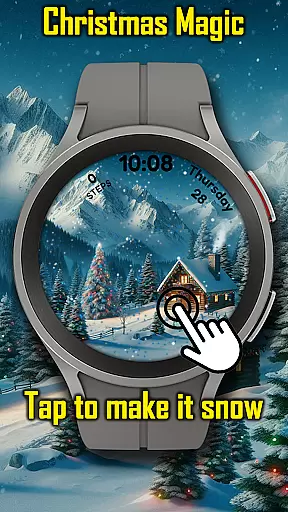
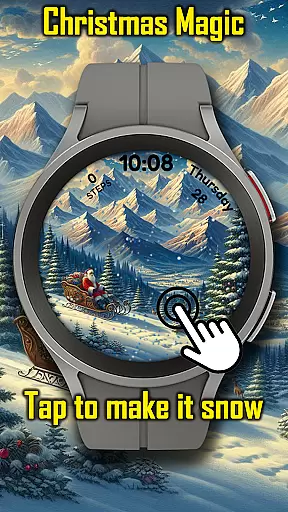
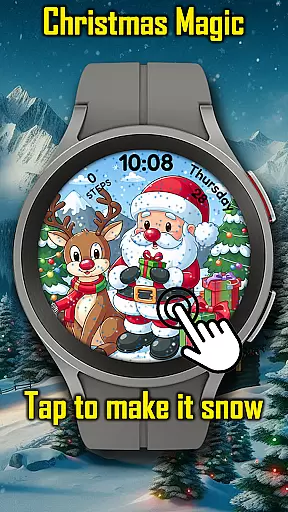
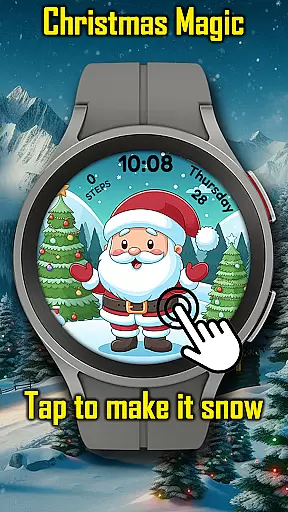
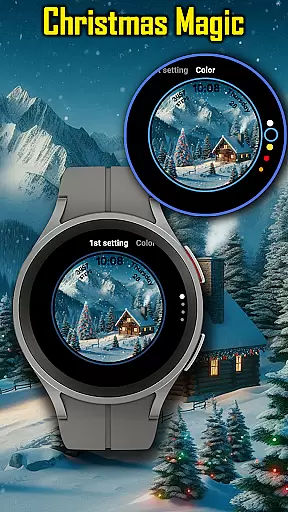
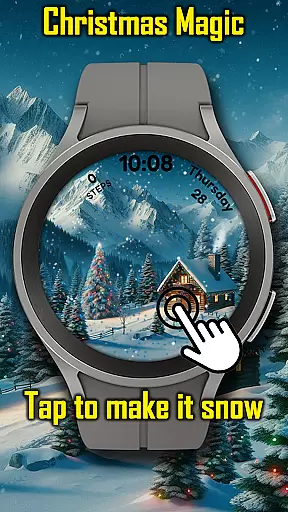
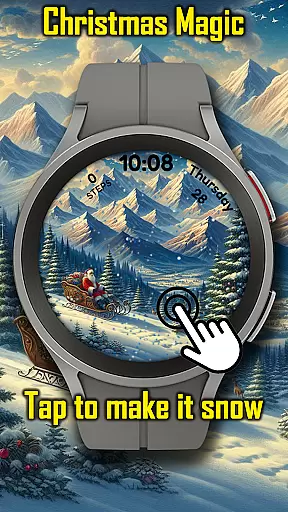
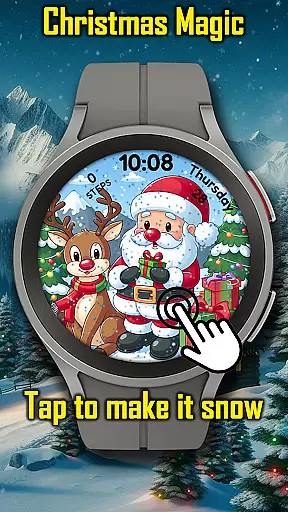
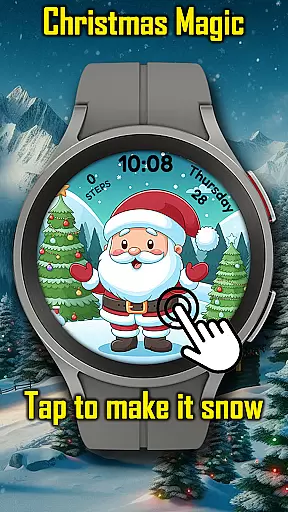
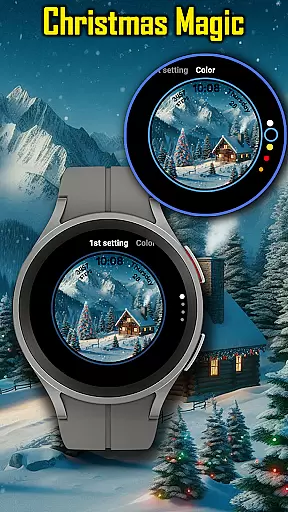

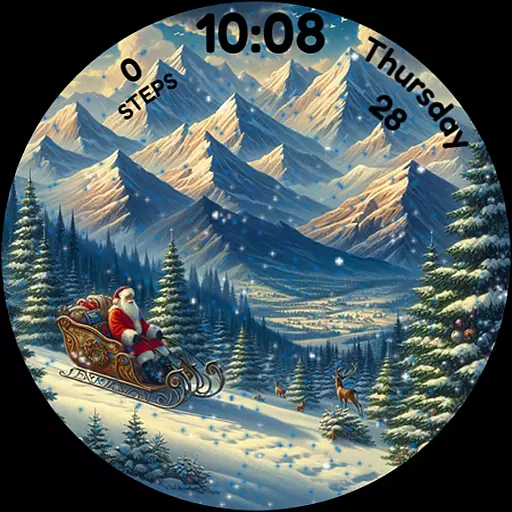
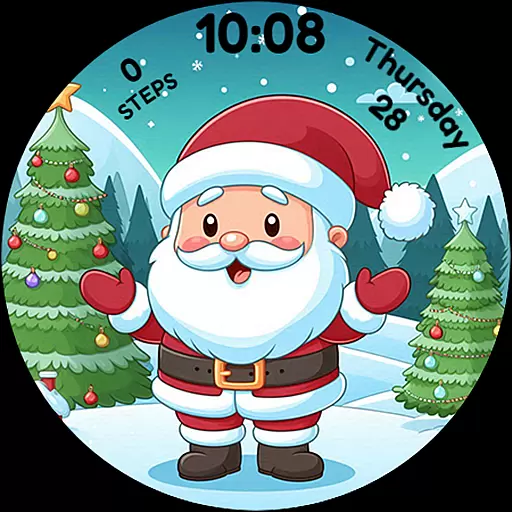
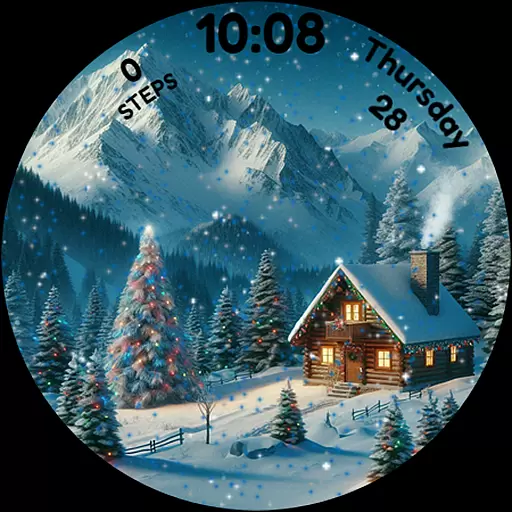
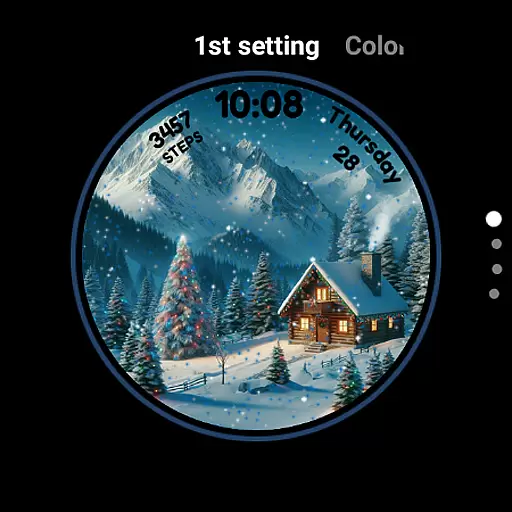
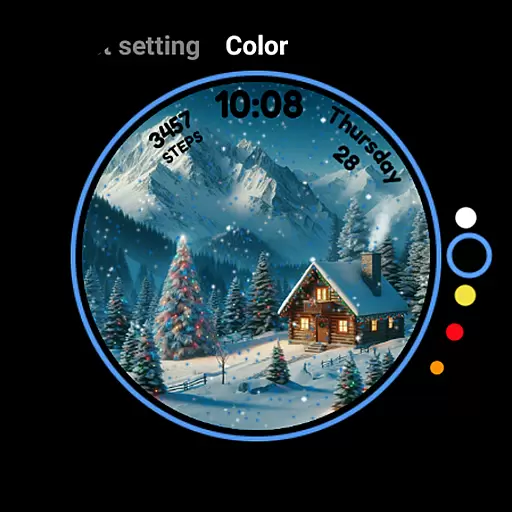
Christmas Magic Watch Face transforms your Wear OS smartwatch into a festive holiday celebration. Featuring delightful animations of Santa Claus, Christmas trees, and snowy mountains, this watch face brings the magic of Christmas to your wrist.
With interactive elements like animated snowfall that responds to touch, customizable colors, and Always-On Display (AOD) mode, it offers both functionality and festivity. Perfect for holiday enthusiasts who want to keep the Christmas spirit alive throughout the season.
This holiday-themed watch face stands out with its charming Christmas animations. The interactive snowfall feature creates a magical experience, while customizable color options allow users to personalize their watch face to match their unique holiday style.
The inclusion of AOD mode ensures you can enjoy the festive design even when the watch is in low-power mode. These features combine to create an engaging and visually appealing experience that keeps the Christmas spirit alive on your smartwatch throughout the holiday season.
For Android Wear applications like Christmas Magic, seamless companion app integration is essential for enhancing the smartwatch experience. This feature allows users to customize watch face settings directly from their mobile device.
The Christmas Magic Watch Face employs a dedicated companion app that enables detailed personalization. Users can adjust animation effects, choose color schemes, and control interactive elements such as snowfall intensity through their phone interface.
This integration provides significant convenience by centralizing control options. Instead of manipulating settings on the small smartwatch screen, users can make adjustments easily via their mobile device.
The synchronization between the watch face and companion app ensures that all modifications appear instantly on the wearable device. This real-time update capability maintains consistency across devices while preserving the festive spirit of the Christmas Magic Watch Face.
Device compatibility represents a crucial aspect of any Wear OS application's functionality. The Christmas Magic Watch Face demonstrates excellent versatility in working with various Wear OS devices and versions.
This watch face supports multiple Wear OS smartwatches, including models from different manufacturers and generations. The developers have optimized the application to ensure smooth performance across devices with varying screen sizes and resolutions.
Beyond basic compatibility, the application maintains consistent quality in its holiday-themed features. Whether users own newer or older Wear OS devices, they can enjoy complete access to animated scenes, customizable colors, and interactive snowfall effects.
The watch face also incorporates AOD mode support where applicable, demonstrating awareness of device-specific capabilities. This comprehensive compatibility approach ensures that more users can experience the magic of Christmas on their wrists regardless of their specific Wear OS device.
Festive Animations
Interactive Snowfall
Customizable Colors
AOD Mode Support
Holiday Spirit
Seasonal Only
Battery Usage
Limited Customization
Wear OS Only
No Year-Round Appeal

A customizable Christmas watch face for Wear OS with a countdown.
 4.20
4.20
Current temperature, weather hourly, weather radar by the weather forecast app
4.40
Deck out your Wear OS Watch face with a beautifully decorated pine wreath!
4.50
Hyperlocal rain alerts by MyRadar using patent-pending technology, radar & more
4.80
Locate your family members by GPS phone location tracker everywhere and anytime
4.30
Period, ovulation & pregnancy tracker. Fertility insights & menstrual calendar.
4.90
Hybrid Vibrant Health Watch Face for Wear OS
4.4
Premium hybrid watch face with many customizations for Wear OS devices.
4.40
Your music, your playlists, and more—offline and unlimited.
4.20
Digital, flexibly customizable watch face. For Wear OS 5.0, API 34+ and later.
5.00
Rose gold watch face with festive lights & customizable features.
4.60
Simple, helpful messaging by Google
4.60
Fast and smart typing with Emojis, GIFs, and more
4.50
Reliable phone calls with spam protection, caller ID and more helpful features
4.40
"PER27 Galaxy Digital" is a digital Wear OS watch face designed by PERSONA
4.10
Professional weather radar and more
3.90
A full-featured Amazon Alexa voice assistant that can show you things.
3.70
Your local weather forecast, storm tracker, radar maps & live weather news
3.40
Artistic Digital Watchface
4.4


User Reviews