
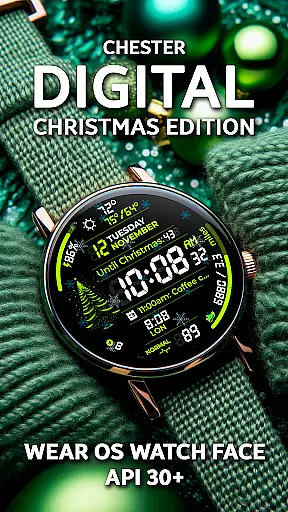
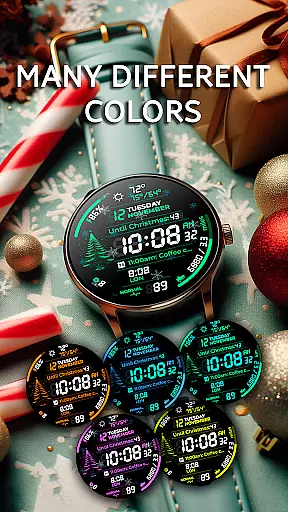
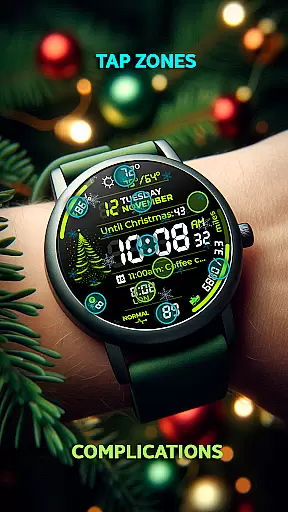
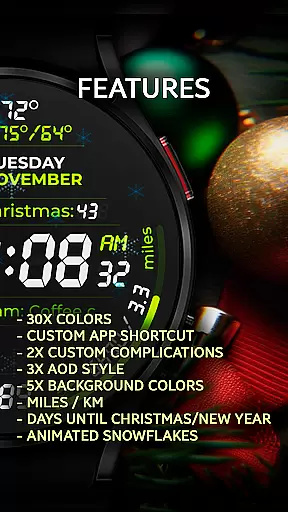
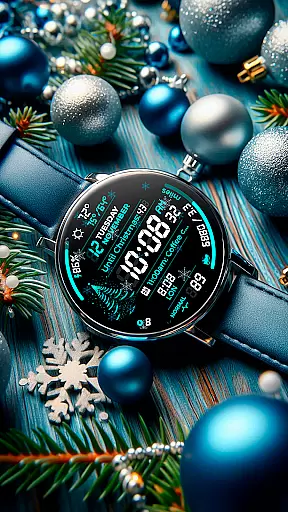
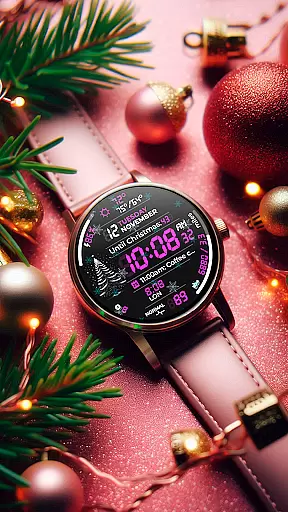
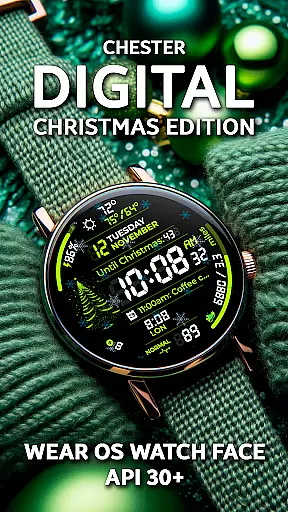
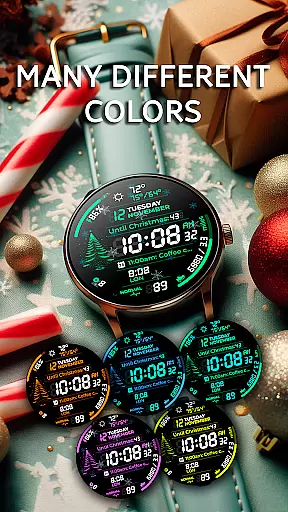
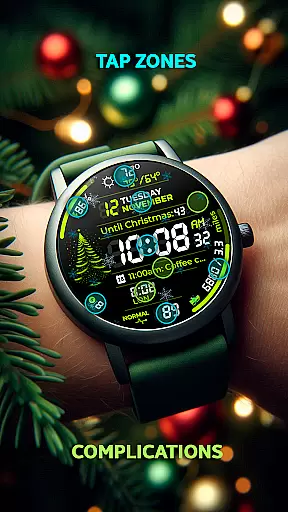
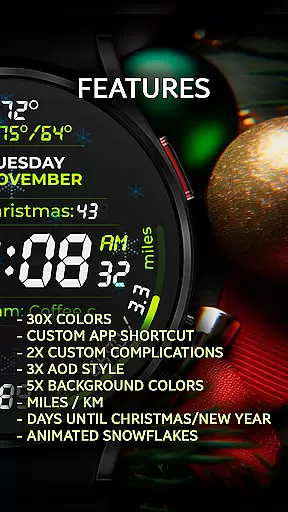
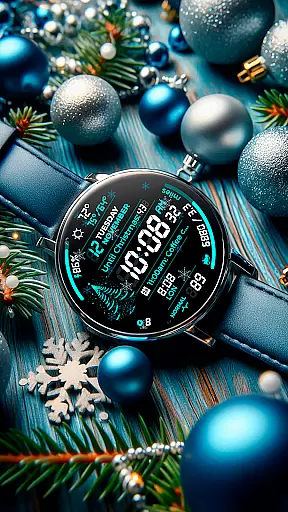
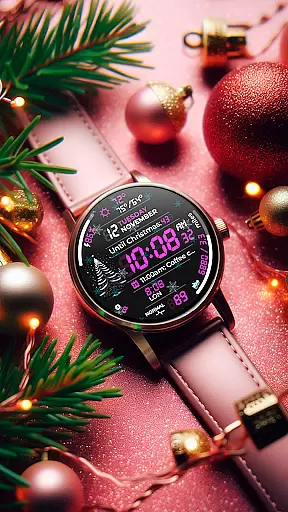
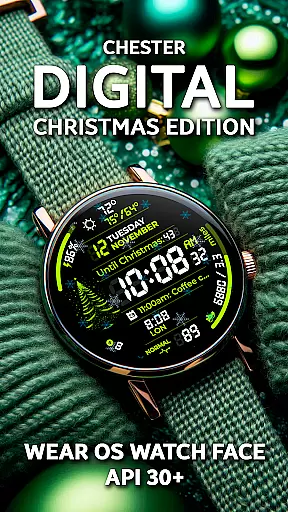
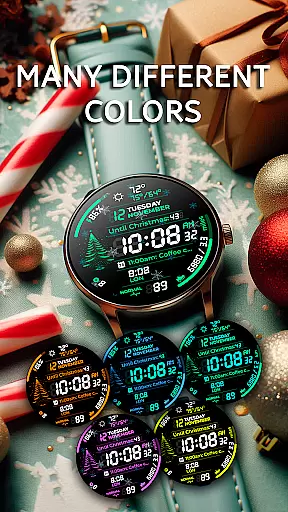
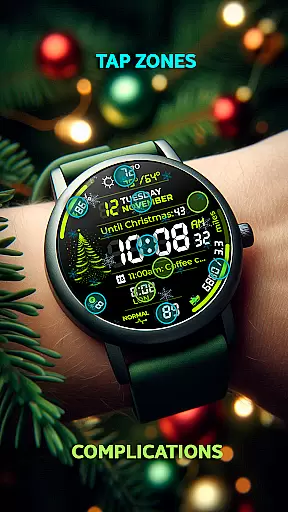
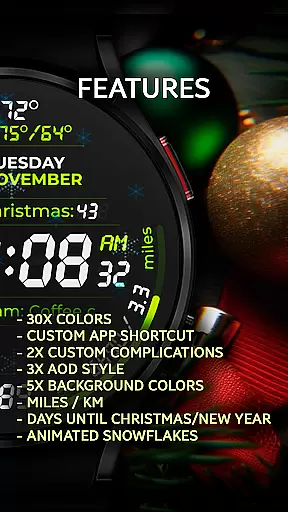
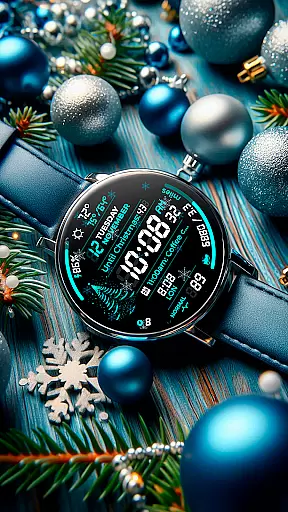
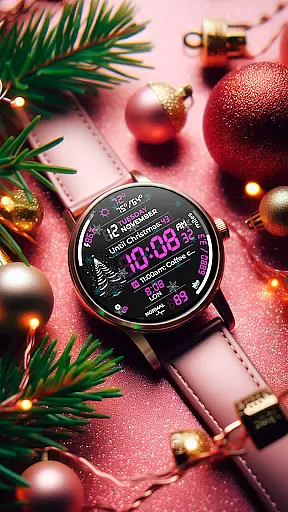
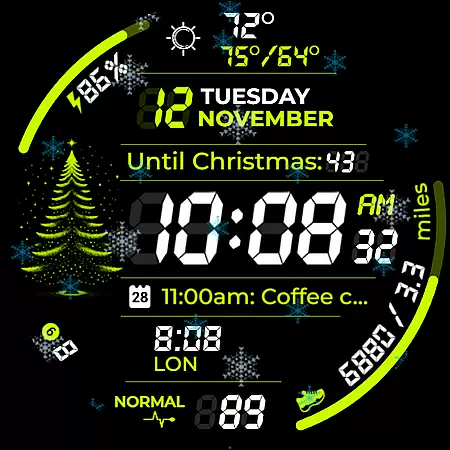
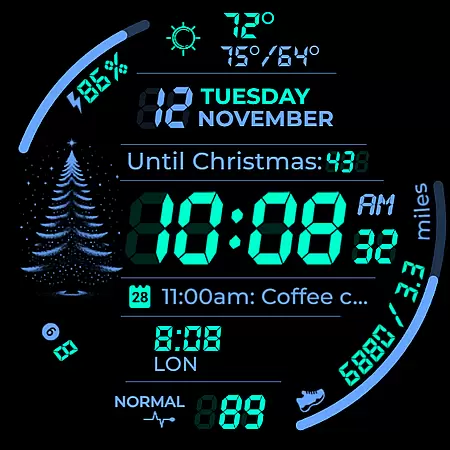
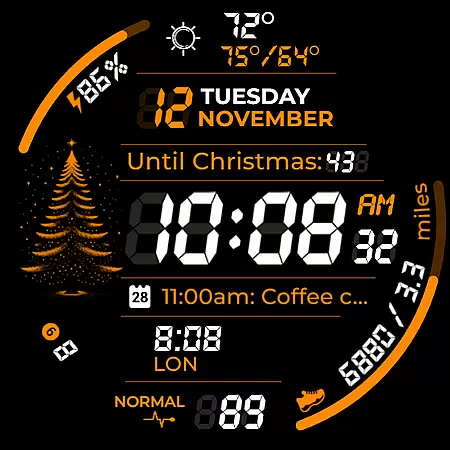
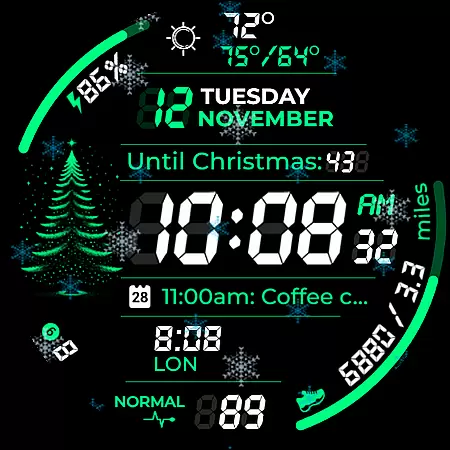
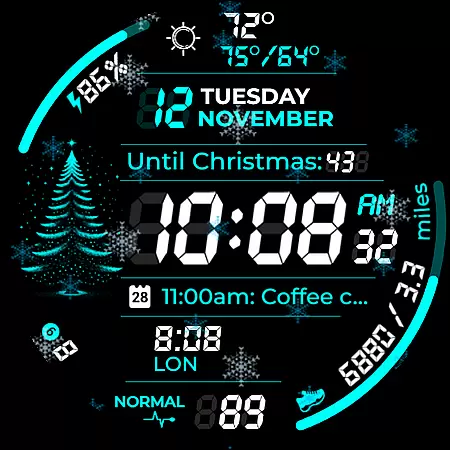
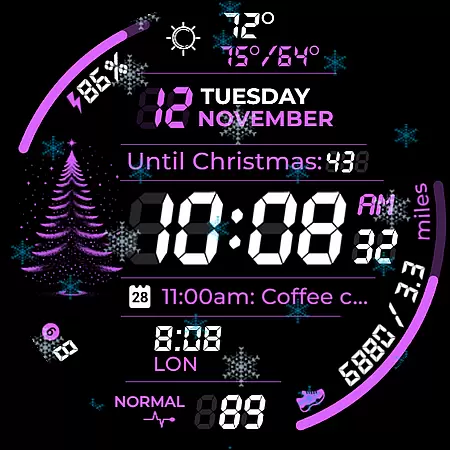
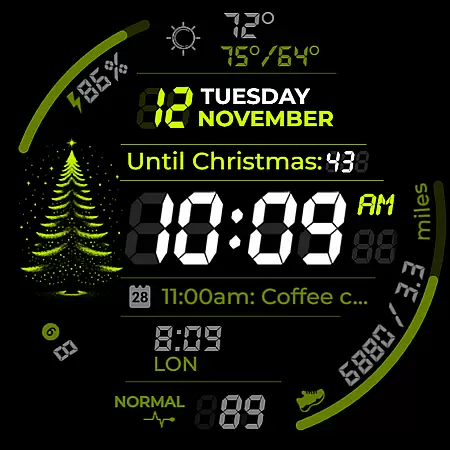
Chester Digital: Christmas is a customizable watch face specifically designed for Wear OS devices. This festive application brings holiday cheer to your smartwatch by offering an array of interactive features. Users can choose from 30 vibrant color schemes, set up app shortcuts for quick access to favorite functions, and utilize two customizable complication zones for personalized information display.
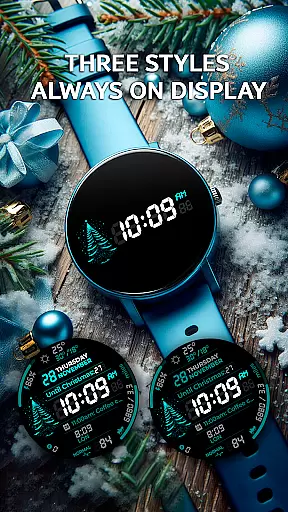
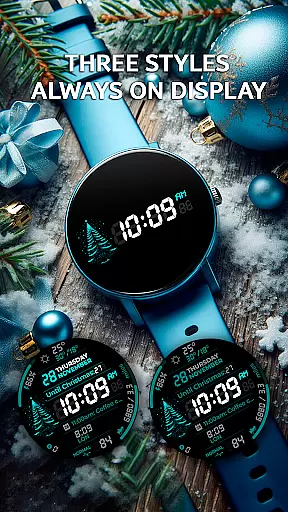
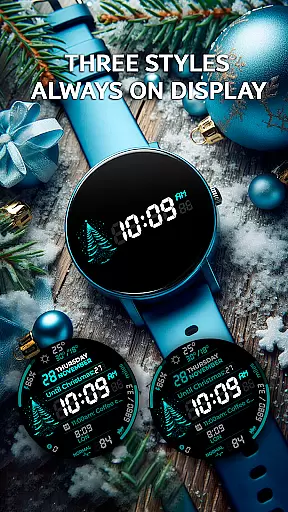
The watch face supports three Always-On Display (AOD) styles and allows selection from five different background colors, providing a personalized look. It includes practical features such as distance tracking in miles or kilometers, interactive tap zones for quick access to important features, and weekly/yearly tracking. Additionally, users can view full calendar reminders and weather updates directly on their watch face.
Embrace the holiday spirit with unique animations like snowflakes and countdowns to Christmas or New Year. The unread notifications counter helps keep users informed. Compatible with all Wear OS API 30+ devices, including Google Pixel Watch and Galaxy Watches, Chester Digital: Christmas is not suitable for rectangular watches but offers a perfect blend of style, functionality, and festive joy for supported devices.
Chester Digital: Christmas is a feature-rich Wear OS watch face designed to enhance your holiday season. It includes 30 vibrant color schemes that allow users to personalize their watch face according to their style. The inclusion of app shortcuts provides quick access to frequently used functions, while two customizable complication zones display personalized information.
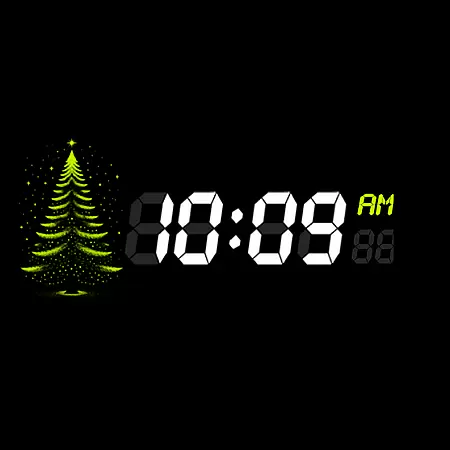
This watch face also supports three Always-On Display (AOD) styles, ensuring continuous connectivity even when the watch is idle. Users can choose from five different background colors and track distances in either miles or kilometers, making it ideal for both travel and fitness activities. Additionally, interactive tap zones offer instant access to essential features directly on the screen.
With weekly and yearly tracking, full calendar reminders, and weather updates, Chester Digital: Christmas keeps you organized and prepared. The delightful snowflake animation and countdown to Christmas/New Year add a festive touch, while the unread notifications counter ensures you stay informed. Compatible with all Wear OS API 30+ devices, this watch face blends style, functionality, and holiday cheer seamlessly.
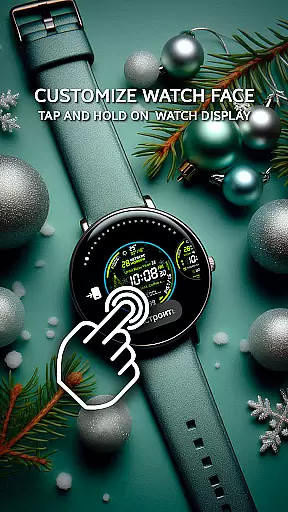
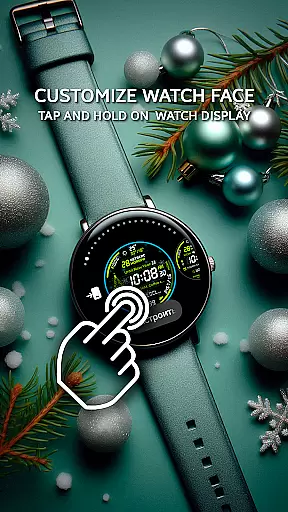
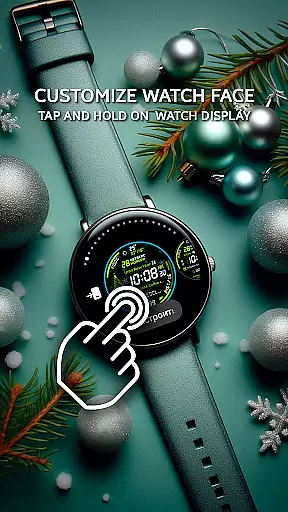
Companion app integration is essential for a seamless wearable experience. Chester Digital: Christmas ensures that all features are perfectly synchronized between your smartphone and Wear OS device. This synchronization allows users to customize their watch face effortlessly through the companion app.
The app provides an intuitive interface where users can select from 30 vibrant color schemes, set up app shortcuts, and configure complication zones. These settings are then instantly reflected on the watch face, ensuring a personalized and interactive experience. The ability to control these elements from a smartphone simplifies the customization process significantly.
Additionally, the companion app supports full calendar reminders, weather updates, and unread notifications counters. Users can easily manage their schedules, stay informed about weather conditions, and keep track of notifications directly from their phone. This level of integration enhances the overall functionality and user engagement with the watch face.
By offering comprehensive control over the watch face's features, Chester Digital: Christmas delivers a cohesive and efficient user experience. This ensures that users can enjoy both the aesthetic and practical benefits of their wearable device without any hassle.
Ensuring broad device compatibility is crucial for any Wear OS application. Chester Digital: Christmas is designed to work seamlessly with all Wear OS API 30+ devices, including popular models like the Google Pixel Watch and Galaxy Watch series. This wide compatibility ensures that users with different devices can enjoy the festive watch face.
The application supports various features such as customizable color schemes, app shortcuts, and complication zones across compatible devices. Whether you own a Galaxy Watch 4, 5, 6, or even the Galaxy Watch Ultra, you can take full advantage of the interactive functionalities offered by Chester Digital: Christmas. This universality makes it a versatile choice for Wear OS users.
Moreover, the watch face is optimized for round watches, providing a visually appealing and functional experience. By focusing on round watch compatibility, the design maintains its integrity and delivers a consistent user experience. This attention to detail ensures that all visual elements, including the snowflake animation and countdown to holidays, are displayed correctly.
With extensive testing and optimization, Chester Digital: Christmas guarantees reliable performance across supported devices. Users can trust that their festive watch face will operate smoothly, delivering both style and functionality throughout the holiday season.
Festive design
Customizable
Interactive features
Always-On Display
Weather updates
Limited to Wear OS
Not for rectangular watches
Some features need premium
High battery usage
Complex setup

Watch face designed for Thanksgiving Day. 7 Background Styles included.
 3.20
3.20
Digital, flexibly customizable watch face. For Wear OS 5.0, API 34+ and later.
5.00
Stylish digital watch face for Wear OS devices with customizable features
4.2
Structured watch face with seven complications and modular UI elements
3.90
Reliable phone calls with spam protection, caller ID and more helpful features
4.40
Hybrid Vibrant Health Watch Face for Wear OS
4.1
Fast and smart typing with Emojis, GIFs, and more
4.50
Track airplanes and follow flights with our real-time flight tracker
4.50
From periods to pregnancy & perimenopause, Flo helps you track it all. Try now.
4.70
A modern premium sporty hybrid watch face for Wear OS by Ballozi
4.70
Monitor health with the stress test and pulse checker in the heart rate app.
4.60
MyNISSAN® lets you remotely control your car from your phone.*
4.50
The ultimate destination for kids ages 3-8 to explore the Marvel Universe!
4.30
Embrace the festive spirit with our Christmas Countdown watchface for Wear OS
4.10
Animated Watch Face and Customizable with 24 Backgrounds. Perfect for Christmas!
3.90
Authentic military-tactical design with ZULU time! Realistic and functional!
3.80
Want to take charge of your health? Let Google Fit help you reach your goals.
3.50
an Analog Watch Face for winter season with freeze winter background for Wear OS
4.1
Minimalistic design modern digital watch face.
4.0


User Reviews