
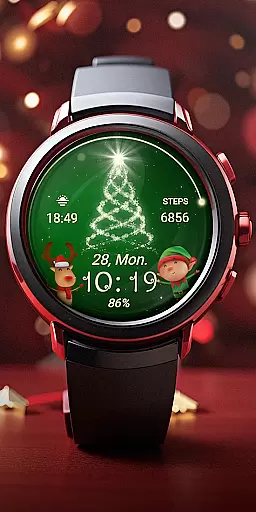
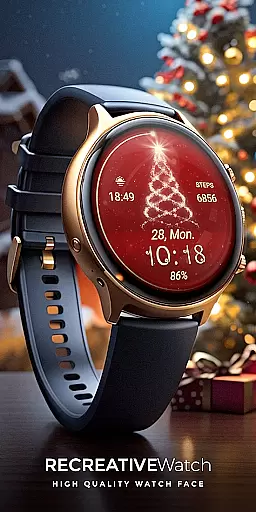
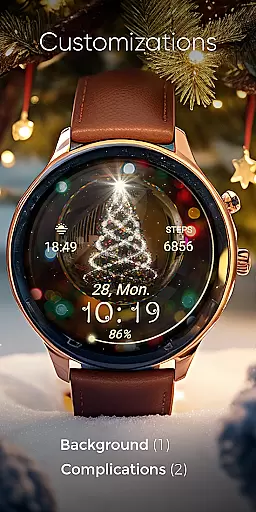
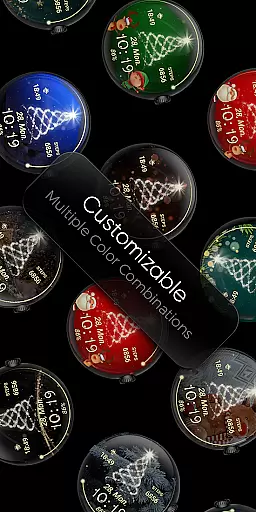
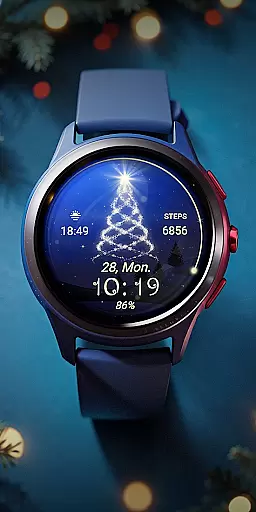
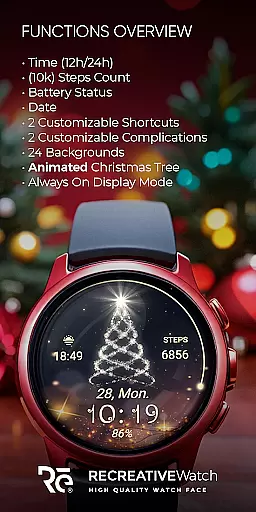
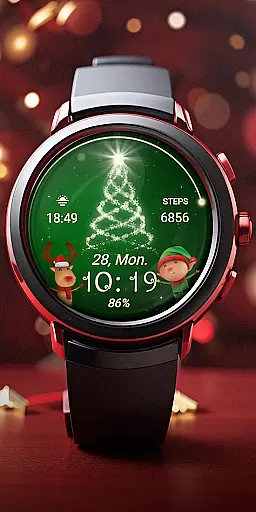
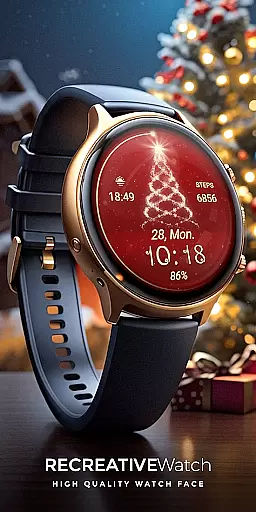
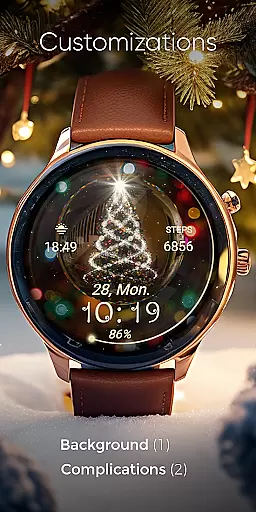
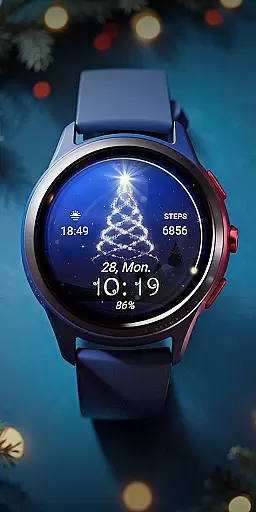
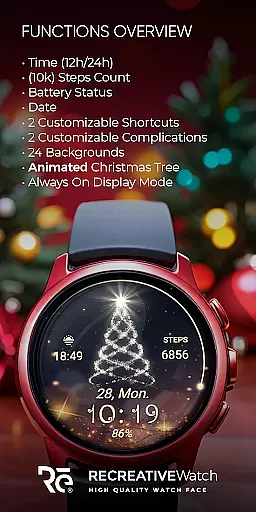
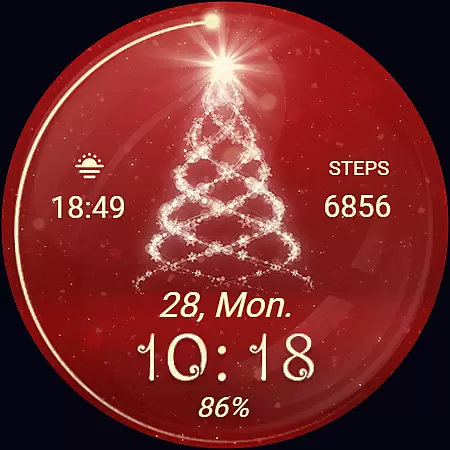
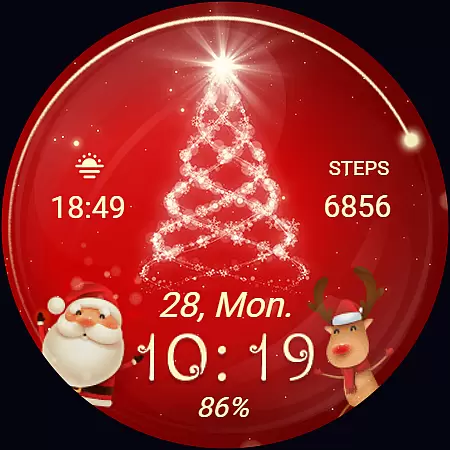
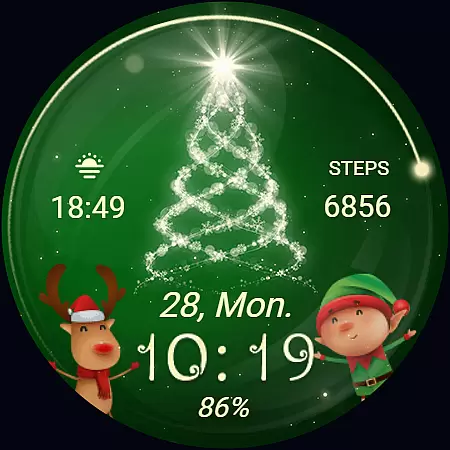
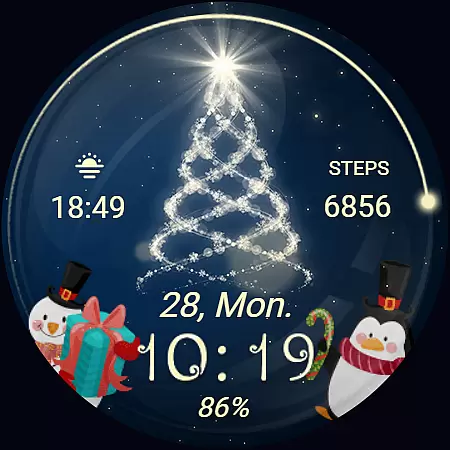
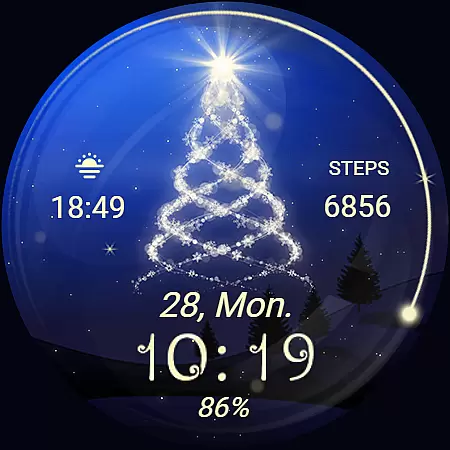
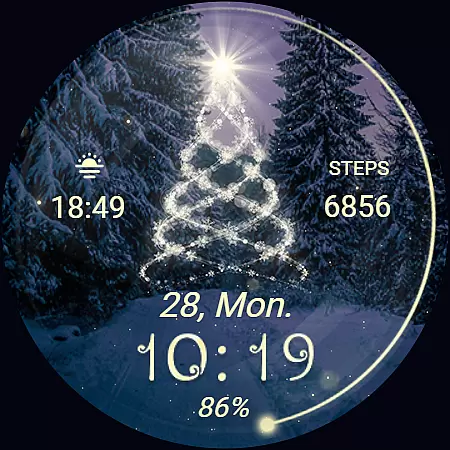
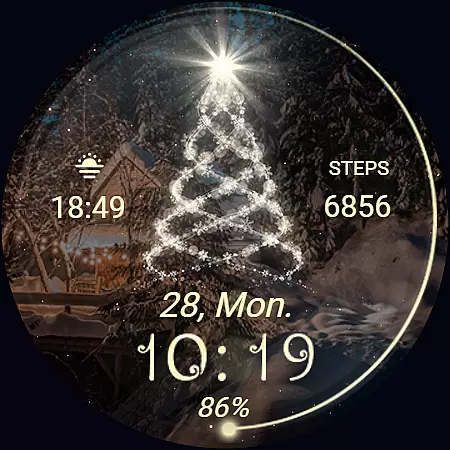
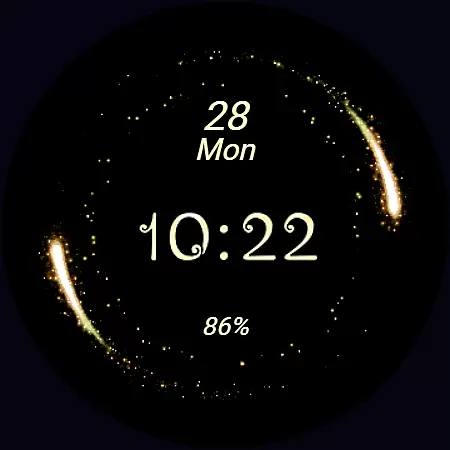
Christmas Spirit is a festive-themed watch face designed specifically for Wear OS devices. This application brings holiday cheer to your smartwatch with its customizable and colorful backgrounds, featuring an animated Christmas tree that creates a lively seasonal atmosphere. Compatible with API level 33+ devices such as Google Pixel and Galaxy Watch series, it offers users the ability to personalize their watch displays while maintaining functionality through features like digital time, date, battery status, and step count.
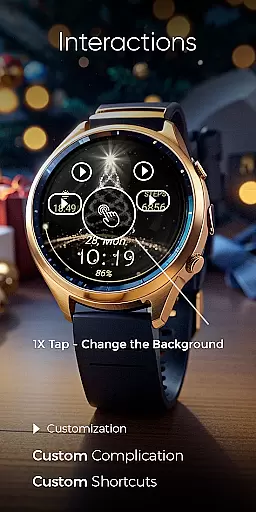
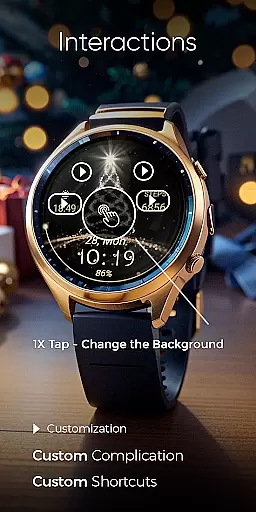
The app also includes practical functionalities such as two customizable shortcuts and complications, allowing users to tailor their experience according to their preferences. With support for Always-On Display and changeable colors, this watch face ensures both style and usability during the holiday season. Whether you're looking to express your holiday spirit or simply want a fresh look for your smartwatch, Christmas Spirit provides a perfect blend of festivity and utility.
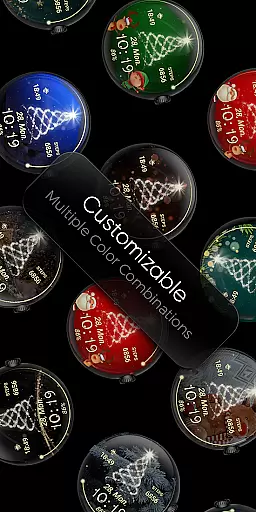
Christmas Spirit stands out with its rich set of features tailored for enhancing user interaction on Wear OS watches. One notable feature is the extensive customization options available; users can choose from 24 different backgrounds and adjust various elements including time format (12/24hr), complications, and shortcuts. The inclusion of an animated Christmas tree alongside falling snow adds a dynamic visual element that captures the essence of the holidays.
Functionality remains at the forefront with essential details displayed clearly: digital time, current date, battery level indicator, and step counter are all integrated seamlessly into the design. For those conscious about power consumption, disabling Always-On Display mode helps conserve battery life without sacrificing aesthetics when not needed. Additionally, compatibility across multiple high-end models ensures broad accessibility, making it easy for anyone seeking to add some festive flair to their smartwatch experience.
Companion app integration is essential for a seamless wearable experience. Christmas Spirit offers a dedicated mobile application that simplifies the installation process and helps users locate the watch face on their Wear OS devices.
The phone app serves as a facilitator, ensuring that users can effortlessly set up and manage their festive watch face. This streamlined process enhances user convenience, making it easy to add a touch of holiday cheer to your smartwatch.
While the mobile app contains ads, it ensures that the core functionality remains focused on providing an enjoyable and trouble-free experience. Users can rely on this integration to keep their watch face updated and customized according to their preferences.
Ensuring compatibility with various devices is crucial for any Wear OS application. Christmas Spirit is designed to work seamlessly with API level 33+ Google Pixel watches, Galaxy Watch series (4, 5, 6), and other Wear OS models.
This broad compatibility means that users across different devices can enjoy the animated Christmas tree and customizable features without worrying about technical limitations. The wide range of supported devices highlights the versatility and accessibility of the Christmas Spirit watch face.
For optimal battery performance, especially when using the 'Always ON Display' feature, users are encouraged to customize settings based on their device's capabilities. This flexibility ensures a balance between enjoying festive visuals and maintaining efficient power usage.
Highly Customizable
Festive Animations
Broad Device Support
Practical Features Included
User-Friendly Interface
Limited Year-Round Appeal
Potential Battery Drain
Ads in Mobile App
Complex Setup Process
Requires Recent OS Version

Highly customizable hybrid watch face for Wear OS, perfect for everyday use.
 4.60
4.60
Christmas Theme Watch Face for Wear Os
5.00
A full-featured Amazon Alexa voice assistant that can show you things.
3.70
Beautiful artistic animated digital watch face, with a customizable layout!
4.40
Contemporary digital watch face with five complications
4.2
Bold, Modern Hybrid Watch Face for Wear OS. 10 Colors, Rich Info Display.
4.30
Authentic military-tactical design with ZULU time! Realistic and functional!
3.80
Real-time weather radar with temperatures, warnings, hurricanes, and widgets
4.80
Toyota app currently supports 2010 or newer vehicles (2018 or newer for Hawaii).
4.50
Christmas - Festive - Christmas Village - Winter - Christmas lights
5.00
Hyperlocal rain alerts by MyRadar using patent-pending technology, radar & more
4.80
MyNISSAN® lets you remotely control your car from your phone.*
4.50
Digital watch face. For Wear OS devices.
4.40
Reliable phone calls with spam protection, caller ID and more helpful features
4.40
Let's celebrate Thanksgiving - Wear Os watch face
4.20
Snowflake Rose Gold Watch Face - Digital, modern, & sleek with GYRO effect.
4.10
Wear Os Watch Face - Animated Snow Effect & Magic Spark - 6 Scenes
4.10
Connect, create, and collaborate with Gmail, part of Google Workspace.
4.10
Simple Analog-Digital Watchface For Wear OS 3.0 and Up Smartwatches
4.4


User Reviews