
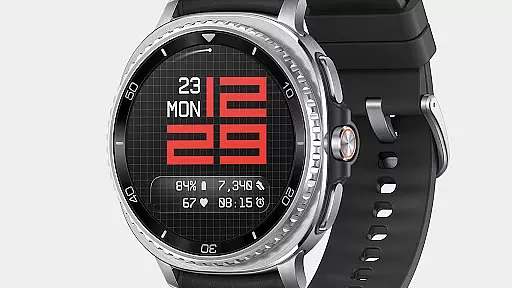
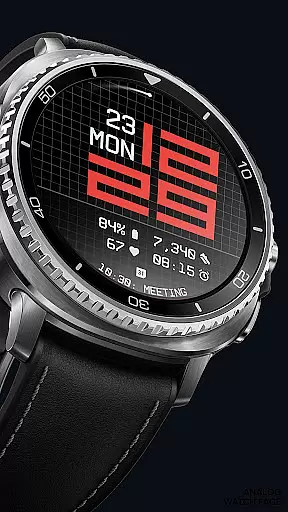
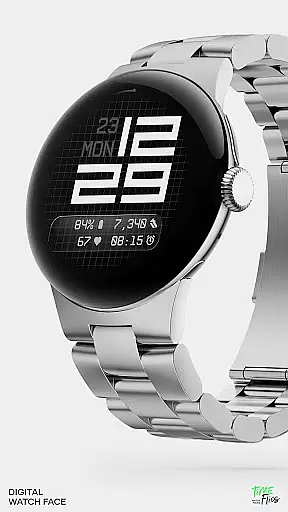
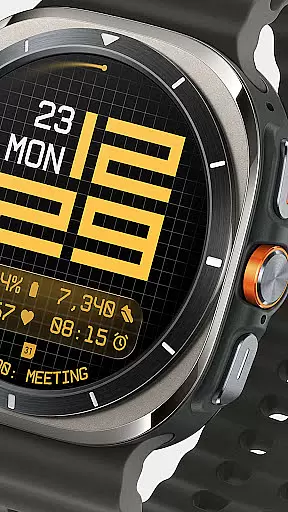
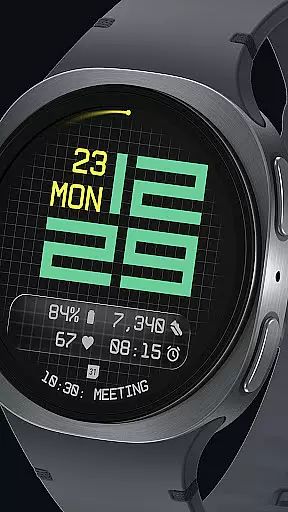
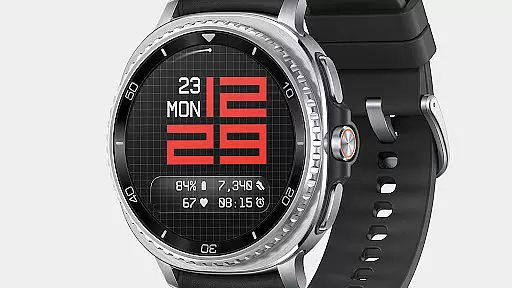
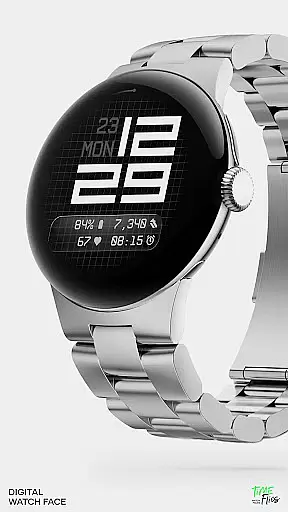
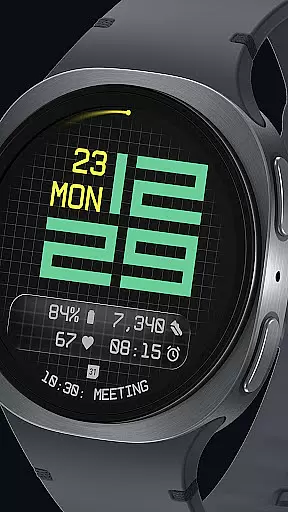
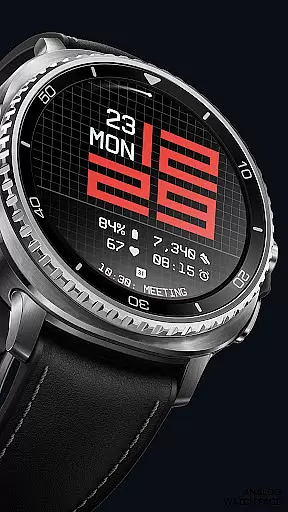
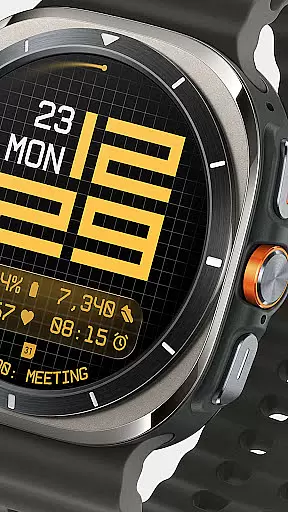
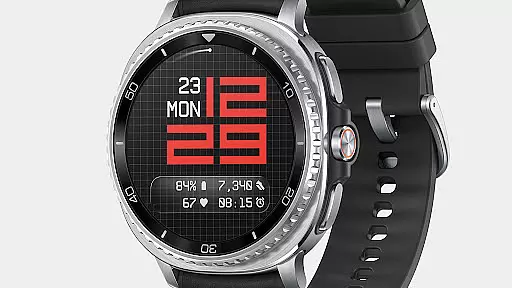
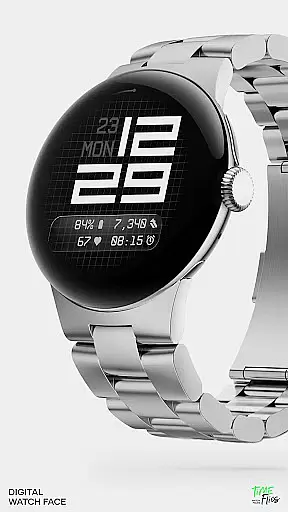
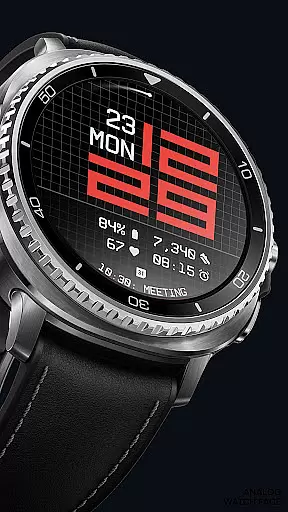
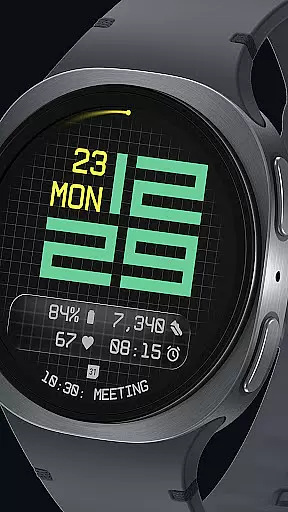

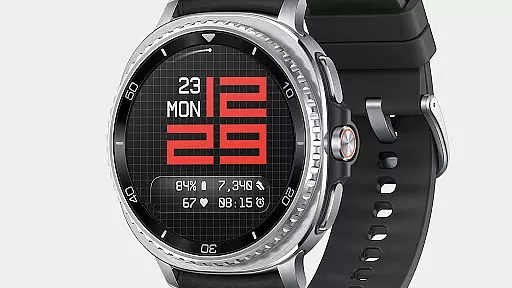
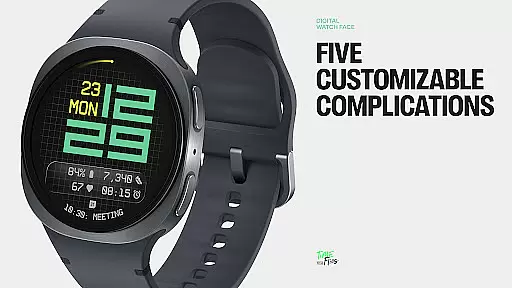
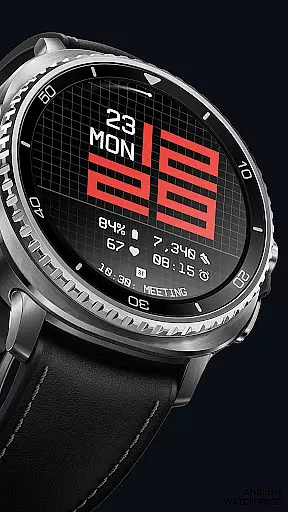
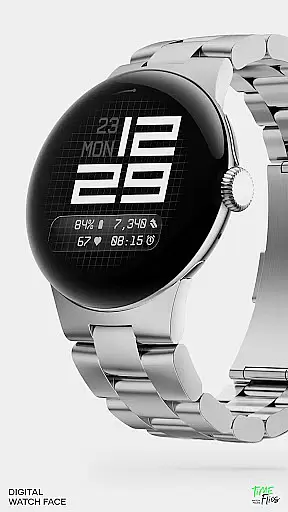
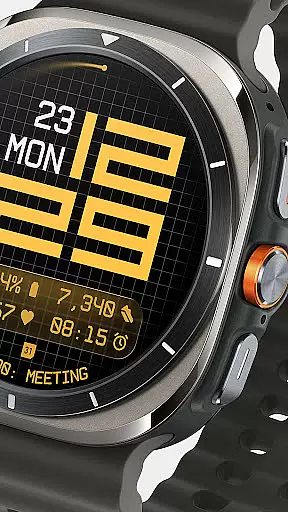
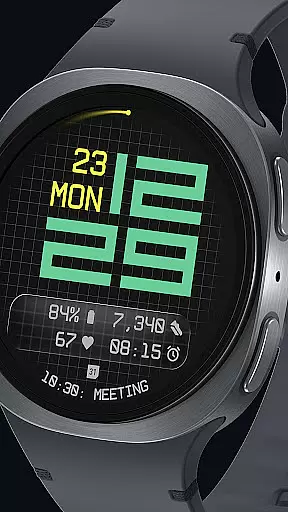
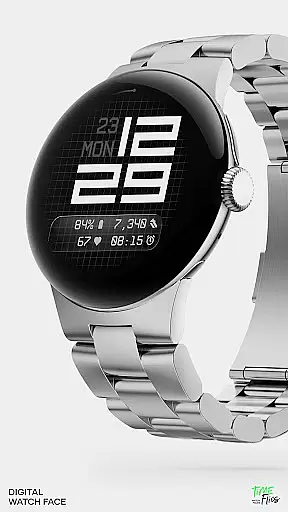
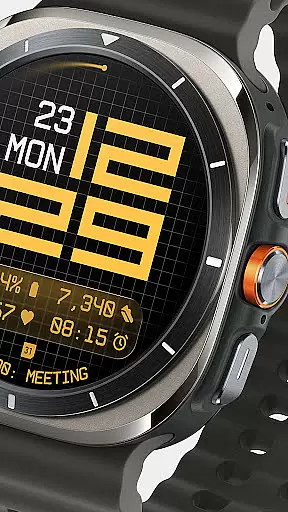
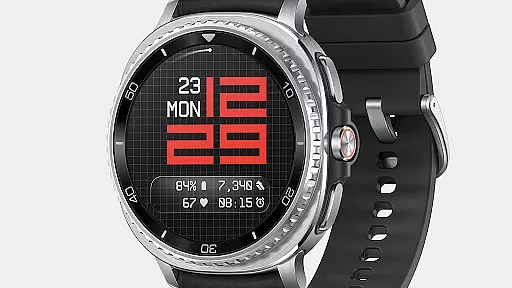
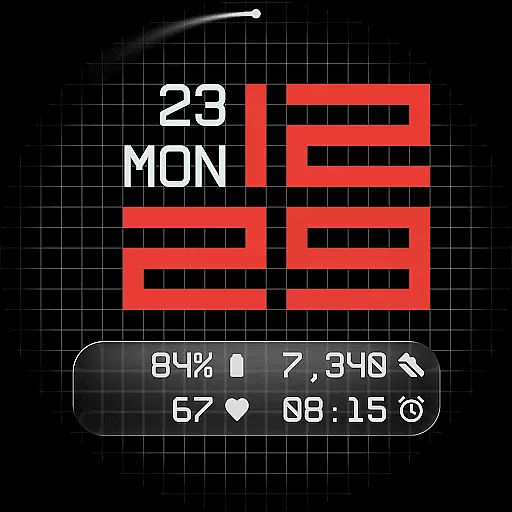
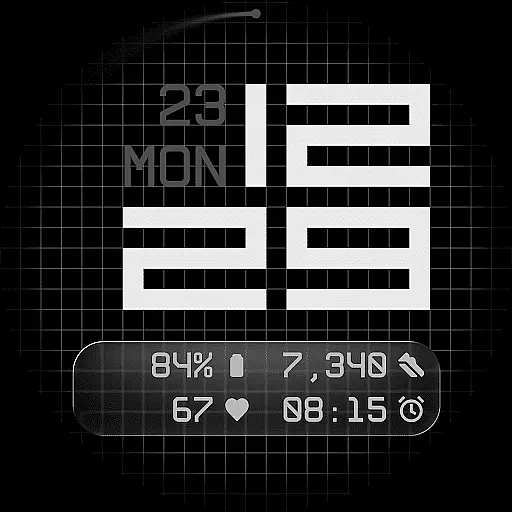
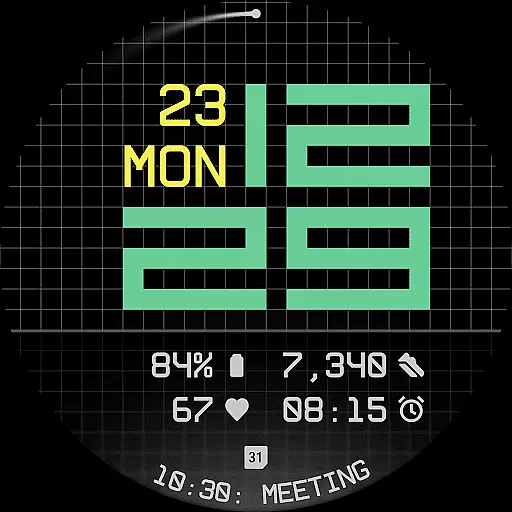
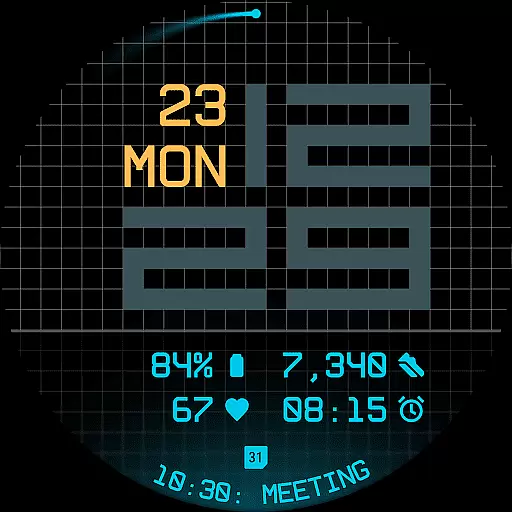
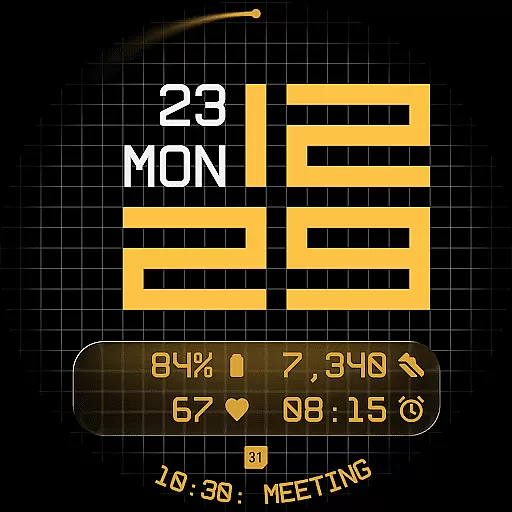
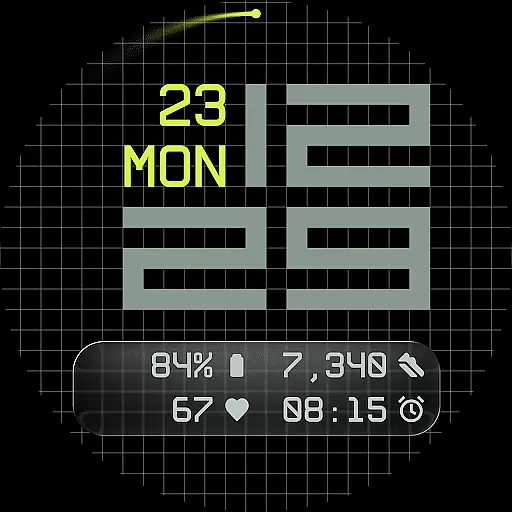
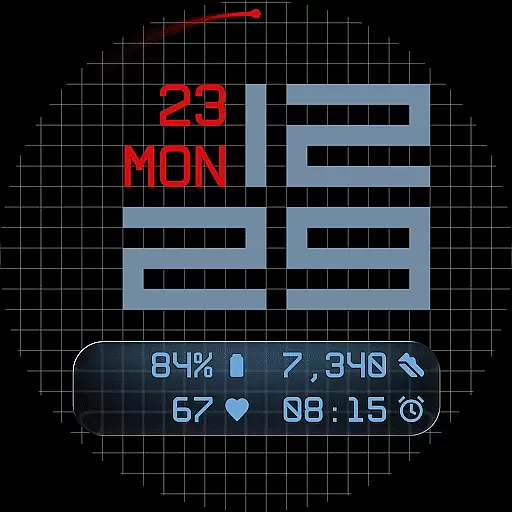
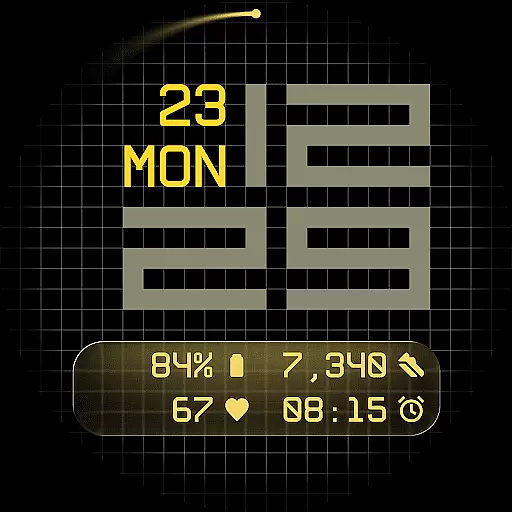
Fast Lane Watch Face is a cutting-edge digital watch face designed specifically for Wear OS smartwatches. It combines typographic clarity with modern aesthetics, creating a timepiece that is both visually striking and highly functional. The modular numerical structure of the time display draws inspiration from automotive instrument panels, offering users a sense of speed and precision in their daily lives.
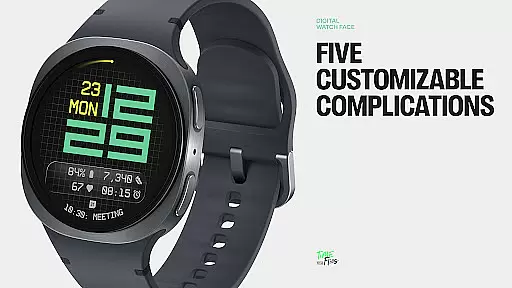
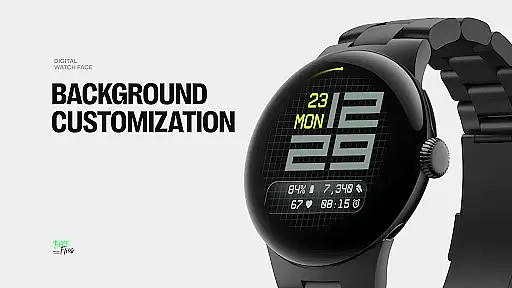
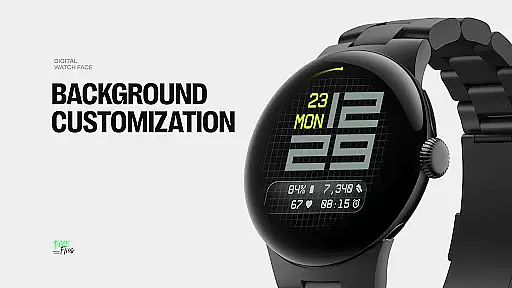
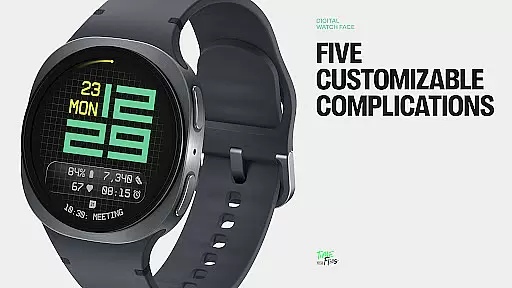
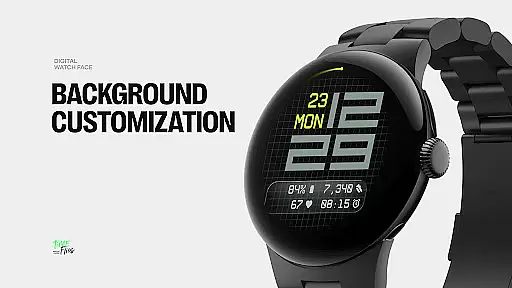
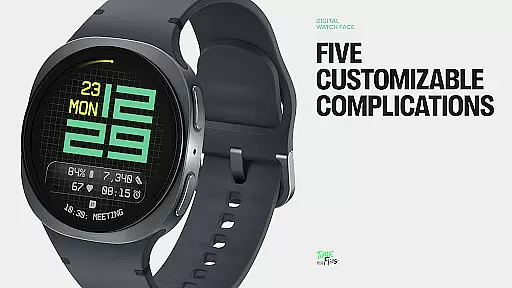
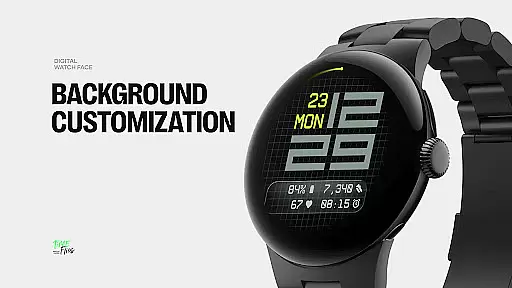
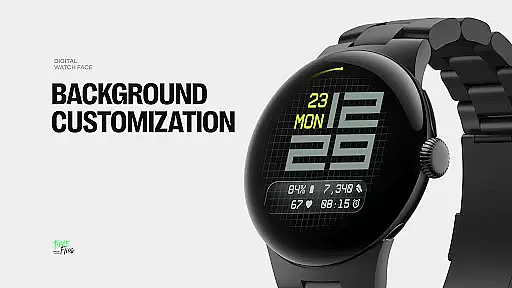
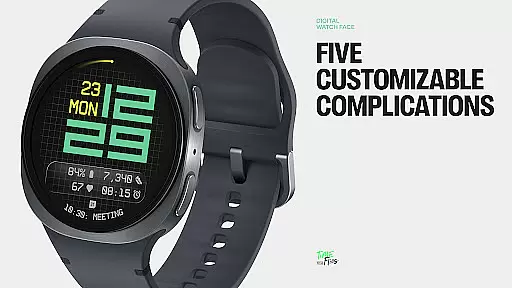
The watch face features a refined grid system that serves as its foundation, providing subtle structure and texture to the background. Users can choose from multiple display styles, including a minimal grid, a softly blurred circular accent, or a translucent UI-inspired glass island that hosts complications. With five available complications, Fast Lane allows for extensive customization while maintaining visual coherence. These include four short-text slots and one long-text slot, ideal for calendar events or moon phases.
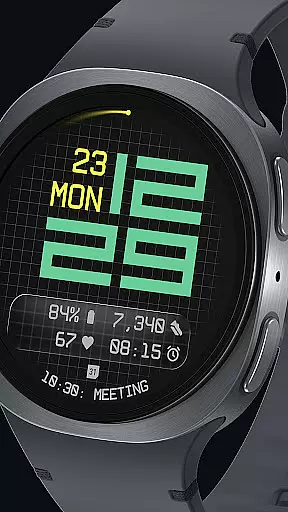
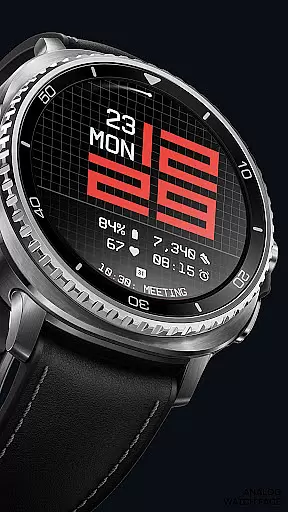
This design is not only about aesthetics but also practicality. The day and date are seamlessly integrated into the layout, ensuring essential information is always accessible without cluttering the display. Additionally, users can select from 30 color themes to match their device and lighting conditions, making it versatile for any setting.
Fast Lane Watch Face stands out with its innovative features tailored for tech-savvy users. One of its key highlights is the inclusion of five customizable complications, allowing maximum information density on the watch face. These complications are neatly placed within the lower segment of the display, ensuring a clean and organized appearance.
The modular UI layers offer users the flexibility to personalize their experience. They can choose from various background options such as a stylized grid, a blurred segment, or a translucent UI plate. This adaptability ensures that each user can find a style that suits their preferences while maintaining visual coherence across different configurations.
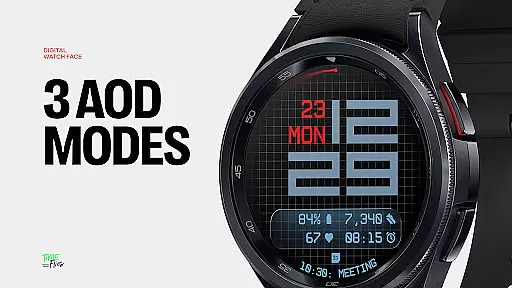
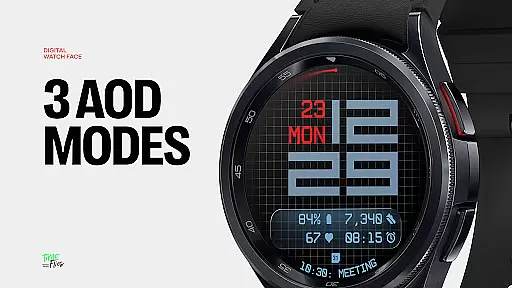
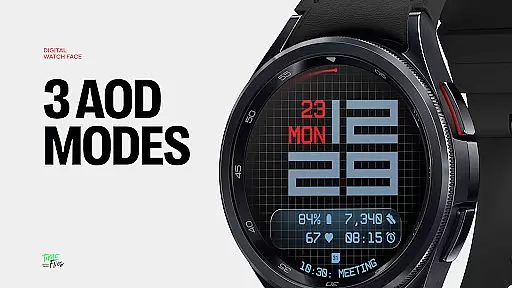
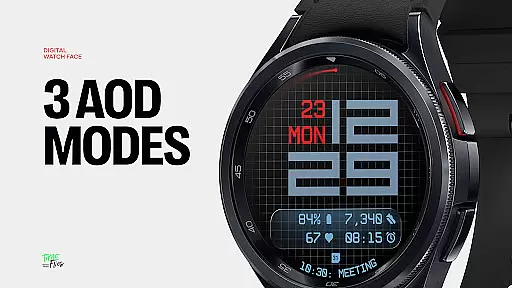
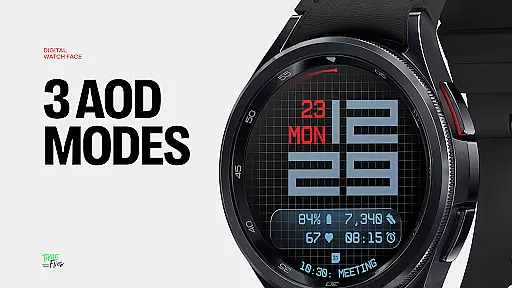
Another notable feature is the contemporary time display, which uses structured and balanced typography to convey a sense of speed and precision. The optional seconds indicator adds visual rhythm or simplicity based on user preference. Furthermore, the watch face supports three Always-On Display modes—full, dim, or minimal—ensuring core data and time are retained even when the screen is not active. Built with the Watch Face File Format, Fast Lane guarantees optimized performance and energy efficiency across all Wear OS devices.
Companion app integration is a crucial feature for Android Wear applications like Fast Lane Watch Face. This functionality allows users to seamlessly manage and customize their smartwatch experience directly from their mobile device.
The Time Flies companion app provides a centralized platform where users can browse the complete collection of watch faces, receive timely updates, and install new styles with ease. This ensures that users always have access to the latest designs and features without needing to manually update through the Play Store.
Through this integration, users can personalize their Wear OS experience by adjusting settings, selecting color themes, and configuring complications directly from their phone. The synchronization between the companion app and the watch face ensures that all changes are immediately reflected on the wearable device.
This level of integration not only enhances user convenience but also maintains optimal performance and energy efficiency across all Wear OS devices, thanks to the Watch Face File Format implementation.
Ensuring broad Wear OS and device compatibility is essential for any Android Wear application. Fast Lane Watch Face demonstrates exceptional versatility in working across various smartwatch models and Wear OS versions.
The watch face is designed using a modular approach, allowing it to adapt to different screen sizes and resolutions while maintaining visual consistency. Its optimized codebase ensures smooth performance on both older and newer Wear OS devices, providing a uniform experience regardless of hardware specifications.
With support for multiple display styles and 30 color themes, the application caters to diverse user preferences and device capabilities. The inclusion of three Always-On Display modes further demonstrates its adaptability to various power-saving requirements and user scenarios.
This comprehensive compatibility approach guarantees that Fast Lane Watch Face delivers a consistent, high-quality experience across the entire spectrum of Wear OS devices, from budget-friendly models to premium smartwatches.
Highly Customizable
Modern Aesthetic Design
Optimized Performance
Versatile Color Themes
User-Friendly Interface
Limited to Wear OS
Complex Setup Process
Fewer Features in Free Version
Requires Companion App
Battery Consumption

Diet tracker for weight loss - track calories, food and macros. Simple and easy!
 4.70
4.70
A watch face that fuses motorsport precision with contemporary smartwatch design
4.0
Easy Voice Recorder is your everyday companion to record important moments.
4.70
Beautiful, colorful and practical watch face. For Wear OS devices.
5.00
Connect to your Bluelink equipped Hyundai vehicle from your smartphone.
4.50
Gym & home workout plans with strength training, exercise tracking, HIIT & more.
4.60
Reliable phone calls with spam protection, caller ID and more helpful features
4.40
A digital watch face that celebrates Christmas.
4.00
Back up your contacts & access them anywhere
4.30
Christmas Theme Watch Face for Wear Os
5.00
Be an elegant and classy secret agent, with this carefully detailed watch face
4.70
The most customizable hybrid watch face. For Wear OS 5.0, API 34+ and later
4.70
Kia Access makes getting your vehicle information easier than ever
4.60
Ideal for surviving in the wasteland left after nuclear fallout
4.50
Animated video-game inspired “secret agent” simulation, right on your wrist!
4.20
"PER27 Galaxy Digital" is a digital Wear OS watch face designed by PERSONA
4.10
Hyper-Realistic Airplane Dashboard Watch Face With 10 Skins and Custom AOD
4.00
Animated Watch Face and Customizable with 24 Backgrounds. Perfect for Christmas!
3.90
Artistic Digital Watchface
4.1


User Reviews