
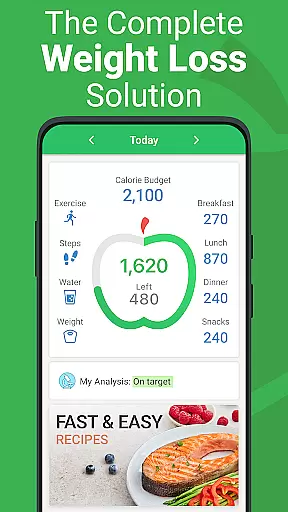
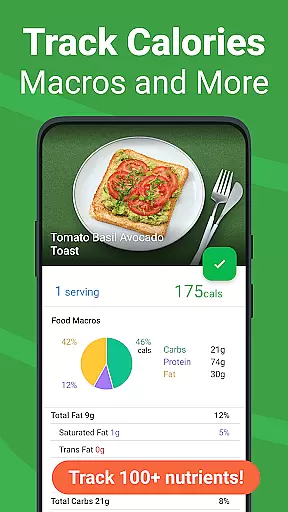


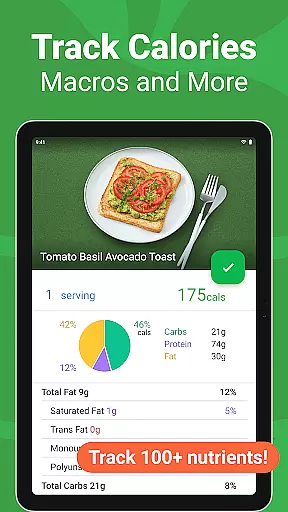
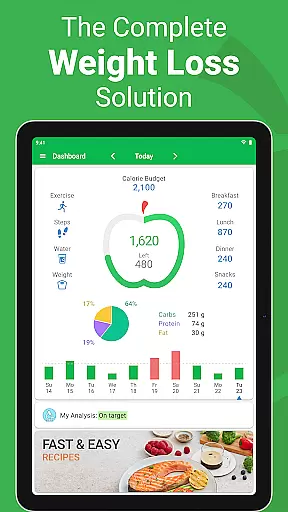
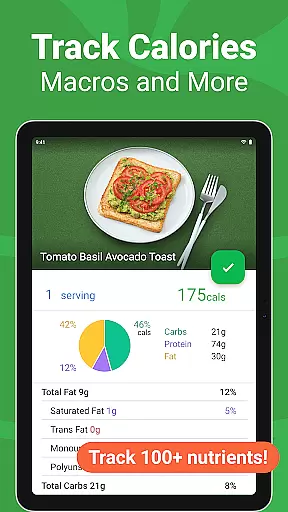
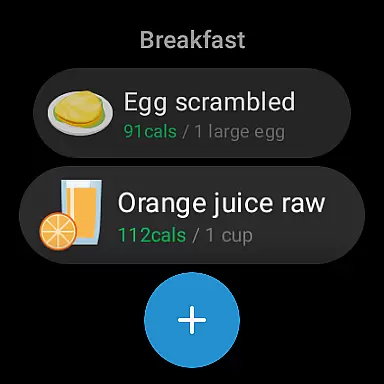
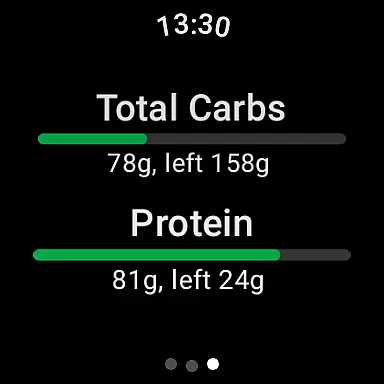
Calorie Counter - MyNetDiary is a leading health and fitness application designed to help users effectively manage their weight and nutrition. Ranked as the #1 app in Forbes Health's Best Weight Loss Apps of 2025, this tool offers a comprehensive solution for tracking calories, macronutrients, and other essential health metrics. Its user-friendly interface makes it accessible for both beginners and experienced dieters looking to optimize their wellness journey.
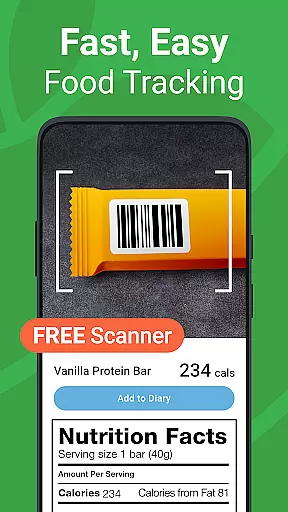
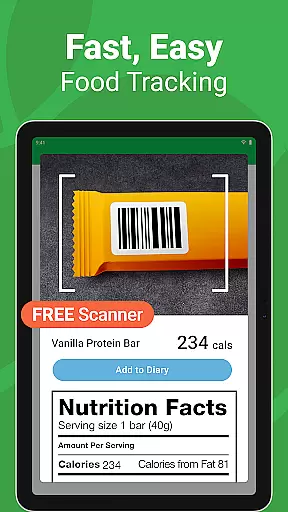
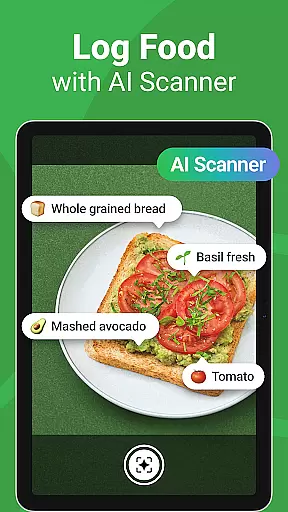
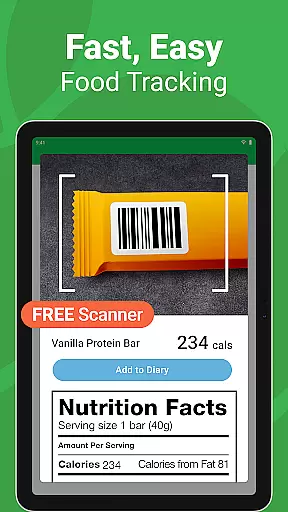
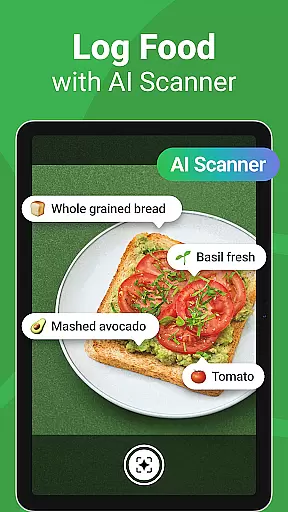
The app's core functionality revolves around its powerful food diary system, which includes a lightning-fast barcode scanner, extensive food database, and AI-powered voice logging capabilities. Users can easily track their meals, exercises, and even hydration levels while receiving personalized coaching advice based on their progress. MyNetDiary also stands out for its integration with various health platforms and wearable devices, ensuring a seamless tracking experience across multiple devices.
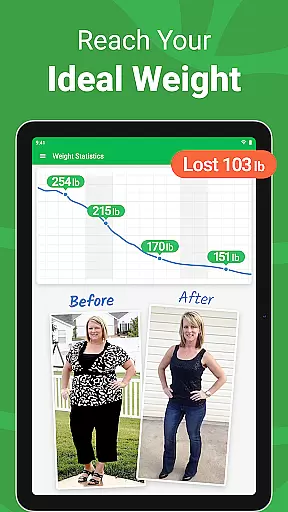
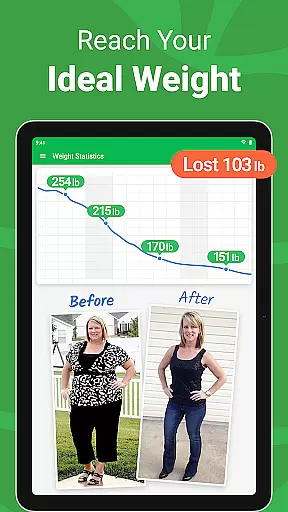
Whether you're following a specific diet plan or simply aiming to maintain a healthier lifestyle, MyNetDiary provides the tools necessary to make informed nutritional choices. Its proven success rate, with active members losing an average of 1.4 pounds per week, demonstrates the app's effectiveness in supporting sustainable weight management.
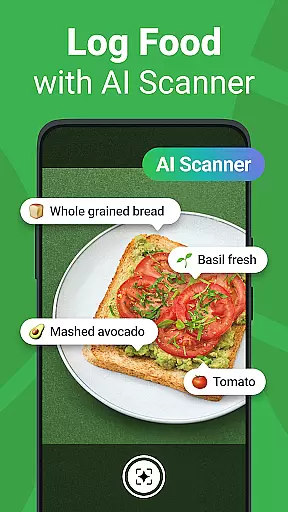
MyNetDiary stands out as a feature-rich calorie counting application designed to simplify the process of tracking nutrition and achieving fitness goals. The app offers advanced tools such as a built-in barcode scanner for effortless food logging, an AI Meal Scan function that provides instant meal recognition, and a vast verified food database containing over 1.7 million items.
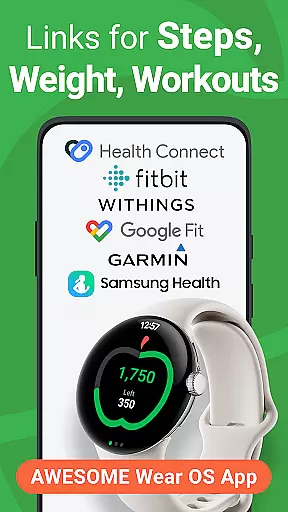
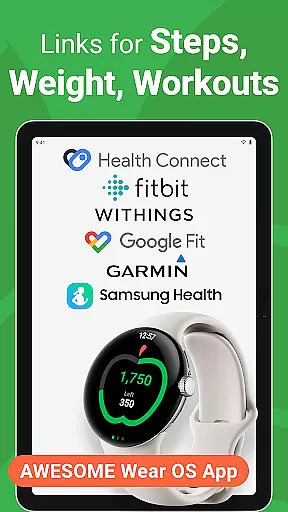
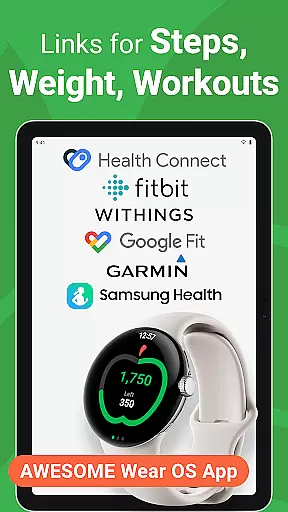
Beyond basic calorie tracking, MyNetDiary provides users with personalized diet plans, daily coaching advice, and support for tracking various health metrics including blood pressure, cholesterol, and more. The app also integrates seamlessly with wearable devices and popular health platforms like Google Fit and Samsung Health, making it a versatile choice for those invested in a connected health ecosystem.
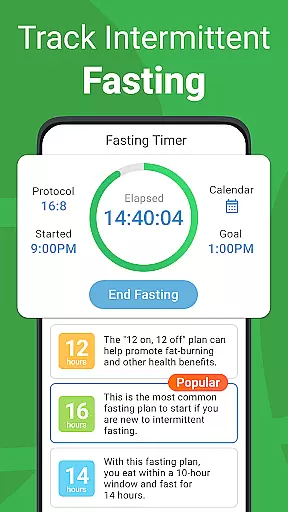
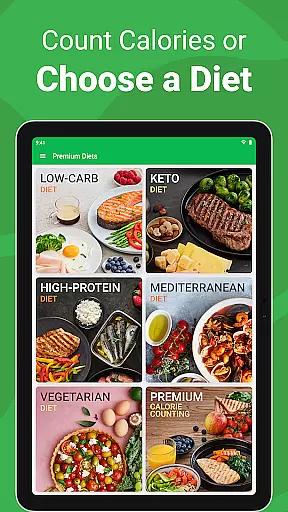
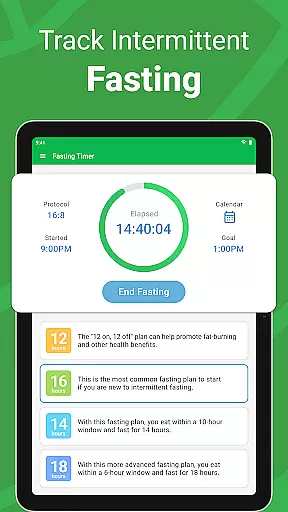
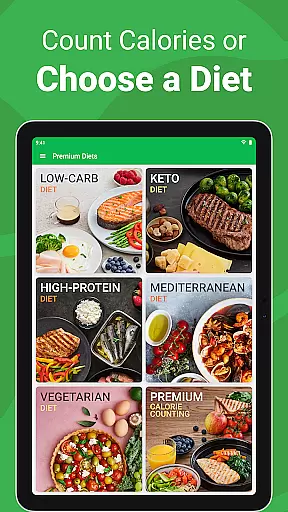
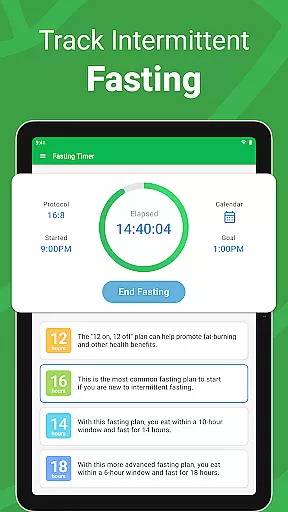
For users seeking additional guidance, the Premium version offers specialized diet plans, intermittent fasting tracking, and access to hundreds of premium recipes developed by registered dietitians. These features collectively create a robust platform that not only tracks but actively supports informed dietary decisions.
Companion app integration is essential for users who rely on wearable devices to track their health and fitness goals. MyNetDiary excels in this area by offering seamless connectivity between its smartphone app and Wear OS devices. This ensures that users can access critical features without interruption.
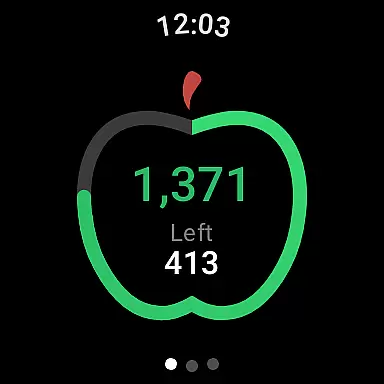
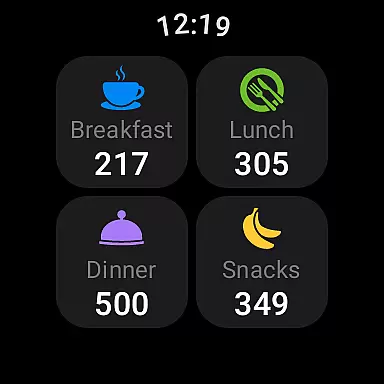
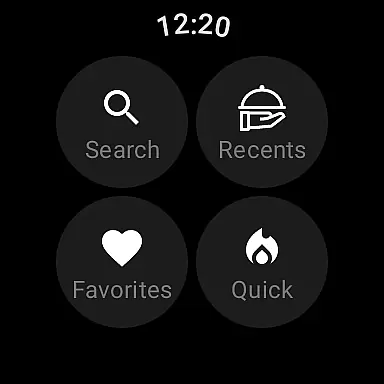
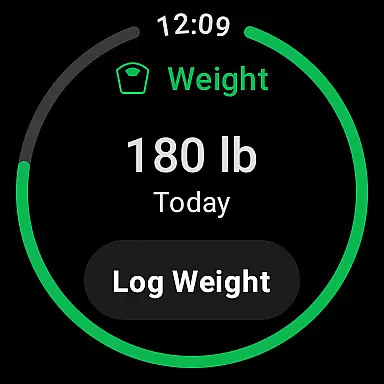
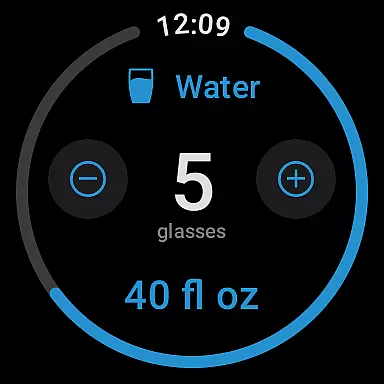
The app provides dedicated tiles and complications for Wear OS, allowing users to log food intake, water consumption, and body weight effortlessly. These features are designed to maintain functionality and ease of use, directly from the wrist. The synchronization between devices is smooth, ensuring real-time updates across all platforms.
Users benefit from having a unified experience where data flows seamlessly between their phone and smartwatch. This integration supports better tracking and encourages consistent usage, which is vital for achieving personal health objectives. With reliable companion app integration, MyNetDiary enhances user engagement and simplifies daily tracking routines.
Device compatibility is a crucial factor when selecting a fitness or health application, especially for those using Wear OS devices. MyNetDiary offers extensive support for various Wear OS watches, ensuring that users can utilize its comprehensive features regardless of their device choice.
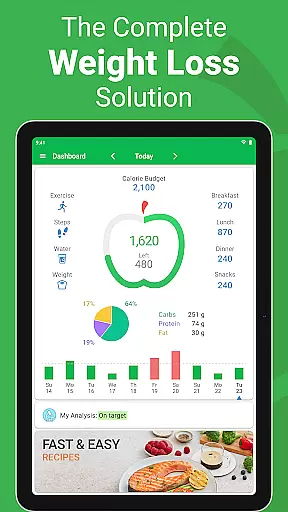
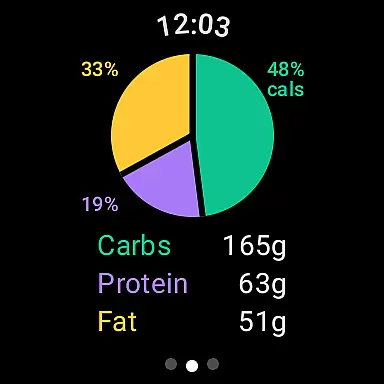
The app's compatibility extends beyond just basic functionality; it includes advanced features like voice commands for logging meals and detailed breakdowns of daily macronutrients. This level of integration allows users to interact with the app naturally and efficiently, enhancing the overall user experience. Furthermore, regular updates ensure ongoing compatibility with new devices and operating system versions.
By prioritizing Wear OS/device compatibility, MyNetDiary guarantees that users have access to a robust set of tools tailored for their specific hardware. This commitment not only improves usability but also reinforces the reliability and versatility of the app, making it an ideal choice for anyone invested in managing their health through technology.
Extensive food database
User-friendly interface
Advanced tracking features
Personalized coaching
Wearable integration
Subscription cost
Premium features locked
Occasional sync issues
Learning curve
Limited offline functionality

Animated Watch Face and Customizable with 24 Backgrounds. Perfect for Christmas!
 3.90
3.90
A heartwarming Christmas scene featuring a cute image of Santa and Rudolf
4.4
Watch face for Wear OS.
4.20
Digital watch face with big numbers and many customization for Wear OS devices
4.40
Your second brain for organizing your life: to-do, calendar, reminder.
4.70
The #1 source of faces for your smartwatch!
4.00
Reliable phone calls with spam protection, caller ID and more helpful features
4.40
A modern hybrid informative watch face for Wear OS designed by BALLOZI
4.80
Track airplanes and follow flights with our real-time flight tracker
4.50
Digital, flexibly customizable watch face. For Wear OS 5.0, API 34+ and later.
5.00
The most customizable hybrid watch face. For Wear OS 5.0, API 34+ and later
4.70
Hybrid watch face for Wear OS with customizable complications by Matteo Dini MD
4.70
Current temperature, weather hourly, weather radar by the weather forecast app
4.40
The ultimate destination for kids ages 3-8 to explore the Marvel Universe!
4.30
Calming & relaxing sounds for sleeping and stress relief. Stay focused all day!
4.20
Want to take charge of your health? Let Google Fit help you reach your goals.
3.50
Wear Os Watch Face - Animated Snow Effect & Christmas Lights
4.2
Christmas and New Year - Themed Watchface
4.4
Stylish digital watch face for Wear OS devices with customizable features
4.2


User Reviews