
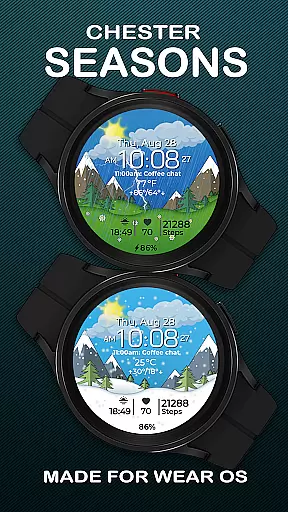
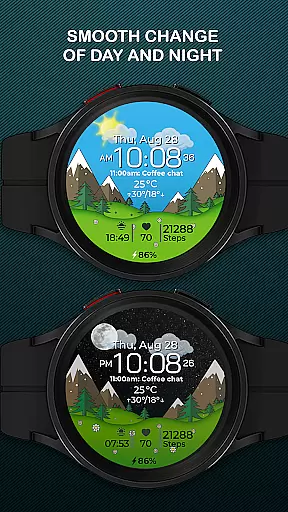
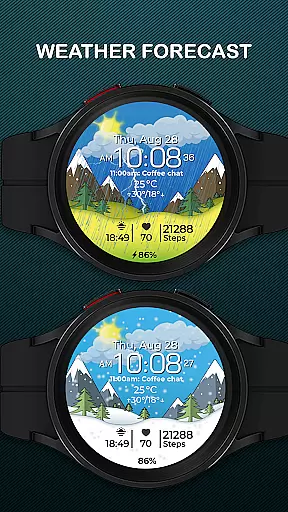
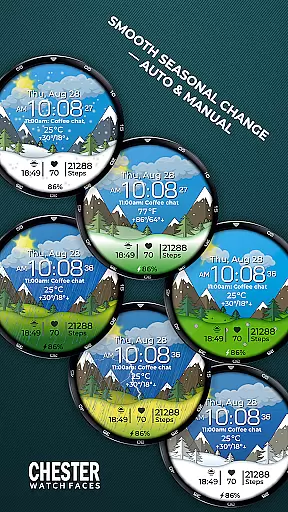
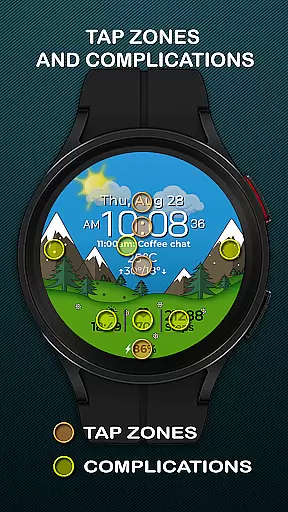
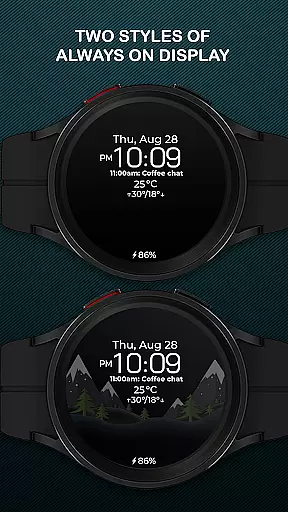
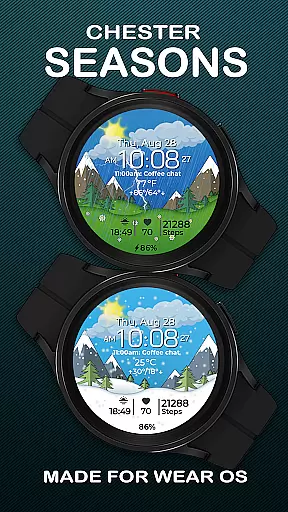
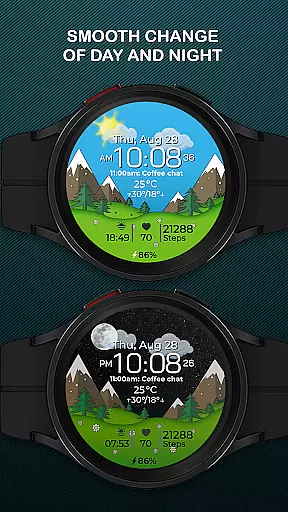
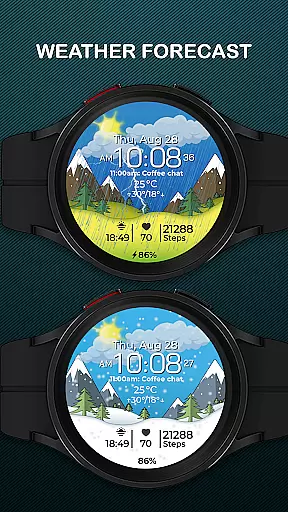
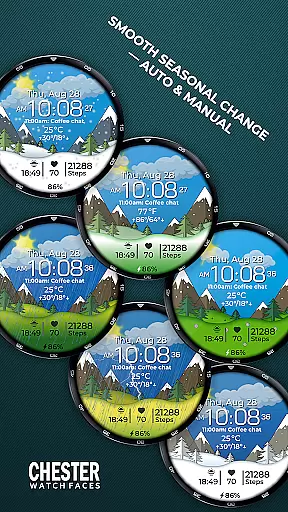
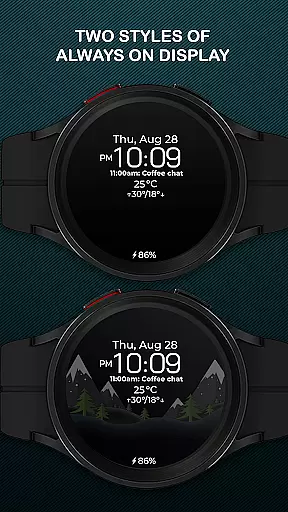
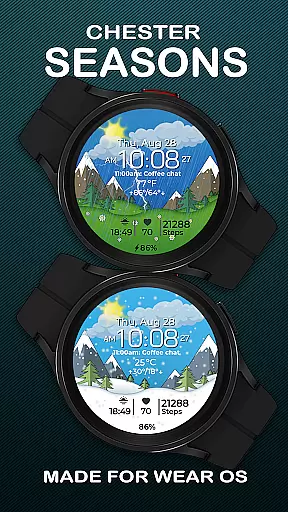
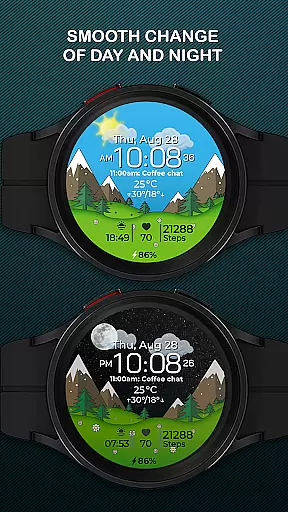
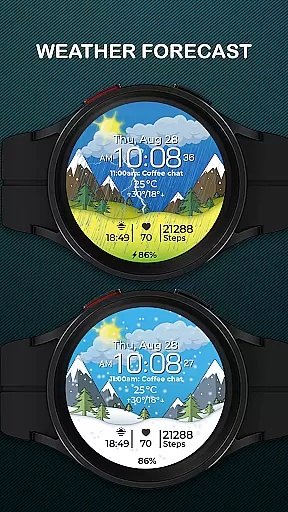
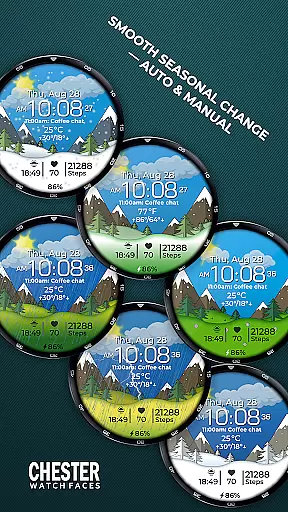
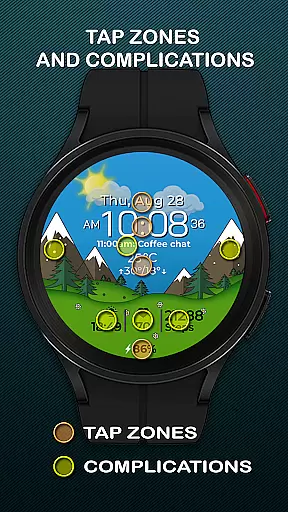
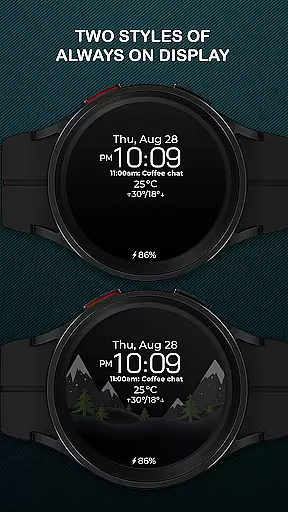
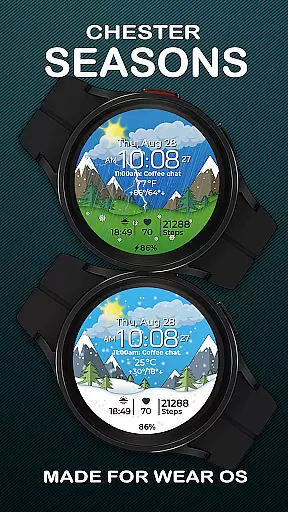
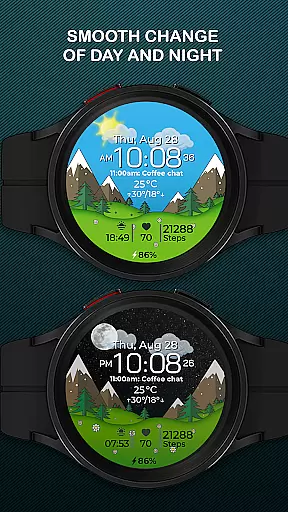
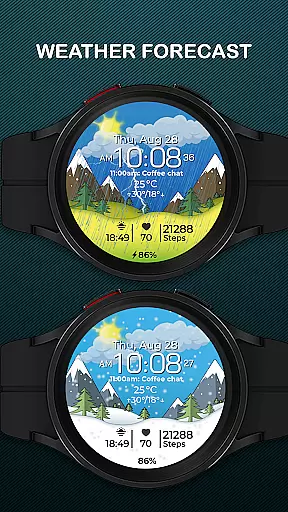
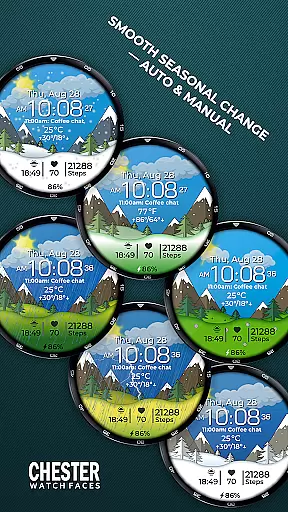
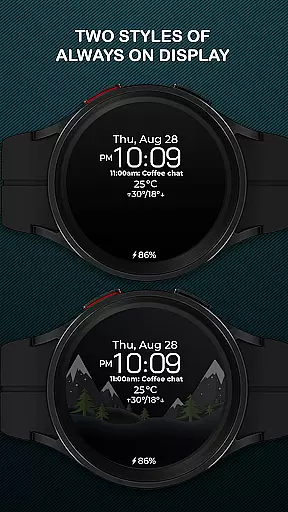
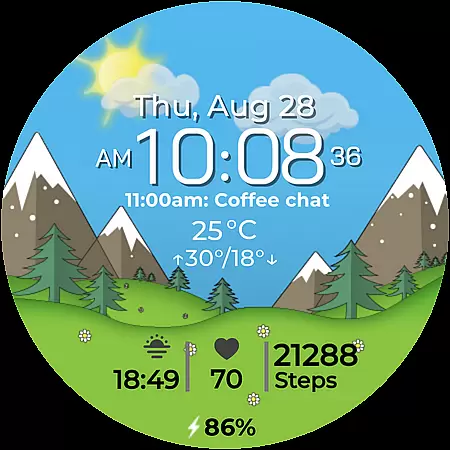
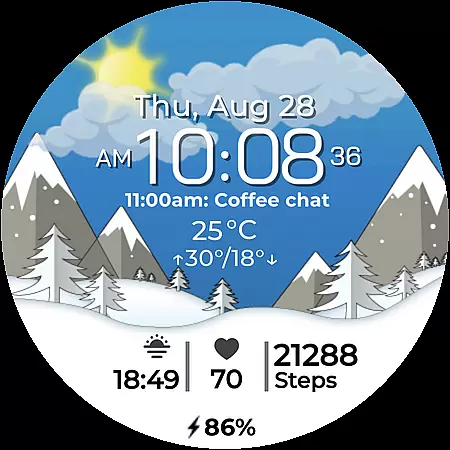
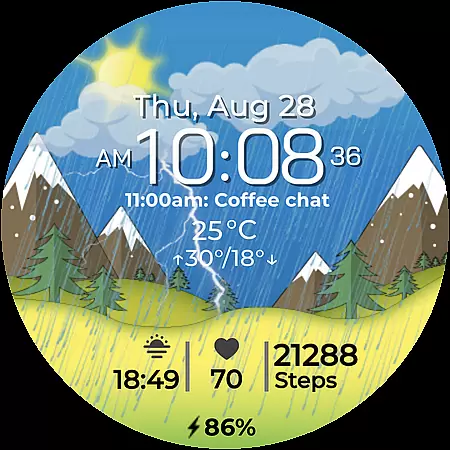
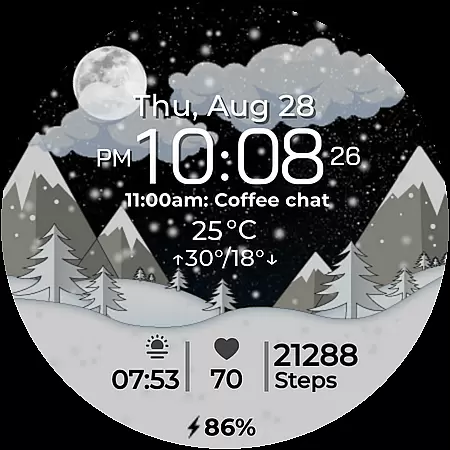
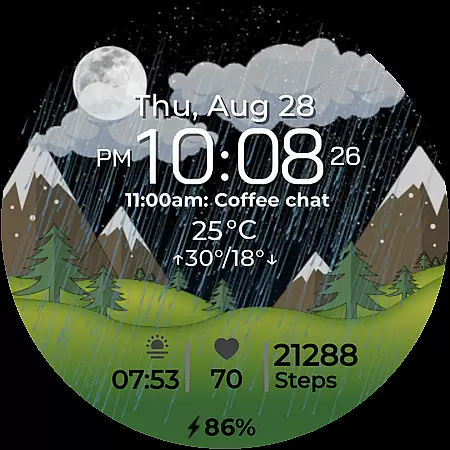
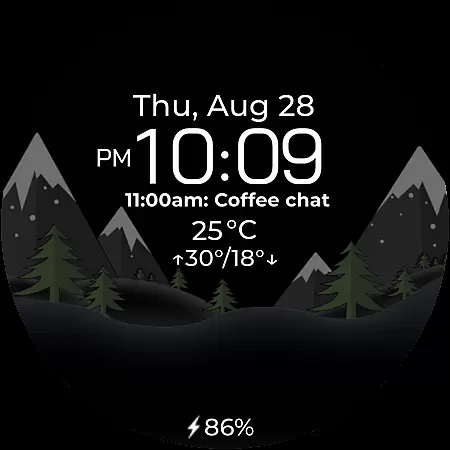
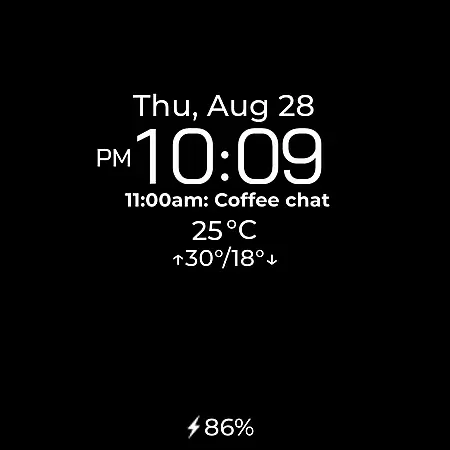
Chester Seasons is a dynamic and visually appealing watch face designed specifically for Wear OS devices. This application transforms your smartwatch into a stylish accessory that not only displays time but also offers rich customization options, interactive features, and beautiful seasonal animations.
With its comprehensive feature set, Chester Seasons provides users with essential information at a glance, including date, weather conditions, battery level, and more. The smooth day-night transitions and seasonal changes make it both functional and aesthetically pleasing, adapting seamlessly to different lifestyles and preferences.
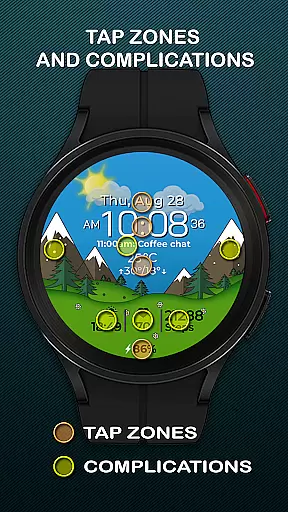
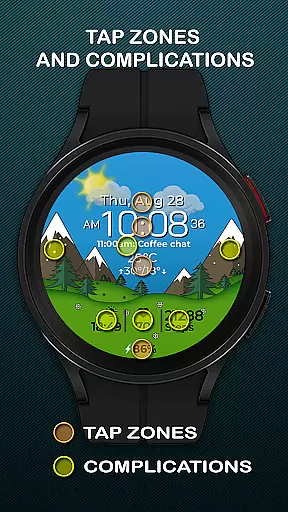
Ideal for users seeking a personalized smartwatch experience, Chester Seasons supports various complications and quick access zones, enhancing usability while maintaining an elegant design. Compatible with all Wear OS API 30+ devices, this watch face brings practicality and style to your wrist.
Chester Seasons stands out with its extensive range of features tailored for Wear OS users. The watch face displays time alongside additional useful information such as date, month, day of the week, and battery level indicator, ensuring you stay informed throughout the day.
One of the key highlights is the inclusion of four customizable complications, allowing users to choose what information is displayed. Three quick access zones provide instant access to favorite apps and workouts, while interactive tap zones enhance user engagement. Smooth transitions between day and night, as well as automatic seasonal changes, add a touch of sophistication.
For those interested in weather updates, Chester Seasons integrates current weather conditions and daily temperature ranges in both Celsius and Fahrenheit. While some advanced features like weather display and manual seasonal adjustments are limited to devices running Wear OS API 34+, the overall functionality ensures a versatile and engaging experience across compatible devices.
Companion app integration is essential for a seamless smartwatch experience. Chester Seasons watch face offers robust companion app support, ensuring that all your preferences and settings are perfectly synchronized between your smartphone and Wear OS device.
The watch face allows users to customize various display elements through its companion app. You can choose which complications to show, set preferred units for weather, and even manually adjust seasonal backgrounds if your device supports it. This synchronization ensures that your watch face remains consistent with your personal preferences at all times.
Additionally, the companion app provides easy access to customer support and a platform for users to suggest new features or report issues. With real-time updates and notifications, you'll always be informed about the latest improvements and additions to the Chester Seasons watch face.
Ensuring broad device compatibility is crucial for any Wear OS application. Chester Seasons is designed to work seamlessly with all Wear OS API 30+ devices, including popular models like the Google Pixel Watch and Samsung Galaxy Watch series. This wide compatibility ensures that users across different hardware platforms can enjoy the stylish and functional benefits of this watch face.
However, it's important to note that Chester Seasons is optimized for round watches and may not display correctly on rectangular devices. The developers have made this distinction to maintain the aesthetic integrity and intended user experience of the design.
For devices running below Wear OS API 34, some advanced features such as weather display and manual background changes for seasons are not available. Despite these limitations, core functionalities like time display, date information, and battery indicators remain accessible, providing essential utility regardless of your device's specifications.
Stylish Design
Rich Customization
Interactive Features
Smooth Animations
Comprehensive Info
No Rectangular Support
Limited on Older OS
Weather Feature Gaps
Manual Season Limits
Device Compatibility

Highly customizable hybrid watch face for Wear OS, perfect for everyday use.
 4.60
4.60
Embrace the holiday spirit with this magical animated watch face!
4.40
Animated Watch Face and Customizable with 24 Backgrounds. Perfect for Christmas!
3.90
Locate your family members by GPS phone location tracker everywhere and anytime
4.30
To-Do List: daily schedule planner, task organizer, to do reminder app, calendar
4.60
Get helpful reminders, take progress photos and find answers to your questions.
3.90
Hybrid watch face for Wear OS with customizable complications by Matteo Dini MD
4.70
Track your active life in one place and share the journey with friends.
4.40
From periods to pregnancy & perimenopause, Flo helps you track it all. Try now.
4.70
A modern premium sporty hybrid watch face for Wear OS by Ballozi
4.70
Current temperature, weather hourly, weather radar by the weather forecast app
4.40
Digital watch face with big numbers and many customization for Wear OS devices
4.40
Christmas watch face. For Wear OS devices.
4.30
Your music, your playlists, and more—offline and unlimited.
4.20
Connect, create, and collaborate with Gmail, part of Google Workspace.
4.10
Hyper-Realistic Airplane Dashboard Watch Face With 10 Skins and Custom AOD
4.00
Authentic military-tactical design with ZULU time! Realistic and functional!
3.80
Your local weather forecast, storm tracker, radar maps & live weather news
3.40
Stunning modern digital watch face with 7 complications and strong contrast
4.3


User Reviews