

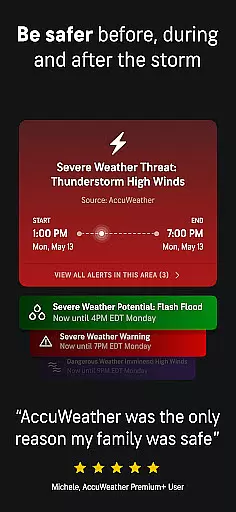
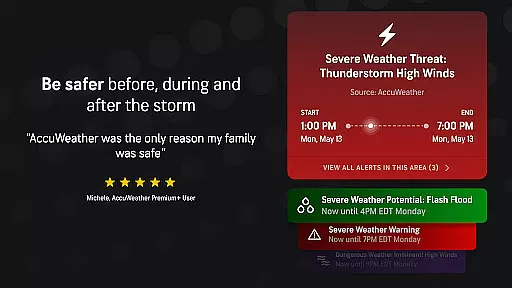
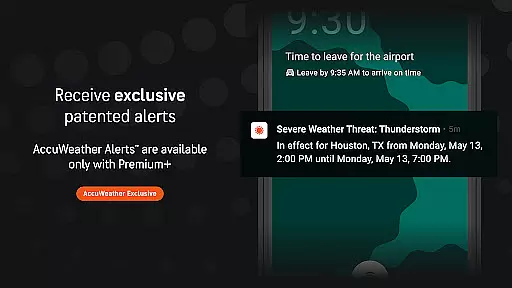
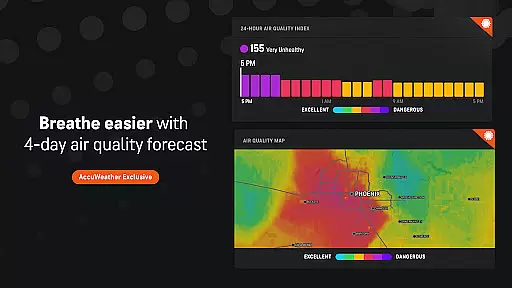
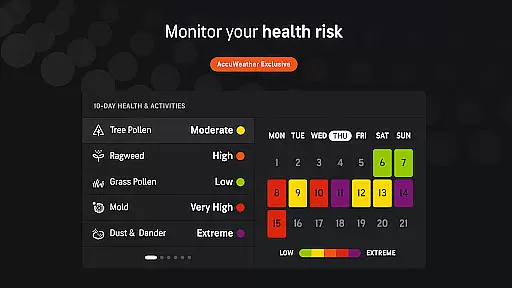
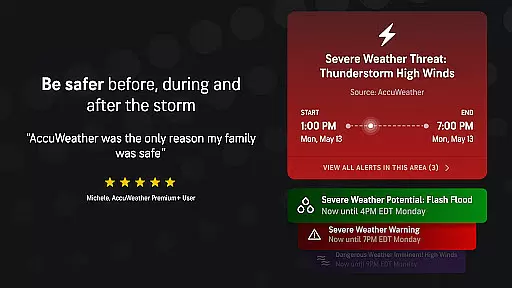
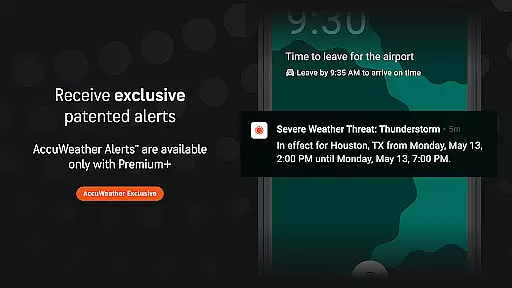
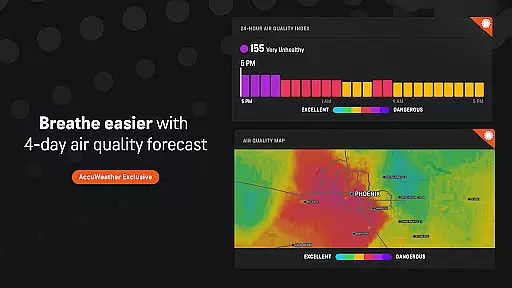
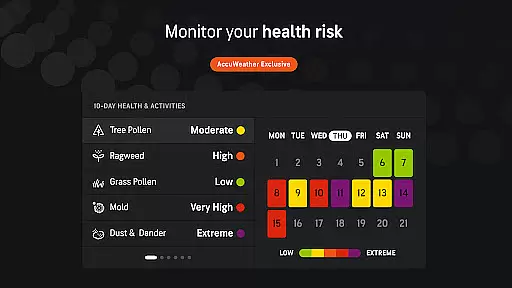
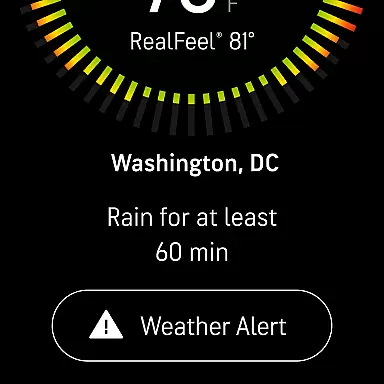
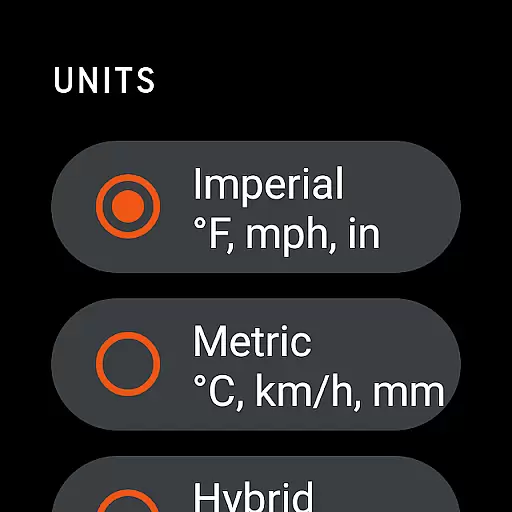
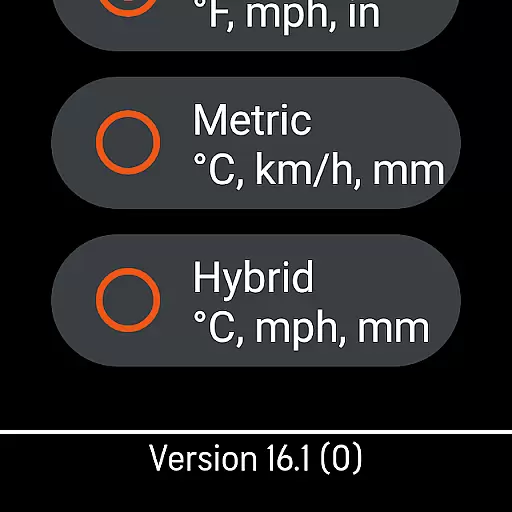
AccuWeather is the most trusted weather app, providing real-time weather alerts and hyperlocal updates with Superior Accuracy™. It helps users make informed decisions by delivering precise weather information for any location worldwide.
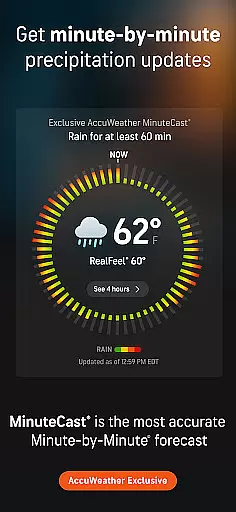
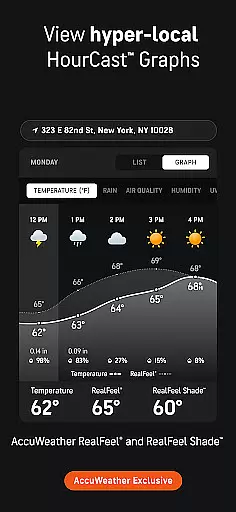
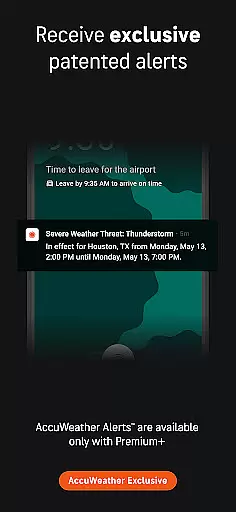
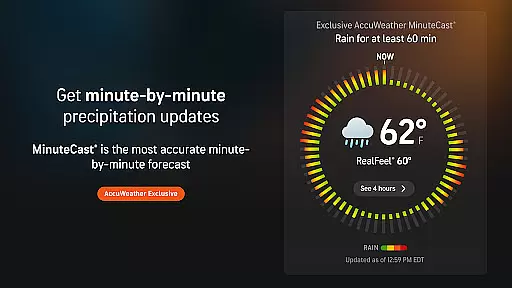
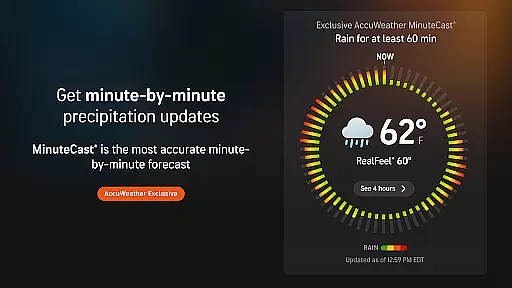
The app features exclusive tools like MinuteCast®, which offers hyperlocal forecasts for precipitation, and RealFeel® Temperature, giving users a comprehensive understanding of weather conditions. Whether tracking hurricanes or planning outdoor activities, AccuWeather ensures users are prepared for all weather events.
AccuWeather stands out with its advanced features tailored to deliver accurate weather insights. The app's MinuteCast® provides hyperlocal forecasts for rain or snow up to four hours in advance, personalized to the user's exact location.
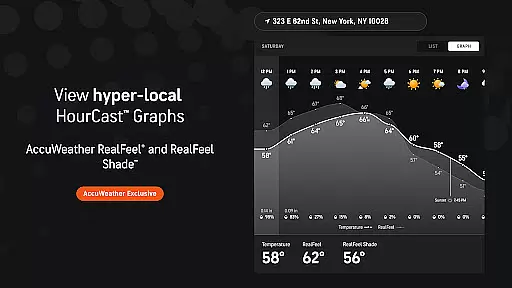
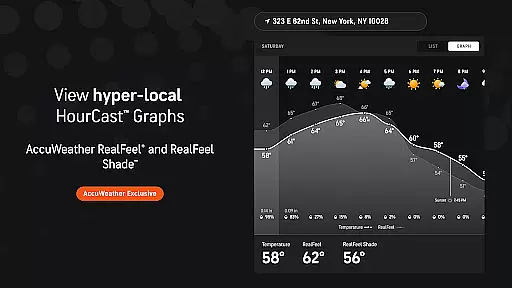
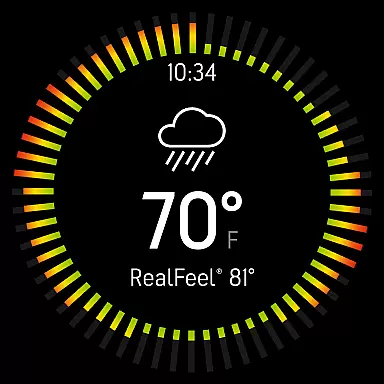
Other notable features include the AccuWeather RealFeel® Temperature, offering an accurate sense of how the weather feels, and the exclusive Lightning Network™, which tracks lightning proximity in real time. These innovations ensure users stay informed about severe weather and plan their day effectively.
Companion app integration is essential for wearable devices as it ensures seamless data synchronization and feature coordination between the main application and its wearable counterpart. AccuWeather excels in this area by providing consistent weather updates across all connected devices.
The app maintains real-time syncing of weather alerts, forecasts, and exclusive features like MinuteCastu00ae and RealFeelu00ae Temperature. This means users can access critical weather information on their Wear OS devices without compromising on detail or accuracy.
Users benefit from having a unified weather experience regardless of the device they are using. Whether checking the radar on a tablet or receiving minute-by-minute precipitation updates on a smartwatch, the information remains accurate and up-to-date.
This level of integration enhances user convenience and decision-making, allowing them to stay informed about severe weather conditions and plan their day effectively across all their devices.
Wear OS and device compatibility ensures that an application functions optimally across various Android wearable devices. AccuWeather demonstrates strong compatibility by delivering its comprehensive weather data and features consistently on different Wear OS-powered gadgets.
The app supports a wide range of devices including smartwatches, tablets, and TVs. It tailors its interface to fit smaller screens without losing functionality, ensuring users receive the same reliable Superior Accuracyu2122 forecasts and alerts no matter the device.
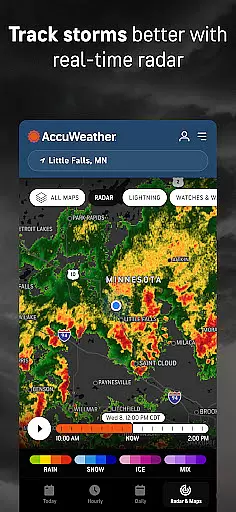
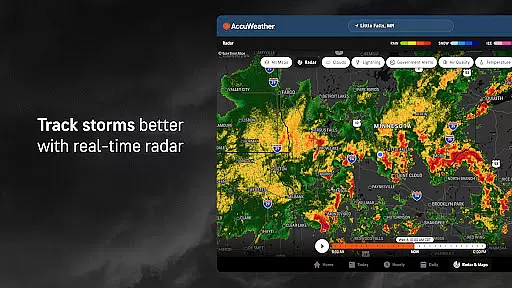
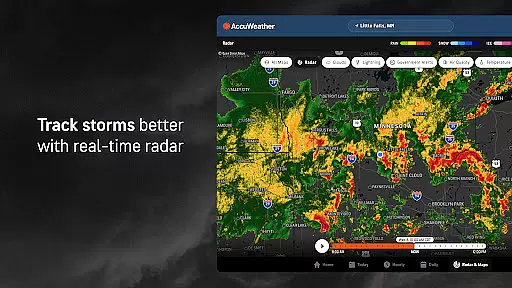
By optimizing its performance for Wear OS, AccuWeather guarantees that users can rely on features such as live radar, storm tracking, and detailed snow predictions even when away from their smartphones or computers.
This broad compatibility empowers users to access vital weather information conveniently, enhancing safety and preparedness whether at home or on-the-go.
Superior Accuracy™
Real-time Alerts
Hyperlocal Forecasts
Advanced Storm Tracking
User-friendly Interface
Premium Subscription Required
Ad-heavy Free Version
Limited Free Features
Occasional Data Delays
High Battery Usage

Walking app for weight loss: walk & step tracker, pedometer, indoor treadmill
 4.60
4.60
Stunning modern digital watch face with 7 complications and strong contrast
4.4
Watch face designed for Thanksgiving Day. 7 Background Styles included.
3.20
Let's celebrate Thanksgiving - Wear Os watch face
4.20
Kia Access makes getting your vehicle information easier than ever
4.60
Minimalistic design modern digital watch face.
4.1
Retro digital watch face with customizable colors and a unique lighting effect
4.60
Daily Weather forecast with 15 weather images for Day & Night plus Big Bold time
4.10
Simple, helpful messaging by Google
4.60
Real-time weather radar with temperatures, warnings, hurricanes, and widgets
4.80
Premium hybrid watch face with many customizations for Wear OS devices.
4.40
The ultimate destination for kids ages 3-8 to explore the Marvel Universe!
4.30
sleep, alarm, snoring, stress, healing, focus, sound therapy, circadian rhythm
4.10
Authentic military-tactical design with ZULU time! Realistic and functional!
3.80
A heartwarming Christmas scene featuring a cute image of Santa and Rudolf
4.4
Contemporary digital watch face with five complications
4.1
Artistic Digital Watchface
4.3
Sleek, highly customizable watch face inspired by Galaxy Watch Circle Dashboard.
4.3
3 Complications. All shadow on/off. 30 Themes color palette...
4.0


User Reviews