
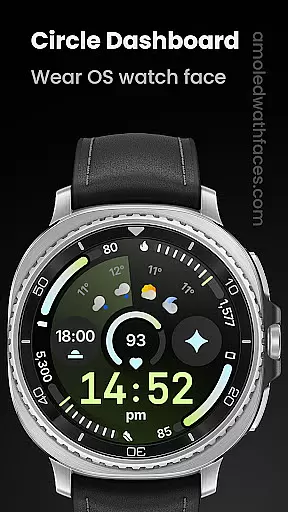
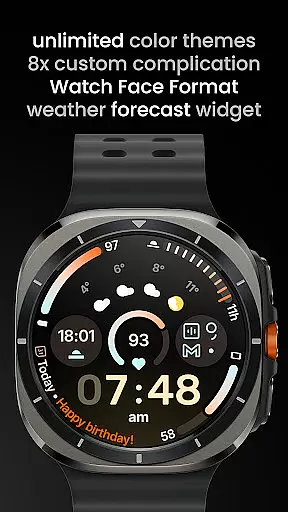
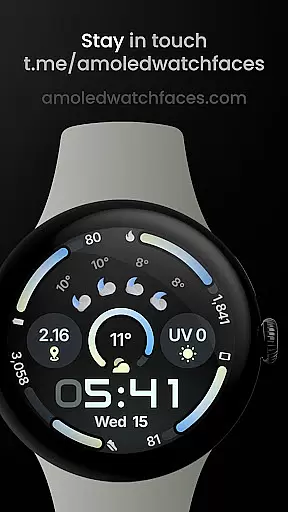
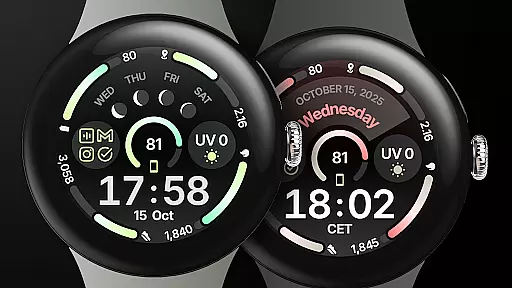
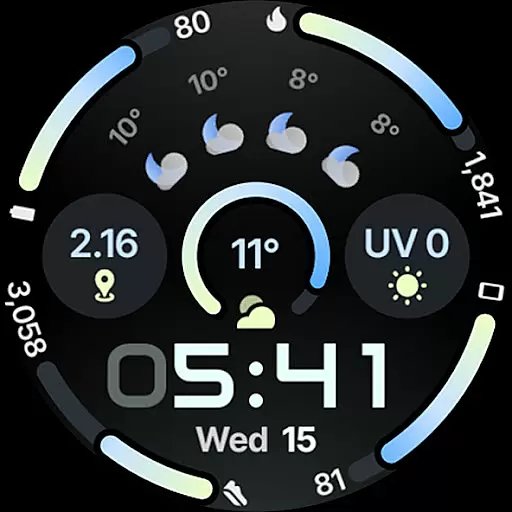
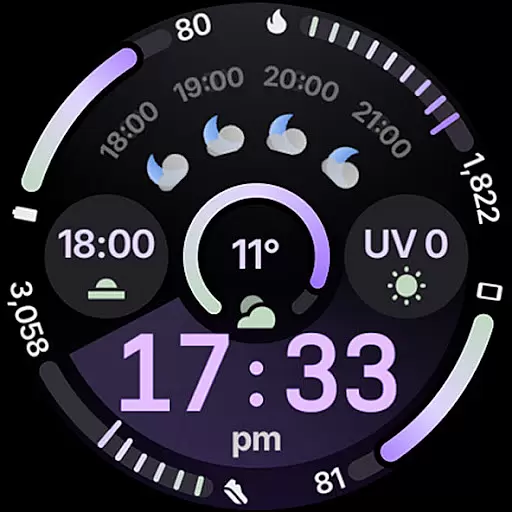
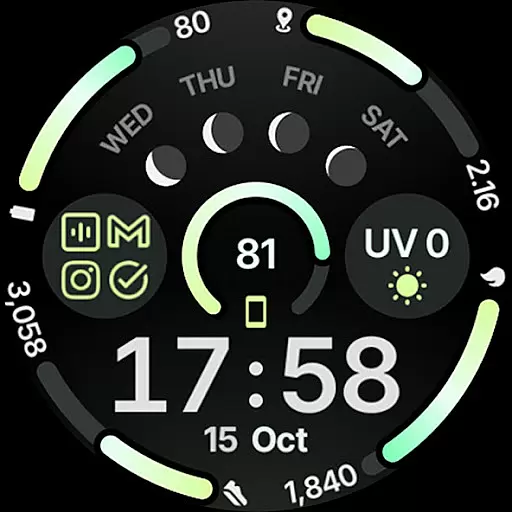
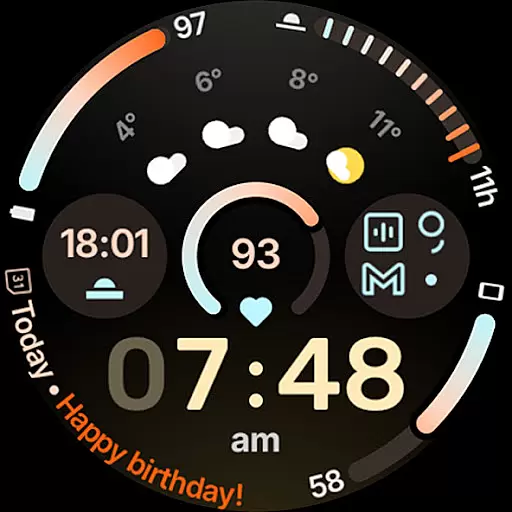
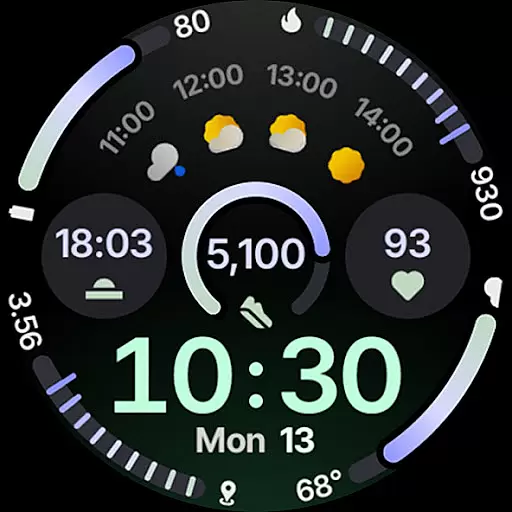
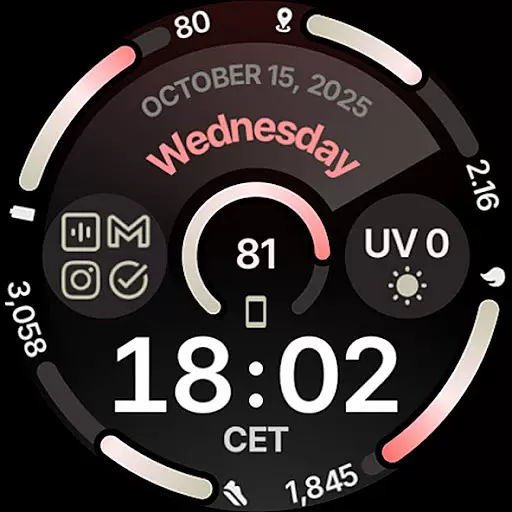
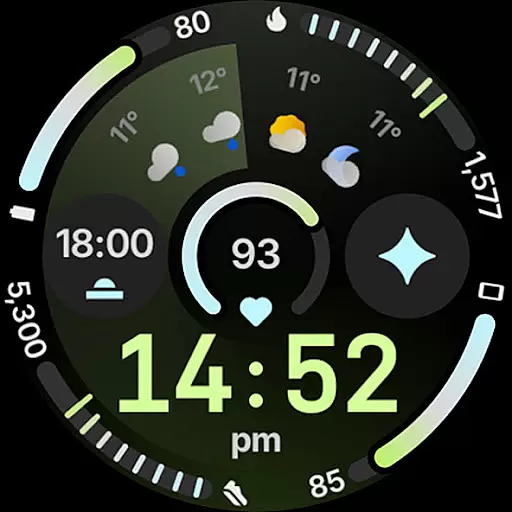
Circle Dashboard Watch Face is a feature-rich watch face designed exclusively for Wear OS 4+ devices. Inspired by the Galaxy Watch 8 series, it offers advanced customization options and supports multiple complications. The watch face provides users with an intuitive dashboard experience while maintaining battery efficiency.
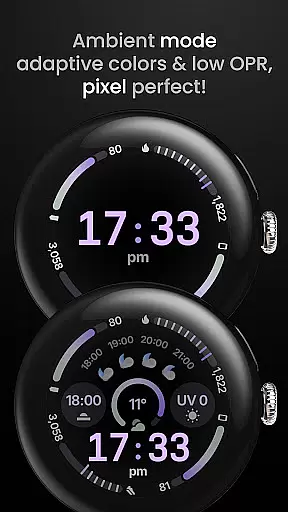
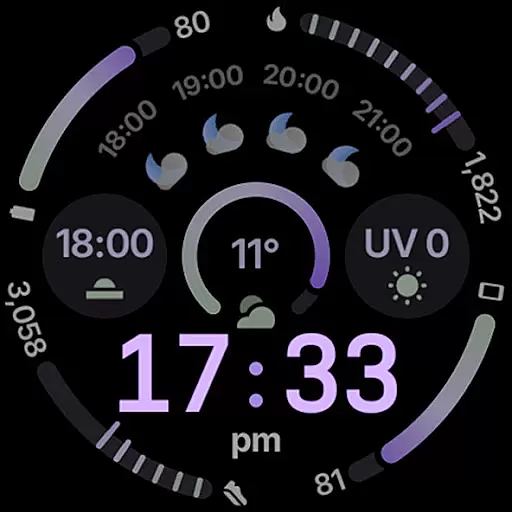
Key features include support for 8 custom complication slots, adaptive complication text size, and three always-on display styles. With true black background and unlimited color theme combinations, this watch face delivers both aesthetic appeal and functional utility. It also includes innovative elements like animated AOD entering and material 3 expressive progress bars.
This watch face stands out with its comprehensive feature set tailored for power users. Built using Watch Face Format 4, it supports advanced functionalities such as watch face presets (flavors) for Wear OS 5+, and various complication types including SHORT_TEXT, LONG_TEXT, and RANGED_VALUE.
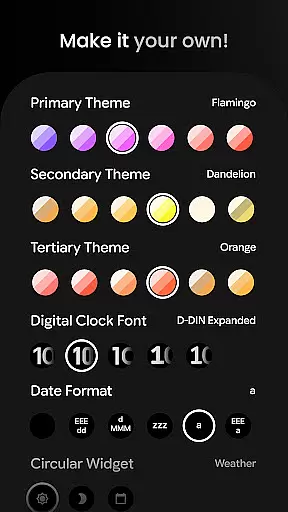
Users can enjoy enhanced customization with 60+ theme options for primary, secondary, and tertiary colors. The watch face supports digital clock fonts, blinking colon effects, and widgets for weather forecast and moon phases. Additional features include multilanguage support, optional seconds indicator, and battery-friendly operation.
The integration with custom complication apps extends its functionality, while user configurations allow detailed personalization of date formats, circular widgets, and AOD styles. These features collectively provide a sophisticated smartwatch experience that adapts to various user preferences and needs.
Companion app integration is essential for a seamless wearable experience. Circle Dashboard Watch Face offers robust companion app support, ensuring that users can easily synchronize and manage their watch face settings directly from their mobile device. This includes the ability to customize themes, configure complications, and adjust various display options through a dedicated smartphone application.
The watch face supports multiple custom complication slots, allowing users to display personalized information directly on their wearable. These complications can be managed and configured via the companion app, providing a user-friendly interface for setting up preferred data sources and display formats. The inclusion of features like weather forecast widgets and moon phase displays further enhances the utility of this integration.
Users benefit from real-time updates and notifications through the companion app system. Important alerts such as phone battery levels and notification summaries are delivered promptly to the wearable device. This ensures that users stay informed without needing to constantly check their phones, maintaining the convenience factor that makes wearables valuable.
The companion app also enables advanced customization options including digital clock fonts, date formats, and always-on display styles. These features demonstrate how the Circle Dashboard Watch Face has been designed with comprehensive companion app integration in mind, delivering a sophisticated and personalized wearable experience that extends beyond basic timekeeping functions.
Ensuring broad device compatibility is crucial for any Wear OS application. Circle Dashboard Watch Face has been optimized for Wear OS 4+ devices, guaranteeing smooth performance across different smartwatch models that meet this version requirement. This strategic decision allows the application to leverage the latest operating system features while maintaining stability and reliability.
The watch face utilizes Watch Face Format 4, which represents the most current standard in wearable design technology. This format enables advanced features such as animated AOD entering effects and adaptive complication text sizes, available specifically for Wear OS 6+ devices. By implementing these cutting-edge capabilities, the application demonstrates its commitment to staying at the forefront of wearable technology development.
Compatibility extends beyond just operating system versions. The application supports various hardware configurations, including different screen sizes and resolutions common among Wear OS devices. This ensures that users experience consistent visual quality and functionality regardless of their specific smartwatch model, provided it meets the minimum OS requirements.
Furthermore, the implementation of battery-friendly optimization techniques helps maintain excellent performance across different devices. These techniques include efficient rendering processes and intelligent resource management, which contribute to extended battery life without compromising feature availability or visual appeal. Such considerations highlight the thoughtful approach taken in developing Circle Dashboard Watch Face's device compatibility strategy.
Highly customizable
Battery efficient
Modern design
Advanced complications
True black background
Wear OS 4+ only
Some features Wear OS 5+
Paid complications
Complex setup
Requires companion app

Highly customizable hybrid watch face for Wear OS, perfect for everyday use.
 4.60
4.60
Embrace the holiday spirit with this magical animated watch face!
4.40
A heartwarming Christmas scene featuring a cute image of Santa and Rudolf
4.4
The most customizable minimal watch face. For Wear OS 5.0, API 34+ and later
4.70
Digital watch face. For Wear OS devices.
4.40
Reliable phone calls with spam protection, caller ID and more helpful features
4.40
A white realistic classic analog watch face with many customization options.
4.40
Want to take charge of your health? Let Google Fit help you reach your goals.
3.50
From periods to pregnancy & perimenopause, Flo helps you track it all. Try now.
4.70
Kia Access makes getting your vehicle information easier than ever
4.60
Beautiful artistic animated digital watch face, with a customizable layout!
4.40
Let's celebrate Thanksgiving - Wear Os watch face
4.20
Professional weather radar and more
3.90
Authentic military-tactical design with ZULU time! Realistic and functional!
3.80
Stay in touch with your friends and family using LINE!
3.40
Your local weather forecast, storm tracker, radar maps & live weather news
3.40
Watch face designed for Thanksgiving Day. 7 Background Styles included.
3.20
A watch face that fuses motorsport precision with contemporary smartwatch design
4.3
Stylish digital watch face for Wear OS devices with customizable features
4.1


User Reviews