
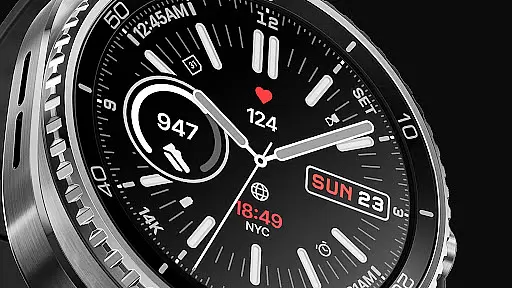
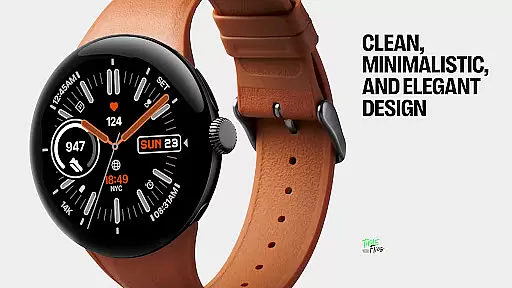
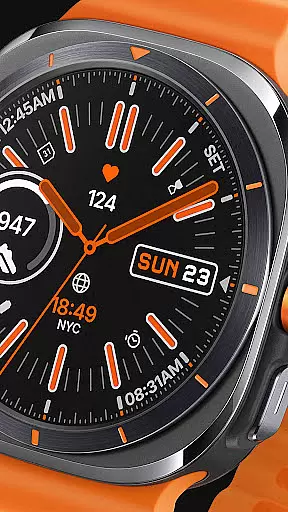
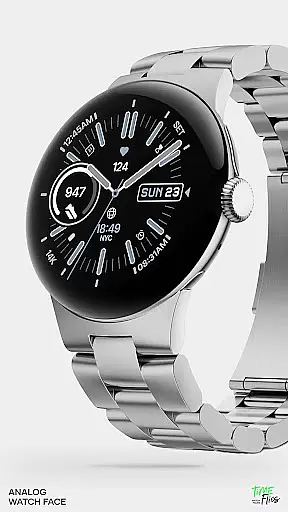
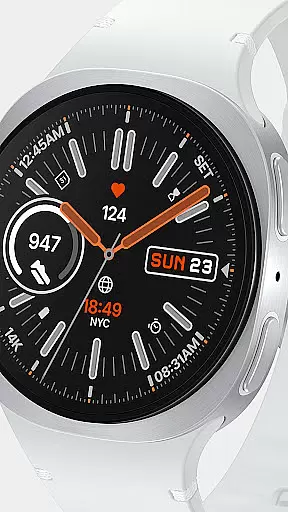
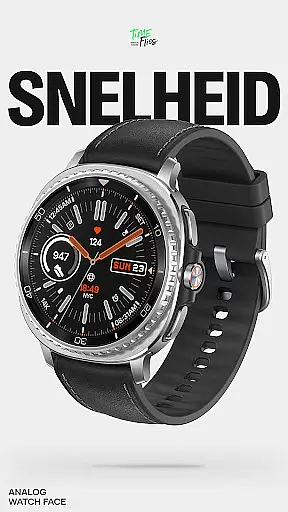
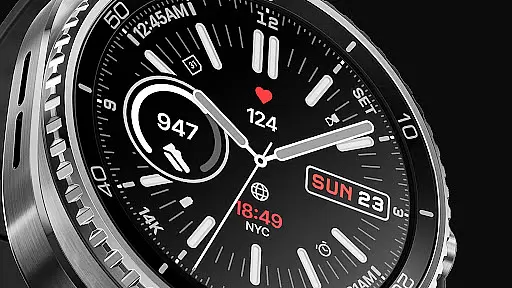
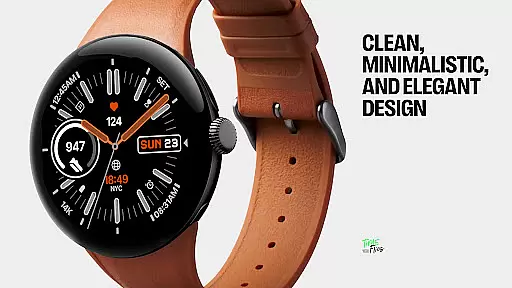
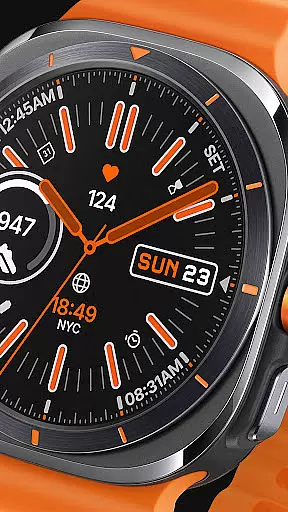
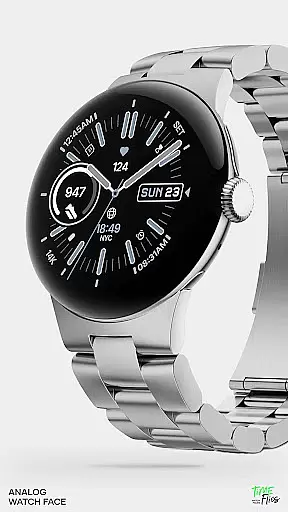
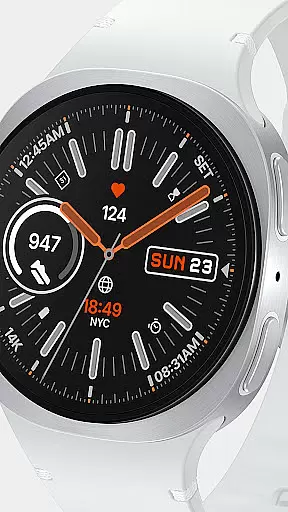
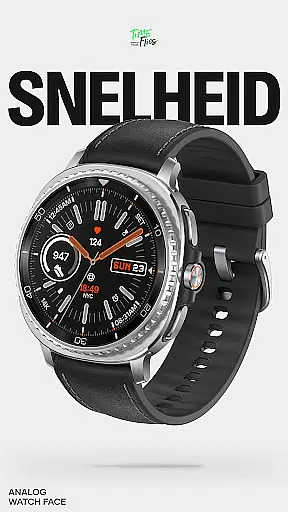
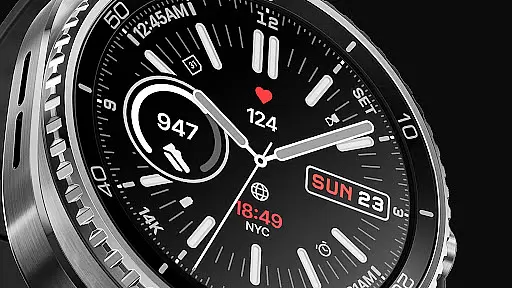
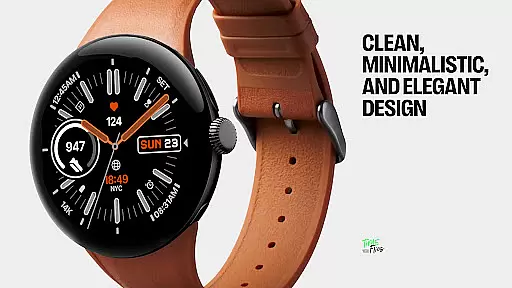
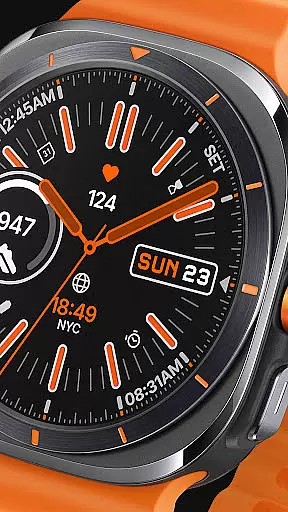
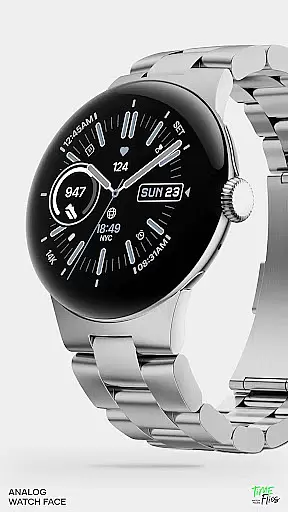
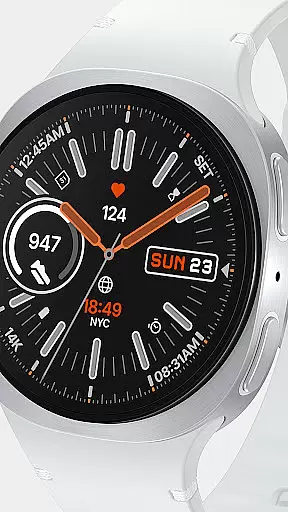
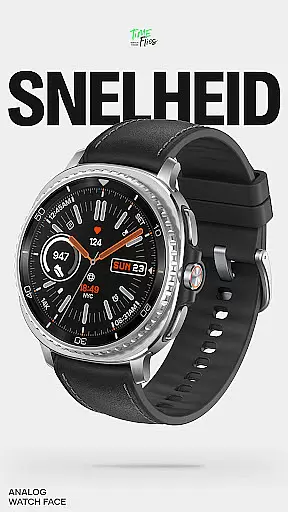
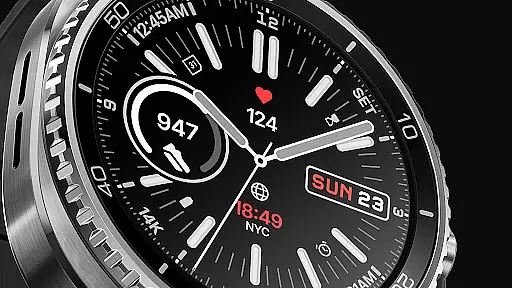
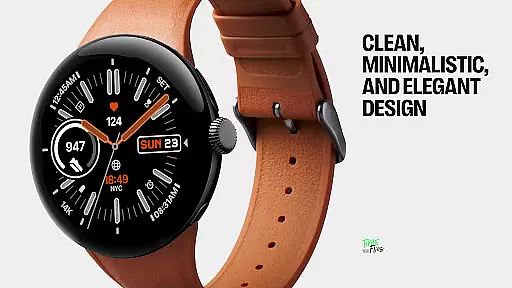
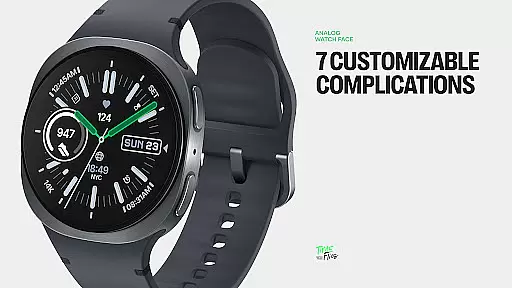
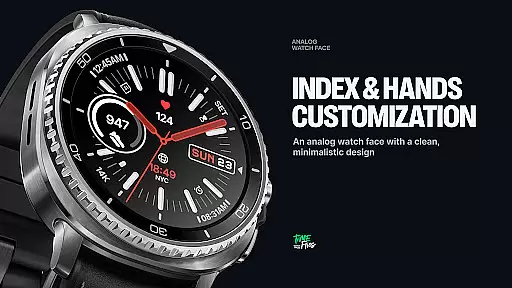
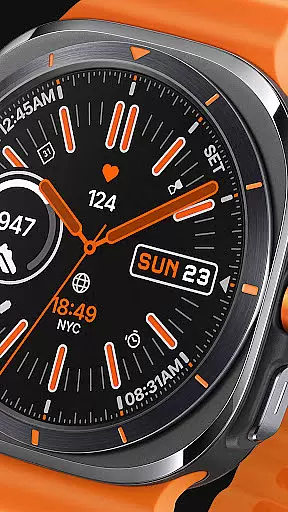
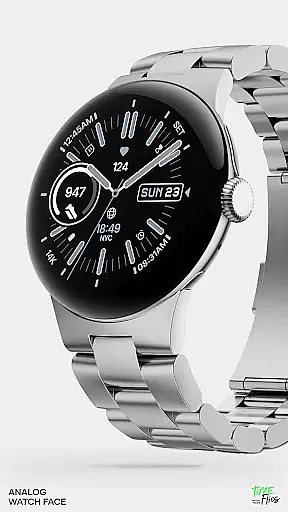
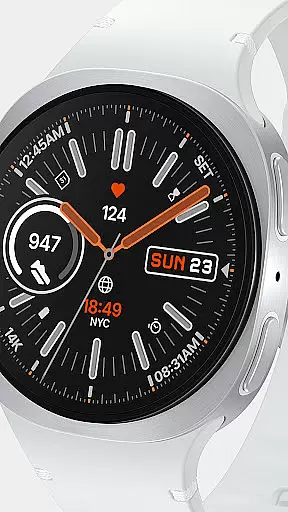
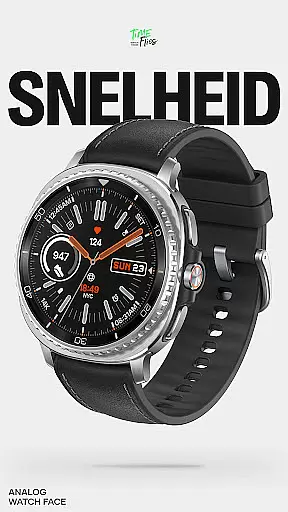
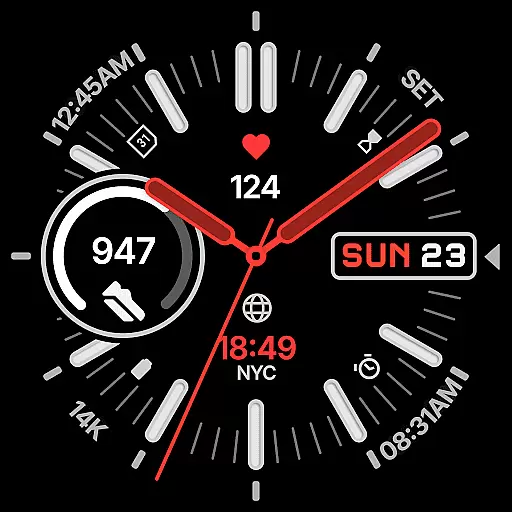
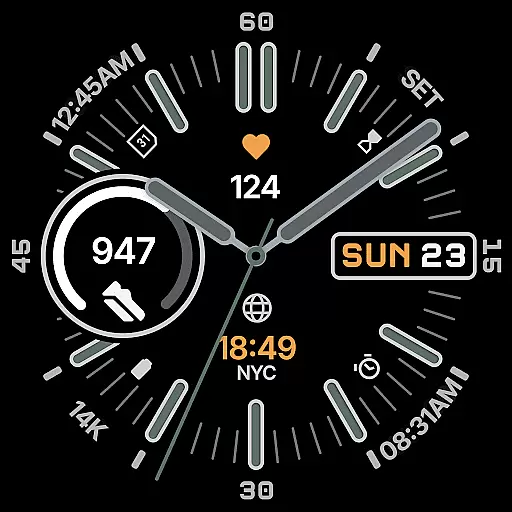
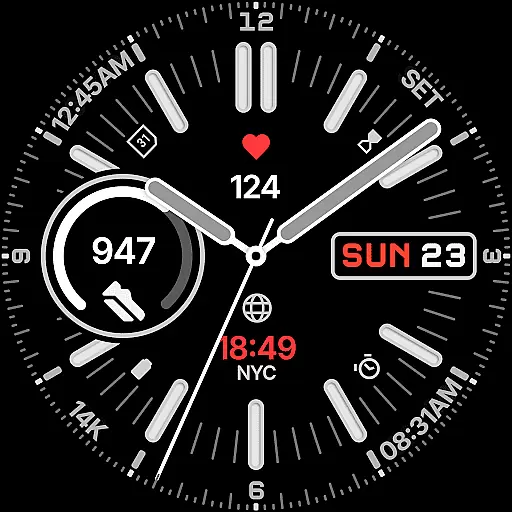
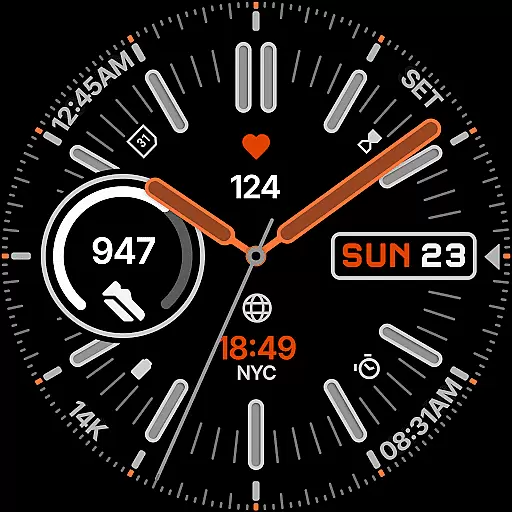
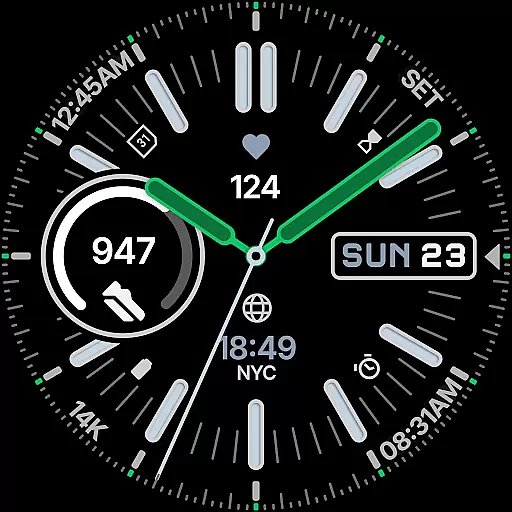
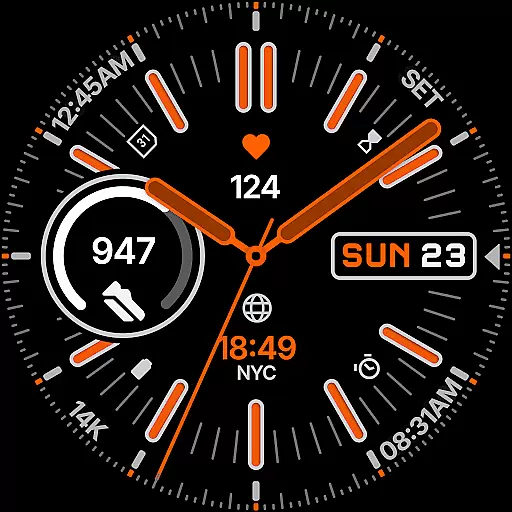
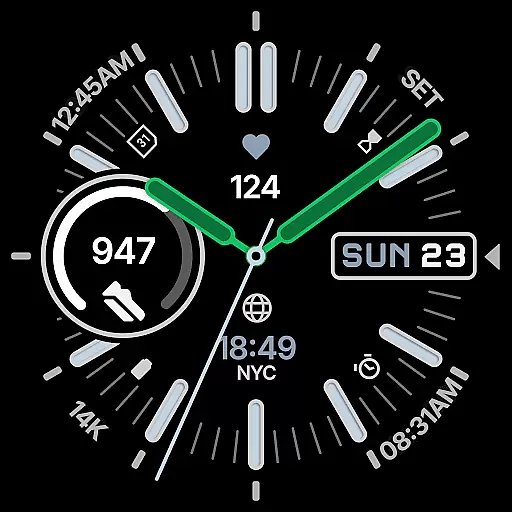
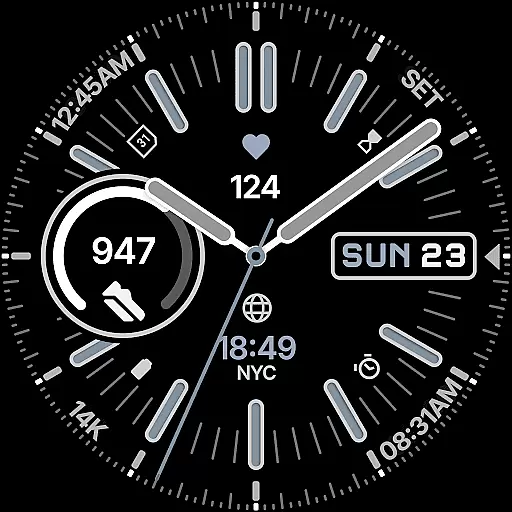
Snelheid Analog Watch Face is a premium Wear OS watch face that combines motorsport-inspired design with modern smartwatch functionality. The interface features bold indices and vibrant accents, creating an elegant yet sporty aesthetic that works seamlessly on various display types.
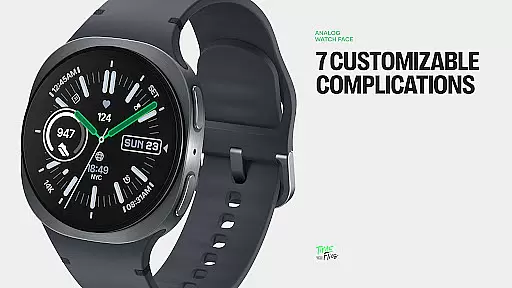
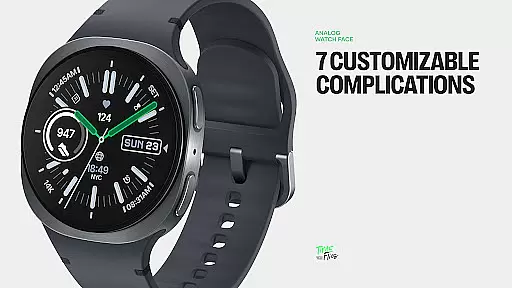
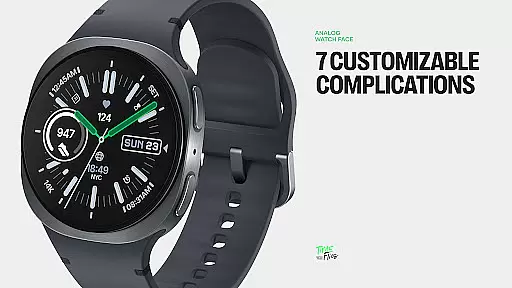
With seven customizable complications, users can access essential information at a glance, including health metrics, weather updates, and world time. The watch face offers extensive customization options, including 30 color schemes, multiple index styles, and battery-efficient Always-on Display modes, making it suitable for both professional and active lifestyles.
The Snelheid watch face stands out through its perfect balance of form and function. Its dashboard-inspired typography and dynamic dial elements provide optimal readability while maintaining a sophisticated appearance. The integration of analog timekeeping with digital intelligence creates a unique user experience.
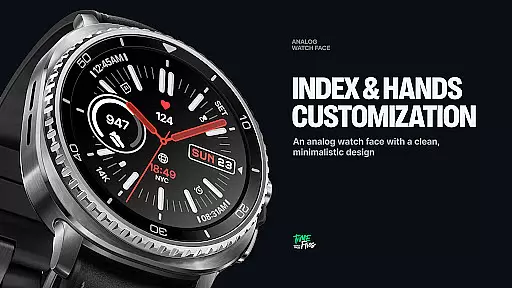
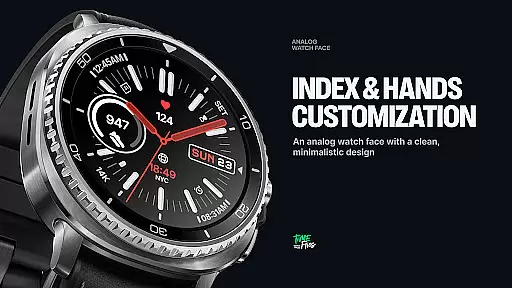
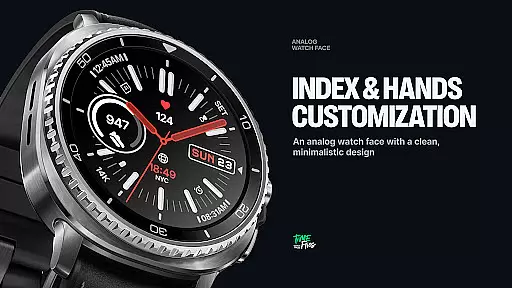
Customization is at the core of this watch face. Users can personalize their display with 7 complication slots, 30 curated color schemes, and various index styles. The Always-on Display mode ensures battery efficiency without compromising style or functionality. These features make Snelheid adaptable to different occasions, from business meetings to outdoor activities.
Companion app integration is crucial for a seamless wearable experience. Snelheid offers an optional Android companion app that simplifies the setup and customization process significantly. This app allows users to adjust settings directly from their phone, ensuring that the transition between devices is smooth and efficient.
The companion app provides an intuitive interface where users can access all customization options. From choosing among 30 curated color schemes to setting up seven fully customizable complications, the app makes personalization effortless. This level of integration enhances user engagement by offering a centralized control hub.
By leveraging the companion app, users benefit from real-time previews of their customizations on the watch face. This feature ensures that any changes made are immediately visible and satisfactory before applying them permanently. Such functionality not only saves time but also elevates the overall user satisfaction with the product.
Ensuring broad Wear OS and device compatibility is essential for reaching a wide audience. Snelheid is designed to work seamlessly across various smartwatch models, including those with steel-bezel or minimalist curved displays. This adaptability guarantees that users can enjoy its motorsport-inspired design regardless of their device type.
The watch face supports multiple index styles and dial options, making it versatile enough to fit different screen sizes and resolutions. Whether you have a high-end smartwatch or a more budget-friendly model, Snelheid maintains its elegant and functional appearance without compromising performance.
Additionally, Snelheid includes Clean Always-on Display modes optimized for battery efficiency. These modes ensure that even on devices with varying power capabilities, users can enjoy extended usage without frequent charging. By prioritizing compatibility and optimization, Snelheid delivers a consistent and reliable experience across all supported Wear OS devices.
Highly customizable
Vibrant design elements
Optimal readability
Battery efficient
Versatile usage
Requires Wear OS
Premium pricing
Companion app needed
Complex setup
Limited free options

Diet tracker for weight loss - track calories, food and macros. Simple and easy!
 4.70
4.70
A full-featured Amazon Alexa voice assistant that can show you things.
3.70
Easy Voice Recorder is your everyday companion to record important moments.
4.70
Simple Analog-Digital Watchface For Wear OS 3.0 and Up Smartwatches
4.0
Gym & home workout plans with strength training, exercise tracking, HIIT & more.
4.60
Stay in touch with your friends and family using LINE!
3.40
A modern hybrid informative watch face for Wear OS designed by BALLOZI
4.80
Your music, your playlists, and more—offline and unlimited.
4.20
From periods to pregnancy & perimenopause, Flo helps you track it all. Try now.
4.70
The Chevron App allows you to pay for fuel from the comfort of your car!
4.80
The most customizable minimal watch face. For Wear OS 5.0, API 34+ and later
4.70
MyNISSAN® lets you remotely control your car from your phone.*
4.50
Digital watch face with big numbers and many customization for Wear OS devices
4.40
Find EV charging stations
4.30
Authentic military-tactical design with ZULU time! Realistic and functional!
3.80
Want to take charge of your health? Let Google Fit help you reach your goals.
3.50
Wear Os Watch Face - Animated Snow - Sesonal for Christmas & Winter
4.3
3 Complications. All shadow on/off. 30 Themes color palette...
4.2
Fitness interactive virtual pet super fighter boy watch face
4.0


User Reviews