
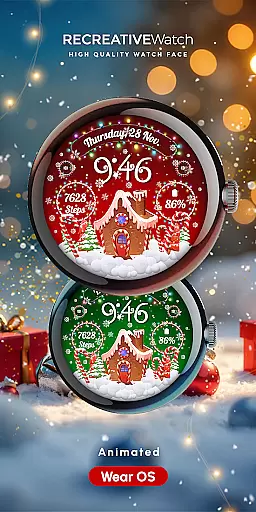
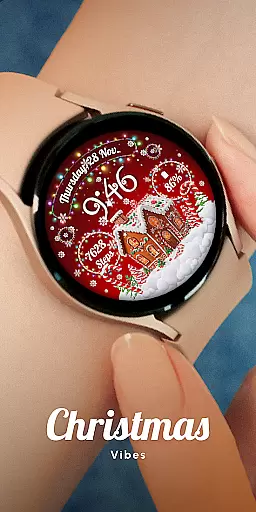
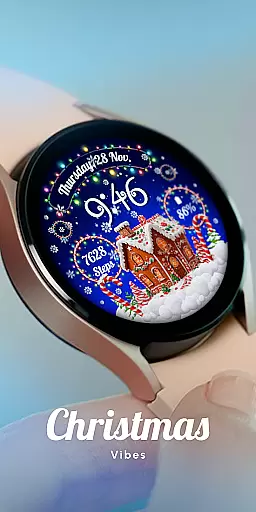
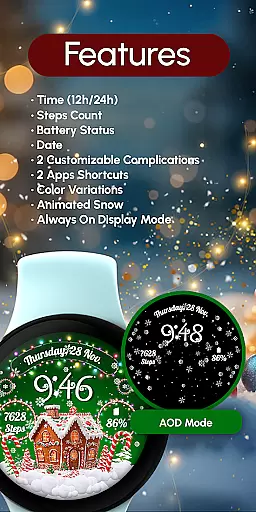
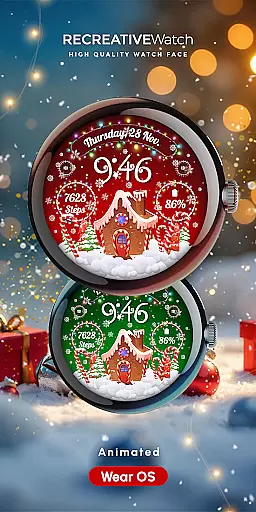
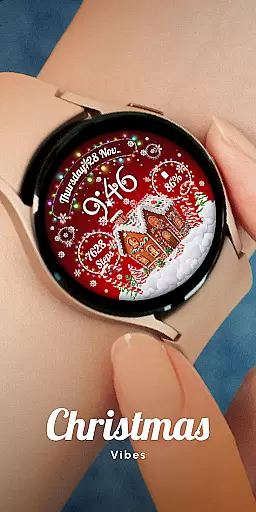
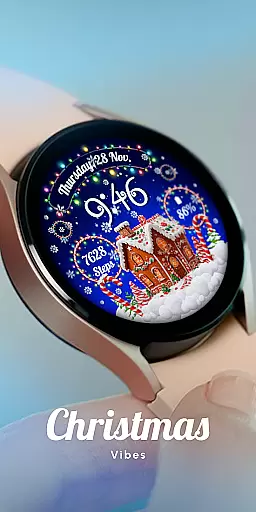
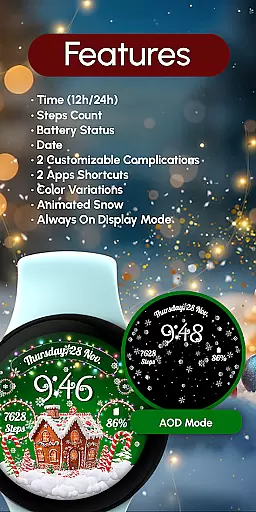
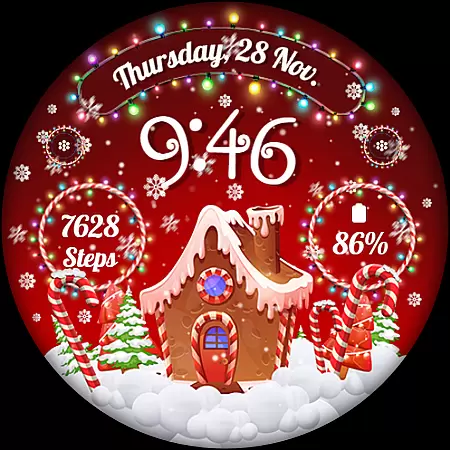
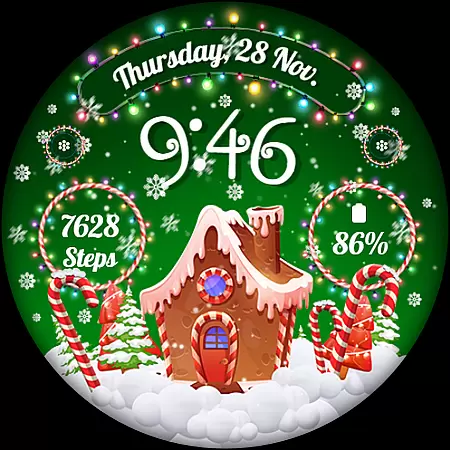
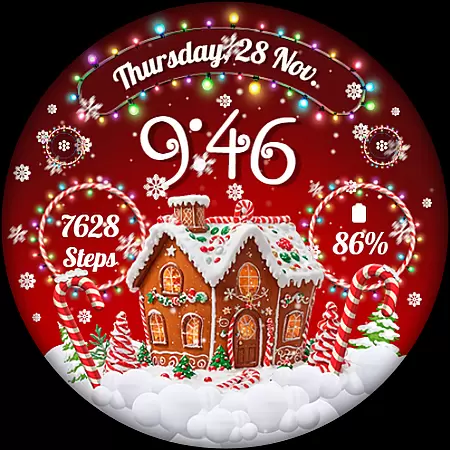
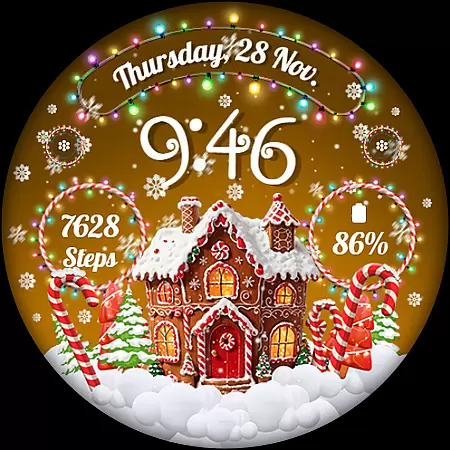
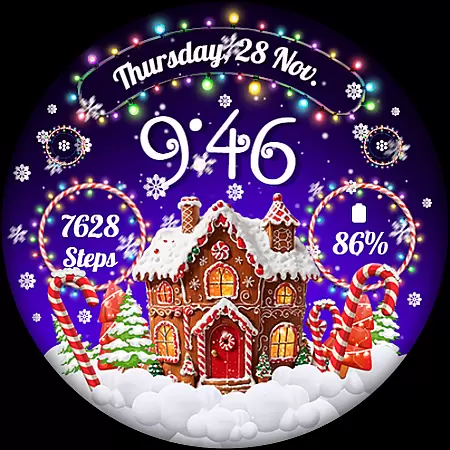
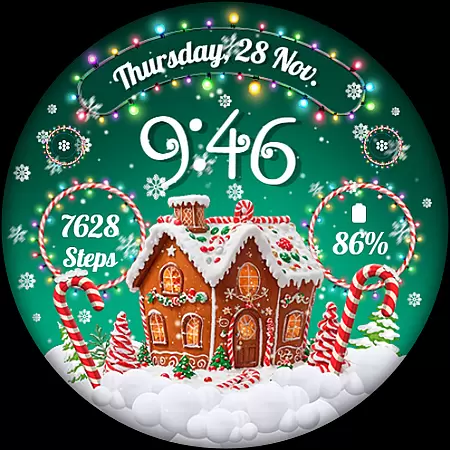
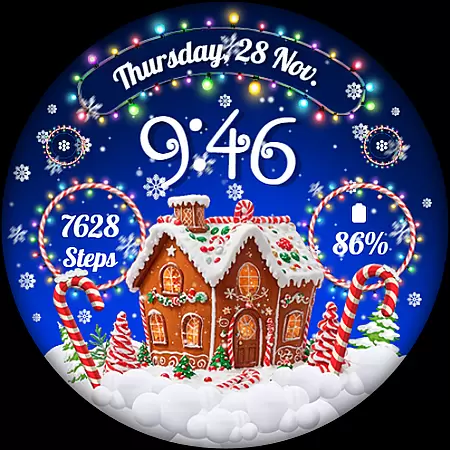
RW01 is a festive Wear OS watch face that brings holiday cheer to your wrist. Featuring animated snow and charming gingerbread houses, it creates a magical Christmas atmosphere. The design includes essential timekeeping elements like 12/24hr digital time, date display, and battery status.
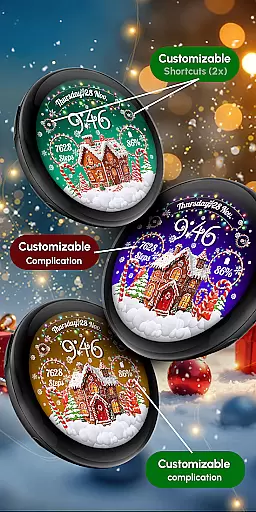
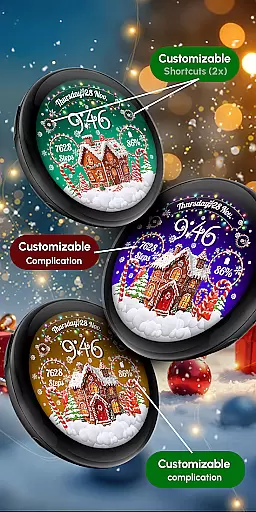
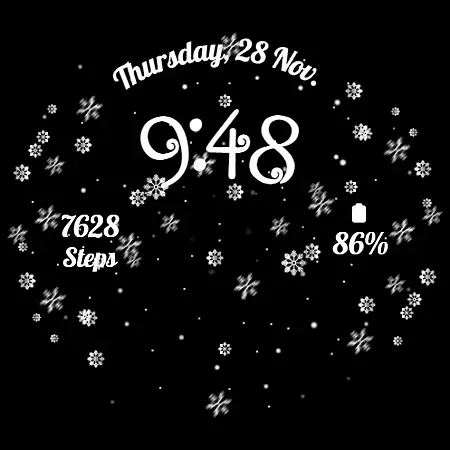
This watch face stands out with its customizable features. Users can personalize two complications and shortcuts, choose from three different scenes, and adjust color variations. With support for step counting and an always-on display option, RW01 combines functionality with holiday spirit, making it perfect for the festive season.
RW01 offers a comprehensive set of features designed for Wear OS devices. The watch face displays 12/24hr digital time alongside date and battery indicators, keeping users informed at a glance. Its unique selling point is the animated snow effect combined with charming gingerbread house illustrations, creating a festive visual experience.
The application provides extensive customization options. Users can modify two complications and shortcuts according to their preferences. Three distinct scene choices and multiple color variations allow for personal expression. Practical features include step tracking and an always-on display mode, though the latter may impact battery life. These features make RW01 both functional and festive.
Companion app integration is essential for a seamless wearable experience. The RW01 Wear OS Christmas Watch Face offers robust companion app features that ensure smooth synchronization between your smartphone and smartwatch.
This watch face allows users to customize their experience directly from their phone. Through the companion app, you can adjust settings such as time format, date display, battery indicators, and step counters effortlessly.
Additionally, the app supports two customizable complications and shortcuts, providing quick access to frequently used functions. This level of integration enhances user convenience by centralizing control over various aspects of the watch face.
By leveraging the companion app's capabilities, users enjoy an intuitive interface that simplifies personalization while maintaining optimal performance across compatible devices like Google Pixel and Galaxy Watches.
Ensuring broad device compatibility is crucial for maximizing user accessibility. The RW01 Wear OS Christmas Watch Face is designed to work seamlessly with a range of devices, including API level 33+ Google Pixel models, Galaxy Watch series (4, 5, 6, 7), and other Wear OS models.
This extensive compatibility ensures that users with different devices can enjoy the festive charm of animated snow and gingerbread houses on their wrists. The watch face supports key features like digital time display in both 12/24hr formats, date, battery status, and step count.
Moreover, it includes advanced functionalities such as Always On Display and three unique scenes with color variations. These features are optimized to deliver consistent performance across supported devices without compromising battery life.
For those seeking a magical holiday experience on their smartwatches, the RW01 watch face guarantees reliable operation and enchanting visuals tailored for a wide array of modern wearables.
Festive holiday theme
Animated snow effects
Customizable complications
Multiple scene options
Color variation choices
Battery drain concern
Limited to Wear OS
Holiday-specific design
Complex customization
Requires newer devices

Diet tracker for weight loss - track calories, food and macros. Simple and easy!
 4.70
4.70
A full-featured Amazon Alexa voice assistant that can show you things.
3.70
Beautiful artistic animated digital watch face, with a customizable layout!
4.40
Elegant animated Christmas tree with multiple customization options
4.20
Kia Access makes getting your vehicle information easier than ever
4.60
Find EV charging stations
4.30
Hyper-Realistic Airplane Dashboard Watch Face With 10 Skins and Custom AOD
4.00
Retro digital watch face with customizable colors and a unique lighting effect
4.60
Connect, create, and collaborate with Gmail, part of Google Workspace.
4.10
Christmas Theme Watch Face for Wear Os
5.00
The Chevron App allows you to pay for fuel from the comfort of your car!
4.80
MyNISSAN® lets you remotely control your car from your phone.*
4.50
Bold weather Digital watchface with forecast & optional animated background
4.40
Calming & relaxing sounds for sleeping and stress relief. Stay focused all day!
4.20
Authentic military-tactical design with ZULU time! Realistic and functional!
3.80
Your local weather forecast, storm tracker, radar maps & live weather news
3.40
Analog watch face with 8 complications and expedition styling
4.3
Artistic Digital Watchface
4.2
Hybrid Vibrant Health Watch Face for Wear OS
4.0


User Reviews