
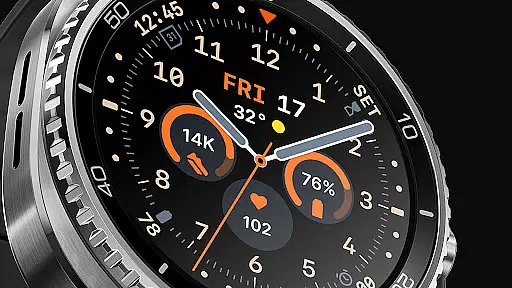
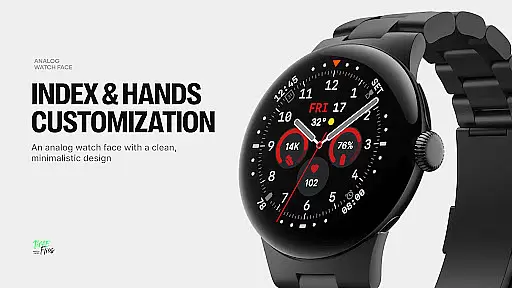
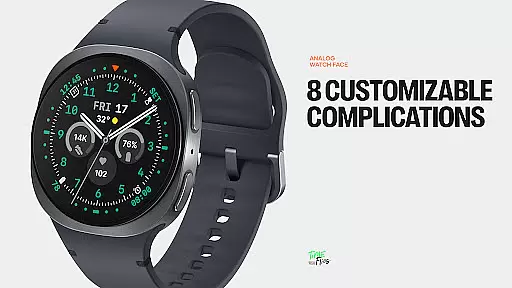
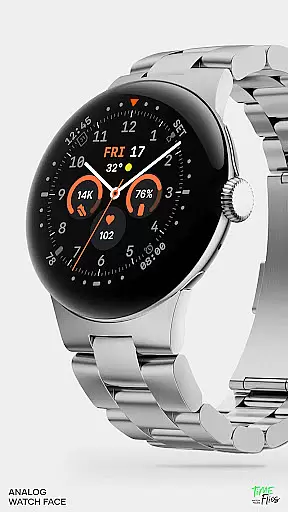
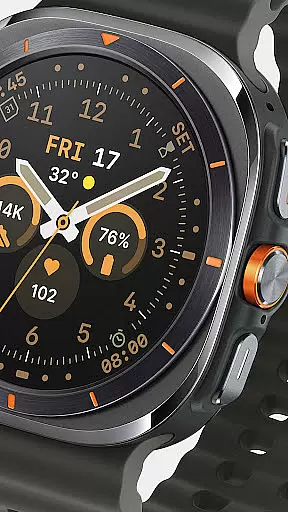
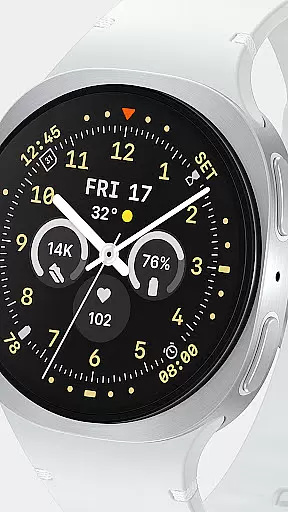
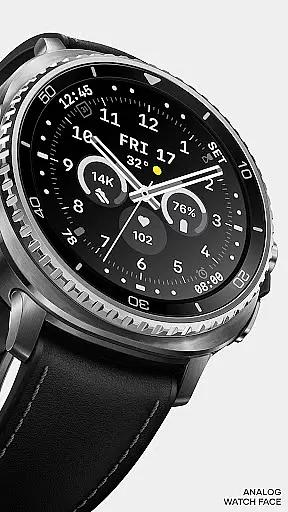
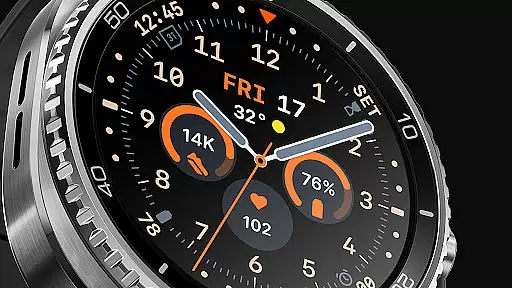
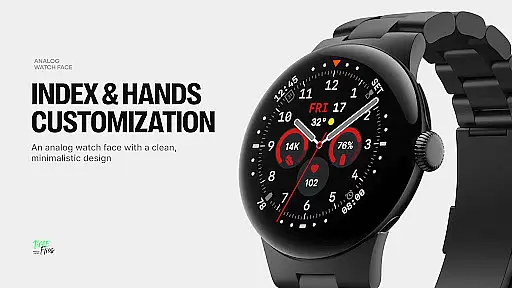
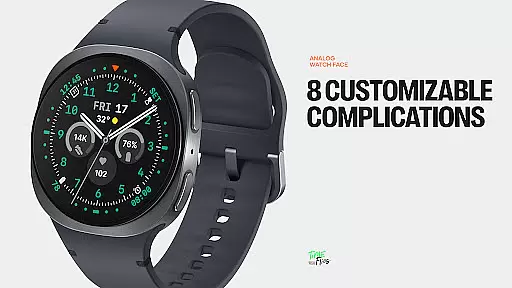
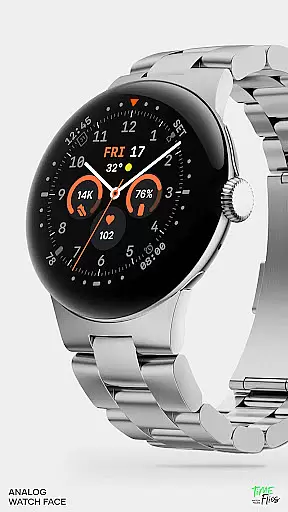
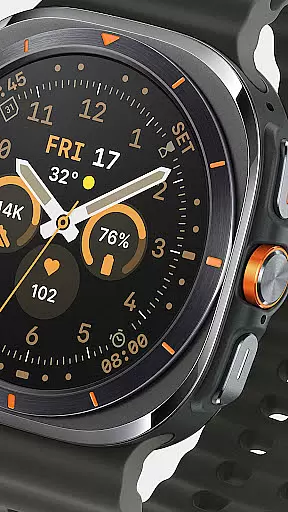
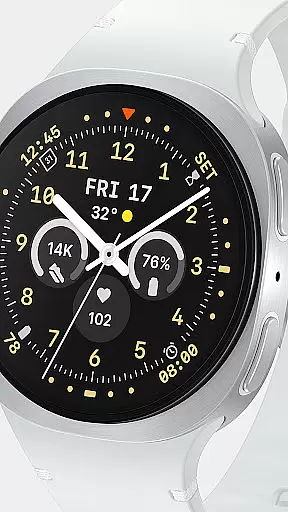
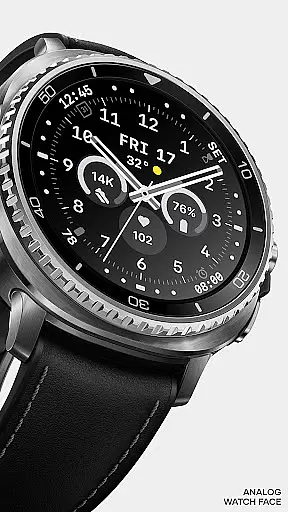
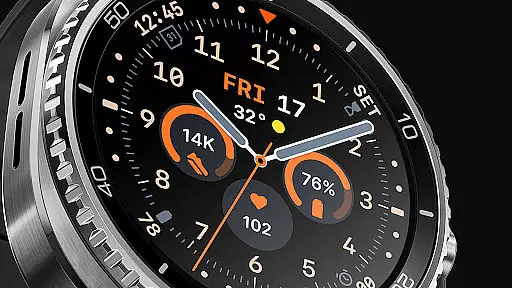
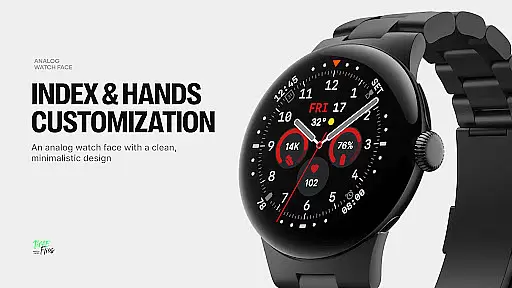
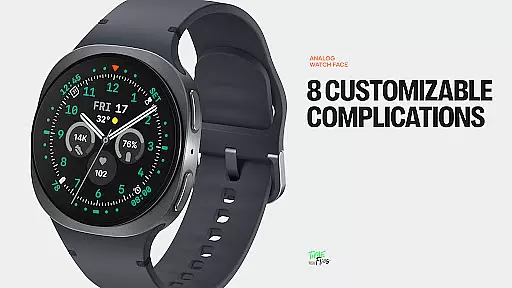
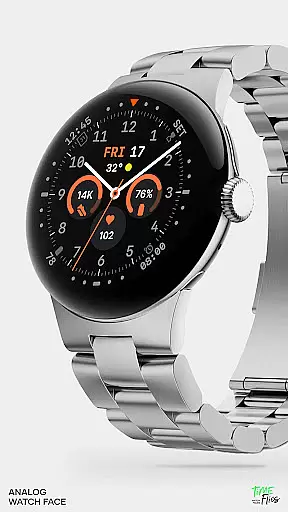
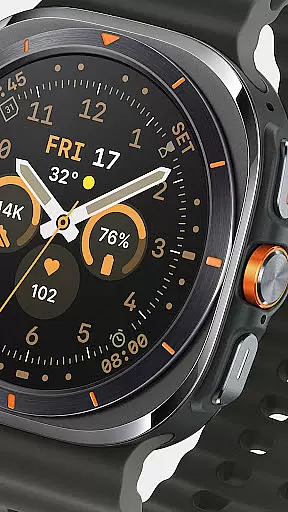
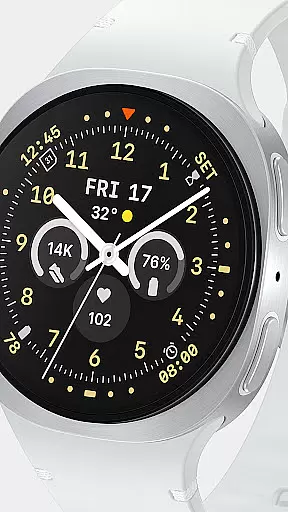
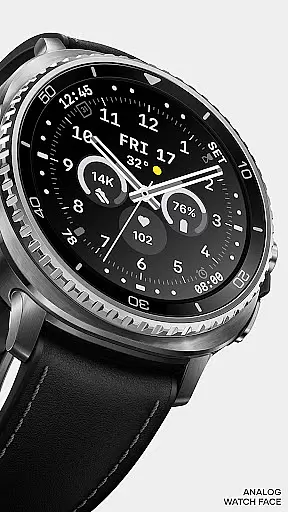
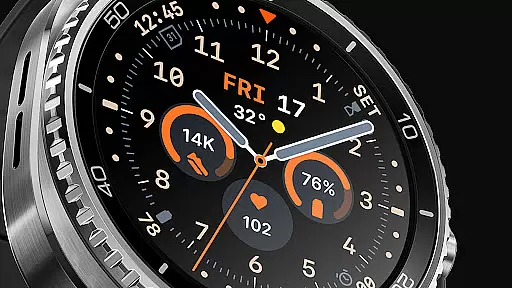
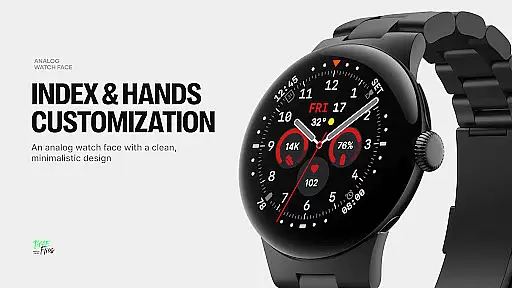
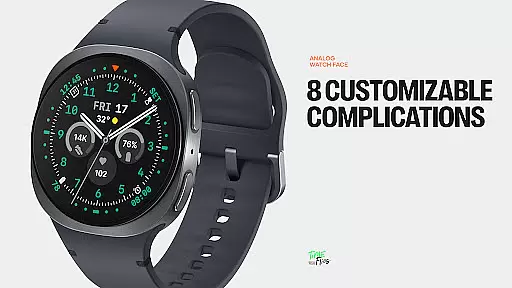
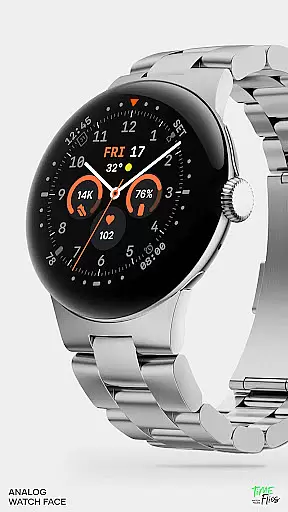
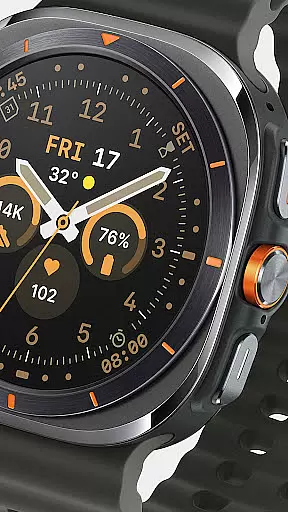
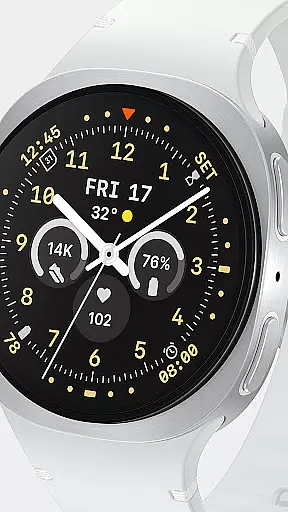
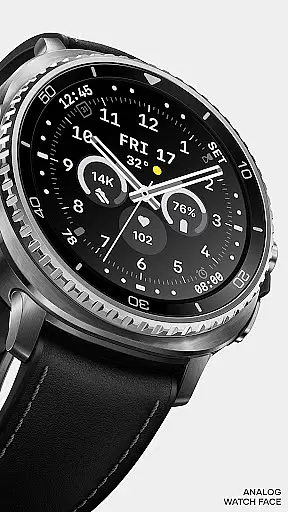
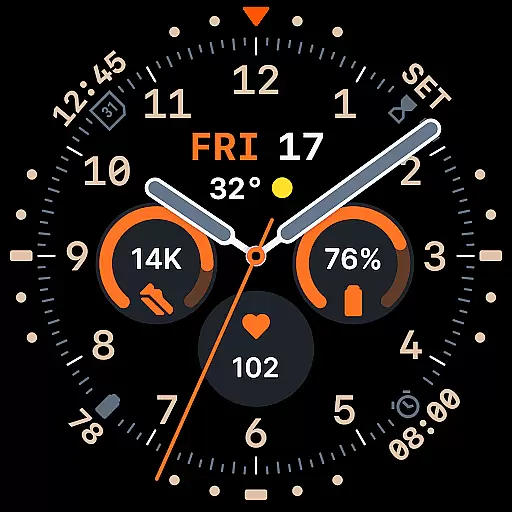
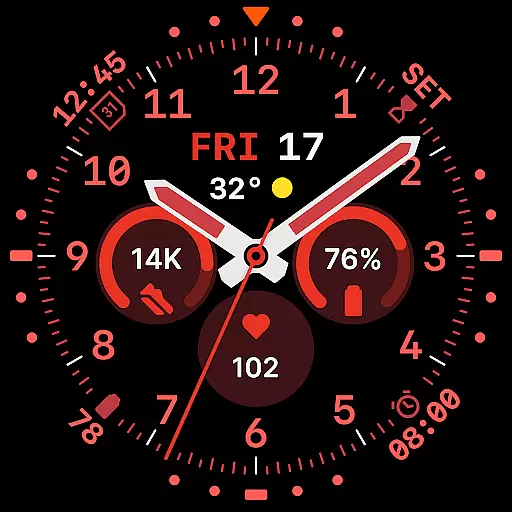
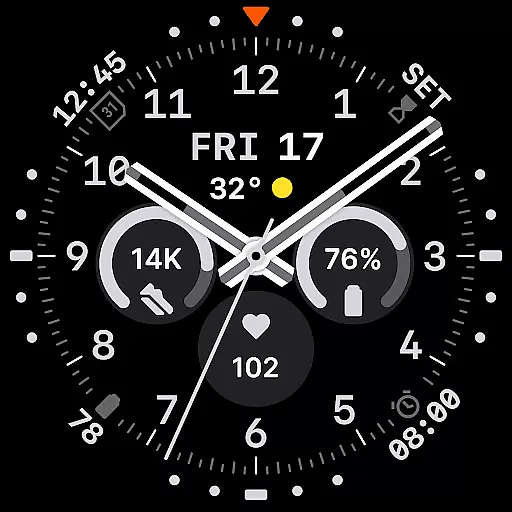
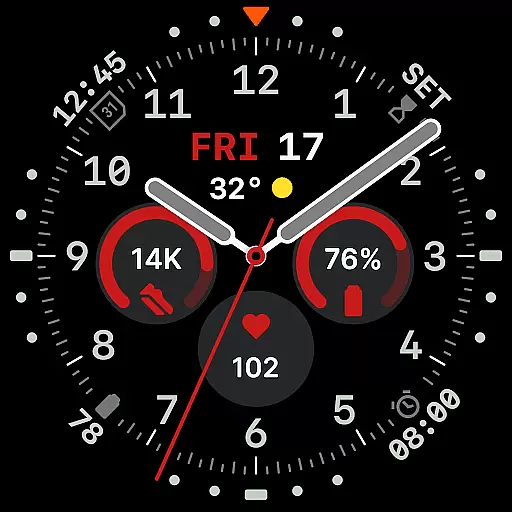
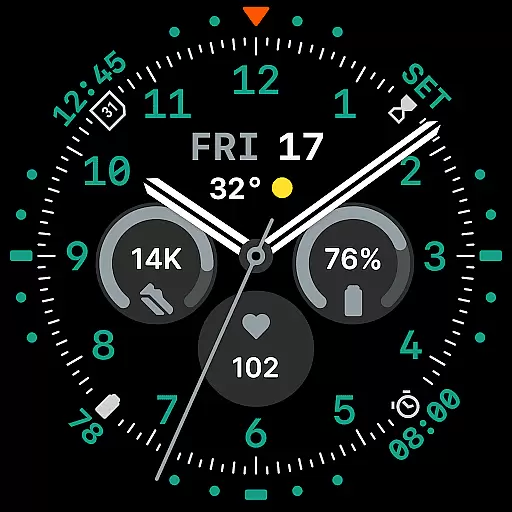
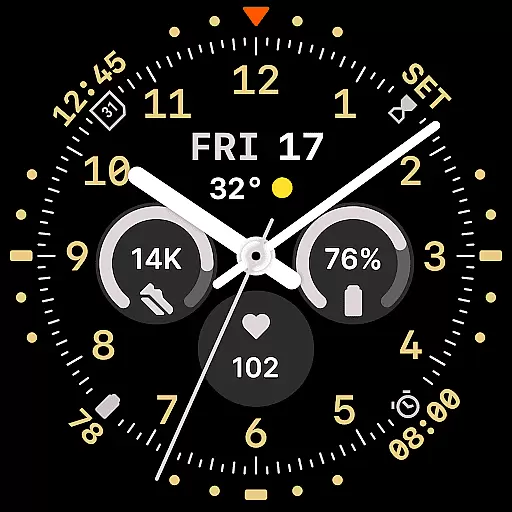
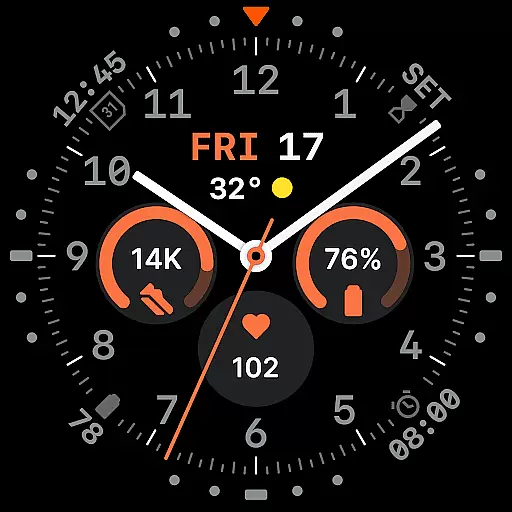
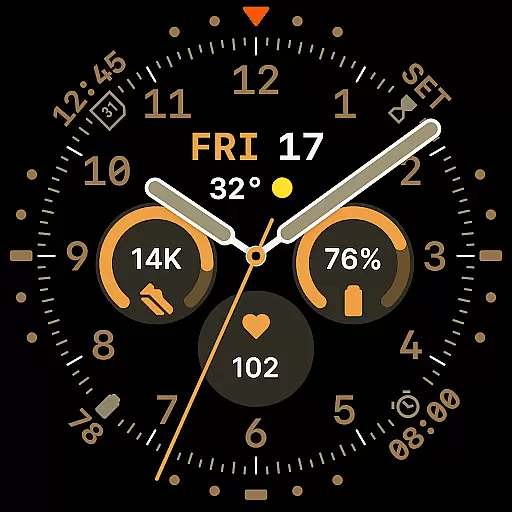
Way To Go Analog is a meticulously crafted Wear OS watch face that combines the charm of classic field tools with modern digital functionality. Designed for adventurers and explorers, it offers a unique blend of utility and clarity. The watch face features a versatile layout with 8 customizable complications, allowing users to personalize their experience while maintaining optimal readability.
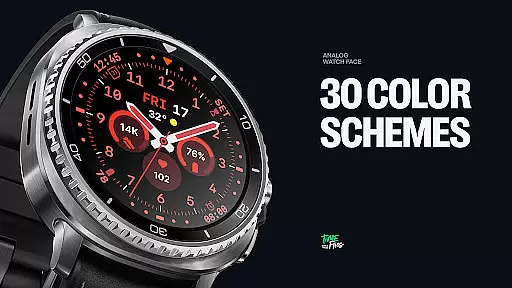
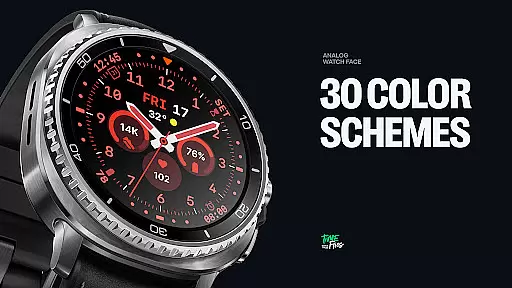
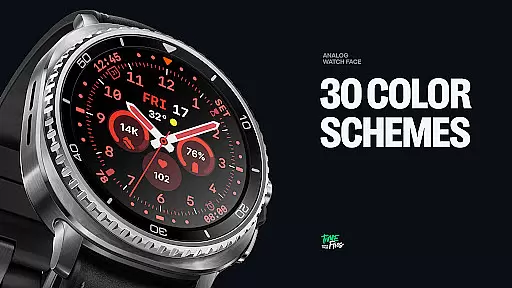
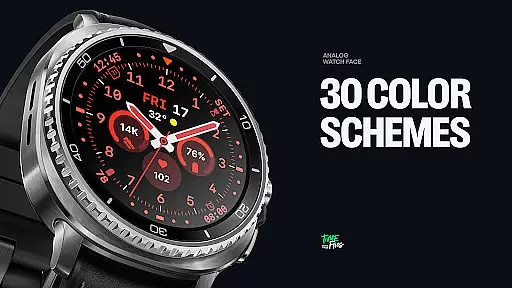
With 10 hand styles, 30 color schemes, and 6 Always-on Display modes, this watch face caters to diverse preferences and conditions. Whether you need high contrast for outdoor activities or a minimalist design for everyday use, Way To Go Analog has you covered. Its energy-efficient design ensures both visual precision and extended battery life, making it an ideal companion for smartwatch users who value both style and performance.
Way To Go Analog stands out with its thoughtfully designed feature set tailored for both functionality and aesthetics. The watch face includes a built-in day and date window, providing essential information at a glance. With 10 distinct hand styles, users can choose the perfect look to match their viewing conditions and personal preferences.
The inclusion of 30 color schemes allows for extensive customization, ranging from utilitarian tones to high-contrast and monochromatic options. Six Always-on Display modes offer flexibility in ambient settings, including minimalist and dimmed configurations to conserve battery life. Additionally, the optional Android companion app provides convenient access to customization features, enabling quick adjustments to colors and complications directly from your phone.
All elements are carefully aligned to enhance readability while preserving the symmetry of the face. This attention to detail ensures that users enjoy both form and function in a single, cohesive design.
Companion app integration is crucial for a seamless smartwatch experience. Way To Go Analog offers an optional Android companion app that enhances user control and customization options.
This companion app allows users to conveniently adjust color schemes and manage complications directly from their smartphones. Such functionality not only simplifies personalization but also ensures that users can make changes on-the-go without deep diving into watch settings.
The availability of this app demonstrates the developer's commitment to providing a comprehensive and user-friendly ecosystem. By bridging the gap between phone and watch, it creates a more cohesive Wear OS experience.
Users benefit from having quick access to frequently used settings, making their interaction with the watch face more dynamic and responsive to their changing needs throughout the day.
Ensuring broad device compatibility is essential for any Wear OS application. Way To Go Analog is designed to work seamlessly across various Wear OS devices, maximizing its potential user base.
The watch face takes full advantage of the Wear OS platform while maintaining optimal performance through the energy-efficient Watch Face File Format. This approach guarantees smooth operation regardless of the specific device model.
With support for 30 color schemes and 10 hand styles, the design maintains visual consistency across different screen sizes and resolutions. The careful attention to these details ensures that users will enjoy the same high-quality experience on any compatible Wear OS device.
Furthermore, the implementation of six Always-on Display modes shows how the application balances feature richness with battery life considerations across various hardware configurations.
Highly customizable
Energy-efficient design
Versatile color schemes
Multiple hand styles
Always-on Display modes
Limited to Wear OS
Companion app required
Complex setup process
Premium pricing
Battery optimization needed

A customizable Christmas watch face for Wear OS with a countdown.
 4.20
4.20
Christmas is near, let's count together the days left until Santa comes
4.1
Current temperature, weather hourly, weather radar by the weather forecast app
4.40
A heartwarming Christmas scene featuring a cute image of Santa and Rudolf
4.2
Simple Analog-Digital Watchface For Wear OS 3.0 and Up Smartwatches
4.2
To-Do List: daily schedule planner, task organizer, to do reminder app, calendar
4.60
Viewer for Wyze/Yi/Eufy/Arlo/ONVIF/RTSP/P2P IP cams w/ adv. features & DIY DVR
4.00
Connect, create, and collaborate with Gmail, part of Google Workspace.
4.10
From periods to pregnancy & perimenopause, Flo helps you track it all. Try now.
4.70
Period, ovulation & pregnancy tracker. Fertility insights & menstrual calendar.
4.90
Hybrid watch face for Wear OS with customizable complications by Matteo Dini MD
4.70
Highly customizable hybrid watch face for Wear OS, perfect for everyday use.
4.60
Real-time results, stats, schedules and player profiles for all leagues
4.60
Embrace the festive spirit with our Christmas Countdown watchface for Wear OS
4.10
Wear Os Watch Face - Animated Snow Effect & Magic Spark - 6 Scenes
4.10
Hyper-Realistic Airplane Dashboard Watch Face With 10 Skins and Custom AOD
4.00
Christmas and New Year - Themed Watchface
4.2
Precision analog watch face with 7 complications and style options
4.0
Stylish digital watch face for Wear OS devices with customizable features
4.4


User Reviews