
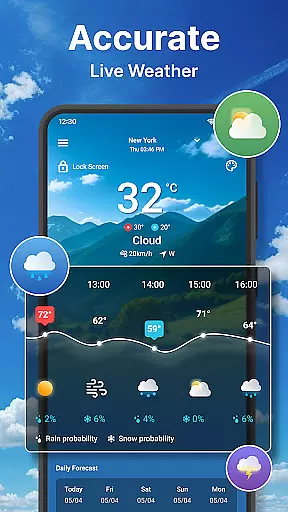
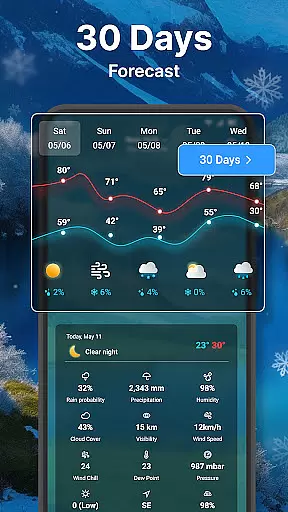
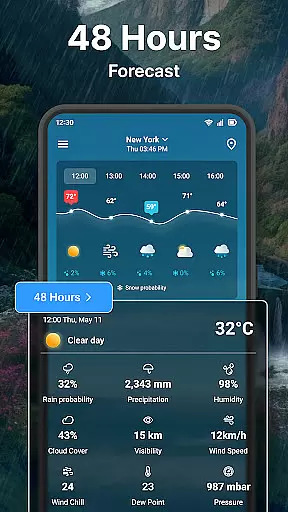
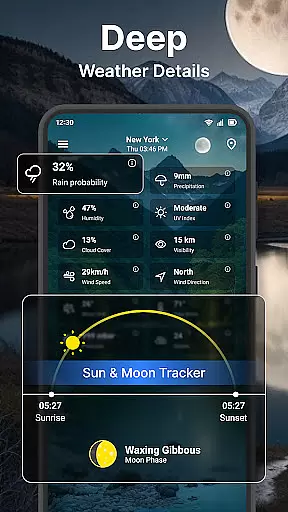
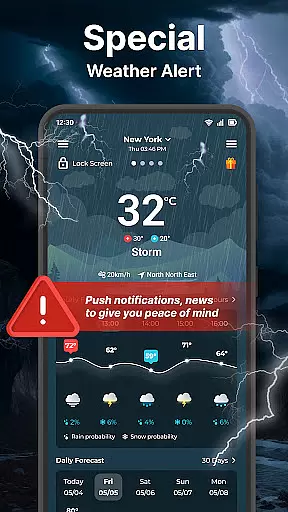
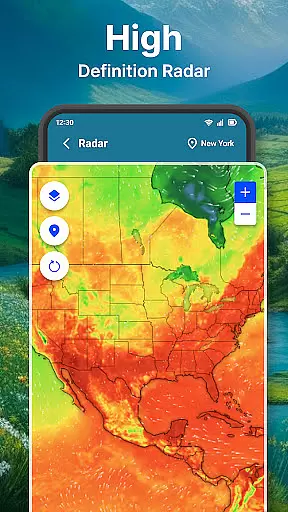
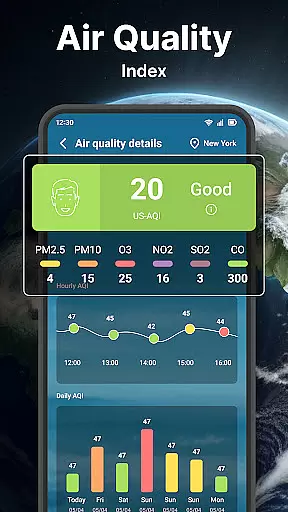
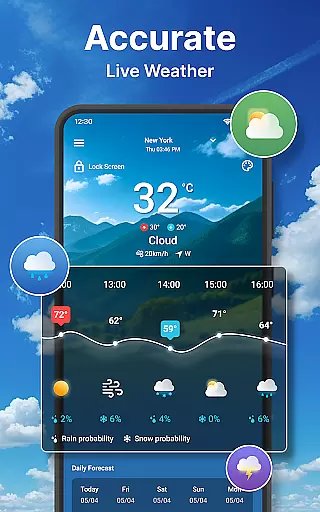
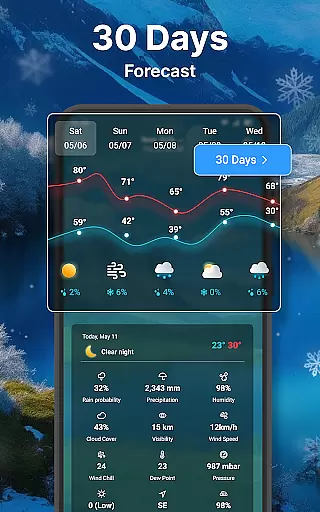
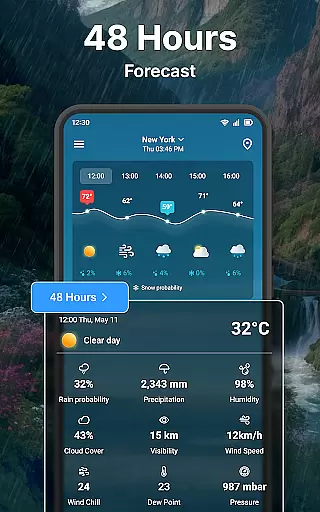
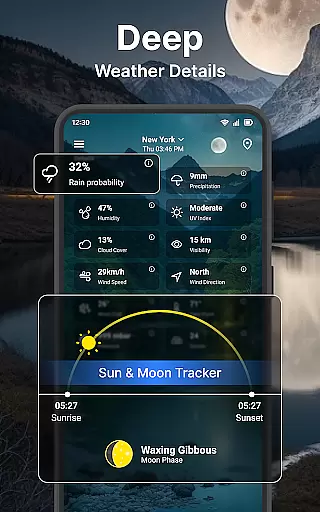
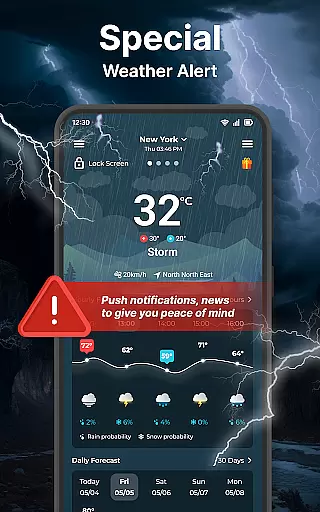
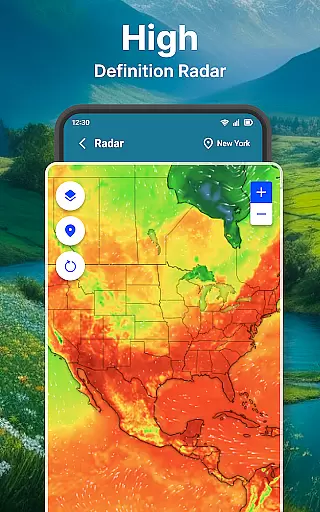
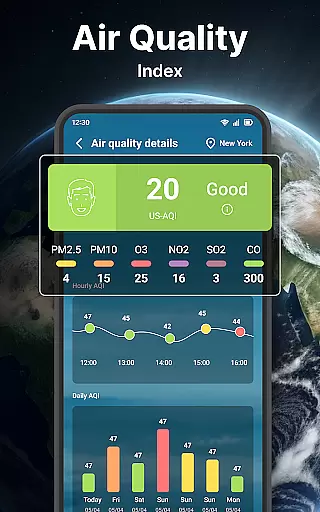
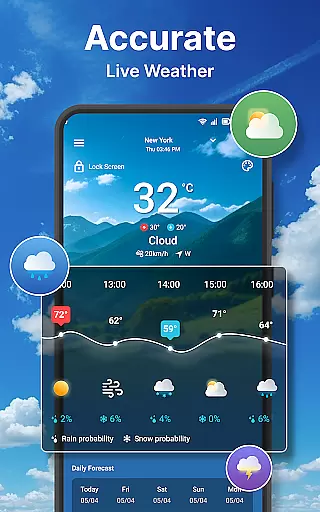
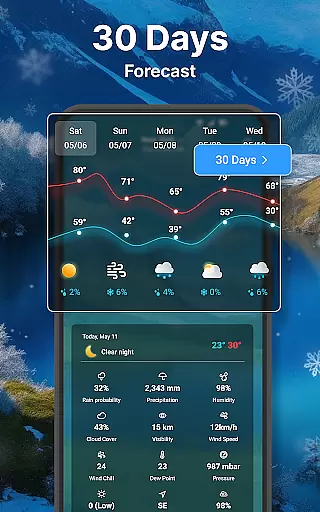
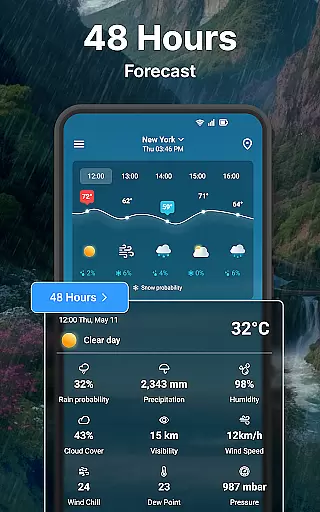
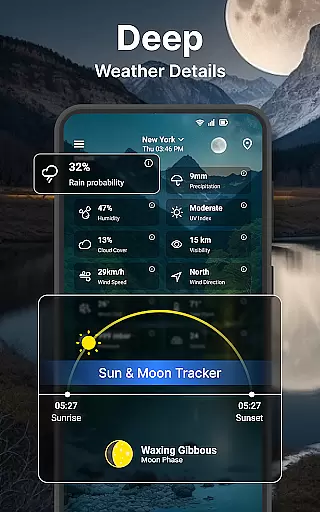
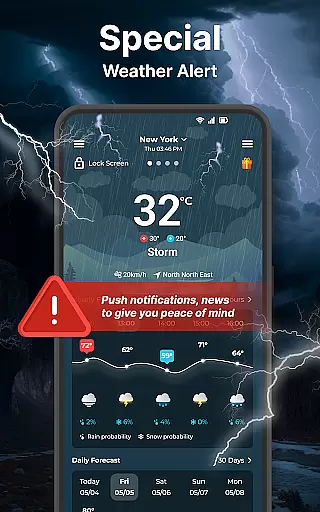
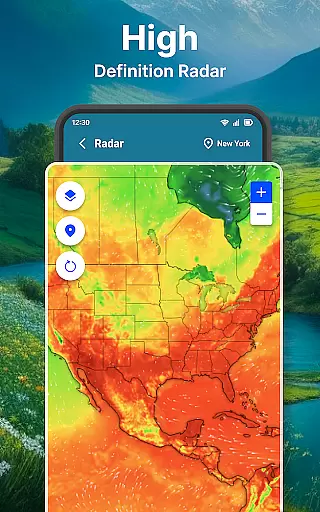
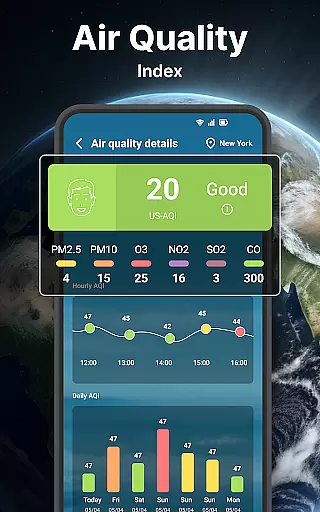
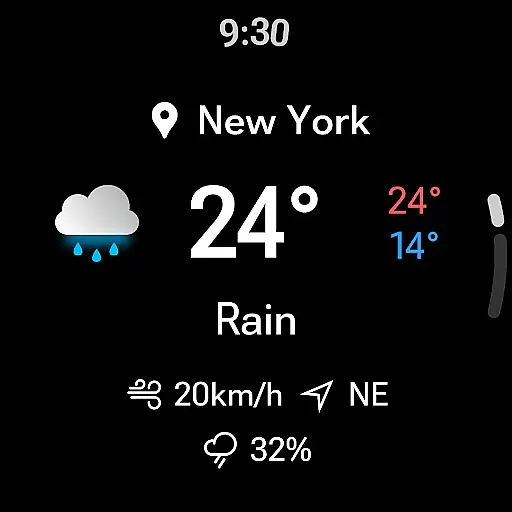
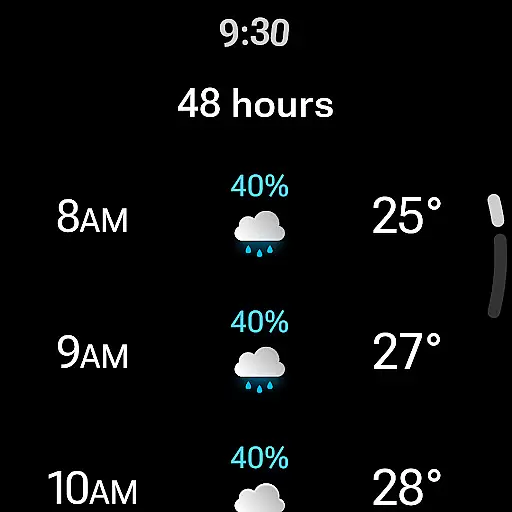
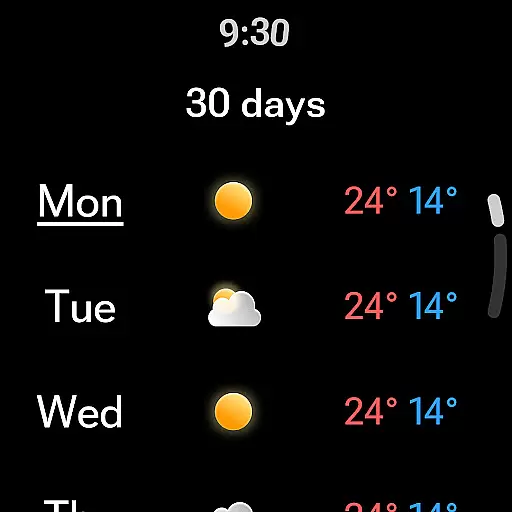
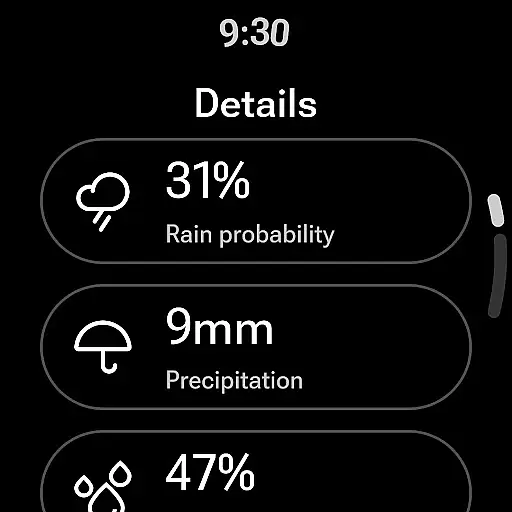
Weather forecast is a feature-rich weather application designed specifically for Android Wear devices. The app provides users with accurate and timely weather information, including real-time conditions, detailed hourly forecasts for the next 24 hours, and extended outlooks for up to 7 days. Its interactive weather radar allows users to visualize temperature, wind, humidity, and precipitation patterns, making it an essential tool for planning outdoor activities or monitoring approaching storms.
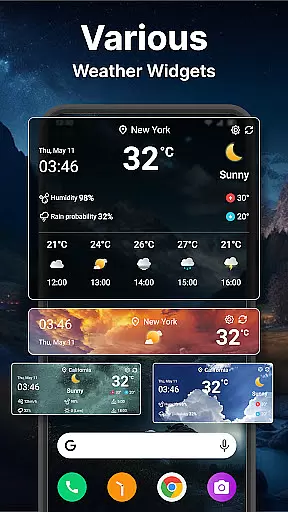
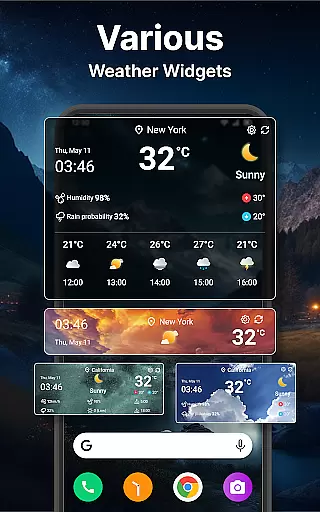
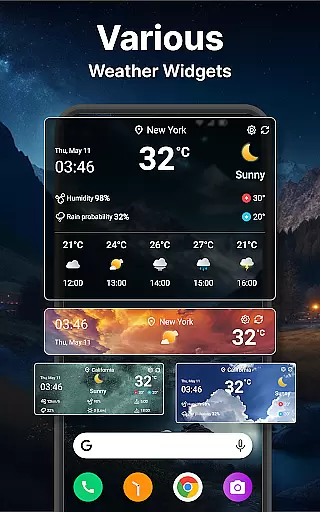
In addition to its forecasting capabilities, Weather forecast offers a variety of customizable widgets that display weather information directly on your home screen. Users can personalize these widgets with different sizes, background colors, and display options. The app also supports a wide range of unit settings, ensuring that weather data is presented in the most familiar and convenient format for each user. Whether you're checking the current temperature on your lock screen or receiving daily weather notifications, Weather forecast keeps you informed and prepared for whatever the day may bring.
Weather forecast stands out with its extensive feature set tailored for both casual users and weather enthusiasts. One of its key features is the interactive weather radar, which provides animated maps showing live updates on various weather parameters such as temperature, wind speed, and rainfall intensity. This functionality is particularly useful for those living in areas prone to sudden weather changes, as it enables them to track storm movements and take necessary precautions.
The app's customization options are another major highlight. With support for unlimited location management, users can easily add, remove, or switch between multiple locations. The widget system is highly flexible, allowing users to choose from different sizes and configurations while also controlling what information is displayed. Advanced settings include options for adjusting temperature units (Celsius/Fahrenheit), time formats (12h/24h), wind speed measurements, and more. These features collectively ensure that Weather forecast adapts to individual preferences and provides a personalized weather tracking experience.
Companion app integration is essential for users who want a seamless experience between their mobile devices and wearable technology. The Weather forecast app excels in this area by ensuring that all weather data viewed on your phone is accurately mirrored on your Wear OS device.
This synchronization allows you to receive real-time weather updates, ensuring that whether you're commuting or working out, you have instant access to crucial weather information without needing to reach for your phone.
The app's ability to integrate with Wear OS means that it can deliver timely notifications directly to your smartwatch, keeping you informed about sudden weather changes or important daily forecasts.
By maintaining consistent functionality across devices, the Weather forecast app ensures that users enjoy an uninterrupted flow of information, enhancing both convenience and preparedness no matter where they are.
Device compatibility is a critical factor when choosing a weather application for your Wear OS devices. The Weather forecast app offers extensive support for various devices, ensuring that you can access detailed weather information regardless of your specific hardware.
With its adaptive design, the app provides an optimal viewing experience on different screen sizes and resolutions, making certain that every user enjoys clear and accurate weather details tailored to their device's capabilities.
In addition to supporting multiple units of measurement such as Celsius and Fahrenheit, the app also accommodates different time and date formats, allowing users worldwide to customize their experience according to regional preferences.
By prioritizing broad device compatibility and offering features like background customization and widget options, the Weather forecast app guarantees a personalized and efficient weather tracking solution for every Wear OS user.
User-friendly interface
Accurate forecasting
Customizable widgets
Interactive radar maps
Comprehensive settings
Occasional loading delays
Limited free features
High battery usage
Complex setup process
Subscription required

MyNISSAN® lets you remotely control your car from your phone.*
 4.50
4.50
Easy Voice Recorder is your everyday companion to record important moments.
4.70
Digital watch face. For Wear OS devices.
4.40
Kia Access makes getting your vehicle information easier than ever
4.60
Period, ovulation & pregnancy tracker. Fertility insights & menstrual calendar.
4.90
The most customizable hybrid watch face. For Wear OS 5.0, API 34+ and later
4.70
A white realistic classic analog watch face with many customization options.
4.40
Connect, create, and collaborate with Gmail, part of Google Workspace.
4.10
Control your Samsung Smart TVs, appliances, and SmartThings-compatible devices
4.60
The Chevron App allows you to pay for fuel from the comfort of your car!
4.80
Highly customizable hybrid watch face for Wear OS, perfect for everyday use.
4.60
Connect to your Bluelink equipped Hyundai vehicle from your smartphone.
4.50
Beautiful artistic animated digital watch face, with a customizable layout!
4.40
Digital watch face with big numbers and many customization for Wear OS devices
4.40
Christmas watch face. For Wear OS devices.
4.30
Find EV charging stations
4.30
Contemporary digital watch face with five complications
4.0
Simple Analog-Digital Watchface For Wear OS 3.0 and Up Smartwatches
4.5
Sleek, highly customizable watch face inspired by Galaxy Watch Circle Dashboard.
4.3


User Reviews